07 Oct 2026
OTP API Testing Guide for Developers: Best Practices for Teams
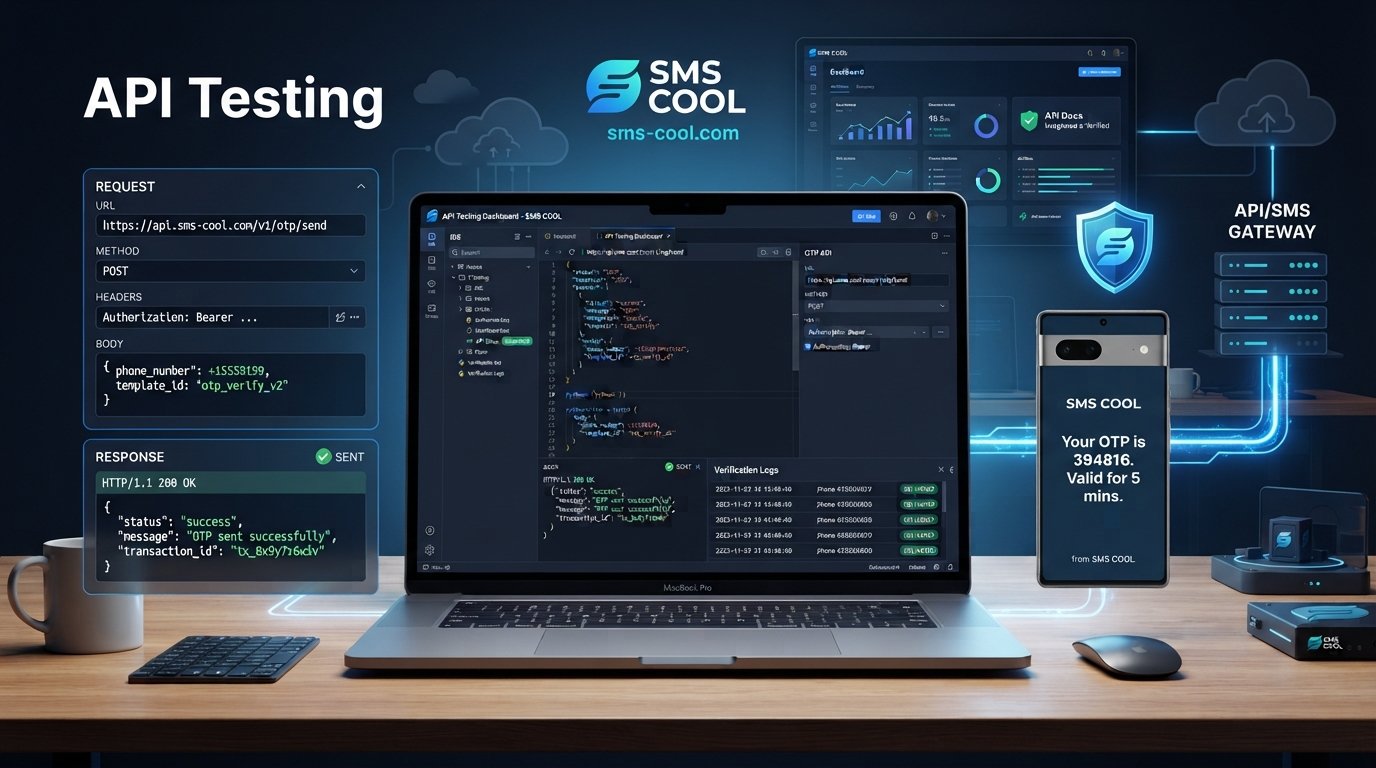
OTP API Testing Guide for Developers: Best Practices for Teams
Introduction
One-time passwords, or OTPs, have become a familiar part of account registration, login, password recovery, transaction confirmation, and phone number verification. For developers, however, a simple “enter the code you received” experience can involve several moving parts behind the scenes.
An application must generate or request a code, communicate with an SMS service, handle the API response, deliver the message, validate the submitted OTP, enforce expiration rules, and respond appropriately when something goes wrong.
That is why OTP API testing matters.
Testing only the successful path is not enough. Developers also need to know what happens when an SMS is delayed, a code expires, a user requests multiple codes, an API credential is invalid, or a phone number cannot receive the message.
This guide explains what to test, how to approach OTP testing systematically, and where a service such as SMS COOL can fit into a developer's verification workflow. SMS COOL provides API-based automation around virtual numbers and SMS verification workflows, making it particularly relevant when developers need to automate or test verification-code receipt and related processes.
What Is an OTP API?
An OTP API is an application interface used as part of a one-time-password verification workflow. Depending on the architecture, the API may handle OTP generation, message delivery, verification, or communication between an application and an SMS service.
A typical OTP workflow looks like this:
User enters phone number → Application creates OTP → SMS service delivers code → User enters OTP → Application validates code
For example, a registration system might generate a six-digit code and associate it with a user's phone number and verification session. The code is then delivered by SMS. When the user submits it, the backend checks whether it is correct, unused, and still within its validity period.
An OTP verification API can therefore become part of a larger authentication architecture rather than operating as an isolated feature.
The exact implementation depends on the provider and application. Developers should always use the provider's current API documentation for endpoints, authentication methods, parameters, limits, and response formats rather than assuming that every SMS API works the same way.
Why OTP API Testing Matters
OTP API testing is the process of validating the complete OTP request, delivery, and verification workflow under both normal and failure conditions.
A production OTP system has to do more than return a successful HTTP response.
Reliability
A successful API request does not automatically mean that the user received the SMS. Your tests should distinguish between an accepted API request and actual delivery or verification results where delivery information is available.
Security
An OTP should expire, be difficult to guess, become invalid after successful use, and be protected from excessive verification attempts.
User experience
A verification code that arrives too late—or a resend button that creates confusing multiple codes—can turn a simple signup into a frustrating experience.
Error handling
Your application needs predictable behavior when the API rejects a request, credentials fail, a number is invalid, or an external service becomes temporarily unavailable.
Thorough testing helps developers identify these problems before users encounter them.
What Should Developers Test in an OTP API?
A good OTP testing strategy covers the entire workflow rather than focusing only on whether a code arrives.
OTP generation
Test whether codes are generated correctly and associated with the right user, phone number, session, or transaction.
Verify that codes are sufficiently unpredictable and are not accidentally reused.
OTP delivery
Check whether the SMS request is accepted and whether the verification message reaches the intended test number.
For international applications, test different country and phone-number formats.
OTP verification
Submit the correct code and confirm that verification succeeds only when all required conditions are satisfied.
Invalid OTP handling
Test incorrect, incomplete, malformed, and previously used codes.
The API or application should reject them without exposing unnecessary information.
Expired OTPs
Wait beyond the configured validity period and verify that an old code can no longer authenticate the user.
Multiple OTP requests
Request several codes in succession. Determine which code remains valid and make sure your application's behavior is clearly defined.
Resend functionality
Test the resend flow carefully. A user should not become trapped between multiple active codes or receive confusing instructions.
Rate limiting
Repeated OTP requests and verification attempts should be controlled. Rate limits help reduce abuse, brute-force attempts, and unnecessary messaging.
API response codes
Test successful responses as well as authentication failures, validation errors, rate-limit responses, server errors, and other documented responses.
Authentication
Verify that API credentials are required where appropriate and that unauthorized requests are rejected.
Error handling
Your application should fail gracefully. A provider error should not leave the user permanently stuck on a verification screen.
Delivery speed and reliability
Measure how long the workflow takes under realistic conditions. Test more than one scenario rather than judging performance from a single message.
Security
Check OTP expiration, replay protection, attempt limits, credential protection, logging practices, and access controls.
Common OTP API Testing Challenges
OTP systems depend on external communication, which creates challenges that ordinary unit tests may not reveal.
Delayed SMS is one of the most obvious. An API request can succeed while the message takes longer than expected to reach the test device.
Failed deliveries can also occur because of invalid numbers, unsupported destinations, network conditions, or service-specific restrictions.
Incorrect API responses are another concern. Your application might expect one response structure while an integration actually returns an error or different status.
Expired codes need deliberate testing. Developers sometimes test successful verification but forget to test what happens after the validity window closes.
Duplicate requests can create confusing user experiences. If a user taps “resend” several times, the application needs predictable behavior.
Testing environments are also important. Using real production numbers during development can be inefficient and risky, particularly when repeated requests are involved.
Other challenges include rate limits, international numbers, inconsistent delivery conditions, scalability, and monitoring.
These are precisely the kinds of issues that make developer OTP testing different from simply testing a form submission.
How to Test an OTP API Step by Step
A practical testing process can be broken into a repeatable sequence.
1. Configure the API
Set up your test credentials, endpoint configuration, phone number, environment variables, and required request parameters.
Never place sensitive API credentials directly in frontend code or public repositories.
2. Send an OTP request
Trigger the verification workflow from your application or API client.
Record the request outcome without logging the actual OTP unnecessarily.
3. Check the API response
Confirm that the response matches the documented behavior.
Check the HTTP status, response body, error fields, request identifier, or other relevant information provided by the API.
4. Verify SMS delivery
Confirm that the expected verification message reaches your test number.
For developers working with verification numbers, SMS COOL provides API-based automation for virtual-number purchases, rentals, SMS checking, and related verification workflows. Its published API documentation also specifies request-rate controls that should be considered when designing automated tests.
5. Submit the OTP
Enter the received code into the application's verification endpoint.
Confirm that the correct code results in successful verification.
6. Test valid and invalid codes
Repeat the test with:
- The correct OTP
- An incorrect OTP
- An incomplete OTP
- An already-used OTP
- An OTP belonging to another verification session
7. Test expiration
Allow the code to expire and verify that the backend rejects it.
8. Test resend functionality
Request another code and verify that your application handles the relationship between the old and new codes correctly.
9. Test error scenarios
Test invalid numbers, missing parameters, invalid credentials, excessive requests, service errors, and other documented failure conditions.
10. Monitor API performance
Track response times, failures, delivery behavior, and recurring error patterns. Automated monitoring can help identify problems that individual manual tests miss.
Why SMS COOL Can Simplify OTP API Testing
A major challenge in verification testing is having a practical way to work with SMS verification without manually handling every test cycle.
SMS COOL can be useful for developers whose workflows involve receiving verification codes through virtual numbers. Its published capabilities include temporary and rental virtual numbers, SMS verification, and API automation for number and SMS management.
This can support workflows where a developer needs to:
- Automate virtual-number management
- Receive SMS verification codes
- Test phone-number verification flows
- Build automated verification workflows
- Separate testing numbers from personal numbers
- Integrate API-driven verification processes into development tooling
SMS COOL also publishes developer-oriented API documentation and describes REST API functionality, authentication, JSON responses, and automation capabilities.
There is an important distinction, however: developers should confirm that the specific SMS capability they need is supported. SMS COOL's published documentation focuses substantially on virtual numbers and receiving verification codes rather than positioning the service as a conventional outbound transactional SMS gateway for sending your application's OTPs to your own customers.
That distinction makes provider evaluation important. If your goal is developer OTP testing, automated verification-code receipt, or virtual-number-based testing, SMS COOL may be a practical solution to evaluate. If your architecture specifically requires an outbound SMS OTP API, confirm the required functionality before implementation.
SMS COOL vs. Building an OTP SMS Workflow From Scratch
Building everything independently gives a development team maximum control, but it also means taking responsibility for considerably more infrastructure.
ApproachBuild From ScratchDedicated SolutionNumber managementYour responsibilityCan be handled through provider capabilitiesSMS verification testingRequires your own test setupProvider tooling can simplify testingAPI integrationBuild and maintain internallyUse documented provider APIsScalingInfrastructure and processes are your responsibilityProvider infrastructure can reduce operational workMaintenanceMore components to maintainFewer infrastructure componentsFlexibilityMaximum controlDepends on provider capabilities
A dedicated service does not eliminate the need for good application design. Your application still needs secure OTP generation or validation logic, expiration rules, rate limiting, error handling, and monitoring.
The advantage is that developers can outsource or simplify parts of the communication and verification infrastructure instead of creating every component themselves.
Best Practices for OTP API Testing
Before deploying an OTP authentication workflow, keep these practices in your test plan:
- Test positive and negative scenarios. A successful OTP is only one part of the workflow.
- Never log OTPs insecurely. Avoid storing sensitive codes in ordinary application logs.
- Test expiration. Confirm that stale codes are rejected.
- Implement rate limiting. Control both OTP requests and verification attempts.
- Validate API responses. Do not treat every HTTP request as successful simply because the network request completed.
- Handle delivery failures. Give users a clear recovery path when a code cannot be delivered.
- Test edge cases. Include international numbers, malformed numbers, repeated requests, empty values, and unexpected responses.
- Monitor performance. Measure API response time and relevant delivery behavior.
- Protect API credentials. Use environment variables or a suitable secrets-management system.
- Use appropriate testing environments. Keep development and production credentials and workflows separated.
- Invalidate used codes. A successfully verified OTP should not remain reusable.
- Respect provider limits. Automated tests should stay within documented API limits. SMS COOL, for example, documents an account-level request limit and temporary blocking behavior when that limit is exceeded.
Final Checklist for Developers
Before releasing an OTP verification workflow, ask:
- Is OTP generation secure and predictable only to the server?
- Is the OTP associated with the correct user and verification session?
- Does the SMS request return and handle documented API responses correctly?
- Can the application handle delayed or failed delivery?
- Are incorrect OTPs rejected?
- Are expired OTPs rejected?
- Are successfully used OTPs invalidated?
- Are repeated requests rate-limited?
- Are verification attempts limited?
- Are API credentials protected?
- Are sensitive OTPs excluded from normal logs?
- Have different phone-number scenarios been tested?
- Has API performance been monitored?
- Has the chosen SMS provider been evaluated against the application's actual requirements?
Conclusion
OTP verification may look simple from the user's perspective, but a dependable implementation requires careful testing across API communication, SMS delivery, expiration, authentication, security, and error handling.
That is why OTP API testing should cover both the happy path and the situations that users experience when something goes wrong.
For developers, the goal is not simply to prove that one OTP can be delivered. It is to demonstrate that the entire verification workflow behaves predictably under real-world conditions.
A service such as SMS COOL can make parts of the testing and verification workflow easier by providing virtual numbers, SMS verification capabilities, and API-based automation. Its suitability depends on the exact use case, so developers should review the current documentation and confirm the required capabilities before integrating it.
When the testing strategy, application logic, and SMS infrastructure are designed together, developers can build verification experiences that are easier to troubleshoot, safer to operate, and less frustrating for users.
FAQ
What is OTP API testing?
OTP API testing is the process of testing an application's one-time-password workflow, including OTP requests, API responses, SMS delivery, code verification, expiration, errors, rate limits, and security controls.
How do you test an OTP API?
Send an OTP request, inspect the API response, verify SMS delivery, submit the correct code, and then test invalid, expired, reused, and repeated codes. Also test authentication, rate limits, errors, and performance.
What should be tested in an OTP verification API?
Test OTP generation, delivery, valid and invalid verification, expiration, resend behavior, duplicate requests, authentication, API response codes, rate limiting, error handling, security, and different phone-number scenarios.
How can developers test SMS OTP delivery?
Use a controlled test number or appropriate verification environment, trigger the SMS workflow, confirm receipt, record relevant delivery information, and test delayed or failed delivery scenarios. Virtual-number and SMS verification services can simplify some development workflows.
How does OTP expiration work?
An OTP normally has a limited validity period. Once that period ends, the backend should reject the code even if the submitted value is otherwise correct.
Is SMS OTP suitable for API authentication?
SMS OTP can be used as part of an authentication or two-factor authentication workflow, but its suitability depends on the application's security requirements. Sensitive applications may require stronger authentication mechanisms in addition to SMS.
How can SMS COOL help with OTP and SMS integration?
SMS COOL provides virtual numbers, SMS verification capabilities, and API-based automation for number and SMS management. It can be relevant for developers testing verification workflows and receiving SMS codes. Developers needing an outbound SMS OTP API should first confirm that the required messaging capability is supported for their specific use case.
Final SEO Checklist
- Primary keyword: OTP API testing
- Search intent: Informational + developer implementation
- Primary keyword in introduction: Yes
- Primary keyword in H2: Yes
- Secondary keywords: Naturally distributed throughout the article
- H1: Optimized around the primary topic
- Meta description: Approximately 160 characters
- URL slug: Short, lowercase, hyphenated
- Heading hierarchy: H1 → H2 → H3
- Featured-snippet opportunities: Included through concise definitions and step-by-step answers
- FAQ section: 7 developer-focused questions
- Internal readability: Short paragraphs, bullets, table, numbered process
- Brand positioning: SMS COOL presented as a practical verification/testing solution without unsupported claims
- Technical credibility: Provider-specific capabilities are limited to information published by SMS COOL
- Evergreen content: No year references
- Keyword stuffing: Avoided
- Publication readiness: Suitable for a developer/business technology blog