15 Sep 2026
Ola Login Without Phone Number: Easy OTP Verification Tips
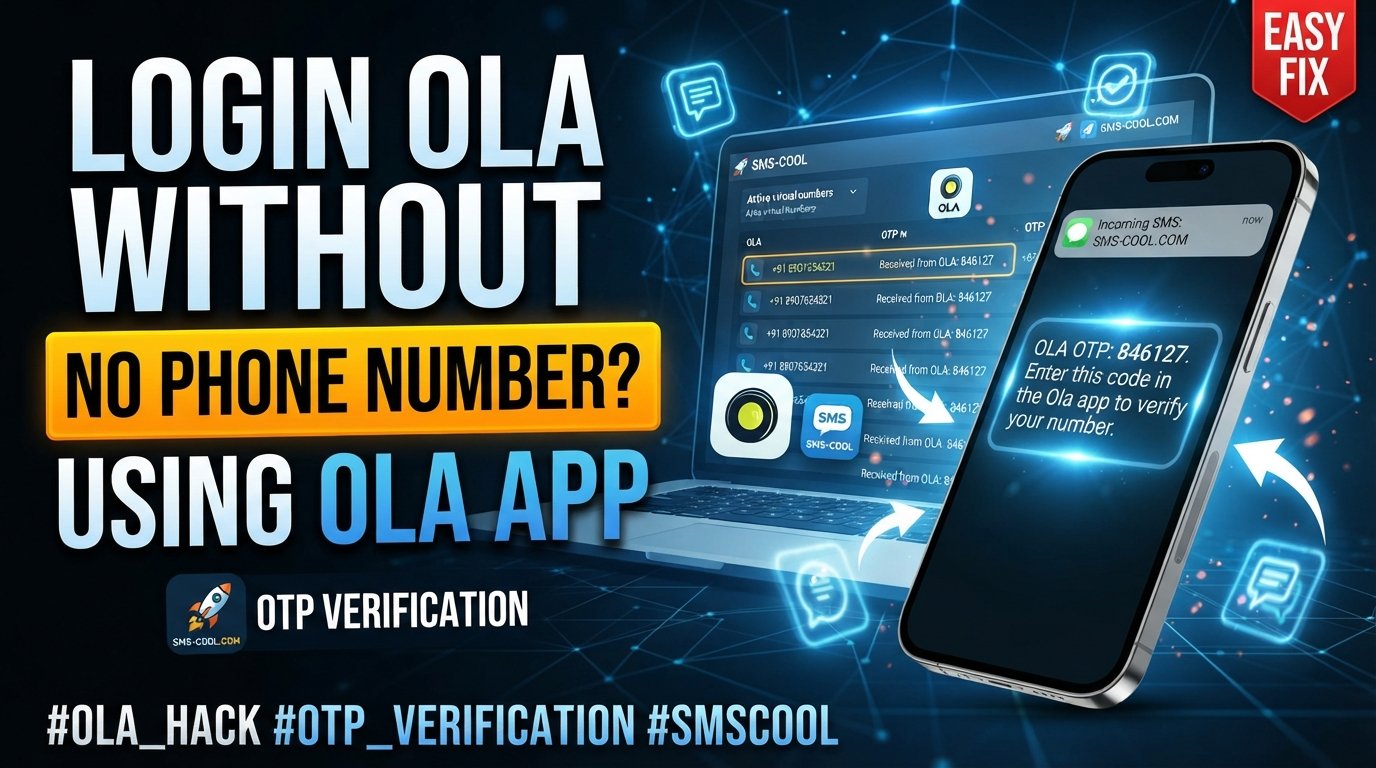
How to Get Ola Login Without Phone Number
Trying to access your Ola account when your usual phone number is unavailable can be frustrating. You may still have your account credentials, but the login process can become difficult if an OTP is sent to a number you cannot currently access.
There are several legitimate reasons this can happen. You might have lost or damaged your phone, changed your mobile number, experienced a SIM problem, temporarily lost network access, or simply be dealing with an Ola OTP not received situation.
The important thing is to separate legitimate account verification from attempts to bypass account security. If Ola requires a verification code, there is no legitimate method for simply skipping that security step.
However, if you need a separate number for a supported verification process, an online SMS service such as SMS COOL can be a practical option. SMS COOL provides virtual numbers that can receive SMS verification codes online, subject to the requirements and restrictions of the service you are trying to access.
Can You Log in to Ola Without a Phone Number?
The answer depends on how your Ola account is configured and which login method is available to you.
Some Ola services provide alternative login methods. For example, the Ola Corporate login page currently offers email/password login alongside an OTP login option.
For a regular consumer account, however, phone-based verification may still be part of the authentication process. If the platform asks for an OTP sent to your registered number, you generally need access to that number or an officially supported alternative.
That means an Ola login without mobile number does not necessarily mean bypassing phone verification. Instead, it may mean finding a legitimate way to regain access to a usable number for the verification process.
Why You May Not Have Access to Your Original Number
Before looking for an alternative, identify why your normal number is unavailable.
Common situations include:
- Lost or damaged phone: Your SIM may still work, but you cannot access the device.
- Changed phone number: Your Ola account may still be associated with an older number.
- SIM-related problems: A damaged or inactive SIM can prevent incoming SMS.
- Temporary network issues: Your number may be active but unable to receive messages.
- OTP delivery problems: The verification message may be delayed or fail to arrive.
- International travel: Your regular SIM may not receive SMS while abroad.
- Privacy concerns: You may prefer not to use your personal number for a separate verification requirement.
Understanding the problem helps determine whether you need account recovery, troubleshooting, or a separate number for a legitimate verification process.
First, Try the Official Ola Login and Recovery Options
If the account belongs to you and you are trying to recover access, start with Ola's own login and support options.
Depending on the service and account type, you may have access to:
- Your existing phone number.
- An email-based login option.
- Your account password.
- An official account recovery process.
- Ola customer support.
If you still control the original SIM, check whether the phone has network connectivity and whether other SMS messages are arriving.
You can also try requesting the OTP again after waiting briefly. Repeatedly requesting codes in quick succession may not solve the problem and can make troubleshooting more confusing.
What if the Ola OTP is not received?
If you are facing an Ola OTP not received problem, check:
- Whether the phone has cellular reception.
- Whether SMS messages from other services are arriving.
- Whether the correct number has been entered.
- Whether your SIM is active.
- Whether your SMS inbox has sufficient space.
- Whether you have recently changed devices or SIM cards.
If the number itself is no longer accessible, contacting the mobile carrier may be the best first step. Recovering your original number is usually preferable when the Ola account is permanently tied to it.
Where SMS COOL Can Help
If you legitimately need a separate number for a verification task and the platform permits virtual numbers, SMS COOL can provide a practical online SMS verification option.
SMS COOL offers virtual phone numbers intended for receiving SMS and verification codes. Its platform allows users to select an available number and view supported incoming messages through its online interface.
This can be useful when you need a temporary phone number for OTP, don't want to expose your personal number for a supported registration, or need to receive SMS online instead of relying on a physical SIM.
The key limitation is important: SMS COOL does not bypass Ola's security systems. It simply provides a number capable of receiving SMS where the relevant third-party service accepts that type of number.
SMS COOL's own terms also state that successful registration with third-party platforms is not guaranteed and that platform restrictions or security controls can prevent verification.
How to Use SMS COOL for a Legitimate OTP Verification
If the service you're using permits virtual numbers, the general process is straightforward.
1. Create an SMS COOL Account
Visit the SMS COOL platform and create your account.
The service provides access to virtual numbers and SMS receiving functionality. Its current offering includes both short-term numbers and longer-term rental options.
2. Select a Suitable Virtual Number
Choose a number appropriate for the country and verification service you need.
Availability can vary, so don't assume that every number will work with every platform.
3. Enter the Number Where Verification Is Requested
If Ola or another service legitimately allows the use of a virtual number, enter the selected number in the appropriate phone-number field.
Do not use a virtual number to impersonate another person, defeat an account restriction, or access an account that does not belong to you.
4. Wait for the Verification SMS
If the platform accepts the number and sends an OTP, the message may appear in the SMS COOL dashboard.
This is the core benefit of an online SMS verification service: you can access the incoming verification message online rather than waiting for it on your personal handset.
5. Enter the Verification Code
Copy the Ola verification code from the received message and enter it into the original login or verification screen.
If the code is expired, incorrect, or rejected, request another code through the official service rather than attempting to circumvent the authentication process.
SMS COOL vs. Using Your Personal Number
Why would someone choose SMS COOL instead of their normal phone number?
The answer is mainly convenience, separation, and privacy.
A personal number is often connected to banking, messaging apps, family contacts, work, and other important services. Using it for every online registration can create unnecessary exposure.
A separate virtual number can provide a layer of separation for supported verification tasks.
Potential advantages of SMS COOL include:
- Online SMS access: Receive supported messages through an online dashboard.
- Virtual numbers: No physical SIM is required for every temporary verification need.
- Short-term flexibility: Useful when a separate number is needed for a limited task.
- Privacy: Keeps your primary phone number separate from supported online activities.
- Simple workflow: Select a number, use it for the permitted verification process, and check for the incoming SMS.
SMS COOL describes its service as providing virtual numbers for OTP verification and online SMS receiving, with options for both instant use and longer-term rentals.
Can SMS COOL Guarantee an Ola OTP?
No—and this distinction matters.
You should never choose an SMS verification service because it promises that every website or app will accept its numbers.
Ola may have its own rules concerning phone numbers, account access, fraud prevention, regional availability, or authentication. A virtual number may work for one service and be rejected by another.
SMS COOL itself states that it does not guarantee successful registration with third-party platforms.
So, if you're searching for SMS COOL OTP or SMS COOL verification, think of the service as a way to receive an SMS—not as a method for bypassing security.
Ola Login Without OTP: Is It Possible?
An Ola login without OTP should not be interpreted as a way to defeat authentication.
If the official login process requires an OTP, you should complete the required verification using an authorized method.
If another supported login method is presented, such as a password or email-based option for a particular Ola service, you can use that method instead.
For account recovery, the safest approach is to use Ola's official support and recovery channels.
The goal should be recovering legitimate access to your own account, not finding a workaround that disables Ola's security checks.
What to Do If Your Original Number Is Permanently Lost
If you've changed your number and can no longer access the one linked to your Ola account, a temporary number may not solve the underlying account problem.
In this situation, consider:
- Contacting your mobile provider to see whether the old number can be recovered.
- Checking whether Ola provides an account recovery option.
- Contacting Ola support with appropriate account information.
- Updating your account information if Ola provides a legitimate way to do so.
- Using SMS COOL only for a separate verification requirement where virtual numbers are explicitly permitted.
This distinction can save you time. A temporary number is useful for receiving an OTP, but it does not automatically transfer ownership of an existing account from one phone number to another.
Common Ola Login Problems and Practical Fixes
“My OTP never arrived.”
Check your network connection, verify the number, wait a short time, and try the official resend option.
“I no longer have my old SIM.”
Contact your carrier first. Recovering the original number can be the cleanest solution for an account associated with that number.
“I need to receive an SMS online.”
If the service permits virtual numbers, SMS COOL can provide an online SMS receiving option.
“The virtual number was rejected.”
This can happen because third-party services may restrict virtual, temporary, recycled, or certain types of numbers. SMS COOL does not control those restrictions.
“I want to access someone else's Ola account.”
Do not attempt it. OTPs and account verification exist to protect account ownership. SMS COOL should only be used for legitimate activities and authorized verification.
Is a Temporary Number for Verification Right for You?
A temporary number for verification makes sense when you have a legitimate reason to separate your personal number from a supported online activity.
It is less suitable when you're trying to recover an established account that is permanently tied to an inaccessible phone number.
For the latter situation, official account recovery is generally the better path.
For the former, an online service such as SMS COOL can make receiving verification messages more convenient without requiring another physical SIM.
Final Takeaway: Use the Right Method for the Right Problem
Getting an Ola login without phone number isn't about bypassing Ola's security. The practical solution depends on why your number is unavailable and what authentication options Ola makes available for your account.
If you still own the account, begin with official login, recovery, and support options. If your original SIM can be recovered, that is often the most straightforward route.
When you legitimately need a separate number for a supported verification process, SMS COOL offers virtual numbers and online SMS receiving that can make OTP verification more convenient. Just remember that the service cannot guarantee acceptance by Ola or any other third-party platform.
Used responsibly, SMS COOL is best viewed as a practical online SMS verification service—not a security bypass. That distinction keeps the process useful, legitimate, and much easier to troubleshoot when an OTP doesn't arrive.