26 Sep 2026
How to Get Mailchimp Login Without Phone Number: Easy Guide
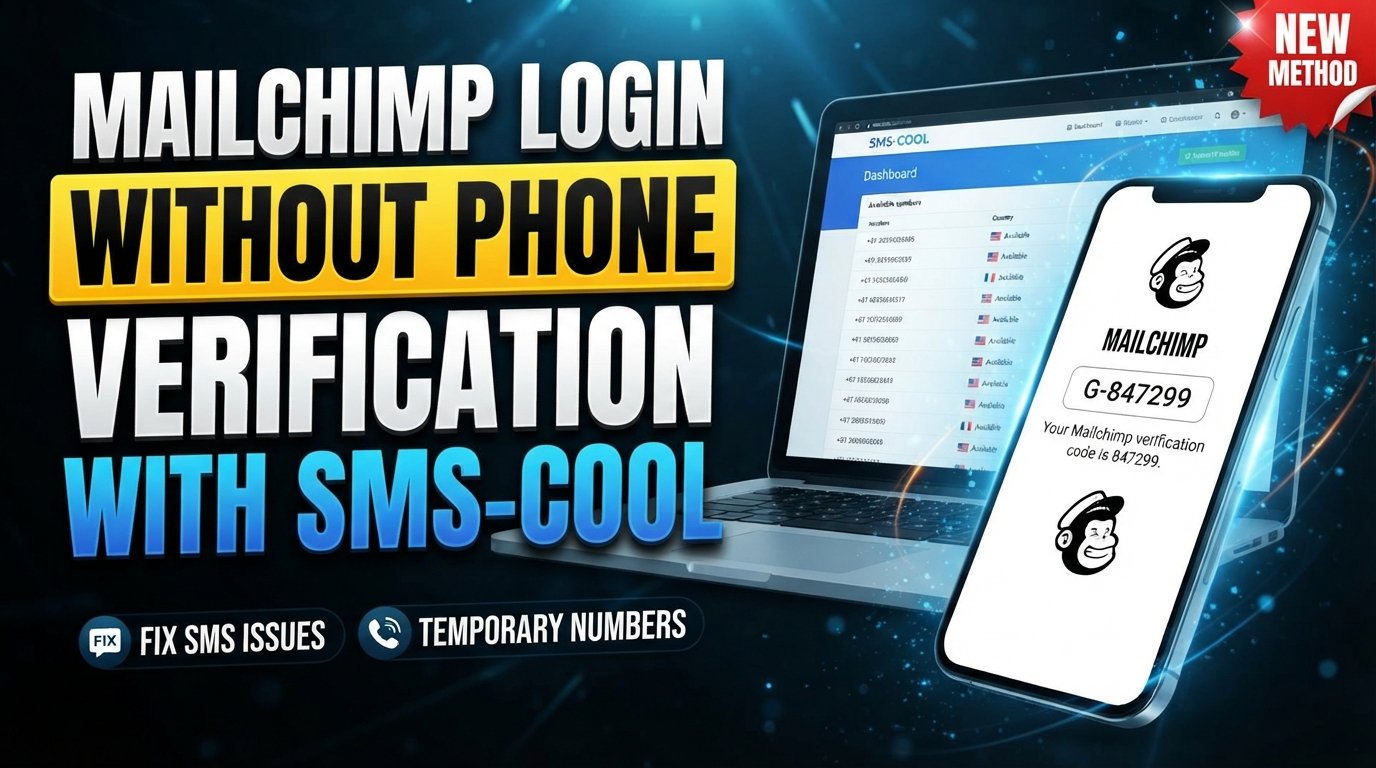
How to Get Mailchimp Login Without Phone Number
Introduction
Trying to complete a Mailchimp login without phone number access can be frustrating, especially when everything looks correct until a verification step asks for a code you cannot receive.
Maybe you changed your number, lost your old SIM, are traveling internationally, or simply cannot access the phone associated with your account. Whatever the reason, being locked out of an account you need for email campaigns can quickly become a problem.
The good news is that there are several legitimate things you can try before assuming your account is inaccessible. Depending on what Mailchimp is asking for and why the verification step appeared, you may be able to use account-recovery options, your existing authentication methods, official support, or an available SMS verification number where appropriate.
This guide explains the practical options for Mailchimp account access, what to do when a verification code does not arrive, and how a service such as SMS COOL may fit into the process without bypassing Mailchimp's security requirements.
Why Mailchimp May Ask for Phone Verification
Phone-based verification is commonly used as an additional security layer. A password alone may not be enough to establish that the person attempting to access an account is authorized to use it.
During certain account-security or verification processes, you may be asked to provide a phone number and confirm a code sent by SMS. The purpose is to add another layer of identity or account protection.
A Mailchimp verification code is generally a short-lived code delivered through the verification method presented by the service. If you are asked for one, the exact requirements can depend on the particular security or account process you are going through.
This is why there is no universal trick for a Mailchimp sign in without phone verification. The appropriate solution depends on the verification screen and the recovery options available to your account.
Can You Access Mailchimp Without a Phone Number?
In some situations, you may be able to access your account without having your phone physically available. In others, a phone-based verification step may be required.
The distinction is important.
If You can access your account but not your phone
If you are already authenticated through an active session or have another available authentication method, you may be able to manage your account without immediately needing the unavailable phone.
Avoid signing out unnecessarily if you are already inside the account and need to update your security or contact information.
If Mailchimp asks for a verification code
When a verification screen specifically requires an SMS code, you generally need access to the verification method Mailchimp accepts. Check whether the screen provides another legitimate verification or recovery option before trying anything else.
If you lost your old number
Losing a phone number does not necessarily mean losing the account. Look for the available account-recovery process and follow Mailchimp's instructions. If the recovery options do not resolve the issue, official Mailchimp support may be the appropriate next step.
If you are creating or verifying an account
Account creation and account verification can have different requirements from an ordinary login. A number that works for one verification process may not necessarily be accepted for another.
For that reason, do not assume that every temporary phone number for verification will work with every Mailchimp process.
What to Do If You Cannot Receive the Mailchimp Verification Code
If your Mailchimp verification code is not arriving, work through the basic troubleshooting steps first.
1. Confirm the phone number
Check that the number shown or entered during the verification process is correct, including the country code where applicable.
2. Check SMS delivery
Make sure your phone can receive ordinary text messages. Weak cellular service, carrier restrictions, blocked messages, or temporary network problems can interfere with SMS delivery.
3. Avoid requesting too many codes
Repeatedly requesting verification codes can make troubleshooting more difficult. Give the message a reasonable amount of time to arrive before requesting another one.
4. Look for another recovery method
If Mailchimp presents an alternative account-recovery or authentication option, use the option that applies to your situation.
5. Contact official support when necessary
If you no longer control the phone number and no available recovery option works, contact Mailchimp through its official support channels. Be prepared to provide information that helps establish ownership of the account.
The safest approach is always to follow the recovery path provided by the service rather than trying to circumvent its security controls.
Using SMS COOL for SMS Verification
For users who need an available number capable of receiving an SMS, an SMS verification service such as SMS COOL may be a practical option in situations where its numbers are compatible with the verification process.
The important point is that this does not mean SMS COOL bypasses Mailchimp security. It simply provides an available number through which an SMS may be received when the relevant service accepts that number.
If you decide to try SMS COOL, the general process is straightforward:
- Visit SMS COOL.
- Choose an available number or service suitable for the verification you need.
- Enter the provided number where Mailchimp asks for a phone number.
- Request the Mailchimp verification code.
- Check the SMS received through the available number.
- Enter the verification code into the relevant verification screen.
- Complete the login or verification process if Mailchimp accepts the number and code.
The key qualification is important: Mailchimp determines whether a number and verification attempt are accepted. A number being available through an online SMS verification service does not guarantee that Mailchimp will accept it, send a code to it, or approve the account or login attempt.
If the service does not accept the number, use Mailchimp's official recovery or support options instead.
Why People Look for Mailchimp Login Without Phone Number
There are many legitimate reasons someone may search for login to Mailchimp without phone number options.
Common situations include:
- Lost phone: Your device may be damaged, lost, or unavailable.
- Changed phone number: You may have replaced your old number and no longer receive messages sent to it.
- Lost access to an old SIM: A previous number may no longer be active or under your control.
- International travel: Your usual number may have limited SMS availability while abroad.
- SMS delivery problems: Network or carrier issues can prevent verification messages from arriving.
- Privacy concerns: Some users prefer not to use their primary personal number for online verification where an accepted alternative is available.
- Temporary access needs: You may need a verification number for a specific legitimate account process.
These situations are different, so the right solution can vary. If you own the Mailchimp account and still have access to another recovery method, account recovery should generally be considered before an external verification service.
SMS COOL vs. Other Verification Options
There is no single approach that fits every Mailchimp verification situation. Consider the circumstances before choosing a method.
OptionBest suited forKey considerationExisting personal numberNormal verificationYou control the number and can receive SMSAccount recoveryLost-number situationsFollow Mailchimp's available recovery processOfficial Mailchimp supportRecovery problemsMay require information confirming account ownershipSMS verification serviceSituations where an available verification number is acceptedAcceptance depends on Mailchimp's requirementsSMS COOLUsers looking for an available SMS verification optionAvailability and acceptance can vary
Your personal number is usually the most straightforward option when you have access to it. If you do not, account recovery may be more appropriate.
An online SMS verification service can be useful for certain verification scenarios, but it should not be treated as a guaranteed replacement for Mailchimp's own recovery process.
Tips for a Smooth Mailchimp Verification Process
A few simple habits can prevent unnecessary verification problems.
Use accurate account information
When recovering or verifying an account, use information that genuinely belongs to you and matches your account records.
Check the number format
Country codes and number formats matter. A correctly entered number is less likely to create an avoidable verification problem.
Don't repeatedly request codes
If the first SMS does not appear immediately, avoid rapidly requesting multiple codes. Wait and troubleshoot the delivery issue first.
Check SMS delivery
Confirm that the receiving number can accept text messages and that there are no obvious carrier or network restrictions.
Follow Mailchimp's security instructions
If Mailchimp directs you toward account recovery or another verification method, follow that process rather than attempting to work around it.
Keep your credentials secure
Never share your password or verification code with another person. Use strong, unique credentials and treat verification codes as sensitive information.
Plan ahead when changing numbers
If you still have account access and know you are changing your phone number, update relevant security and recovery information before losing access to the old number whenever the account settings allow it.
Frequently Asked Questions
Can I log into Mailchimp without a phone number?
Sometimes. If Mailchimp does not require phone-based verification for your particular login, you may be able to sign in normally. If a verification screen specifically requires an SMS code, you will need to use an accepted verification or recovery method.
How can I receive a Mailchimp verification code?
If Mailchimp offers SMS verification, enter an eligible number and request the code. If you cannot access your usual number, check for alternative recovery options or use an SMS verification service only where the number is accepted by Mailchimp.
What if I lost access to my old phone number?
Start with Mailchimp's account-recovery options. If those do not resolve the problem, contact official Mailchimp support and follow its account-ownership verification process.
Can SMS COOL help with Mailchimp verification?
SMS COOL may provide an available number for receiving an SMS verification code when that type of number is accepted by Mailchimp. However, it cannot guarantee that Mailchimp will send a code, accept the number, or approve the verification.
Is phone verification required for every Mailchimp login?
Not necessarily. Verification requirements can depend on the account, login attempt, security controls, and specific action being performed. If Mailchimp presents a phone-verification step, follow the method shown on the relevant screen.
What should I do if the verification SMS does not arrive?
First, confirm the number and country code, check SMS connectivity, and avoid repeatedly requesting codes. If the message still does not arrive, use an available recovery method or contact Mailchimp support.
Is using an SMS verification service safe?
It depends on the service, the number provided, and what you are using it for. Never share passwords or sensitive account information with an SMS provider. Before using any service, understand how its numbers and received messages are handled. For important accounts, Mailchimp's official recovery options may be preferable.
Conclusion
Getting Mailchimp login without phone number access is not always a matter of finding a workaround. The correct approach depends on why Mailchimp is requesting verification and which recovery methods are available to your account.
If you still control your original number, use it and troubleshoot SMS delivery if necessary. If you have lost access to the number, check Mailchimp's recovery options and contact official support when appropriate.
For situations where you need an available number to receive an SMS, SMS COOL can be considered as an online SMS verification option. The service may fit certain verification scenarios, but Mailchimp remains responsible for deciding whether a number and verification attempt are accepted.
The safest strategy is simple: use accurate account information, protect your credentials, follow Mailchimp's security instructions, and choose a verification method that fits your particular situation.
8. FAQ Section
Can I access Mailchimp without my phone?
You may be able to if your particular login does not require phone verification or if another approved recovery method is available. If SMS verification is required, you need an accepted verification method.
How do I receive a Mailchimp SMS verification code?
Use the phone number requested by the verification screen and wait for the SMS. If you cannot access your usual number, check Mailchimp's recovery options or consider an available SMS verification service where appropriate.
Can I use a temporary phone number for verification?
A temporary phone number may work only if Mailchimp accepts that number for the specific verification process. Acceptance is not guaranteed.
Does SMS COOL guarantee Mailchimp verification?
No. SMS COOL can provide an available number for receiving SMS where applicable, but Mailchimp controls whether the number and verification attempt are accepted.
What is the safest way to recover my Mailchimp account?
Use Mailchimp's official account-recovery process and support channels. Avoid sharing passwords, authentication codes, or other sensitive credentials with third parties.
Why isn't my Mailchimp verification SMS arriving?
Possible causes include an incorrect number, country-code problems, network or carrier restrictions, delivery delays, or limitations affecting the receiving number. Check these factors before requesting another code.
Can an online SMS verification service replace account recovery?
Not necessarily. An online service may help with a verification step when Mailchimp accepts its number, but it does not replace Mailchimp's official account-recovery process.