19 Sep 2026
How to Get LINE Login Without Phone Number Using SMS COOL
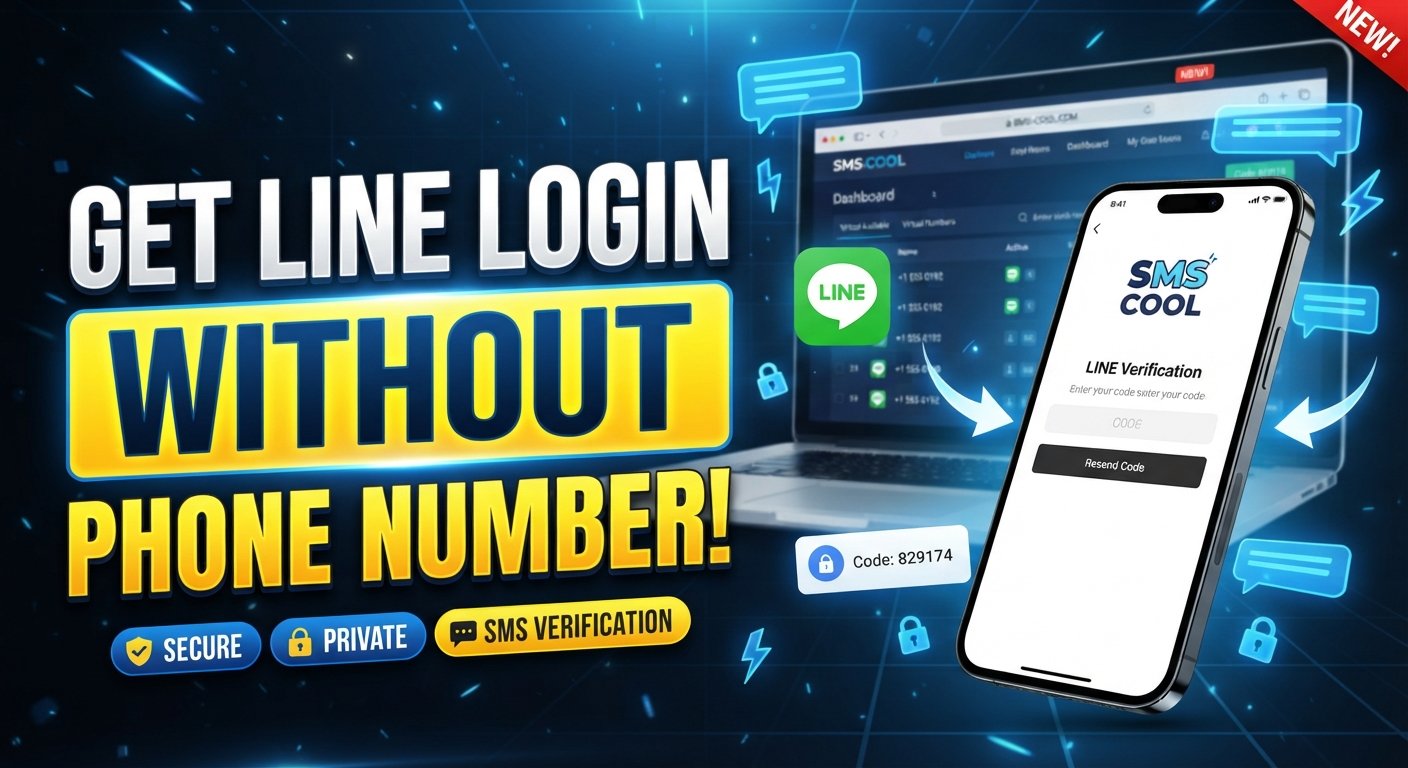
How to Get LINE Login Without Phone Number
Getting started with a messaging platform can become frustrating when you would rather not share your personal mobile number. If you are searching for how to get LINE login without phone number, the key is understanding what LINE verification actually requires and what alternatives may be available.
In many situations, LINE may use SMS-based verification to confirm that a number can receive a verification code. That does not necessarily mean you have to use your everyday personal number. Depending on LINE's current verification requirements and the availability of suitable numbers, an SMS receiving service such as SMS COOL can provide an alternative way to receive a verification SMS or OTP.
The important distinction is simple: using a different number to receive a legitimate verification code is not the same as bypassing verification. LINE can still apply its own eligibility, security, and account-verification rules.
With that in mind, let's look at the practical options.
Can You Use LINE Without Your Personal Phone Number?
The answer depends on what you mean by “without a phone number.”
If you mean LINE login without phone number verification at all, there may not be a supported method for every account or registration scenario. LINE can require phone verification as part of its security process, and requirements can vary depending on the situation.
If your goal is instead to avoid using your personal phone number, an SMS-capable alternative number may be worth considering.
This is where services such as SMS COOL can be useful. Rather than putting your primary mobile number into the registration process, you can potentially use an available number provided through the service and check whether it receives the LINE verification SMS.
This approach can be particularly relevant for people who:
- Prefer not to share their personal number with additional online services.
- Need a separate number for a particular account or project.
- Want to keep personal and online activity more separated.
- Need to receive SMS online rather than directly on their everyday phone.
- Are testing a legitimate service without wanting to use their main number.
However, availability is important. Not every temporary or virtual number is necessarily accepted by every platform, and LINE ultimately controls whether a particular number can be used for verification.
Why Does LINE Require Phone Verification?
Phone verification is primarily designed to establish that an account is associated with a reachable phone number.
An SMS-based verification process generally works like this:
- You enter an eligible phone number.
- LINE sends an SMS containing a verification code.
- You enter the received code.
- LINE checks the code and continues the applicable registration or login process.
The LINE verification code is therefore an important part of the authentication process.
Phone verification can also help platforms reduce certain types of automated or abusive registrations. For users, however, it creates an obvious privacy concern: you may not want your personal number connected to every online account you use.
That is why some users look for a temporary phone number for LINE or a virtual number for LINE instead.
Using an alternative number doesn't remove the verification requirement. It simply changes which number receives the SMS.
How to Get LINE Login Without Phone Number
If your objective is to avoid using your personal number, an SMS receiving service can be one option to investigate.
SMS COOL is designed to help users receive SMS messages online through available numbers. Where a suitable number is available and accepted by the service you are verifying with, it can potentially be used to receive a verification SMS or OTP.
The process is straightforward, but there is an important caveat: SMS COOL does not bypass LINE's security system or guarantee that LINE will accept every number.
Instead, it provides a potential way to receive the legitimate verification message required by LINE.
This makes the approach different from trying to circumvent phone verification. You are still completing the verification step; you are simply using an alternative SMS-receiving number instead of your personal number.
How SMS COOL Helps With LINE Verification
The main advantage of SMS COOL in this situation is convenience.
If you don't want to use your personal SIM number, you can check whether SMS COOL has a suitable number available for the required service. If LINE accepts that number and sends the verification message, the SMS COOL verification process can allow you to view the incoming OTP online.
A typical workflow looks like this:
Choose a number → enter it in LINE → request verification → receive SMS → enter the OTP.
There are several reasons this can be useful.
Separate your personal number
Using an alternative number can help keep your everyday mobile number separate from an account you are setting up.
Receive SMS online
Instead of waiting for a message on your personal phone, the verification message may appear through the SMS receiving interface provided by the service.
Keep the process simple
You don't need to understand complicated technical workarounds. The basic objective is simply to receive the verification message LINE sends.
Maintain realistic expectations
Most importantly, SMS COOL should be viewed as an SMS-receiving option—not a tool for defeating LINE's verification or security controls.
Whether it works depends on the number available, LINE's requirements, and the specific verification attempt.
Step-by-Step: Using SMS COOL for LINE Verification
If you want to try SMS COOL for LINE SMS verification, follow this general process.
1. Check SMS COOL for an available number
Open SMS COOL and look for a suitable number for the service you need.
Before selecting one, check the information shown by the service. Number availability can change, and not every number will necessarily be suitable for every platform.
2. Select the appropriate number
Choose an available number that matches the requirements shown for the verification service.
Don't assume that any random virtual number will work. LINE may have its own restrictions regarding numbers and verification.
3. Enter the number in LINE
During the relevant LINE registration or login process, enter the selected number in the appropriate phone-number field.
Make sure the country code and number are entered correctly.
4. Request the LINE verification code
Continue with LINE's normal verification process and request the SMS.
At this point, you are not bypassing verification. You are simply asking LINE to send its normal verification message to the selected number.
5. Check SMS COOL for the incoming message
Return to SMS COOL and check whether the verification SMS has arrived.
If it appears, identify the LINE OTP or verification code contained in the message.
6. Enter the code into LINE
Enter the received verification code into LINE's verification screen.
If the code is valid and LINE accepts the number, the process can continue according to LINE's normal requirements.
If it doesn't work, don't repeatedly request codes without checking what went wrong. Multiple attempts can create additional delays or restrictions.
What to Do If the LINE Verification Code Does Not Arrive
A missing LINE verification code doesn't automatically mean something is wrong with SMS COOL.
Several factors can affect delivery.
Try these troubleshooting steps:
- Wait briefly: SMS delivery isn't always instantaneous.
- Check the selected number: Confirm that you entered the exact number displayed by the SMS service.
- Verify the country code: An incorrect country or dialing format can prevent delivery.
- Check the SMS COOL inbox: Refresh the receiving interface and look for a newly arrived message.
- Avoid excessive retries: Repeatedly requesting OTPs can complicate troubleshooting.
- Try another eligible number: If the selected number isn't receiving messages or isn't accepted, another available number may be necessary.
- Check LINE's instructions: LINE may provide a specific reason or additional verification requirement.
- Consider whether the number is supported: Some services may reject certain virtual, temporary, recycled, or previously used numbers.
The most important point is that SMS COOL cannot control whether LINE sends or accepts a particular verification code. It can provide the SMS-receiving side of the process, while LINE controls its own authentication.
Important Security and Privacy Considerations
Using an alternative number for phone verification for LINE can offer privacy benefits, but it also requires careful consideration.
Don't treat temporary numbers as permanent account credentials
If an account is important to you, think carefully before associating it with a number that you may not control long term.
A temporary or shared-access number may not be appropriate for an account that could later require SMS-based recovery.
Protect verification codes
An OTP is sensitive authentication information. Never share a verification code with another person unless you fully understand the security implications.
Likewise, avoid entering verification codes into websites or forms that are not part of the legitimate authentication process.
Consider account recovery
Receiving the initial SMS is only one part of account security. If LINE later requires the same number for recovery or another security check, access to that number could matter.
For an account you plan to keep, review LINE's available account-security and recovery options rather than assuming the initial verification number will always be sufficient.
Remember that LINE makes the final decision
A virtual number for LINE may work in one situation and fail in another. Number availability, previous usage, carrier classification, geographic restrictions, and LINE's verification rules can all affect the outcome.
There is no responsible way to promise that a particular number will always work.
Frequently Asked Questions
1. Can I get LINE login without a phone number?
If you mean without completing phone verification, that may not be possible in every LINE registration or login situation. If you mean without using your personal phone number, an alternative SMS-capable number may be an option, subject to LINE's requirements.
2. How can I receive a LINE verification code without my personal number?
One option is to use an SMS receiving service such as SMS COOL, where an appropriate number is available and accepted by LINE. LINE must still send and accept the verification code normally.
3. Can I use a temporary phone number for LINE?
A temporary number may potentially receive the LINE OTP, but acceptance isn't guaranteed. LINE determines which numbers can be used for its verification process.
4. What is the difference between an SMS receiving service and bypassing verification?
An SMS receiving service helps you receive a legitimate verification message. Bypassing verification would mean attempting to avoid the authentication process itself. SMS COOL is relevant to the former, not a guarantee of the latter.
5. Why isn't my LINE SMS verification code arriving?
Possible causes include incorrect number formatting, delivery delays, an unsuitable number, temporary restrictions, or LINE-specific verification requirements. Check the selected number and SMS COOL inbox first, then follow LINE's instructions.
6. Is SMS COOL guaranteed to work with LINE?
No service should promise guaranteed acceptance unless it can substantiate that claim. SMS COOL can potentially help you receive SMS/OTP messages, but whether LINE accepts a particular number is determined by LINE.
7. Is using a virtual number the same as creating a LINE account without phone verification?
No. A virtual or alternative number can still be used for the normal SMS verification process. You are changing the number receiving the code, not removing LINE's verification requirement.
Conclusion
If you are searching for how to get LINE login without phone number, the practical distinction is between avoiding your personal number and bypassing LINE's verification system.
For users who simply don't want to expose their everyday number, SMS COOL can be worth considering as an SMS-receiving option. Where a suitable number is available and accepted by LINE, it may allow you to receive the required verification SMS or OTP online and complete the normal verification process.
Just keep expectations realistic: number availability can change, LINE controls which numbers it accepts, and SMS COOL cannot guarantee account creation or bypass LINE's security requirements.
If privacy and convenience are your main concerns, check SMS COOL for an appropriate available number and use it to receive the legitimate verification SMS when supported.