22 Sep 2026
Khan Academy Login Without Phone Number: Easy SMS Verification
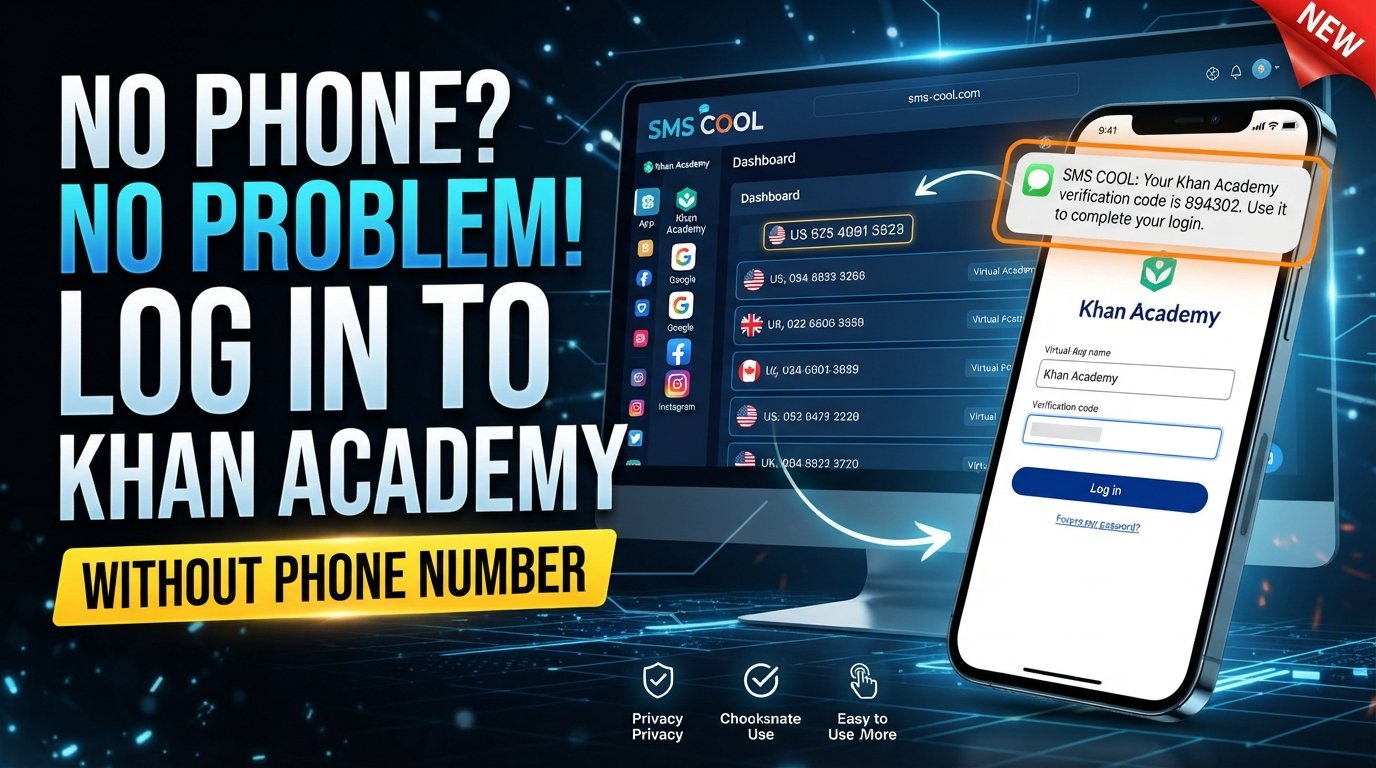
How to Get Khan Academy Login Without Phone Number
Want a Khan Academy login without phone number? For many people, the problem is not accessing the learning platform itself—it is dealing with a phone verification step when they would rather not share their personal mobile number.
Khan Academy currently provides several account access and sign-up methods, including email and supported third-party sign-in options. Its standard login page also provides email-or-username login. However, verification requirements can vary depending on the account flow, security checks, or circumstances surrounding an account.
If a phone number is specifically requested and you prefer not to expose your personal number, an online SMS verification service such as SMS COOL can be an option to consider where temporary or virtual numbers are accepted.
The important point is that this is not about bypassing Khan Academy security. It is about using an alternative number for a legitimate verification step when the platform permits it.
Can You Get Khan Academy Login Without a Phone Number?
Sometimes, yes—but it depends on what you are trying to do.
There is an important difference between logging into an existing Khan Academy account, creating a new account, and completing an additional verification request.
For example, Khan Academy's current login page allows users to sign in with an email address or username and password. It also offers Google sign-in.
For new accounts, Khan Academy's help documentation lists multiple sign-up options, including Google, Facebook, Apple, Microsoft, and email.
That means a phone number is not necessarily required for every Khan Academy login or account-creation situation.
However, if your particular flow asks for Khan Academy phone verification, you need to satisfy that verification requirement before continuing. Requirements can change or differ between account situations, so it is best to follow the verification screen presented to you.
If you do need to receive an SMS but do not want to use your personal number, SMS COOL provides virtual numbers for supported SMS verification workflows. Its service specifically states that compatibility with third-party platforms is not guaranteed.
Why Does Khan Academy Ask for Phone Verification?
Phone verification is commonly used by online services as an additional way to confirm access to a phone number.
When a platform uses SMS verification, the basic process is straightforward:
- You enter an eligible phone number.
- The service sends an SMS.
- The SMS contains a temporary verification code.
- You enter that code into the verification field.
- The platform checks the code and continues the process if it is valid.
Phone verification can help services confirm that a user has access to a particular number and can also make automated or abusive account activity more difficult.
Khan Academy also explains the broader security value of phone-based authentication and verification as an additional layer of account protection.
The exact reason you see a phone verification request, however, depends on the account workflow. It is therefore better not to assume that every Khan Academy user will encounter the same requirement.
How to Get Khan Academy Login Without Using Your Personal Number
If Khan Academy asks for a phone number and you prefer not to provide your personal number, you can first check whether another available sign-in or registration method meets your needs.
If phone verification is required and virtual numbers are permitted, SMS COOL can provide an online SMS option.
Here is the general process.
Step 1: Start the Khan Academy Login or Sign-Up Process
Open Khan Academy and proceed with the appropriate login or account-creation option.
If you already have an account, try your normal email, username, password, or supported sign-in provider first.
Step 2: Check Whether Phone Verification Is Actually Required
Do not purchase a temporary number unless the current account flow specifically asks you for one.
If you can complete the process through email or another supported authentication method, that may be simpler.
Step 3: Visit SMS COOL
If phone verification is required and a virtual number is appropriate for the situation, visit SMS COOL and review the available numbers and supported services.
SMS COOL offers instant virtual numbers as well as longer-term rental options.
Step 4: Choose an Available Number
Select a number that is appropriate for the verification service you need.
Availability can vary by country, service, and number type. A number that works for one platform is not necessarily accepted by another.
Step 5: Enter the Number Where Verification Is Requested
Return to the Khan Academy verification screen and enter the number if the platform permits the use of temporary or virtual numbers.
Do not use a number if Khan Academy's current requirements specifically prohibit that type of number.
Step 6: Wait for the Verification SMS
If Khan Academy sends a verification message to the selected number, monitor the SMS COOL interface for the incoming message.
The platform describes its virtual-number service as a way to receive supported verification messages online.
Step 7: Enter the Verification Code
Copy the Khan Academy OTP from the received SMS and enter it into the appropriate verification field.
If the code is valid and the number is accepted, you can continue with the account process.
There is no guarantee that Khan Academy will accept a particular temporary number, so treat compatibility as something to verify rather than something promised.
How SMS COOL Works
The idea behind SMS COOL is simple: instead of receiving a verification SMS on your personal mobile number, you use an available virtual number for a supported verification task.
The general workflow looks like this:
Choose a number → Enter the number → Receive SMS → Retrieve OTP → Enter code → Continue
SMS COOL provides virtual numbers intended for SMS and OTP verification, and its dashboard allows users to access incoming messages associated with their selected numbers.
This can be useful when you want to separate an online verification message from your regular personal communications.
Still, the distinction between available and compatible is important. SMS COOL provides the number and SMS receiving service, while the website requesting verification determines whether that number is accepted.
Why Use SMS COOL for SMS Verification?
Using a temporary or virtual number can have several practical advantages when it is appropriate for the verification task.
Keep Your Personal Number Private
Some users simply do not want to provide their main phone number to every website that requests one.
A separate virtual number can provide greater separation between personal communications and supported online verification activities.
Receive SMS Online
Instead of relying on your normal messaging application, you can receive supported verification messages through an online dashboard.
This can be convenient when you need a number temporarily or do not want to use another physical SIM.
Separate Verification Messages
Using a dedicated number can keep verification codes separate from everyday personal messages.
That separation may make it easier to manage short-term account-registration or verification tasks.
Convenience
SMS COOL offers temporary numbers and rental options, giving users different approaches depending on how long they need access to a number.
The service is not officially affiliated with or endorsed by Khan Academy, and users should make sure their chosen verification method complies with Khan Academy's requirements.
Things to Know Before Using a Temporary or Virtual Number
A temporary phone number can be useful, but it is not a universal solution.
Keep these points in mind before attempting Khan Academy without phone number access through an online SMS service:
- Some platforms reject virtual numbers. A website may distinguish between mobile, VoIP, temporary, and other number types.
- Availability can change. A number available at one moment may no longer be available later.
- The number may be temporary. If you need future access to the same number, check whether a rental or longer-term option is available.
- Verification codes can expire. If you wait too long, the original OTP may no longer work.
- Country requirements can matter. Some services may require numbers from specific regions.
- Platform rules still apply. Using a temporary number does not override the terms or security requirements of Khan Academy.
- Do not use verification services to bypass restrictions. A virtual number should be used only for legitimate, permitted purposes.
SMS COOL's own terms state that it does not guarantee successful registration with third-party platforms and identifies platform restrictions, security verification, and other external factors as possible causes of failure.
Common Problems With Khan Academy Phone Verification
Even when everything is entered correctly, SMS verification can sometimes fail. Here are some common problems and practical steps to try.
Verification SMS Does Not Arrive
First, wait briefly and check that the number was entered correctly.
If nothing arrives, the issue could be related to message routing, platform restrictions, number availability, or temporary service problems.
If the service allows it, you can try another eligible number rather than repeatedly requesting codes.
Khan Academy Does Not Accept the Number
This usually indicates that the number type or number itself is not accepted.
A platform may reject temporary or virtual numbers. If that happens, consider using another supported Khan Academy sign-in method or a personal number that meets the platform's requirements.
The Number Has Expired
Temporary numbers are not necessarily permanent.
If you selected a short-term number and the verification process takes too long, the number may become unavailable. Choose a number with enough availability for the task when possible.
The OTP Is Incorrect
Check that you are entering the latest code rather than an older message.
Avoid repeatedly entering random codes. If a code has expired, request a new one through the appropriate verification process.
Too Many Verification Attempts
Repeated attempts can create additional verification problems.
If you have requested several codes in succession, stop and review the information you entered before trying again. If the problem continues, use Khan Academy's account-support resources rather than repeatedly submitting verification requests.
Carrier or Service Restrictions
SMS delivery depends on several systems working together. Number type, country, carrier routing, and the website's own restrictions can all affect whether a message arrives.
Is SMS COOL Right for Your Khan Academy Verification?
SMS COOL may be useful if you need to receive a verification SMS online and prefer not to expose your personal number, provided that the relevant Khan Academy verification flow accepts the selected number.
It is particularly worth considering when:
- You need a temporary number for a legitimate verification task.
- You want to keep personal communications separate.
- You need to receive an OTP online.
- You understand that virtual numbers may not be accepted by every service.
- You are willing to follow the platform's account and security requirements.
If Khan Academy offers another sign-in method that works for your situation, there may be no reason to use phone verification at all.
The goal should be to choose the simplest legitimate option that satisfies the account requirements.
FAQ
Can I use Khan Academy without a phone number?
In some situations, yes. Khan Academy supports several account and login methods, including email and supported third-party sign-in options. Whether you need phone verification depends on the specific account flow you encounter.
How can I get a Khan Academy verification code?
If Khan Academy requests SMS verification, it sends a verification code to the eligible phone number entered during the process. If virtual numbers are permitted, an SMS verification service such as SMS COOL may provide a number capable of receiving the message.
Can I receive Khan Academy SMS online?
Potentially. If the relevant verification process accepts a virtual number, SMS COOL can provide an online SMS receiving option. However, compatibility is controlled by Khan Academy, so successful delivery or acceptance cannot be guaranteed.
Can I create a Khan Academy account without my personal number?
Depending on the registration flow, you may be able to create an account using email or a supported third-party account without providing your personal phone number. Khan Academy's current help documentation lists several registration methods.
If your particular registration flow requires phone verification, a temporary or virtual number may be an alternative only when that type of number is accepted.
What should I do if Khan Academy does not send an OTP?
First, confirm that the number is correct and eligible. Wait for possible delivery delays, avoid repeated requests, and check whether the number type is supported.
If the issue continues, try another permitted sign-in method or contact Khan Academy support.
Can a virtual number work for Khan Academy verification?
It may, but there is no guarantee. Individual services can reject temporary, virtual, VoIP, or disposable numbers. Check Khan Academy's current requirements before relying on a virtual number.
Is SMS COOL suitable for receiving verification SMS?
SMS COOL can be suitable for legitimate verification workflows where temporary or virtual numbers are permitted. Its service provides virtual numbers for receiving SMS and OTP messages, but it does not guarantee acceptance by third-party platforms.
Conclusion
Getting a Khan Academy login without phone number does not always mean you need to bypass verification. In many cases, Khan Academy provides alternative account or login methods, so it is worth checking those options first.
When your particular account flow requires SMS verification and a temporary or virtual number is permitted, SMS COOL offers a practical way to receive verification SMS online without immediately exposing your personal phone number.
The process is straightforward: select an appropriate number, enter it where verification is requested, wait for the SMS, retrieve the OTP, and enter the code. Just remember that acceptance depends on Khan Academy's verification system, and no third-party SMS provider can guarantee compatibility.
Use SMS COOL responsibly, follow the relevant account rules, and choose the verification method that genuinely fits your situation. With those precautions, an online SMS option can make phone verification more convenient while helping you keep your personal number separate from supported online activities.