26 Sep 2026
How to Keep Your Main Gmail Private When Signing Up for Apps
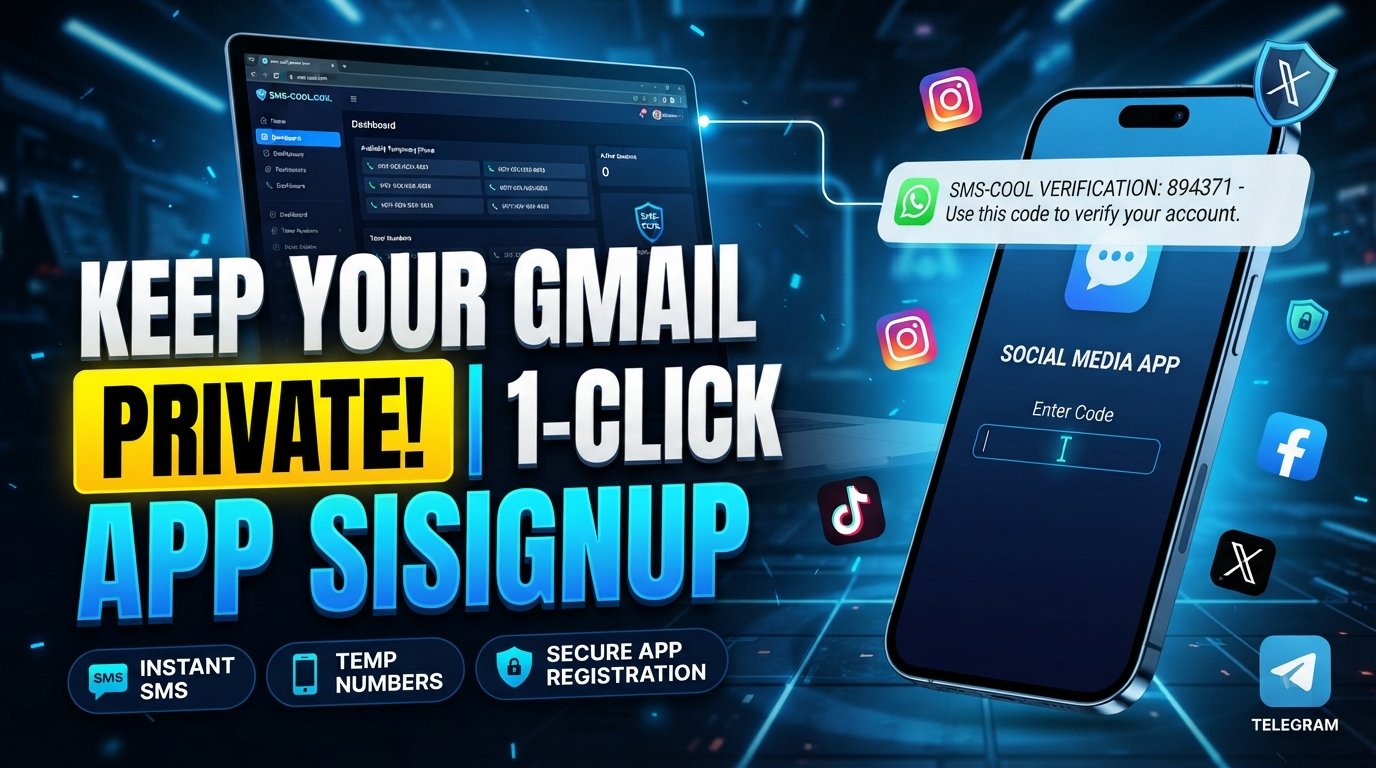
How to Keep Your Main Gmail Private When Signing Up for Apps
Every app signup looks harmless: enter your email, create a password, click Continue, and you are ready to go.
But when you use the same personal Gmail address for every app, website, newsletter, marketplace, and online service, that convenience can come with a privacy cost. Your primary inbox can gradually become connected to dozens—or even hundreds—of online accounts.
That is why learning how to keep Gmail private is more than a cybersecurity precaution. It is a practical way to take control of your digital footprint.
The good news is that you do not need to stop using your favorite apps. Instead, you can be more selective about which personal details you share during registration. Combining sensible email practices with a temporary phone number for appropriate verification can create a more privacy-conscious signup process.
This guide explains how to keep your main Gmail private, reduce unnecessary exposure, and use SMS COOL when a service requires phone verification.
Why You Should Keep Your Main Gmail Private
Your primary Gmail account is often tied to important parts of your digital life: personal conversations, receipts, account recovery, documents, subscriptions, and other sensitive information.
Giving that address to every website makes it harder to maintain personal email privacy.
Keeping your main address private does not mean hiding from every online service. It means deciding which services genuinely need your personal contact details.
A more privacy-conscious approach can help you:
- Reduce unwanted promotional messages
- Keep your main inbox more organized
- Limit unnecessary sharing of personal information
- Separate casual app registrations from important accounts
- Reduce the number of services connected to your primary email
- Make it easier to identify where unwanted messages originate
Think of your main Gmail address as a valuable contact point. The fewer places you unnecessarily publish it, the more control you have over where it circulates.
What Happens When You Use Your Main Gmail for Every App?
Signing up with your primary email is quick, but the address can become part of an app's account records, marketing systems, notifications, or communication database.
Not every service uses your information in the same way. Privacy policies differ, and reputable companies may have strong data-handling practices. Nevertheless, once you provide an email address, you no longer have complete control over how that address is stored or used within the service's systems.
Common Privacy and Spam Problems
Using one email everywhere can create several practical problems:
Inbox overload: App notifications, promotional emails, product updates, and newsletters can quickly accumulate.
More exposure: Your email address becomes associated with more online accounts and services.
Marketing messages: Some registrations may result in promotional communication, depending on the service and your consent settings.
Account-linking concerns: Using the same email across many platforms makes it easier for different services to associate accounts with the same person.
Data exposure: If a service experiences a security incident, information associated with your account could potentially be exposed.
None of these outcomes is guaranteed for every website. The point is simple: protect Gmail privacy by sharing your primary address intentionally rather than automatically.
How to Keep Your Main Gmail Private
You do not need a complicated privacy setup. A few straightforward habits can make a meaningful difference.
1. Reserve Your Main Gmail for Important Accounts
Use your primary Gmail for services that genuinely matter to you, such as banking-related communication, essential personal accounts, trusted contacts, and important recovery addresses.
For less important registrations, consider using a separate email address or another appropriate contact method.
2. Check What Information an App Actually Requires
Before creating an account, look at the registration form carefully.
Does the service require an email address? Is a phone number mandatory? Is there an alternative sign-in method?
Avoid volunteering information simply because a signup form asks for it if the field is optional and you do not need the feature.
3. Use a Separate Email for Low-Priority Signups
A secondary email can be useful for newsletters, product trials, community accounts, downloads, and other services that do not need access to your primary inbox.
This creates a simple separation between important correspondence and casual online activity.
4. Review Privacy and Notification Settings
After creating an account, check its communication preferences.
If you do not want promotional messages, look for available marketing or notification controls. Also review connected accounts and permissions when the service provides those options.
5. Think About Phone Verification Too
Protecting your email address is only one part of app signup privacy.
Many services also request a phone number for verification. If you use your personal mobile number everywhere, that number can become another widely shared piece of personal information.
This is where a temporary phone number can be useful for appropriate situations.
Why Phone Verification Can Also Create Privacy Concerns
Phone verification is commonly used to confirm that a signup involves a reachable phone number. A service may send a verification code through SMS before allowing registration to continue.
The problem from a privacy perspective is that your personal phone number can be more sensitive than a disposable contact detail.
A temporary SMS number can provide separation when a service supports that type of verification and when using one is consistent with the service's rules.
However, temporary numbers are not suitable for everything.
For important accounts, financial services, account recovery, or services that need a stable personal number, your normal phone number may be more appropriate. A temporary number should be treated as a privacy tool for suitable registrations—not as a universal replacement for your personal number.
How SMS COOL Helps With Private App Signups
SMS COOL provides access to temporary phone numbers that can be used to receive SMS verification codes for supported services.
The basic idea is straightforward: instead of automatically giving a website your everyday mobile number, you can use a temporary number when the registration does not require your permanent personal contact information.
This can help create a separation between your personal identity details and casual online registrations.
With SMS COOL, users can use a temporary phone number for supported verification processes, receive an SMS verification code, and complete the relevant signup without unnecessarily exposing their regular mobile number.
This approach can be particularly useful for people who want to:
- Reduce exposure of their personal phone number
- Keep casual app registrations separate from personal contact details
- Receive SMS verification codes for supported services
- Reduce unwanted contact associated with widespread number sharing
- Take a more deliberate approach to online privacy
SMS COOL does not make every signup anonymous, and a temporary number does not guarantee complete privacy. Other information—such as an email address, IP address, payment details, device information, or account activity—may still be collected by a service.
The goal is more limited and practical: reduce unnecessary exposure of your personal phone number when a temporary number is appropriate.
How to Use SMS COOL for Verification
Using a temporary number as part of a privacy-conscious registration process is generally straightforward.
Step 1: Decide Whether You Need Your Personal Number
First, determine whether the service genuinely requires your everyday phone number.
If the number is needed for account recovery, important notifications, identity checks, or another essential function, consider using your normal number.
Step 2: Choose a Suitable Temporary Number
If a temporary number is appropriate and permitted by the service, use SMS COOL to select a number compatible with the required verification process.
Step 3: Enter the Number During Signup
Enter the temporary number where the app or website requests phone verification.
Make sure the registration complies with the platform's terms and does not involve deceptive or fraudulent activity.
Step 4: Receive the Verification Code
The service sends its verification message to the temporary number. You can then retrieve the code through SMS COOL and enter it into the signup screen.
Step 5: Understand the Limitations
Before relying on a temporary number, consider whether you may need that same number later.
Some services use phone numbers for password recovery, security alerts, or future verification. If you lose access to a temporary number, recovering an account may become difficult or impossible.
For that reason, temporary numbers are generally better suited to registrations where long-term access to that number is not essential.
Benefits of Keeping Your Personal Email and Verification Details Separate
A useful privacy strategy is to think in terms of separation, rather than trying to make every online activity completely private.
For example, you might use:
- Your main Gmail for important personal and essential accounts
- A secondary email for newsletters and casual registrations
- SMS COOL for suitable temporary SMS verification
- Your personal phone number for services that genuinely require a long-term contact number
This structure can make your digital life easier to manage.
If a low-priority app starts sending excessive notifications, it is less likely to overwhelm your primary inbox. If a service requires phone verification, you have an option other than automatically sharing your everyday number—provided the service permits it.
Most importantly, you become more intentional about protecting personal information.
Best Practices for Protecting Your Online Privacy
Keeping your main Gmail private is one part of a broader online privacy strategy.
Follow these practical habits:
- Use strong, unique passwords for important accounts.
- Enable two-factor authentication where available.
- Review app permissions periodically.
- Avoid sharing unnecessary personal information during registration.
- Read privacy policies when an account involves sensitive information.
- Separate important and casual accounts where practical.
- Use a temporary phone number only when appropriate.
- Be careful with public Wi-Fi and unfamiliar websites.
- Keep your browser, operating system, and security software updated.
- Delete old accounts you no longer use when the service provides that option.
Privacy is rarely about one magic setting. It is the result of many small decisions about what information you share, where you share it, and why.
Frequently Asked Questions
Can I keep my main Gmail private while still using apps?
Yes. You can reserve your primary Gmail for important accounts and use a secondary email for lower-priority registrations where appropriate. You can also avoid providing unnecessary information when fields are optional.
Does a temporary phone number work for every app?
No. Some services do not accept temporary or disposable numbers, while others may require a permanent number for security or account recovery. Always follow the service's requirements and terms.
What is SMS verification?
SMS verification is a process where a service sends a code to a phone number to confirm access to that number. The code is then entered into the registration or login process.
Is SMS COOL suitable for every verification process?
Not necessarily. SMS COOL can be useful for supported services where a temporary number is appropriate, but important accounts that require long-term phone access may be better associated with your regular number.
Can a temporary number protect my identity completely?
No. A temporary number only addresses one part of the information you share. Websites may collect other data, including email addresses, device information, IP addresses, payment details, and account activity.
How can I protect my email address from spam?
Use your main email selectively, unsubscribe from unwanted marketing messages, review notification preferences, and consider a separate email for newsletters and less important registrations.
Is using a temporary number the same as anonymous app signup?
No. A temporary number can reduce exposure of your personal phone number, but it does not guarantee anonymous registration. Other information may still identify or connect an account to you.
Conclusion
Your Gmail address is more than a username. Over time, it can become connected to your conversations, subscriptions, accounts, purchases, and other parts of your digital life. That is why learning how to keep your main Gmail private is a worthwhile privacy habit.
The most practical approach is not to avoid every online service. Instead, be selective about the information you provide. Reserve your primary Gmail for important accounts, use a separate email where appropriate, and think carefully before sharing your personal phone number.
For supported services, SMS COOL offers a practical way to use a temporary phone number for SMS verification, helping separate your everyday contact information from suitable app registrations.
Used responsibly and within a platform's rules, this combination can make private online signup more deliberate and help you take greater control over your personal information.
Good online privacy starts with a simple question before every signup: Does this service really need my personal contact details? If the answer is no, consider a less exposed option.