20 Sep 2026
How to Get Hulu Login Without Phone Number Using SMS COOL Online
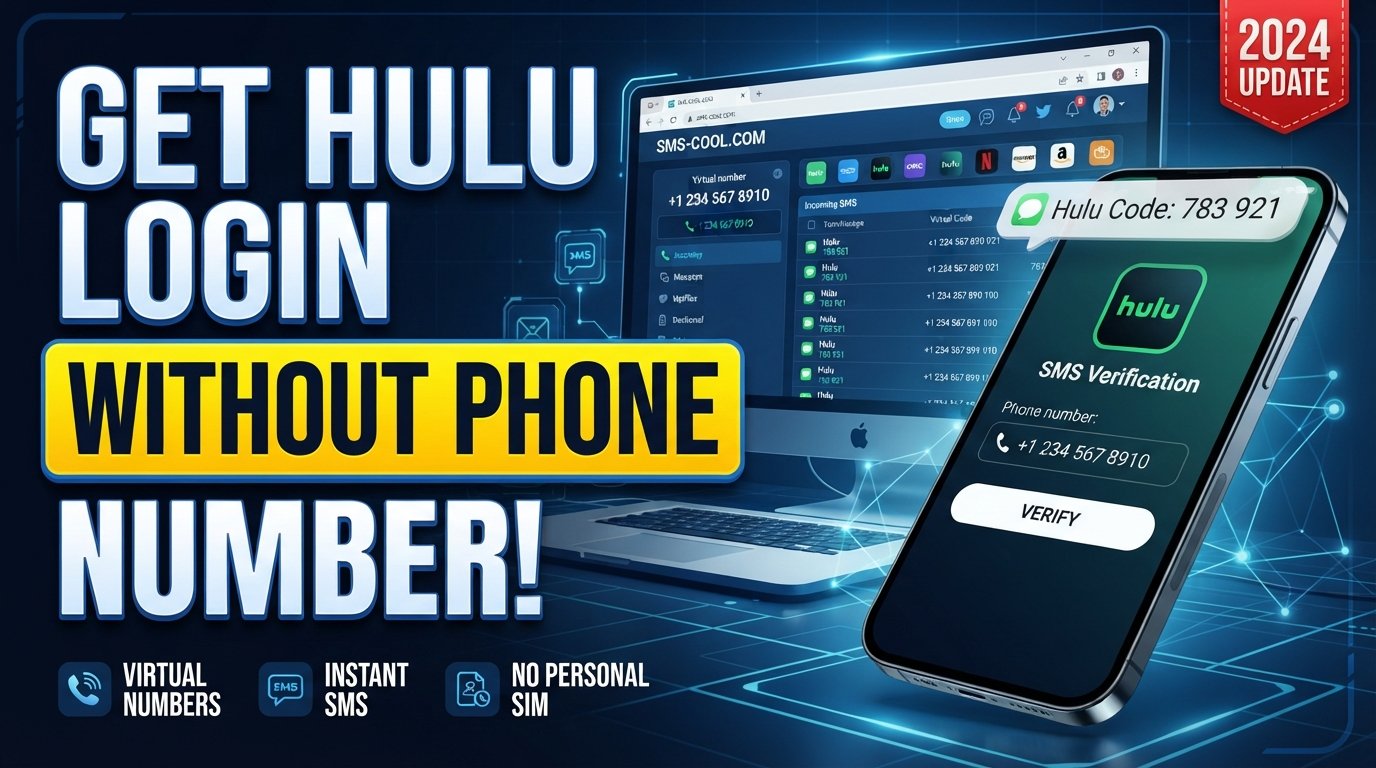
How to Get Hulu Login Without Phone Number
Trying to complete a Hulu login without phone number can be frustrating when the service asks you to confirm a number before you can continue. You may have a perfectly valid account but no access to your usual phone, or you may simply prefer not to share your personal number with another online service.
The important thing to understand is that Hulu's account and security processes can change. Depending on the signup, login, account-security, or recovery flow you encounter, Hulu may request different forms of verification. Its official help information also describes one-time passcodes as part of account-security procedures.
If Hulu specifically presents you with an SMS verification step, an online SMS service such as SMS COOL can provide access to an SMS-capable virtual number for legitimate verification purposes. The service describes temporary and rental numbers designed to receive verification messages online.
The key is to use the number only for an account you own or are authorized to access, and to understand that an online number does not guarantee that Hulu will accept it.
Can You Use Hulu Without a Phone Number?
Sometimes, yes—but it depends on the particular Hulu workflow you're using.
Not every Hulu login or account action necessarily requires SMS verification. Hulu's help center covers different login, account, and security scenarios, and the verification method can depend on what you're trying to do.
If Hulu allows you to continue with another available authentication method, you may not need a phone number at all. However, if the specific page you're using explicitly asks for a phone number and sends a verification code, you need access to a number capable of receiving that message.
That's where a virtual number can become useful.
Rather than searching for a supposed "secret" way around phone verification, the practical approach is to complete the normal verification process with an SMS-capable number that you're legitimately able to use.
Why Does Hulu Ask for Phone Verification?
Phone verification is commonly used as an additional account-security measure. An SMS code provides a separate confirmation step beyond simply entering an email address and password.
A verification request can also appear during account-security or recovery situations. Hulu's own account-security guidance, for example, explains that users may be asked to enter a one-time passcode to confirm their identity during certain account actions.
There are several legitimate reasons someone might prefer an alternative number:
- You don't currently have access to your regular phone.
- You're traveling and cannot conveniently receive messages on your usual number.
- You want to keep your personal number separate from an online registration.
- You need a temporary phone number for a specific verification task.
- You are managing an account for which you are authorized to perform the verification.
This doesn't mean every online number will work. Hulu may restrict certain numbers, and acceptance can depend on its systems and the particular verification flow.
How Hulu Phone Verification Works
The basic process is straightforward.
First, Hulu asks for a phone number. After you submit it, the service may send an SMS containing a one-time verification code.
You then retrieve the message, enter the code into the Hulu verification page, and continue with the normal signup, login, or account-security process.
In simplified form:
Phone number → SMS request → verification code → code entered into Hulu → verification completed
If you don't want to use your personal number and Hulu's page accepts the type of number you're using, an SMS verification service can handle the SMS-receiving portion of this process.
However, the service receiving the message and Hulu accepting the number are two separate things. An SMS provider can make a number available for receiving messages, but it cannot control Hulu's verification policies.
How SMS COOL Can Help With Hulu Verification
SMS COOL is an online SMS service that provides virtual numbers for receiving text messages and verification codes. Its published information describes temporary numbers, longer-term rental numbers, and online access to incoming verification messages.
For someone searching for Hulu without phone verification, the distinction is important: SMS COOL isn't a way to disable or bypass Hulu's security. Instead, it can provide an alternative SMS-capable number when Hulu's legitimate verification process requires one and accepts that number.
The general workflow is:
- Obtain an appropriate SMS-enabled number.
- Enter the number into Hulu's verification field.
- Request the verification SMS.
- Monitor the online SMS inbox.
- Retrieve the one-time code if the message arrives.
- Enter the valid code into Hulu and continue normally.
SMS COOL states that its temporary numbers are intended for online account registration and verification, while also noting that successful registration with third-party platforms isn't guaranteed.
How to Receive a Hulu Verification Code With SMS COOL
If Hulu is asking for SMS verification, you can follow this general process.
1. Choose an appropriate SMS-enabled number through SMS COOL
Visit SMS COOL and select an available virtual number suitable for your legitimate verification requirement.
The exact availability and characteristics of numbers can change, so check the options presented by the service rather than relying on assumptions about a particular country or number type.
2. Enter the number where Hulu requests phone verification
Return to the Hulu signup or login page and enter the SMS-capable number in the phone verification field.
Make sure the number is entered correctly, including any required country or area-code formatting.
3. Request the verification code
Submit the number and request the Hulu verification SMS.
At this stage, Hulu controls whether the number is accepted and whether a message is sent.
4. Check the incoming SMS through SMS COOL
If Hulu sends the message successfully, check the SMS COOL interface for the incoming verification message.
The service's published documentation explains that incoming verification messages can be accessed through its online platform.
5. Enter the valid verification code into Hulu
Copy the one-time code from the received SMS and enter it into Hulu's verification field.
Use the current code rather than an older message, since verification codes can expire.
6. Continue the normal Hulu signup or login process
Once Hulu accepts the code, continue with the standard process shown on the Hulu website or app.
Remember that SMS COOL only provides the number and SMS-receiving functionality. It does not control Hulu account approval, login access, security decisions, or account policies.
Is Using an Online Number for Hulu Verification Safe?
An online number can be useful, but it should be treated carefully.
The biggest consideration is account recovery. If you use a temporary number and later need that same number to receive another security message, you may not have access to it anymore. For an important account, consider whether a temporary number is appropriate for your long-term security needs.
You should also:
- Use online numbers only for accounts you own or are authorized to access.
- Never use someone else's number without permission.
- Keep your Hulu password unique and secure.
- Don't share one-time verification codes with other people.
- Check Hulu's current requirements before relying on an online number.
- Understand the retention or rental terms of any number you use.
SMS COOL's terms prohibit illegal, fraudulent, abusive, or unauthorized use and state that the service does not guarantee successful registration with third-party platforms.
What to Do If the Hulu Verification Code Does Not Arrive
If you're waiting for a Hulu verification code online and nothing appears, don't immediately assume the service is broken.
Try these checks:
- Confirm that the phone number was entered correctly.
- Make sure you requested the code only once or allow time for delivery.
- Check whether the SMS appears in the correct online inbox.
- Request a new code if Hulu provides that option.
- Avoid repeatedly submitting requests in rapid succession.
- Check whether the number is still active and available for the verification task.
- If the problem continues, use Hulu's official support options.
Hulu provides account, login, and security support through its Help Center, including options to contact support when troubleshooting does not resolve an issue.
Also remember that a number receiving SMS successfully does not necessarily mean Hulu will accept it. Some platforms may restrict virtual, temporary, shared, or previously used numbers.
Common Questions About Hulu Phone Verification
Can I create a Hulu account without a phone number?
It depends on the signup process Hulu presents to you. If Hulu does not request phone verification, you may not need a phone number. If the signup flow specifically requires SMS verification, you'll need access to an accepted SMS-capable number.
Can I receive a Hulu verification code online?
If Hulu sends the verification message to a number supported by an online SMS service, you may be able to receive the message through that service instead of a personal handset. The number still needs to be accepted by Hulu.
How does Hulu SMS verification work?
Hulu may request a phone number and send a one-time code by SMS. You enter the received code into the appropriate verification field to complete that particular security step.
Can SMS COOL receive a Hulu verification SMS?
SMS COOL provides virtual numbers designed to receive SMS and verification messages. However, it does not guarantee that a particular number will be accepted by Hulu or that a Hulu message will be delivered.
Why am I not receiving my Hulu verification code?
Possible causes include an incorrectly entered number, delivery delays, an unsupported number type, expired requests, or restrictions within Hulu's verification system. Check the number and verification screen first, then use Hulu support if necessary.
Can I use an online number for Hulu verification?
You can use an online number when the service permits that type of number and Hulu accepts it for the verification flow you're completing. For account safety, use the number only for an account you own or are authorized to access.
Final Thoughts
Finding a Hulu login without phone number option isn't always about avoiding verification. In many cases, the real problem is simply that you don't want—or can't—use your personal phone number when Hulu asks for SMS confirmation.
If Hulu gives you an SMS verification step, an online SMS service can provide a practical alternative. SMS COOL offers virtual and temporary numbers that can receive SMS online, making it an option to consider when you need an SMS-capable number for a legitimate verification process.
The important limitation is compatibility: SMS COOL cannot guarantee that Hulu will accept a particular number or complete an account verification. Use the service responsibly, follow Hulu's requirements, and only verify accounts you own or are authorized to access.
For users who simply need a separate number to receive a legitimate Hulu verification code, SMS COOL can make the SMS-receiving part of the process more convenient without requiring you to expose your personal phone number.