26 Sep 2026
How to Use Temp Mail Safely Without Exposing Gmail
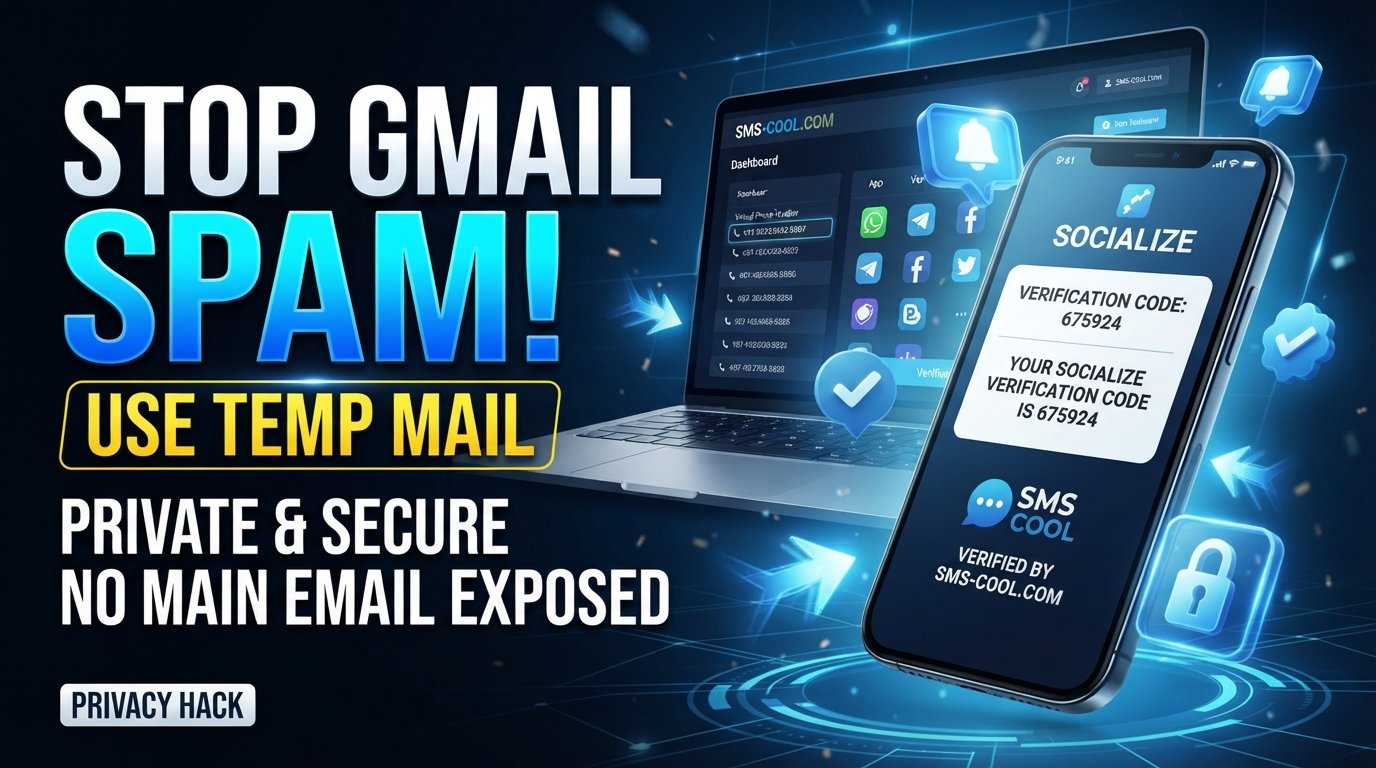
How to Use Temp Mail Without Exposing Your Main Gmail Address
Introduction
Your email address can end up in more places than you realize.
A website asks for an email before letting you download a guide. A free trial requires registration. An unfamiliar service wants to send you a verification link. A newsletter promises useful updates, but you're not sure how often it will actually email you.
The easy option is to enter your main Gmail address and move on. The problem is that your primary inbox may eventually become filled with promotional messages, newsletters, notifications, and emails from services you barely remember signing up for.
That's where temp mail can be useful.
A temporary email address gives you a separate inbox for short-term situations where you don't necessarily want to expose your primary Gmail account. Instead of giving an unfamiliar website your everyday address, you can use a disposable email for a suitable one-time or temporary purpose.
For people who regularly test websites, explore online services, or need occasional verification emails, this can be a simple way to improve inbox protection and reduce unnecessary exposure.
Services such as SMS COOL also bring temporary communication and verification tools together, making them a practical option when privacy and convenience matter.
Why You Should Avoid Sharing Your Main Gmail Address Everywhere
Your main email account is probably connected to some of your most important online activities. It may be used for password recovery, personal communication, work, shopping, financial services, and other accounts you want to keep accessible.
That makes your primary address worth protecting.
Spam and promotional emails
Once an email address is added to marketing lists, you may start receiving messages you never really wanted. Some companies provide easy unsubscribe options, while others may make it difficult to stop promotional communication.
Using a disposable email address for low-value registrations can help keep those messages away from your primary inbox.
Unwanted newsletters
A newsletter might seem useful when you first sign up. Months later, however, you may have dozens of messages competing for attention.
Temp email can be useful when you're only interested in accessing a resource or testing a service without turning your primary Gmail inbox into another subscription list.
Data-sharing concerns
Different websites have different privacy practices. Before giving an unfamiliar service your primary email address, it's reasonable to consider how that address might be used.
A temporary email creates separation between your everyday identity and a short-term online interaction. It doesn't make you invisible online, but it can reduce unnecessary exposure of your main email address.
Inbox clutter
Even legitimate emails can become distracting when you don't need them.
Using a separate temporary inbox for disposable registrations can help keep your personal inbox focused on communication that actually matters.
What Is Temp Mail and How Does It Work?
Temp mail is a temporary email service that provides an email address for short-term use.
Instead of using your permanent Gmail address, you receive a separate temporary email address that can be used to receive messages such as registration links or verification emails.
The basic process is straightforward:
- Generate or obtain a temporary address.
- Enter that address on the website you're using.
- Wait for the incoming message.
- Open the temporary inbox.
- Use the verification link or code if necessary.
- Stop using the address when the temporary task is finished.
Depending on the provider, a temporary inbox may remain available for a limited period or have other restrictions. Some disposable email services also use shared or publicly accessible inboxes, so users should never treat them as suitable locations for sensitive information.
This is an important distinction between a temp email service and Gmail.
Your Gmail account is designed for long-term communication, account recovery, and personal messages. A temporary inbox is designed for a narrower purpose: short-lived communication where permanent email access isn't important.
Think of it as using a spare mailbox instead of giving every visitor the key to your main mailbox.
How to Use Temp Mail Without Exposing Your Main Gmail Address
Using a temporary email is simple, but choosing when to use it is just as important as knowing how.
1. Identify why the website needs your email
First, ask what you're actually getting in return for providing an address.
Is the site sending you a one-time download link? Are you testing a platform? Does it require a verification email before allowing access?
Understanding the purpose helps you decide whether a disposable address makes sense.
2. Decide whether a temporary address is appropriate
Temp mail works best for low-risk, short-term situations.
If you're creating an account that you'll need for years, a temporary email address may be the wrong choice. If you're simply testing a website or receiving a one-time verification email, it can be much more appropriate.
3. Generate or use a temporary email address
Open a suitable temp mail service and obtain the temporary email address provided.
Treat it as a separate inbox rather than an extension of your Gmail account.
4. Copy the temporary address
Copy the address carefully. A small mistake can prevent the verification message from arriving.
5. Enter it instead of your main Gmail address
When the website asks for an email, paste the temporary address rather than your primary Gmail address.
This is the key privacy benefit: the website receives the temporary address instead of unnecessarily collecting your everyday email address.
6. Receive the verification email
Return to the temporary inbox and wait for the message.
Depending on the service and website, the message may contain a verification link, confirmation code, or instructions for completing registration.
7. Complete the required verification
Open the message and follow the legitimate verification instructions.
Always check the sender and destination before clicking links, particularly when an email looks unusual or asks for sensitive information.
8. Don't use temp mail for something you need permanently
This is perhaps the most important rule.
If an account matters to you and you may need password recovery, security alerts, or long-term communication, use a permanent email address you control.
A disposable inbox is convenient precisely because it isn't intended to replace your main account.
Why SMS COOL Can Be a Practical Solution
If your goal is to reduce the amount of personal information you provide during temporary online activities, SMS COOL offers temporary email alongside other verification-focused communication services.
Its official platform describes its temporary email feature as providing disposable email addresses for account verification without exposing your real inbox. SMS COOL also offers virtual numbers and SMS verification services through the same platform.
That makes it useful for situations where you want to keep temporary registrations separate from your everyday contact details.
For example, suppose you're testing an unfamiliar online service. Instead of immediately entering your primary Gmail address, you can use a suitable temporary email option through SMS COOL, receive the required verification message, and keep your main inbox out of that interaction.
SMS COOL also supports temporary phone numbers for SMS verification, which can be useful when a service requires a phone-based verification step rather than email. Its platform offers instant virtual numbers as well as longer-term rental options.
However, privacy tools should be used realistically. SMS COOL states that it does not guarantee successful registration with every third-party platform because individual websites can impose their own restrictions, verification requirements, or blocking policies.
So the practical approach is simple: use SMS COOL when you have a legitimate short-term need for temporary communication or verification, while keeping important accounts connected to permanent contact information.
SMS COOL – Visit the Official Website
Temp Mail vs Your Main Gmail Address
FeatureTemp MailMain Gmail AddressPurposeShort-term or disposable communicationLong-term personal communicationPrivacyHelps avoid exposing your primary addressDirectly identifies your main inboxSpam protectionCan reduce spam reaching your main inboxMore exposed when shared widelyLong-term accessOften limited or service-dependentDesigned for ongoing accessAccount recoveryGenerally unsuitable for important recoverySuitable for important account recoveryVerification useUseful for appropriate short-term verificationUseful when permanent access is requiredBest use caseTrials, testing, downloads, low-risk registrationsBanking, personal accounts, work, important services
The important point isn't that one should replace the other.
They serve different purposes.
Your Gmail account should remain the dependable home for important communication. Temporary email is more like a controlled buffer between your main inbox and websites that don't necessarily need your permanent address.
When Should You Use a Temporary Email?
There are plenty of everyday situations where a temporary address makes sense.
Testing a website
If you want to explore a service before deciding whether you actually want an account, temp mail can help you avoid immediately adding your primary address to its mailing list.
Downloading a resource
Some websites require an email before providing a PDF, guide, template, or other resource. If you don't expect an ongoing relationship with the website, a temporary email may be appropriate.
Signing up for a one-time service
For a short-lived registration where you don't need future account recovery, a disposable email address can help separate the activity from your primary inbox.
Receiving a temporary verification email
If a legitimate, low-risk service requires an email verification step, a temporary inbox can be convenient.
Avoiding unnecessary newsletters
If you're interested in something once but don't want another long-term subscription in your Gmail inbox, temporary email can provide useful separation.
Protecting your primary inbox from unknown websites
When you don't know how often a website will contact you, keeping your main address private can be a sensible precaution.
When Should You NOT Use Temp Mail?
Temporary email isn't appropriate for everything.
Avoid using it for accounts where losing access could create serious problems, including:
- Banking and financial accounts
- Important personal accounts
- Long-term social media accounts
- Business accounts requiring recovery
- Accounts containing important personal information
- Services where permanent email access is required
- Accounts where you expect password-reset or security notifications
Imagine creating an important account with a disposable email and then forgetting which address you used. If you later need a password reset, security alert, or account-recovery message, you could have a serious access problem.
For anything important, use a permanent email account that you control and can access reliably.
Best Practices for Protecting Your Main Gmail Address
Temp mail works best as part of a broader email privacy strategy.
Use temporary email selectively
Don't use a disposable inbox simply because one is available. Use it when there is a genuine reason to separate a short-term activity from your primary email.
Don't reuse temporary addresses for sensitive accounts
A temporary email is not a replacement for a secure, permanent account.
Never share passwords
A temporary email address doesn't make an account secure by itself. Use unique, strong passwords and never give your password to another person or website that doesn't legitimately require it.
Be cautious with verification emails
Receiving a verification email doesn't automatically mean the message is trustworthy. Check the sender, read the message carefully, and avoid suspicious links or attachments.
Use strong passwords and two-factor authentication
For important accounts, use a strong unique password and enable 2FA where available. These measures are central to account security regardless of which email address you use.
Keep important accounts connected to a permanent address
Your primary email should remain available for services where recovery, security alerts, billing, or long-term communication matter.
Review where your Gmail address is being shared
Occasionally think about which websites and services have your primary address. If you don't need to give it out, don't automatically do so.
This simple habit can improve both email privacy and inbox management over time.
Final Thoughts
Your main Gmail address doesn't need to be the default answer every time a website asks for an email.
For short-term, low-risk situations, temp mail can provide a useful layer of separation. A temporary email address can help reduce unwanted newsletters, limit spam reaching your primary inbox, and keep disposable registrations separate from important personal communication.
The key is using the right tool for the right situation. Temporary email is convenient for temporary needs, but important accounts should remain connected to a permanent address you can reliably access.
For users who want a practical platform for temporary communication and verification-related needs, SMS COOL brings disposable email and virtual verification options together in one service. Used thoughtfully, it can help you avoid unnecessarily exposing your main Gmail address while keeping temporary online activities separate from your everyday inbox.
[SMS COOL – Visit the Official Website]