19 Sep 2026
ow to Get Viber Login Without Phone Number Easily
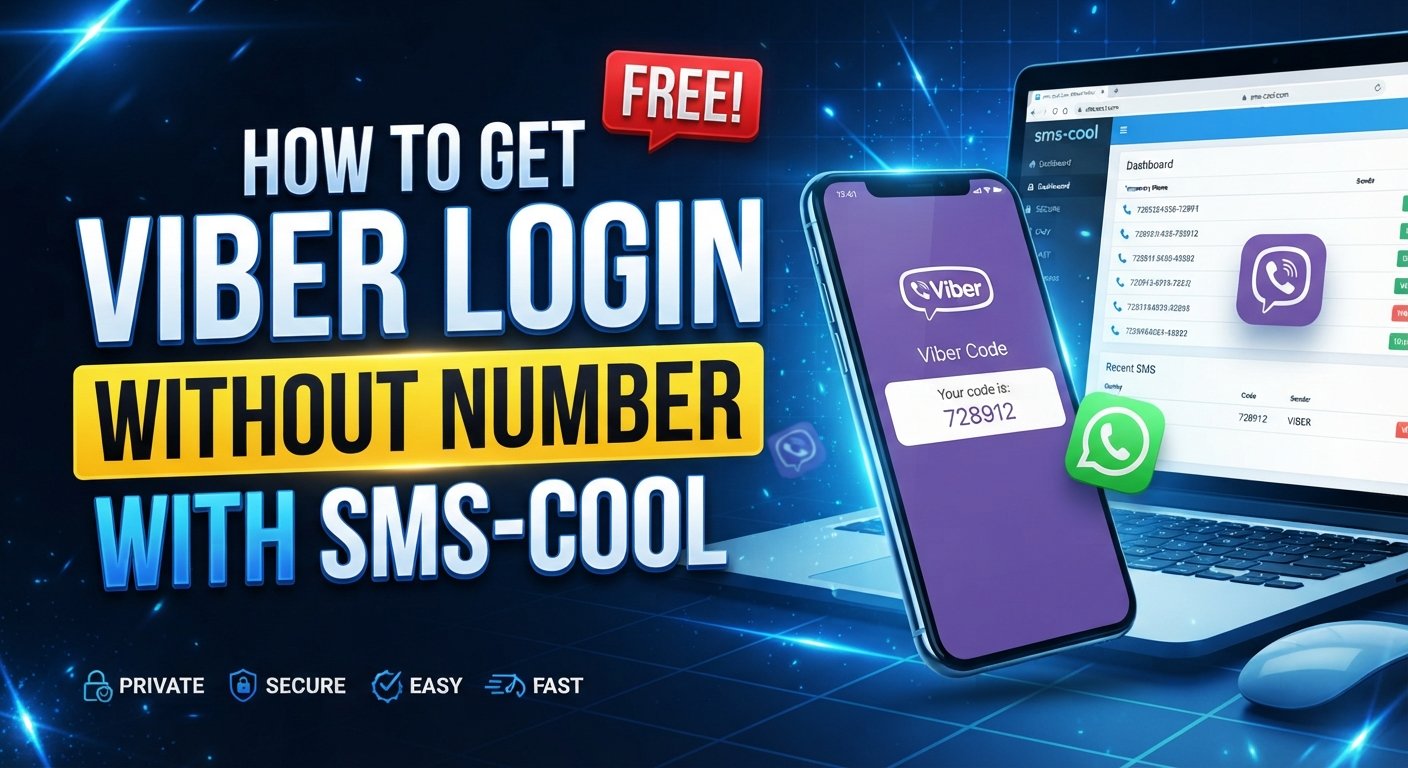
How to Get Viber Login Without Phone Number
If you want to use Viber but prefer not to share your personal mobile number, you may be wondering whether there is a practical way to complete the login and verification process without exposing your everyday number.
The key point is that Viber account activation relies on phone-number verification. So, in most cases, you cannot simply create a completely number-free Viber account. However, you may be able to use an alternative number instead of your personal one, provided that the number can receive the required verification SMS.
That is where a service such as SMS COOL can be useful. Rather than giving your primary number to an app you only need temporarily or for a separate purpose, you can use an available alternative number for receiving the verification message.
This guide explains How to Get Viber Login Without Phone Number, how Viber SMS verification works, how alternative numbers fit into the process, and how to approach verification with privacy and security in mind.
Can You Use Viber Without Your Personal Phone Number?
Viber generally requires a valid phone number during account registration or activation. The number is used to identify the account and complete the verification process.
Therefore, “Viber without phone number” usually does not mean creating an account with no number whatsoever. Instead, it means avoiding the use of your personal or primary phone number by using another number that can receive the verification code.
Possible options can include:
- A secondary mobile number you control
- A suitable virtual number
- A temporary phone number for Viber
- An SMS verification service such as SMS COOL
The availability and suitability of alternative numbers can vary. Viber may also apply its own verification and account-security rules, so an alternative number should never be viewed as a way to bypass those requirements.
How Viber Account Verification Works
Understanding the normal verification process makes the alternative-number approach much easier to understand.
When you register or activate Viber, the service typically asks for a phone number. Viber then sends a verification code to that number through an available verification method.
The basic flow is:
- Enter a phone number during Viber setup.
- Viber initiates verification.
- A verification code is sent to the number.
- Retrieve the code from the receiving phone or SMS service.
- Enter the code in Viber.
- Complete the remaining account setup steps.
The important part is the Viber verification code. If you want to avoid using your personal number, the alternative number must be capable of receiving the required message.
How to Get Viber Login Without Phone Number Using an Alternative Number
If your goal is specifically to keep your primary number private, using an alternative number can be more practical than trying to eliminate phone verification altogether.
A virtual number for Viber or another suitable number can act as the receiving destination for the verification SMS.
However, not every virtual or temporary number will necessarily work. Some services may be unsupported, unavailable for a particular verification request, already associated with another account, or unable to receive messages from a particular sender.
For that reason, choose an option based on its actual ability to receive the required SMS rather than assuming every online number will work.
What Is SMS Verification?
SMS verification is a common account-security process in which a service sends a one-time code to a phone number.
For Viber, the process can be thought of as a simple chain:
Viber → verification request → SMS → verification code → account activation
An online SMS verification service provides a number capable of receiving messages remotely. Depending on the service and number availability, you can access the incoming message through its interface.
This is different from bypassing verification. You are still completing Viber's requested verification step; the difference is that you are using an alternative receiving number rather than your everyday personal number.
How SMS COOL Can Help With Viber Verification
SMS COOL is a practical option to consider when you need an alternative number for receiving an SMS verification message.
The basic idea is straightforward: instead of exposing your primary phone number, you select an available number through the service and use that number during the relevant registration process.
If the selected number supports the service you are verifying with and receives the message successfully, you can retrieve the incoming SMS and use the displayed code where requested.
This can be useful for people who value phone number privacy, maintain separate numbers for different activities, or simply do not want to use their primary mobile number for every online registration.
Importantly, SMS COOL should be viewed as a tool for receiving verification SMS—not as a method for circumventing Viber's security controls or guaranteeing that every number will be accepted.
How to Use SMS COOL for Viber Verification
The exact interface can change, but the general process is easy to follow.
Step 1: Choose an Alternative Number
Start by accessing SMS COOL and looking for an available number appropriate for your intended verification.
Check the service information carefully before selecting a number. Availability can vary, and not every number is necessarily suitable for every platform.
Step 2: Enter the Number in Viber
Open Viber and begin the normal registration or activation process.
When Viber asks for your phone number, enter the alternative number you selected through SMS COOL.
Make sure the country code and number are entered correctly. A formatting mistake can prevent the verification message from reaching the intended destination.
Step 3: Request the Verification Code
Continue with Viber's verification process.
Viber should attempt to send its verification SMS to the number you provided. At this point, avoid repeatedly requesting codes if the first message does not arrive immediately. Multiple requests can create confusion or trigger additional verification restrictions.
Step 4: Check SMS COOL for the Message
Return to SMS COOL and check the selected number for an incoming message.
If the SMS is received, look for the Viber verification code. Enter that code into the Viber verification screen.
Never share a verification code with another person. Treat it as sensitive account information.
Step 5: Complete Viber Setup
After the code is accepted, follow Viber's remaining setup instructions.
Depending on the account and device, you may have additional configuration steps. Complete those directly within Viber.
The important distinction is that SMS COOL provides an alternative receiving route; Viber remains responsible for deciding whether the submitted number and verification attempt are accepted.
What If You Do Not Receive the Viber Verification Code?
Not receiving a code does not necessarily mean something is wrong with your Viber account. Several factors can affect SMS delivery.
Try these practical checks:
- Confirm that the country code is correct.
- Check that you selected the intended number.
- Wait briefly before requesting another code.
- Refresh the SMS COOL interface if appropriate.
- Confirm that the number supports the relevant verification service.
- Avoid repeatedly requesting codes in quick succession.
- Check whether Viber offers another available verification method.
- If the number is unavailable or unsuitable, consider another legitimate number.
If a particular number repeatedly fails, switching to another appropriate number may be more useful than continually retrying the same request.
Why Use SMS COOL for Viber Verification?
There are several reasons someone might prefer an alternative number instead of their primary mobile number.
Greater separation
Using a separate number can help keep personal communications and online registrations distinct.
Convenience
An online SMS verification service can provide access to incoming messages through a web-based interface, depending on the service's available functionality.
Privacy considerations
If your objective is to reduce unnecessary exposure of your personal number, an alternative number can help limit where that number is submitted.
Simple verification workflow
The process is relatively straightforward: obtain a suitable number, enter it in Viber, receive the SMS, and enter the verification code.
Still, convenience should not come at the expense of account security. Always review how an alternative-number service handles access to incoming messages and avoid using shared or unsuitable numbers for accounts containing sensitive information.
Privacy and Security Considerations
Using an alternative number can improve separation between your personal identity and a particular registration, but it does not automatically make an account anonymous or completely private.
Keep these points in mind:
- Do not share verification codes. A code can be sensitive account information.
- Understand number ownership. Temporary or shared numbers may not remain under your exclusive control.
- Avoid sensitive accounts where appropriate. For important accounts, a number you permanently control may provide better continuity.
- Review service practices. Understand how the SMS service provides access to messages before using it.
- Follow Viber's rules. Alternative-number use should not be treated as a method for defeating platform security.
- Protect your Viber account. Use the security and privacy controls available within Viber.
The right choice depends on whether your priority is temporary access, number separation, convenience, or long-term account ownership.
Common Mistakes to Avoid
When attempting Viber verification without phone number—meaning without your personal number—several avoidable mistakes can make the process harder.
One common mistake is assuming that every virtual number works with every platform. Number availability and acceptance can differ.
Another is requesting verification codes repeatedly. If a message is delayed, patience is often better than immediately starting multiple requests.
It is also important to distinguish between a temporary phone number for Viber and a long-term number that you control. If you expect to need the same number for future account recovery or reactivation, consider the implications before relying on a temporary option.
FAQ
Can I create a Viber account without my personal phone number?
You generally need a phone number for Viber account verification, but you may be able to use a suitable alternative number instead of your personal number.
How can I receive a Viber verification code online?
If an appropriate number supports the required SMS, an online SMS verification service such as SMS COOL can provide a way to receive the verification message through its service interface.
Can I use a virtual number for Viber?
A virtual number may be an option, but acceptance depends on Viber's verification process and the capabilities of the particular number. Not every virtual number is guaranteed to work.
How does Viber SMS verification work?
Viber sends a verification message to the phone number supplied during setup. You then enter the received verification code into the Viber application to continue the verification process.
Is using an alternative number better for privacy?
It can help keep your primary number separate from a particular registration. However, privacy depends on how the alternative number and service are managed, and it does not guarantee anonymity.
How does SMS COOL help with Viber verification?
SMS COOL can provide an alternative number for receiving SMS verification messages where the relevant number and service are supported. You can then retrieve the incoming code and enter it into Viber.
What should I do if I do not receive the Viber verification code?
First check the number and country code, wait for delivery, and avoid repeated requests. If the message still does not arrive, check whether the selected number supports Viber verification or try another legitimate option.
Final Thoughts
Learning How to Get Viber Login Without Phone Number is really about finding a suitable alternative to your personal number—not bypassing Viber's verification system.
If you want to keep your primary number private, an appropriate virtual or temporary number can provide a practical alternative when it supports the required verification process. SMS COOL can be useful in this situation by providing a way to receive verification SMS through an alternative number.
The safest approach is simple: use a suitable number, follow Viber's normal verification process, retrieve the Viber verification code through the chosen service, and protect that code as sensitive information. With the right expectations and privacy practices, SMS COOL can make the alternative-number verification process more convenient while keeping the focus where it belongs—on legitimate account verification and better control over your personal phone number.