25 Sep 2026
How to Create WhatsApp Number Easily With SMS COOL
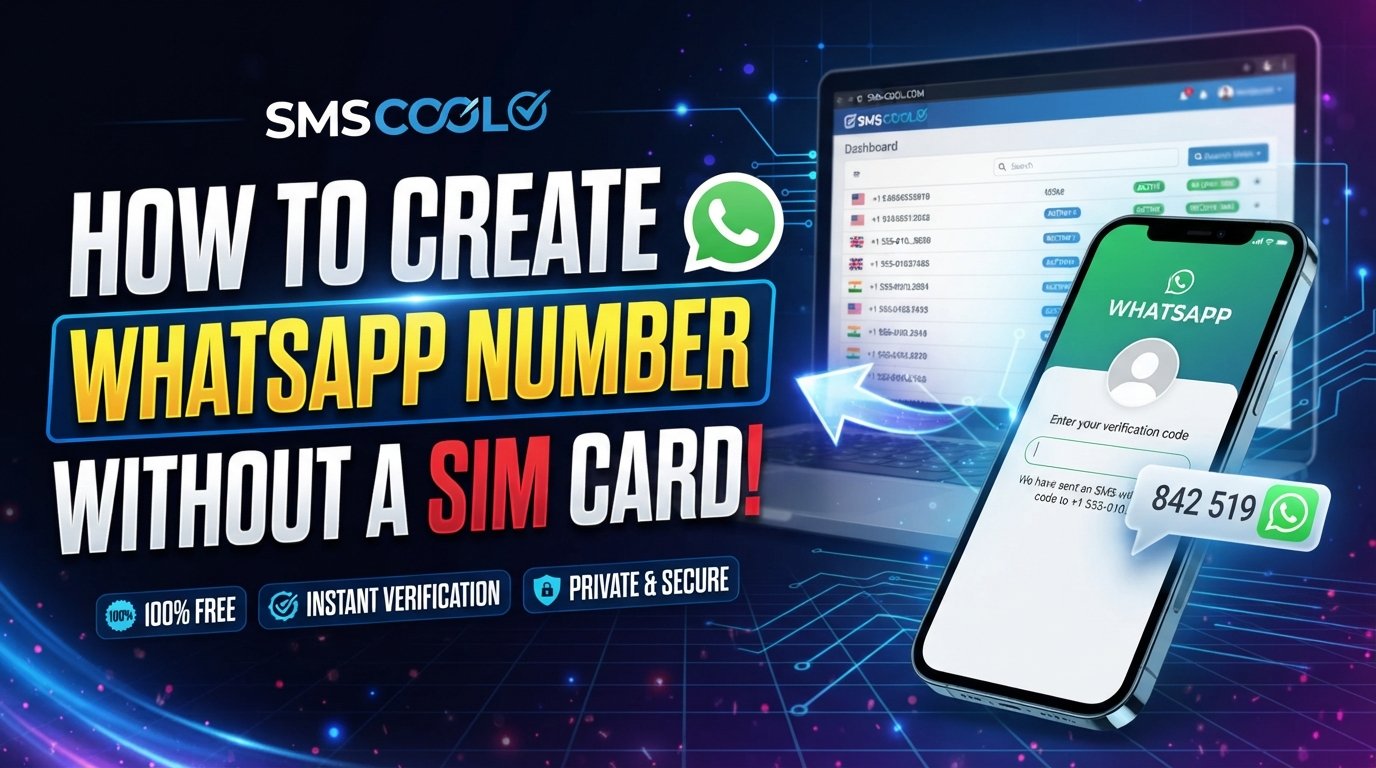
How to Create WhatsApp Number: A Practical Guide With SMS COOL
If you're searching for how to create WhatsApp number, the process is simpler than it may initially seem. WhatsApp accounts are connected to phone numbers, and the number normally needs to complete a verification process before you can use the account.
The challenge is that many people don't want to use their personal phone number. You may want a separate number for business conversations, online communities, customer communication, testing, privacy-conscious communication, or simply keeping personal and other chats separate.
That's where an alternative WhatsApp number can be useful. Depending on availability and WhatsApp's verification requirements, services such as SMS COOL can help users obtain a suitable number and receive SMS online for verification purposes.
This guide explains what you need, how WhatsApp verification works, how an alternative number can fit into the process, and how to use SMS COOL step by step.
What Is a WhatsApp Number?
A WhatsApp number is the phone number associated with your WhatsApp account. During registration, WhatsApp asks you to enter a phone number and verify that you can receive a verification code through the available verification method.
In simple terms, the process looks like this:
- Enter a phone number in WhatsApp.
- WhatsApp sends a verification code.
- Enter the code when prompted.
- Complete the account setup.
The important point is that having a phone number alone does not automatically create a WhatsApp account. The number must be able to complete WhatsApp verification, and WhatsApp ultimately determines whether a number can be used for registration.
Why Create an Additional WhatsApp Number?
Using your primary phone number isn't always convenient. An additional number can help separate different parts of your digital life.
For example, you might want another number for:
- Business or freelance communication
- Customer inquiries
- Online communities
- Separating personal and professional chats
- Managing communications for a project
- Testing WhatsApp-related workflows
- Keeping your main number separate from certain online activities
An additional number can also make account management more organized. Instead of mixing every conversation into one WhatsApp account, you can use a separate WhatsApp account where appropriate.
However, an alternative number should be treated as a real account credential rather than a disposable shortcut. If you intend to keep using the account, consider whether you will be able to maintain access to the number when WhatsApp or the account requires verification again.
What Do You Need to Create a WhatsApp Account?
Before you start, make sure you have:
- The WhatsApp application installed on your device
- A phone number that can be entered into WhatsApp
- Access to the SMS or supported verification method for that number
- A reliable internet connection
- Access to the verification code during registration
If you're using a service that provides an online WhatsApp number or a virtual number, availability and compatibility can vary.
This is important because not every virtual or temporary number is accepted for every service. A number that can receive ordinary SMS does not necessarily guarantee successful WhatsApp registration.
How WhatsApp Number Verification Works
WhatsApp uses verification to confirm that you have access to the phone number you're trying to register.
When you enter the number, WhatsApp may attempt to send a WhatsApp verification code. Depending on the available options and circumstances, verification methods can vary.
The basic SMS flow is straightforward:
- Open WhatsApp.
- Start the account registration process.
- Select the appropriate country and enter the phone number.
- Request verification.
- Wait for the WhatsApp OTP or verification message.
- Enter the received code into WhatsApp.
- Continue with the account setup.
Never share a verification code with another person. A WhatsApp OTP is sensitive account information, and anyone who obtains a valid code may potentially use it to complete a registration or verification process.
Can You Use a Virtual Number for WhatsApp?
A virtual number for WhatsApp may be an option when you don't want to use your primary mobile number. These numbers can be provided through online services and may support SMS reception.
However, compatibility isn't universal.
Some numbers may not work because of their type, previous usage, carrier restrictions, service limitations, or WhatsApp's own verification systems. A temporary number for WhatsApp can therefore be convenient for certain situations, but it should not be viewed as a guaranteed method of creating an account.
If long-term access matters, consider the number's availability and whether you can access it again if WhatsApp requests verification later.
How SMS COOL Can Help
SMS COOL provides access to numbers that can be used for receiving SMS messages where supported. For users searching for how to create WhatsApp number without immediately relying on their primary number, this can provide a practical option to explore.
The general idea is simple: select an appropriate available number through SMS COOL, use it during WhatsApp registration, and check the service for the incoming verification SMS if WhatsApp sends one.
The exact availability of numbers, supported services, countries, and successful verification can change. For that reason, it's better to view SMS COOL as a tool that can help with the SMS-verification portion of the process rather than as a guarantee that every number will be accepted.
How to Create WhatsApp Number Using SMS COOL
If you're ready to try an alternative number, the following process provides a straightforward starting point.
Step 1: Choose a Suitable Number
Visit SMS COOL and review the available numbers and supported services.
Look for a number that is suitable for your intended use and is available for receiving SMS. Pay attention to the country and service shown before making your selection.
Step 2: Open WhatsApp
Launch WhatsApp on your phone and begin the account-registration process.
When WhatsApp asks for your phone number, select the appropriate country and enter the SMS COOL number in the correct international format.
Double-check the number before continuing. A small formatting error can prevent the verification message from reaching the intended destination.
Step 3: Request WhatsApp Verification
Continue through WhatsApp's registration screen and request the verification code.
WhatsApp will attempt to send the code using its available verification process. If the SMS is supported and delivered, you can check SMS COOL for the incoming message.
Step 4: Receive the WhatsApp Verification Code
Return to SMS COOL and check the selected number for a new SMS.
If the message arrives, locate the verification code and enter it into the WhatsApp verification screen.
Avoid repeatedly requesting new codes in a short period. Multiple attempts can complicate the verification process or trigger temporary restrictions.
Step 5: Complete Your WhatsApp Account
Once verification succeeds, continue setting up your profile.
You may be able to add a profile name, photo, and other account details depending on the WhatsApp setup flow.
At this stage, your WhatsApp account is associated with the number you verified.
Common Problems With Using a Personal Number
Using your personal number is convenient, but it can create practical concerns.
Privacy and Separation
Some users simply prefer not to connect every online service to their primary number. A separate number can create a clearer boundary between personal and other communications.
Multiple Purposes
If you use WhatsApp for both work and personal conversations, keeping them separate can make communication easier to manage.
Number Exposure
When your primary number is used for different online activities, it may appear in places where you'd rather use a separate contact number.
An alternative number can help address these concerns, provided it remains accessible and compatible with the service you're using.
Important Things to Consider Before Choosing a Number
Not all numbers are equally suitable. Before choosing an online or virtual number, consider these factors:
SMS reception: The number should support the type of SMS you need.
Service compatibility: Receiving SMS does not guarantee that WhatsApp will accept the number for verification.
Number availability: Some numbers may be unavailable, already used, restricted, or subject to other limitations.
Future access: If you want to keep the WhatsApp account, think about whether you'll be able to access the number again if verification is required.
Privacy: Understand what information the number provider displays or stores and use reputable services.
Account security: Keep your WhatsApp verification codes private and enable available security features where appropriate.
Common Mistakes to Avoid
When trying to create a WhatsApp account with an alternative number, several mistakes are easy to make.
Using the Wrong Country Code
Always select the correct country and ensure the number is entered in the expected international format.
Requesting Too Many Codes
Repeated verification requests can cause delays. If you don't receive an SMS immediately, check the number and service details before repeatedly requesting another code.
Assuming Every Virtual Number Works
A virtual number may support SMS but still be unsuitable for WhatsApp verification. Compatibility can depend on the specific number and WhatsApp's verification systems.
Losing Access to the Number
If the WhatsApp account is important, don't treat the number as something you can permanently ignore. Losing access may make future verification or account recovery more difficult.
Sharing Your Verification Code
Your verification code should remain private. Don't give it to someone claiming to need it for support or account setup.
Frequently Asked Questions
Can I create WhatsApp without a personal number?
You can potentially use an alternative number instead of your primary personal number. Services such as SMS COOL may provide numbers capable of receiving SMS where supported. However, WhatsApp must accept the number for verification, so success isn't guaranteed for every number.
Can I use a temporary number for WhatsApp?
A temporary number may work in some circumstances, but temporary access creates an important limitation: you may not be able to access the same number later. Consider this carefully if you need long-term access to the WhatsApp account.
How do I receive WhatsApp verification code online?
If the selected number supports SMS reception, you can use an online SMS service such as SMS COOL to check for an incoming verification message. Enter the received code only in the official WhatsApp verification screen.
Is a virtual number for WhatsApp guaranteed to work?
No. A virtual number can be a practical option, but there is no guarantee that every number will be accepted for WhatsApp verification. Availability and compatibility can vary.
Can I have an alternative WhatsApp number?
An additional number can be useful when you want to separate communications. The exact account options available to you depend on your device, WhatsApp setup, and the numbers you have access to.
What should I do if the WhatsApp OTP doesn't arrive?
First, verify that the number and country code are correct. Check whether the selected number supports SMS reception and review the SMS service for incoming messages. Avoid repeatedly requesting codes without checking the previous attempt.
Final Thoughts
Learning how to create WhatsApp number doesn't have to be complicated. The essential requirement is access to a suitable phone number that can complete WhatsApp's verification process.
If you don't want to use your primary number, an alternative or virtual number can be worth considering. SMS COOL can be a practical option for obtaining a number and checking for SMS verification messages where supported.
Just remember that no third-party SMS service can guarantee WhatsApp approval or account activation for every number. Choose carefully, protect your verification code, and consider whether you'll retain access to the number after registration.
If you're looking for an alternative way to handle WhatsApp verification and need a number capable of receiving SMS, explore the available options on SMS COOL and choose a number that fits your intended use.