26 Sep 2026
How to Create an App Account Using Temp Mail: Easy Guide
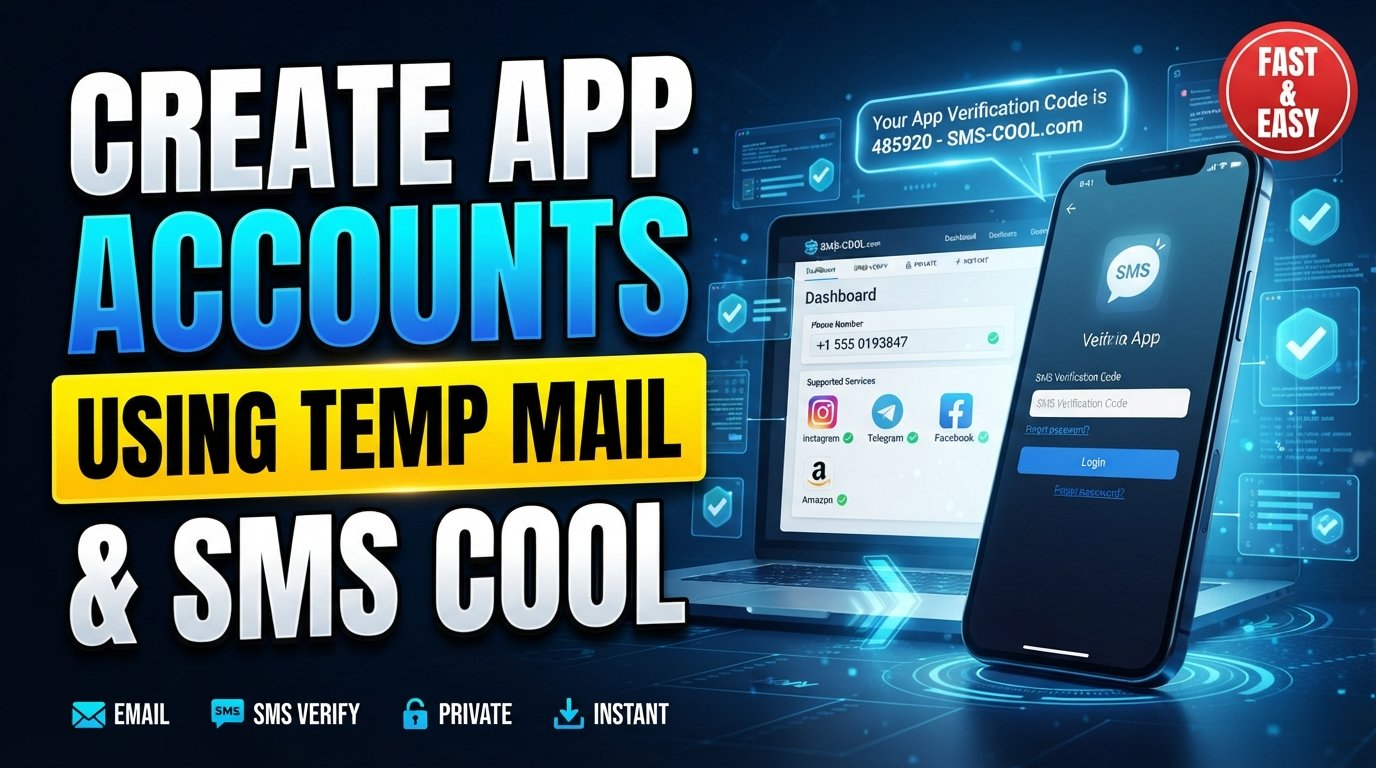
How to Create an App Account Using Temp Mail
Creating a new app account often means handing over an email address, confirming an inbox link, and sometimes entering a phone number. For users who do not want to use their primary inbox for every signup, temp mail can be a practical option.
A temporary email address can help separate app registrations from your everyday inbox, reduce unwanted signup messages, and keep your main email address out of situations where it is not necessary. However, email is only part of the registration process. Many apps also use SMS verification, which requires a phone number and a verification code.
That is where a service such as SMS COOL can become useful. When an app requires phone verification after email registration, SMS COOL can provide an option for receiving SMS online, depending on the app and the numbers available through the service.
This guide explains how to create an app account using temp mail, what to expect during verification, and how temporary email and SMS verification can work together.
What Is Temp Mail?
Temp mail, also called temporary email or disposable email, is an email address designed for short-term use.
Instead of providing your personal or primary email address when signing up for an app, you can use a temporary email address where appropriate. Messages sent to that address may be accessible through the temporary email service for a limited period or under specific service rules.
A temporary email address can be useful for situations such as:
- Testing an app or service
- Signing up for a one-time download or resource
- Separating promotional registrations from your main inbox
- Avoiding unnecessary messages in your personal mailbox
- Keeping your primary email address private when it is not required
The exact features and retention period depend on the temp mail provider. Some services may also be blocked by individual apps, so temporary email is not suitable for every registration.
Why Use Temporary Email for App Accounts?
People use temporary email for app registration for several practical reasons.
Keep Your Main Inbox Organized
App signups can generate welcome emails, promotional messages, product updates, and other notifications. A disposable email can keep those messages separate from your regular inbox.
Reduce Unnecessary Sharing
If an app only needs an email address for registration, using a temporary address can avoid giving the service your primary email address. This can be one way to take a more deliberate approach to sharing personal information online.
Test an App Before Committing
When exploring an unfamiliar application, you may not want to connect your everyday email immediately. A temporary email address can be useful for certain low-stakes testing scenarios.
Simplify One-Time Registrations
For registrations where you only need to receive an initial confirmation message, temporary email may provide a convenient alternative to using a long-term inbox.
However, there is an important limitation: if you need to recover the account later, receive password-reset messages, or maintain long-term access, a temporary email address may not be appropriate.
Temporary Email vs. SMS Verification
Email verification and SMS verification are two different steps.
Email verification normally involves entering an email address and then clicking a confirmation link or entering a code sent to that inbox.
SMS verification involves entering a phone number and receiving a verification code by text message.
An app may require either one, both, or neither. Its requirements can also change depending on factors such as account type, region, risk controls, or registration flow.
This means a temporary email address cannot automatically replace a phone number. If an app specifically requires phone verification, you will need to complete that separate step.
How to Create an App Account Using Temp Mail
If an app accepts temporary email addresses, the basic process is straightforward.
Step 1: Choose a Suitable Temp Mail Service
Start with a temporary email provider and generate a temporary email address.
Before using it, consider whether the account you are creating needs long-term access. If you expect to use the account for an extended period, an email address that you control permanently may be more appropriate.
Step 2: Open the App's Signup Page
Launch the app or visit its official registration page.
Look for options such as Create Account, Sign Up, or Register.
Step 3: Enter the Temporary Email Address
Copy your temporary email address into the registration form.
Depending on the app, you may also need to create a password, choose a username, enter your date of birth, or provide other required information.
Only provide information that the service legitimately requires, and review its terms before creating an account.
Step 4: Complete Email Verification
If the app sends an email verification link or code, return to your temporary inbox.
Open the verification message and follow the instructions. If the message does not appear immediately, check whether the provider supports the type of email being sent and whether the address is still active.
Step 5: Complete Any Additional Verification
At this point, some apps may allow you to continue, while others may request additional verification.
If the app asks for a phone number and sends a verification code by SMS, temporary email alone will not complete that step.
What If the App Requires SMS Verification?
This is one of the most common points where app registration becomes more complicated.
An app may request SMS verification to confirm that a registration is associated with a reachable phone number. The process generally looks like this:
- Enter a supported phone number.
- Request a verification code.
- Receive the SMS.
- Enter the code in the app.
- Continue with account setup if the verification is accepted.
If you prefer not to use your primary phone number for every app signup, a temporary phone number or online SMS service may be an option, where permitted.
This is where SMS COOL can be useful.
How SMS COOL Helps With SMS Verification
SMS COOL is designed around receiving SMS messages online, making it a practical option to consider when an app requires a verification code sent by text message.
Instead of relying solely on your personal phone number for every registration, you can check whether a suitable number is available through SMS COOL for the service you are registering with.
A typical process is:
- Select a suitable phone number through SMS COOL.
- Enter that number in the app's registration form.
- Request the SMS verification code.
- Monitor the SMS COOL interface for the incoming message.
- Enter the received verification code into the app.
- Continue registration if the app accepts the number and code.
Availability and compatibility can vary. SMS COOL should not be considered a guaranteed solution for every app, because individual services may restrict temporary, virtual, or previously used phone numbers.
The same principle applies to temporary email: these tools can be useful for particular registrations, but they are not universal replacements for permanent contact details.
Step-by-Step: Using Temp Mail and SMS COOL
For an app that requires both email and phone verification, the workflow can look like this:
1. Generate a Temporary Email
Create a temporary email address before starting the signup process.
2. Start the App Signup
Enter the temporary email address and complete the other required registration fields.
3. Verify the Email
Open the temporary inbox and complete the app's email verification step.
4. Check for Phone Verification
If the app asks for a phone number, determine whether phone verification is mandatory before continuing.
5. Use SMS COOL When Appropriate
If you decide to use an online SMS verification service, check SMS COOL for an available number that supports the relevant service.
6. Request the Verification Code
Enter the provided number into the app and request an SMS code.
7. Enter the Code
Check SMS COOL for the incoming verification message and enter the code into the app's verification field.
8. Finish Registration
Complete any remaining signup steps and review the account's recovery and security settings.
This combination can make the registration process more flexible: temp mail handles the email side, while SMS COOL can help with the SMS side when an app requires phone verification.
Benefits and Limitations
Temporary email and online SMS services can be convenient, but they are not appropriate for every situation.
Potential Benefits
- Keeps some app registration emails separate from your main inbox
- Can reduce unnecessary use of your personal email address
- May be convenient for testing or short-term registrations
- Can provide an alternative way to receive SMS verification codes
- Helps separate disposable signup details from long-term contact information
Important Limitations
Temporary contact details also have drawbacks:
- Some apps block disposable email addresses.
- Some services reject temporary or virtual phone numbers.
- Temporary inboxes may not be suitable for account recovery.
- A temporary number may have limited availability.
- Messages or numbers may not remain accessible indefinitely.
- An app may require additional identity or security checks.
- Registration policies vary from one service to another.
For important accounts such as banking, business, healthcare, or services containing valuable personal information, using a permanent email address and phone number you control may be more appropriate.
Privacy and Responsible Use
Using temporary contact information can be part of a sensible online-privacy strategy, but it should not be confused with guaranteed anonymity or complete privacy.
Before using temp mail or a temporary phone number, consider what information the app is requesting and why. Read the service's privacy policy and terms when appropriate.
You should also avoid using temporary contact information to bypass an app's rules, evade account restrictions, impersonate another person, or engage in fraudulent activity.
For legitimate registrations, the goal should be simple: share only the information you are comfortable providing while still meeting the service's requirements.
Frequently Asked Questions
What is temp mail?
Temp mail is a temporary or disposable email address intended for short-term use. It can be useful for certain registrations where you do not want to provide your primary email address.
Can I create an app account with temporary email?
Yes, some apps accept temporary email addresses. However, others may block disposable domains or require additional verification, so acceptance depends on the individual app.
Why does an app ask for SMS verification?
Apps may use SMS verification as an additional account-registration or security step. The exact reason and requirements vary between services.
Can temporary email replace phone verification?
No. If an app specifically requires SMS or phone verification, a temporary email address does not replace that requirement. You may need a suitable phone number to receive the verification code.
How does SMS COOL help with verification SMS?
SMS COOL can provide access to online SMS reception for supported services. You can use an available number to receive a verification message and then enter the code into the app, subject to the app's compatibility and rules.
Is temporary email suitable for every account?
No. It is generally better suited to short-term or lower-risk registrations. For accounts you need to recover or access for a long time, a permanent email address is usually more practical.
What should I consider before using temporary email or temporary phone numbers?
Consider whether you will need account recovery, whether the app permits temporary contact details, how long the contact information remains available, and whether using it complies with the service's terms.
Final Thoughts
Learning how to create an app account using temp mail can make certain registrations more convenient while helping you keep your primary inbox separate from one-time signup messages.
The important thing is to understand that temporary email and phone verification solve different parts of the registration process. A temp mail address can handle email confirmation, but an app that requires SMS verification may still need a phone number.
For those situations, SMS COOL provides a practical way to explore online SMS reception when a compatible number is available and the app permits its use. Combined with temporary email, it can create a straightforward workflow for registrations that require both email and SMS verification.
Just remember that no temporary email or phone service works universally. Always follow the app's rules, consider whether you need long-term account recovery, and use temporary contact details responsibly.
If an app supports these registration methods, SMS COOL can be a useful option to consider when you need to receive a verification SMS online without relying on your primary phone number.