15 Sep 2026
How to Get Grab Login Without Phone Number
Introduction
Trying to complete a Grab login or registration without using your personal phone number can be frustrating.
Like many services that use phone-based authentication, Grab may require a phone number to send a verification code or OTP. This can create a problem if you do not want to share your personal number, need a temporary number for a specific purpose, or simply want to keep your primary phone number separate from online services.
So, how can you get Grab login without phone number?
The practical approach is not to bypass Grab's security system. Instead, you can consider using a suitable temporary or virtual number that is capable of receiving SMS verification messages. Services such as SMS COOL provide access to temporary numbers that can receive SMS online, making them a convenient option when a personal number is not preferred.
However, temporary numbers are not guaranteed to work for every service, country, account, or verification attempt. Grab's verification requirements and acceptance of numbers can vary.
With that in mind, let's look at how the process works and how SMS COOL can help.
Why Does Grab Require a Phone Number?
Phone verification is commonly used to confirm that a person has access to a particular mobile number.
During registration or certain login processes, Grab may send a Grab verification code or OTP to the number entered by the user. The code is then entered into the appropriate verification field.
This process helps protect accounts from unauthorized access and automated abuse.
For users who prefer not to provide their personal number, the issue is therefore not necessarily about avoiding verification. Instead, it is about finding another legitimate number that can receive the required SMS.
That is where a temporary phone number for Grab or a suitable virtual number may become useful.
Can You Get a Grab Account Without Your Personal Phone Number?
In some situations, you may be able to use a number other than your personal mobile number for registration or verification.
The important distinction is that Grab account without phone number does not necessarily mean creating an account with no phone number at all. If Grab requires phone verification, you will generally need a number capable of receiving the verification SMS.
A temporary or virtual number can potentially serve this purpose.
Whether it works depends on factors such as:
- Your location and Grab service region
- Grab's current verification requirements
- Whether the number is supported
- Whether the number has been used previously
- Whether Grab accepts the particular temporary or virtual number
- Availability of incoming SMS messages
Because of these variables, no temporary-number provider should promise that every number will work with every Grab verification attempt.
Why Use a Temporary or Virtual Number?
There are several legitimate reasons someone might prefer a temporary number instead of their personal mobile number.
Privacy
Some users simply prefer not to distribute their primary phone number across multiple online services.
Using a separate number can help keep personal contact information separate from temporary registrations or verification tasks.
Convenience
If you need to receive SMS online, an online temporary number can be more convenient than obtaining another physical SIM card.
Separation of Personal and Online Accounts
A dedicated verification number can help separate personal communications from online services that require SMS verification.
Quick Access
A temporary SMS number can often be obtained more quickly than purchasing and activating another physical SIM, depending on availability.
These benefits make online SMS verification appealing for users who have a legitimate reason to avoid using their primary number.
SMS COOL: A Practical Option for Grab OTP Verification
SMS COOL is a practical option to consider when you need a temporary number capable of receiving SMS verification messages.
Instead of entering your personal number, you can select an available SMS COOL temporary number that is appropriate for your verification needs. If the relevant service and number are available, incoming messages can be viewed through the SMS COOL platform.
This can make the verification workflow straightforward:
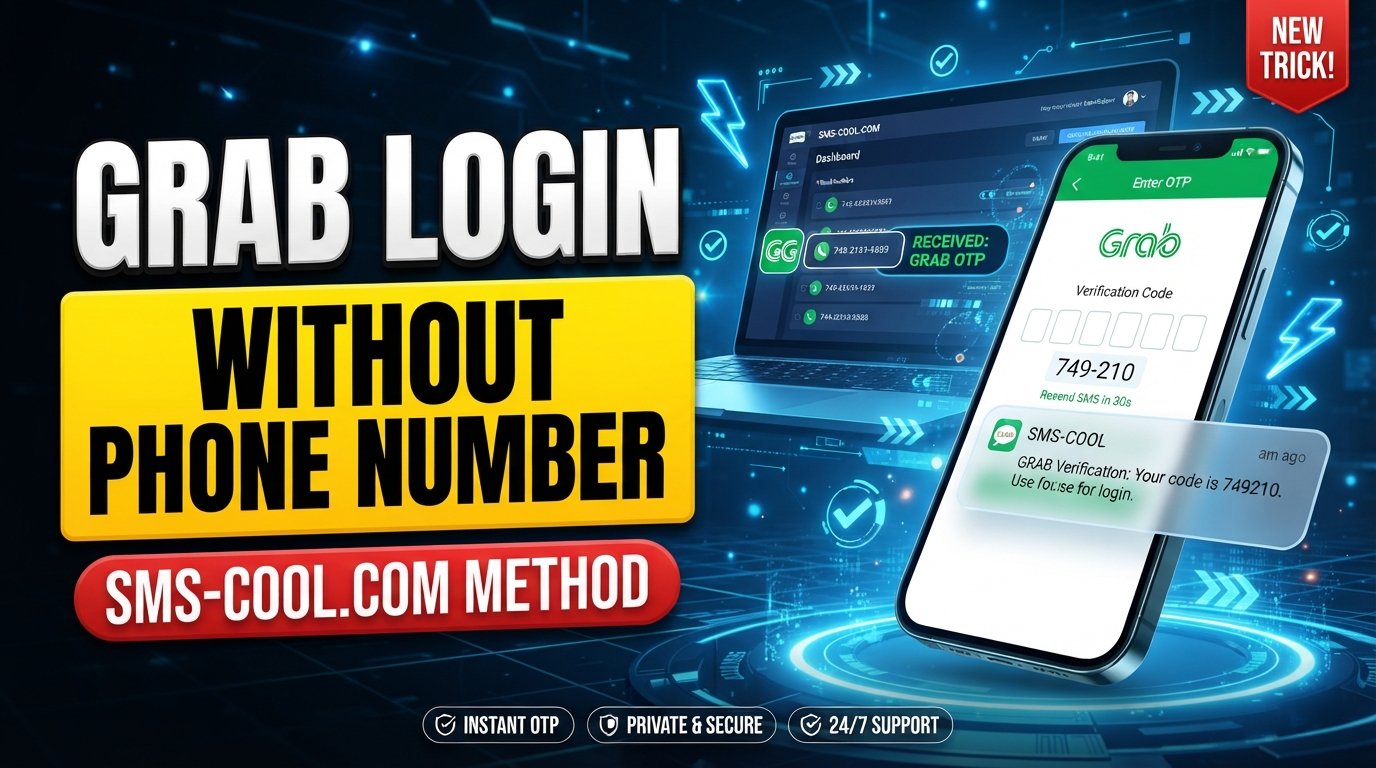
Temporary number → Grab verification SMS → SMS COOL inbox → OTP → Grab verification
The key advantage is convenience. You can potentially receive the required Grab OTP without phone number exposure by using a separate temporary number rather than your primary mobile number.
Still, it is important to understand that SMS COOL does not control Grab's verification system. A number may be unavailable, previously used, unsupported, or rejected by Grab. Availability can also vary by country and service.
How to Get Grab Login Without Phone Number Using SMS COOL
If you want to try a temporary number for Grab verification, the process is relatively simple.
1. Visit SMS COOL
Start by visiting the SMS COOL platform.
Look through the available temporary or virtual numbers and consider which option is appropriate for your verification requirement.
2. Select an Appropriate Temporary Number
Choose an available number that supports incoming SMS.
If multiple countries or number types are available, select an option that is compatible with your location and the requirements shown by the service.
Remember that having a number available does not automatically mean Grab will accept it.
3. Choose the Relevant Service
If SMS COOL provides a service-specific selection, choose the relevant service when available.
This can make it easier to identify a number intended for your particular verification purpose.
4. Use the Number During Grab Registration or Verification
Enter the temporary number in the appropriate Grab registration or login verification field.
Make sure the country code and number are entered correctly.
If Grab does not accept the number, do not attempt to circumvent the verification system. Instead, consider another supported number or an official Grab account-recovery or support option.
5. Wait for the Verification SMS
After submitting the number, wait for Grab to send the verification message.
The message may contain a Grab OTP or verification code that must be entered into the Grab application or website.
Delivery time can vary.
6. View the Code Through SMS COOL
If the number receives the message, open the relevant SMS COOL inbox or message area.
You should be able to see the incoming SMS and locate the verification code.
This is the main reason users look for services that allow them to receive OTP online.
7. Enter the Grab Verification Code
Copy the verification code from the received SMS and enter it into the appropriate Grab verification field.
Avoid sharing the code with anyone else.
8. Complete the Login or Registration Process
If Grab accepts the number and the OTP is valid, complete the remaining steps shown by Grab.
Once verification is complete, follow any additional account setup requirements.
What If the Grab OTP Does Not Arrive?
Not receiving a Grab verification code does not necessarily mean the temporary number is unusable.
There can be several reasons for a missing SMS.
First, wait briefly and check whether the message arrives later. You should also confirm that the number and country code were entered correctly.
If the code still does not arrive, check whether the temporary number is currently receiving messages. If SMS COOL indicates that no message has been received, another available number may be worth considering.
It is also possible that Grab does not accept the particular number.
In that situation, repeatedly requesting codes may not solve the problem. Consider using another supported number or following Grab's official support and account-recovery procedures.
Is SMS COOL Right for Everyone?
A temporary SMS number can be useful, but it is not the ideal solution for every account.
If you expect to keep an account for a long time, need reliable account recovery, or regularly depend on SMS authentication, your own long-term mobile number may be more appropriate.
Temporary numbers are generally better suited to situations where a separate verification number is acceptable and the service permits its use.
Before using one, consider whether you may need the same number again later. Temporary numbers may not remain available indefinitely, which can matter if future login or recovery requires access to the original phone number.
Use Temporary Numbers Responsibly
Temporary numbers should be used for legitimate purposes.
Do not use a temporary number to impersonate another person, commit fraud, send spam, gain unauthorized access to accounts, or circumvent security controls.
You should also follow Grab's terms and applicable laws and regulations.
A temporary number is simply an alternative way of handling phone verification. It should not be treated as a method for bypassing account security.
FAQ: Grab Login Without Phone Number
Can I create a Grab account without my personal phone number?
You may be able to use another supported phone number instead of your personal number, but Grab may still require phone verification. A temporary or virtual number can be an option if Grab accepts it.
Can I receive a Grab OTP online?
Potentially, yes. If a suitable temporary number is accepted and receives the verification SMS, you can receive Grab OTP online through a service such as SMS COOL.
How can I get a Grab verification number?
You can look for an available temporary SMS or virtual number through SMS COOL. Select a number that supports incoming messages and use it during the appropriate Grab verification step.
Can SMS COOL receive Grab OTP?
SMS COOL can provide numbers designed to receive SMS verification messages, but receipt and acceptance of a Grab OTP are not guaranteed. Availability depends on the number, region, service, and Grab's verification system.
Is a temporary number suitable for Grab verification?
It can be suitable for some verification attempts, particularly when you do not want to use your personal number. However, temporary numbers can be rejected or become unavailable, so they may not be ideal for long-term account recovery.
Why am I not receiving my Grab verification code?
Check that the number and country code are correct, then allow some time for the SMS to arrive. If nothing appears, the number may not support the required message or Grab may not accept it. Trying another eligible number may help.
What should I do if a temporary number is not accepted?
Do not try to bypass Grab's security controls. Instead, consider another supported number, check the available options through SMS COOL, or use Grab's official support and account-recovery channels.
Conclusion
Getting Grab login without phone number does not necessarily mean avoiding phone verification altogether. For users who do not want to expose their personal number, a temporary or virtual number can provide a practical alternative when the service accepts it.
SMS COOL makes this process convenient by providing temporary numbers that can receive SMS online. You can select an available number, use it for the relevant Grab verification step, wait for the SMS, view the Grab OTP through SMS COOL, and enter the code to complete verification.
The important thing is to keep expectations realistic. Temporary numbers are not guaranteed to work with every Grab account, country, region, or verification attempt.
If privacy, convenience, or separation from your personal number is your priority, checking SMS COOL for an available temporary SMS number can be a practical place to start. Use the service responsibly, follow Grab's requirements, and always keep your account credentials and verification codes private.