02 Oct 2026
Google Phone Verification: A Practical Guide with SMS COOL
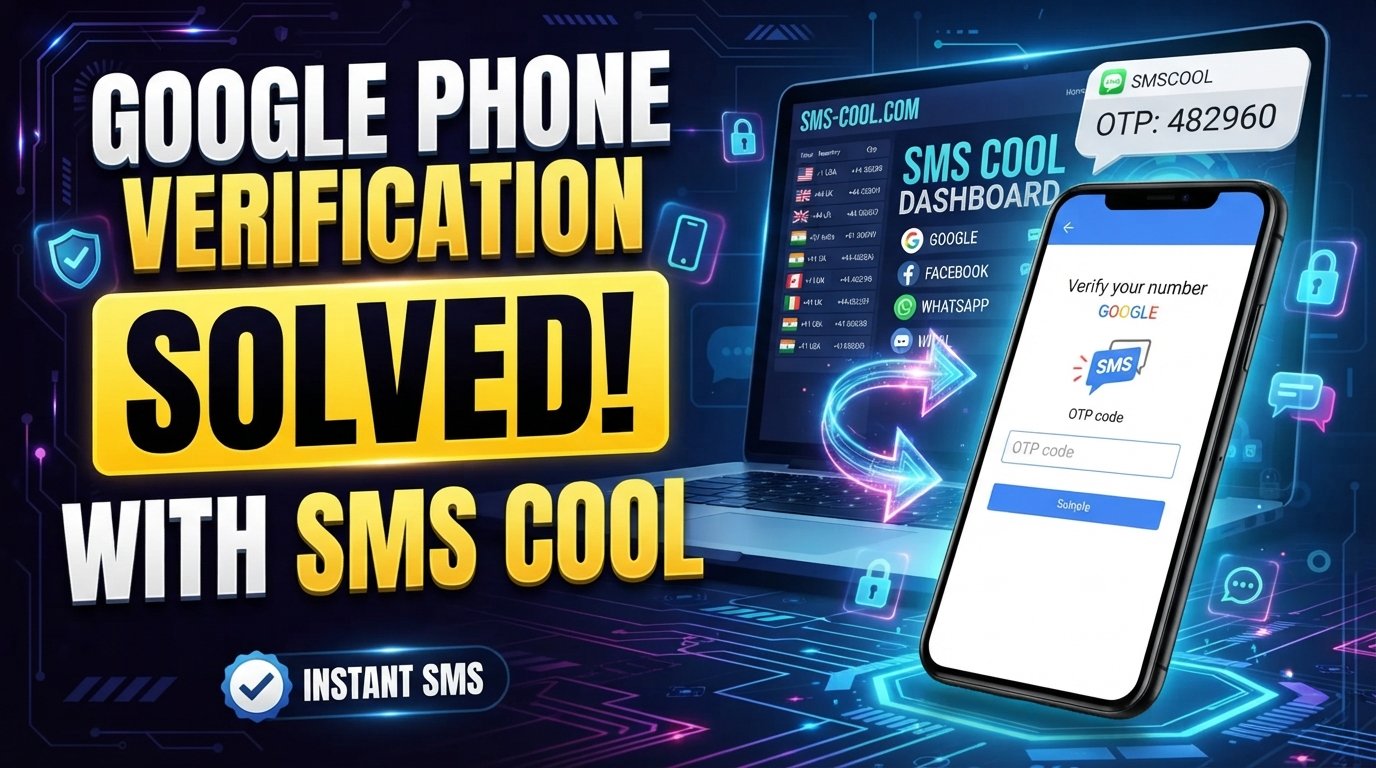
Google Phone Verification Explained
Phone verification has become a familiar part of creating and securing online accounts. When you sign up for or manage a Google account, you may sometimes be asked to provide a phone number and confirm that you can receive a verification code.
For many people, the process is straightforward. Enter a number, wait for an SMS, enter the code, and continue. But things can become frustrating when the message does not arrive, a number is rejected, or repeated attempts trigger additional verification requirements.
Understanding how Google phone verification works can make the process much easier to navigate. It also helps you choose an appropriate verification method when you do not want to use your personal mobile number.
One option worth considering is SMS COOL, an SMS verification service designed to help users receive verification messages online when the relevant service and verification flow support the number being used.
What Is Google Phone Verification?
Google phone verification is a process used to confirm that a phone number is accessible to the person attempting a particular account or service action.
During a verification flow, Google may ask you to enter a phone number. Depending on the situation, Google can send a verification code by SMS or provide another available verification method.
The basic idea is simple: the phone number receives a temporary code, and you enter that code into the appropriate verification screen.
This is commonly described as Google SMS verification, Google phone number verification, or phone verification for Google.
The exact verification requirements can vary depending on the account, action being performed, location, security signals, and Google's current verification systems. Not every account or situation will necessarily receive the same options.
How Google Verification Codes Work
A Google verification code is a temporary code sent through an available verification channel.
When SMS is offered, the process generally looks like this:
- Enter an eligible phone number when prompted.
- Request the verification message.
- Receive the Google verification SMS.
- Find the code inside the message.
- Enter the code into the verification field.
- Continue with the account or service action.
The code is generally intended for the specific verification attempt. That means it should be treated as sensitive information and should not be shared with other people.
If you receive multiple codes, use the code associated with the current verification attempt rather than assuming every previously received message is still relevant.
How to Complete Google Phone Verification
If Google asks for phone verification, the process is usually uncomplicated.
Step 1: Enter a phone number
Provide the phone number requested by the verification screen. Check the country or region selection carefully before submitting it.
Step 2: Request the code
After submitting the number, select the available option to receive the verification SMS.
Step 3: Wait for the message
Depending on the network and service, the message may arrive quickly or experience a delay.
Avoid repeatedly requesting new codes while waiting. Multiple requests can make it harder to determine which code is current and may introduce additional restrictions.
Step 4: Enter the verification code
Once the SMS arrives, enter the requested Google SMS code exactly as displayed.
Step 5: Complete the process
If the code is accepted, continue with the account or service flow.
If the number or verification method is not accepted, follow the available instructions rather than repeatedly submitting the same information.
Why Is My Google Verification Code Not Received?
One of the most common frustrations is seeing Google verification code not received after requesting an SMS.
There are several possible reasons.
Incorrect phone number
A simple typing error can prevent the message from reaching the intended destination. Check the number, country code, and formatting before trying again.
SMS delivery delays
Mobile networks and messaging systems can occasionally experience delays. A verification message that does not appear immediately may arrive later.
Carrier restrictions
Some mobile networks or number types may have restrictions affecting certain automated messages. Network configuration can therefore influence whether a verification SMS arrives successfully.
Too many verification attempts
Repeated requests in a short period may cause additional restrictions or make the verification process less predictable. If you have already tried several times, waiting before making another attempt can be more sensible than repeatedly requesting codes.
Number limitations
Some services place limits on how phone numbers can be used for verification. A number that has already been associated with multiple verification attempts may not always work for another request.
The number type is unsupported
Not every virtual, temporary, VoIP, or online number is necessarily accepted for every verification flow. Compatibility depends on the service and the verification system being used.
What to Consider When Choosing a Verification Method
If you need online phone verification, the most important consideration is whether the number is actually suitable for the verification flow you are trying to complete.
Consider factors such as:
- Whether the number can receive SMS messages
- Whether the service accepts the number type
- Whether the number is available in the required country or region
- Whether messages can be viewed conveniently
- Whether the number is appropriate for your intended use
- Whether you need a one-time verification or ongoing access
- Whether the service has any restrictions on temporary or virtual numbers
A temporary phone number for verification can be useful in situations where you prefer not to provide your personal mobile number. However, temporary numbers are not universally accepted, and users should always follow the relevant service's rules.
What Is SMS COOL?
SMS COOL is an SMS verification service that can provide access to phone numbers capable of receiving SMS messages online, subject to availability and compatibility with the service being verified.
Instead of relying exclusively on a personal mobile number, users can use an available number through an online verification platform when that number type is supported by the target service.
This makes SMS COOL relevant to people searching for terms such as SMS verification service, SMS verification online, receive SMS online, or virtual phone number.
The important point is that no third-party verification service should be presented as a guaranteed solution for every Google verification attempt. Google can determine whether a number is eligible, and acceptance can depend on the specific verification flow.
Why Use SMS COOL for Google Verification?
When the required service and number type are compatible, SMS COOL can simplify the process of receiving a verification message.
Convenience
Receiving SMS online can be more convenient than switching between devices or relying on a personal SIM card.
Accessibility
An online verification service can provide access to available numbers through a web-based process, making SMS reception easier to manage.
Less reliance on a personal number
Some users may prefer not to use their everyday mobile number for every online verification request. A suitable virtual number can provide an alternative where permitted and supported.
Straightforward SMS access
The basic purpose is simple: obtain an available number, use it where the verification service accepts it, and check for the incoming SMS.
Practical for verification workflows
For users who regularly encounter situations requiring an SMS verification service, having an online option can reduce unnecessary complications associated with personal numbers.
How to Use SMS COOL for Google Verification
If you want to use SMS COOL as part of a Google verification process, the general workflow is straightforward.
1. Choose an available number
Access SMS COOL and select an available number appropriate for the verification service and required region, where available.
2. Enter the number in the verification flow
When Google presents a phone verification field, enter the SMS COOL number carefully.
Make sure the country or region matches the number you selected.
3. Request the verification SMS
Submit the number and request the available verification code.
4. Check SMS COOL for the incoming message
If the verification flow supports the selected number and the message is delivered, check SMS COOL for the incoming SMS.
5. Enter the received code
Copy the verification code from the message and enter it into the appropriate Google verification field.
6. Continue only if the number is accepted
If Google does not accept the number or the SMS does not arrive, do not assume that repeated attempts will solve the issue. Check the number details, review the available verification options, and consider whether another supported number or verification method is appropriate.
Google Verification and Privacy Considerations
Phone verification involves sensitive information, so users should think carefully about where verification messages are received.
A verification code can provide access to an account or action when combined with the relevant verification process. For that reason, never share verification codes with strangers or enter them into unrelated websites.
When using any phone number verification service, also consider whether the number is temporary, reusable, private, or accessible to others. These characteristics can matter if the number is connected to an account that you expect to use again.
For important accounts, users should consider Google's available account-recovery and security options rather than relying exclusively on a temporary number.
Common Google Phone Verification Problems
If your verification attempt fails, work through the basics before trying repeatedly.
Check the number: Confirm the country code and digits.
Check SMS delivery: Give the message some time if the network appears delayed.
Avoid repeated requests: Multiple attempts can complicate the process.
Consider compatibility: A virtual or temporary number may not be accepted by every verification system.
Look for another available method: Google may offer alternative verification options depending on the account and situation.
Use a suitable number: If you're using an online number, confirm that it is intended for receiving SMS and is available for the relevant verification flow.
Frequently Asked Questions
What is Google phone verification?
Google phone verification is a process that uses a phone number to confirm access to that number during certain account or service actions. When SMS is available, a temporary verification code can be sent to the number.
Why am I not receiving my Google verification code?
A verification code may be delayed because of network issues, an incorrect number, carrier restrictions, repeated verification attempts, number limitations, or compatibility issues. Check the number carefully and avoid repeatedly requesting new codes.
Can I receive Google verification SMS online?
In some situations, users can receive verification messages through an online number. However, acceptance depends on the specific Google verification flow and whether the number type is supported.
Can I use a temporary phone number for verification?
A temporary phone number may work for some services, but there is no universal guarantee. Some verification systems restrict temporary, virtual, VoIP, or previously used numbers.
What is a virtual phone number?
A virtual phone number is a number that is provided and managed through an online service rather than being tied directly to a traditional physical SIM in the same way as a standard mobile number.
Is SMS COOL a Google verification service?
SMS COOL is an independent SMS verification service, not an official Google service. It can provide numbers for receiving SMS where the relevant verification system supports the selected number.
Can SMS COOL guarantee a Google verification code?
No service should be presented as guaranteeing acceptance by Google. SMS COOL can be used as an option for receiving SMS when the selected number and the applicable Google verification flow support it.
Conclusion: A Practical Approach to Google Phone Verification
Google phone verification is designed to confirm access to a phone number during certain account and security processes. While the basic process is simple, issues such as delayed SMS messages, incorrect numbers, carrier restrictions, repeated attempts, and number limitations can make verification frustrating.
Understanding how verification codes work and choosing a suitable number can make the process easier to manage.
For users who want an alternative to their personal mobile number, SMS COOL provides a practical way to access available numbers and receive SMS online when the relevant verification service supports the number type.
The key is to use the right number for the right verification flow, follow the service's requirements, and avoid assuming that every temporary or virtual number will be accepted. Used with those considerations in mind, SMS COOL can be a convenient option for users looking for an accessible SMS verification online solution.