15 Sep 2026
How to Get Google Pay Login Without Phone Number: Easy Guide
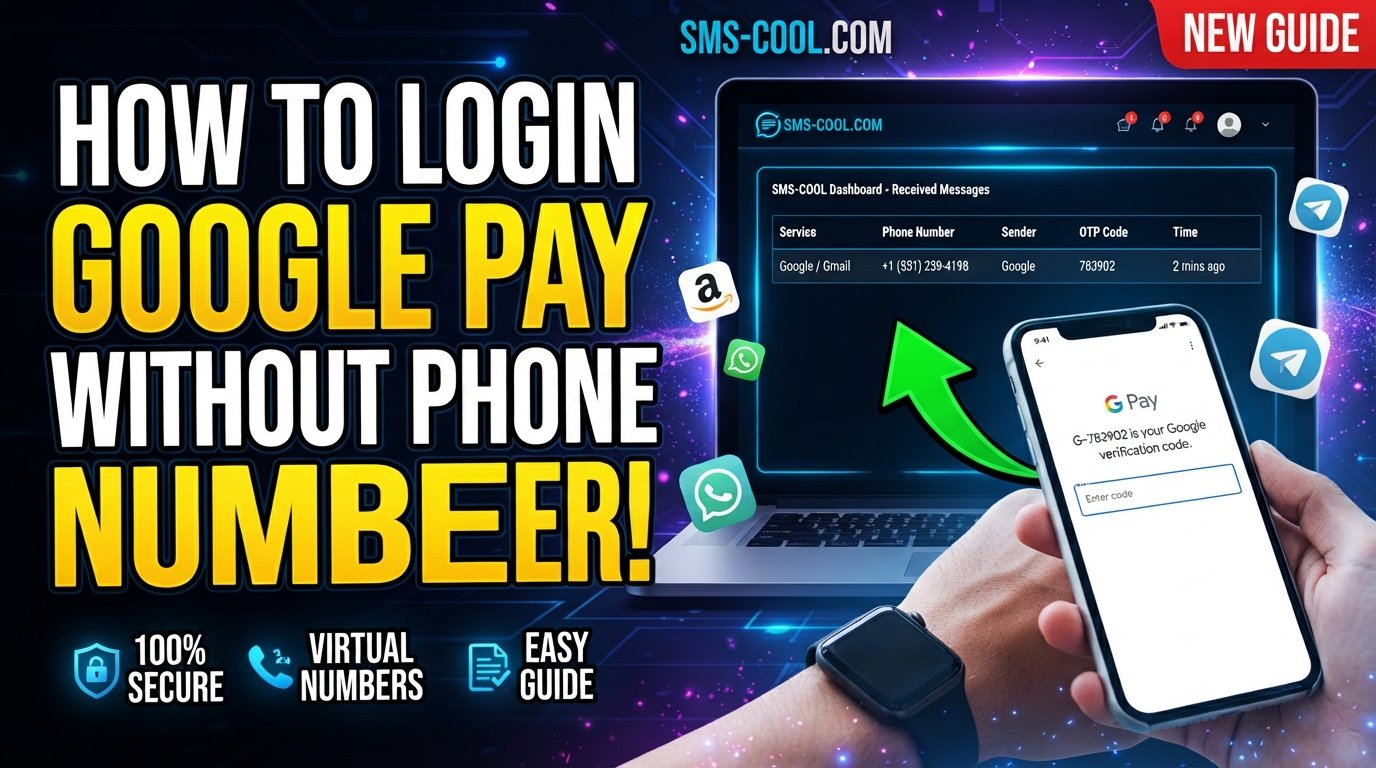
How to Get Google Pay Login Without Phone Number: Easy Guide
Trying to complete a Google Pay login without a phone number can be frustrating when the service asks you to verify your identity or confirm a number by SMS. If you do not have access to your usual mobile number—or simply do not want to use your personal number for a supported verification task—you may wonder whether there is another option.
The important point is that there is no legitimate way to bypass Google Pay's security requirements. Google may require phone verification, payment-method verification, or additional account checks depending on your location, account, device, and activity. Google also advises users to follow the verification methods presented by the service.
However, when a virtual or temporary number is permitted for the particular verification flow, a service such as SMS COOL can provide a practical way to receive SMS online. It gives users access to virtual numbers and an online dashboard for supported SMS verification tasks.
This guide explains what to expect, how Google Pay OTP verification works, where SMS COOL fits into the process, and what limitations you should understand before getting started.
Why Does Google Pay Require Phone Verification?
Phone verification is an important part of online account security. A phone number can help a service confirm that a person has access to a particular communication channel and can reduce certain types of fraudulent or automated activity.
Google Pay may also request additional verification when you add a payment method, encounter unusual account activity, or need to confirm identity or payment information. Google's help documentation explains that verification can be required for security, identity confirmation, payment-method changes, and regulatory reasons.
For some Google Pay users, SMS is part of the verification process. For example, Google's India-specific Google Pay documentation says that changing the phone number associated with Google Pay can trigger a one-time password delivered by SMS. It also notes that the number used with Google Pay should match the number associated with the user's bank account.
That means simply entering any available number is not necessarily enough.
Can You Get Google Pay Login Without Your Personal Phone Number?
The short answer is: sometimes, but not by bypassing verification.
If Google Pay requires a phone number for your particular account or region, you generally need to complete the verification method Google provides. The question is whether you can use a number other than your primary personal number.
In situations where Google Pay permits the use of a virtual or temporary number, an online SMS service may be useful. SMS COOL provides virtual numbers intended for supported SMS and OTP verification workflows, allowing users to receive supported verification messages through its online platform.
However, this distinction is important:
- A virtual number is not a guaranteed replacement for a personal mobile number.
- Google may reject certain temporary, virtual, or previously used numbers.
- Requirements can differ by country, account, bank, device, or verification process.
- A virtual number should never be used to impersonate someone or evade Google's security controls.
- If Google specifically requires a number connected to your bank account or another verified identity, you should follow that requirement.
So, the goal is not to find a way around Google Pay security. The goal is to use an alternative number only where Google's verification process permits it.
How Google Pay OTP Verification Works
An OTP, or one-time password, is a temporary verification code sent through an approved channel.
A typical SMS-based verification process looks like this:
- Google Pay asks you to provide or confirm a phone number.
- You enter the number requested by the app.
- Google Pay or an associated verification system sends an OTP.
- The verification SMS reaches the number.
- You enter the Google Pay verification code into the appropriate screen.
- The service checks the code and completes the relevant verification step.
The exact process can vary. In some payment-method verification scenarios, the code may come from your bank rather than Google itself. Google explains that card verification codes can be issued by the bank and may be delivered through SMS, email, phone, a banking app, or another available method.
This is why it is important to identify which verification process Google Pay is asking you to complete before choosing a number.
Common Problems When You Don't Have Access to Your Phone Number
Losing access to a phone number can make account verification considerably more difficult.
Some common situations include:
You Lost Your SIM
If your previous SIM is inactive, lost, or damaged, you may not be able to receive the OTP needed to continue.
You Changed Your Number
A number change can create complications if your account, bank, or payment profile still has the previous number attached.
You Want to Protect Your Personal Number
Some users prefer not to distribute their primary number across online services. A separate virtual number can provide an additional layer of separation for supported activities.
You're Traveling
Access to your normal SIM or SMS service may be limited while traveling. Depending on Google's requirements and your account setup, this can make verification inconvenient.
The Number Is Not Accepted
Even when an SMS verification service provides a working number, Google may determine that the number is unsuitable for its particular verification process.
This last point is especially important. Receiving an OTP and having Google accept the number are two separate things.
How SMS COOL Can Help With SMS Verification
SMS COOL is designed to provide access to temporary and virtual phone numbers for supported online SMS verification workflows. Its platform allows users to select available numbers and monitor incoming verification messages online.
For someone looking to use Google Pay without a personal phone number, the potential benefit is straightforward: instead of depending on a personal SIM for a supported SMS verification task, you can use an appropriate virtual number when the platform allows it.
Some useful features include:
- Access to temporary virtual numbers
- Options for longer-term number rentals
- Online receipt of supported SMS messages
- A simple dashboard for checking incoming verification codes
- Numbers available across multiple countries and services
- Pay-as-you-go options for supported temporary-number use
The key phrase is "when supported." SMS COOL itself states that it does not guarantee successful registration or verification on every third-party platform. Platform restrictions and security requirements remain under the control of the service requesting verification.
Step-by-Step Guide to Using SMS COOL for Verification
If you want to explore a virtual number for a legitimate Google Pay verification task, the process can be approached as follows.
1. Check Google's Verification Requirement
First, look at the Google Pay screen and determine exactly what Google is asking for.
If it requires a specific personal or bank-linked phone number, follow that requirement rather than attempting to substitute another number.
2. Check Whether a Virtual Number Is Appropriate
If the verification flow permits an alternative number, you can consider a temporary or virtual phone number.
Do not assume that every Google Pay verification flow supports virtual numbers.
3. Open SMS COOL
Visit SMS COOL and review the available number and service options.
The platform offers temporary virtual numbers and longer-term rentals, depending on the requirement.
4. Select a Suitable Number
Choose a number that matches the relevant country or service requirements.
Availability can change, so check the current options before purchasing.
5. Enter the Number Where Permitted
If Google Pay's verification screen allows the selected type of number, enter it carefully.
Never use a number to misrepresent your identity or circumvent an account restriction.
6. Wait for the Verification SMS
If the number is supported and Google sends an SMS, monitor the SMS COOL dashboard for the incoming message.
The platform explains that supported verification messages can be viewed through its online system.
7. Enter the OTP
Copy the verification code into the Google Pay verification screen.
Only enter the code into the official Google Pay or Google verification interface. Never send an OTP to another person.
8. Complete Any Additional Checks
Google Pay may request additional information or verification. Completing the SMS step does not necessarily mean the entire account or payment setup is finished.
Important Limitations and Safety Considerations
Using an online verification number can be convenient, but it is not a universal solution.
Google May Reject Virtual Numbers
Google controls which numbers and verification methods it accepts. SMS COOL cannot override those requirements.
Your Bank May Have Its Own Requirements
If you're using Google Pay with a bank-linked payment method, the bank may require the phone number already registered to your account. Google's documentation specifically notes this requirement for Google Pay phone-number changes in India.
Don't Share Verification Codes
An OTP is sensitive authentication information. Google warns users not to share verification codes with others.
Temporary Numbers May Not Be Suitable for Long-Term Access
If an account needs a number for future recovery or repeated authentication, a temporary number may be a poor choice. Losing access to that number could make future verification difficult.
Follow Google's Rules
A virtual number should be treated as a convenience for legitimate, permitted verification—not as a way to bypass security systems, account restrictions, or identity checks.
Tips for Successful Google Pay Verification
Before attempting verification, keep these practical tips in mind:
- Use the official Google Pay application or Google website.
- Confirm that your account information is accurate.
- Check whether your bank requires a specific registered phone number.
- Make sure the number you use can actually receive SMS.
- Avoid repeatedly requesting OTPs in a short period.
- Check your SMS inbox or online dashboard carefully.
- Never share your verification code.
- If verification fails, use Google's official troubleshooting or support options.
- If you're unsure whether a virtual number is allowed, check Google's current requirements first.
If you encounter an account or payment problem that cannot be resolved through the normal verification process, Google provides support options through the Google Pay app and Help Center.
Frequently Asked Questions
Can I use Google Pay without a phone number?
It depends on the specific Google Pay service, region, account, and verification requirement. If Google requires phone verification, you need to complete an approved verification method. A virtual number may be an option only when that type of number is accepted.
Can I get Google Pay login without a phone number?
You cannot legitimately bypass a required Google Pay verification step. However, if the relevant verification flow accepts a virtual or temporary number, a service such as SMS COOL may help you receive the required SMS.
Can SMS COOL provide a Google Pay OTP?
SMS COOL provides virtual numbers and SMS receiving services for supported platforms. Whether a Google Pay OTP can be received and accepted depends on Google's current verification requirements and the specific number available. SMS COOL does not guarantee third-party verification success.
What is a temporary phone number for verification?
A temporary phone number is a number intended for short-term use in supported verification or communication workflows. It can allow a user to receive SMS without using their primary personal number.
Is a virtual phone number the same as a personal mobile number?
No. A virtual number is provided through an online service and may not have the same characteristics or acceptance status as a conventional mobile number.
Can I receive OTP online?
Yes, services such as SMS COOL allow users to receive supported SMS verification messages through an online dashboard. However, the website sending the OTP must support the number and verification method.
What should I do if Google Pay rejects my number?
Do not repeatedly try random numbers. Check Google's current requirements, confirm whether your bank requires a registered phone number, and use Google Pay support if necessary.
Final Thoughts: A Practical Approach to Google Pay Login Without Phone Number
Getting a Google Pay login without a phone number is not about bypassing Google's security. It is about understanding which verification method your account requires and determining whether an alternative number is permitted.
For users who do not want to expose their personal number—or who need a temporary number for a legitimate, supported verification task—SMS COOL can be a practical option for receiving SMS online. Its virtual-number service provides a convenient way to access supported verification messages without requiring another physical SIM.
Still, compatibility should always come first. Google Pay, banks, and other payment services can impose their own phone verification rules, and a temporary or virtual number may not be accepted in every situation.
The safest approach is simple: check Google's requirements, use an approved verification method, protect your OTP, and use SMS COOL only where virtual-number verification is permitted. That gives you a convenient alternative while keeping the process aligned with legitimate account-security requirements.