19 Sep 2026
Gemini Login Without Phone Number: Use SMS COOL for Verification
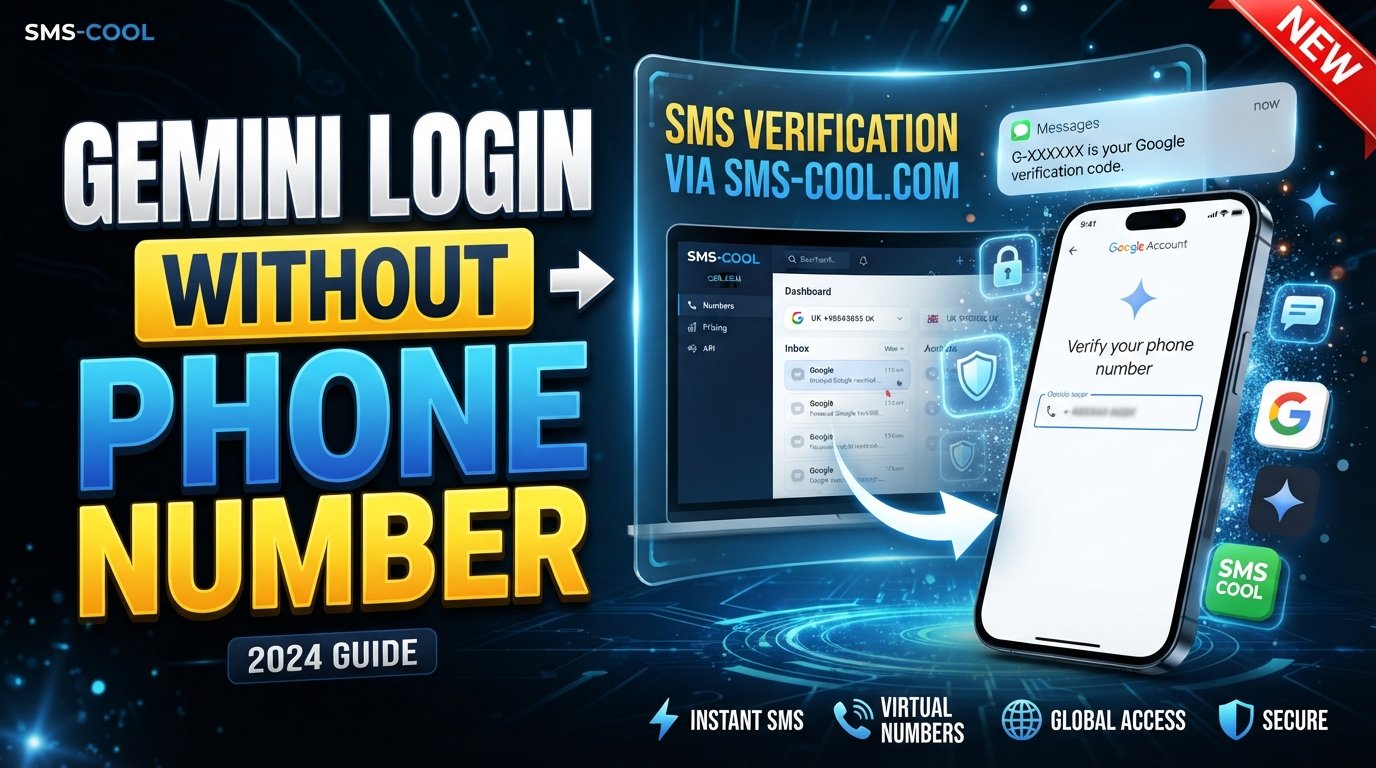
How to Get Gemini Login Without Phone Number
Want to use Gemini but would rather not attach your personal mobile number to another online service? You are not alone. Phone verification can be an unexpected obstacle when creating or accessing online accounts, particularly when a service asks for an SMS code before allowing you to continue.
The good news is that there are legitimate situations where an online SMS verification service can provide an alternative number for receiving a verification message. SMS COOL is one such service, offering temporary and virtual numbers that can receive SMS online.
However, there is an important distinction: an SMS service does not remove Google's verification requirements or guarantee that a number will be accepted. Google may require phone verification during account creation or certain sign-in situations, and its systems can restrict numbers that do not meet its requirements.
This guide explains how Gemini login works, why phone verification can appear, and how SMS COOL may help when you legitimately need to receive a Gemini verification code without using your personal number.
What Does Gemini Login Involve?
Gemini access is tied to a Google Account. Depending on your account, device, sign-in circumstances, and Google's security checks, you may be asked for additional verification.
Google explains that verification codes can be sent by SMS when it needs to confirm an account during creation or when it wants to make sure a person signing in is really the account owner.
That means there is no universal method that guarantees Google Gemini without phone verification. Some users may be able to proceed without an SMS check, while others may encounter phone verification as part of the account or security process.
If Google asks for a code, you need access to the phone number receiving that code before you can complete that particular verification step.
Why Avoid Using Your Personal Number?
There are several practical reasons someone might prefer not to use their everyday mobile number.
For example, you may want to:
- Keep your primary number separate from online registrations.
- Avoid attaching your personal number to another account.
- Use a separate number for a short-term verification task.
- Avoid exposing your everyday contact information unnecessarily.
- Receive a verification SMS online rather than relying on your physical SIM.
Privacy is also a consideration. A personal phone number can become associated with multiple online accounts over time, so some users prefer keeping their primary contact information limited to services where it is genuinely needed.
At the same time, Google recommends using a mobile number that belongs to you for account recovery and security-related functions.
For that reason, a temporary or virtual number should not automatically be treated as a replacement for a long-term recovery number.
Does Gemini Always Require Phone Verification?
No single answer applies to every Gemini user.
Phone verification can depend on Google's account-security requirements and the specific signup or sign-in flow you encounter. Google states that phone verification may sometimes be required before creating an account or signing in, partly to help confirm that the user is a real person and reduce abuse.
You may therefore be able to complete Gemini sign up without phone number in some circumstances, while another user may be asked to verify a number.
If the verification screen appears, the safest approach is to follow Google's displayed instructions rather than looking for a way to circumvent the security check.
Common Problems With Gemini SMS Verification
Even when you have a valid phone number, verification is not always effortless.
Common problems include:
- The verification SMS arrives late.
- The number is rejected.
- A number has already been used too many times.
- The service does not support the particular number type.
- You accidentally enter an incorrect number.
- A temporary network or carrier problem delays the message.
- Google's security system requires another verification method.
Google specifically notes that some numbers can be rejected or limited because a phone number may have already been used for verification too many times.
This is why an SMS verification service can be useful in appropriate circumstances, but it should never be viewed as a guaranteed workaround for Google's account-security policies.
How SMS COOL Can Help With Gemini Verification
SMS COOL provides temporary and virtual phone numbers designed for online SMS verification workflows. Its service allows users to select an available number and receive messages online rather than directly on their personal SIM.
If Google presents a phone-verification step and accepts the type of number you obtain, the general process is straightforward: select a number, enter it into the relevant verification field, wait for the SMS, and enter the received code where Google requests it.
The important word is “accepts.”
SMS COOL itself states that it does not guarantee successful registration with every third-party platform and that platform restrictions can prevent verification.
So the service is best understood as a convenient way to receive verification SMS, not as a promise that every Gemini or Google Account verification attempt will succeed.
How to Use SMS COOL to Receive a Gemini Verification Code
If you have a legitimate reason to use a separate number and Google allows the number type, you can follow these general steps.
1. Open SMS COOL
Visit SMS COOL and access its available online SMS or temporary-number options.
The service offers virtual numbers for receiving verification messages online.
2. Choose an Available Number
Select a suitable SMS COOL number according to the service and country options available to you.
Consider the requirements shown by the verification page before choosing a number. Not every number type is necessarily accepted by every platform.
3. Enter the Number Where Google Requests It
If the Gemini or Google Account verification screen specifically asks for a phone number, enter the selected number exactly as provided.
Make sure the country code and number format are correct.
4. Wait for the Verification SMS
Return to the SMS COOL dashboard and wait for the incoming message.
When the SMS arrives, the Gemini verification code should be visible through the service if the number successfully receives Google's message.
5. Enter the Code
Enter the received code into the Google verification field.
Do not share verification codes with other people. Google also advises users not to share codes they receive unexpectedly.
6. Complete the Verification Process
If Google accepts the code, continue with the normal Gemini or Google Account process.
If the number is rejected, do not repeatedly attempt to bypass the restriction. Instead, review Google's instructions and use an accepted verification method.
Benefits of Using SMS COOL
For users who have a legitimate need for a separate verification number, SMS COOL can make online SMS verification more convenient.
Keep Your Personal Number Separate
A temporary or virtual phone number can help you avoid giving your everyday number to a service when a separate number is appropriate.
Receive SMS Online
Instead of waiting for an SMS on your personal phone, you can use an online dashboard designed to display incoming verification messages.
Convenient Short-Term Use
A temporary SMS number can be useful when you need a number for a particular verification workflow rather than ongoing communication.
Simple Verification Workflow
The basic process is easy to understand: choose a number, enter it where permitted, receive the SMS, and enter the code.
Multiple Number Options
SMS COOL advertises virtual numbers across numerous countries and platforms, although availability and compatibility can vary.
Important Limitations to Understand
Using an online number does not eliminate Google's security requirements.
There are several things to keep in mind before relying on a temporary number for Gemini account verification.
First, Google can reject particular numbers. Its help documentation confirms that phone numbers can be limited when they have been used for too many account verifications.
Second, not every virtual number is accepted by every platform.
Third, temporary numbers may not be suitable as long-term recovery methods. Google recommends keeping a recovery phone that belongs to you and that you regularly use.
Finally, SMS COOL itself explains that successful verification is not guaranteed and that third-party restrictions, security checks, account suspensions, and other platform-level issues can affect results.
Use any number only for legitimate purposes and follow Google's current account and verification rules.
What If the Gemini Verification SMS Does Not Arrive?
If you are waiting for a Gemini SMS verification message and nothing appears, avoid repeatedly requesting codes immediately.
Try these checks:
- Confirm that the number was entered correctly.
- Check that the selected number is still active for receiving the message.
- Wait briefly in case the SMS is delayed.
- Refresh the SMS COOL dashboard if appropriate.
- Check whether Google displays a different verification option.
- If the number is rejected, try an accepted number rather than repeatedly submitting the same one.
- Follow Google's troubleshooting or account-recovery instructions.
Google notes that SMS messages can sometimes be delayed because of carrier or network conditions.
If you are locked out of an existing account, Google also provides alternative account-recovery methods, including backup options and previously configured verification methods.
When Is a Virtual Number a Good Option?
A virtual phone number can make sense when you need to keep a personal number separate from a legitimate short-term online verification process.
For example, you may want a dedicated number for a service that does not need your everyday contact information.
A temporary phone number for verification is different from a permanent recovery number, though. If an account is important and you expect to need it for a long time, maintaining an accessible recovery method is important.
That distinction matters particularly for Google Accounts because phone numbers can play a role in account recovery and security checks.
FAQ
Can I get Gemini login without a phone number?
Sometimes you may be able to access Gemini without being asked for phone verification, but Google can require phone verification depending on the account or security process. If verification is required, you need an accepted verification method.
Does Gemini require phone verification?
Not necessarily for every user or every situation. Google may request phone verification during account creation or sign-in when additional confirmation is required.
How can I receive a Gemini verification code?
If Google sends a code by SMS, it must be delivered to the phone number entered during the verification process. Where permitted, SMS COOL can provide a temporary or virtual number capable of receiving SMS online.
Can I use a temporary number for Gemini verification?
A temporary number may work if Google accepts that number type, but there is no guarantee. Google can restrict particular numbers, and SMS COOL states that third-party verification success is not guaranteed.
Is SMS COOL useful for Gemini SMS verification?
SMS COOL can be useful when you legitimately need to receive an online verification SMS without using your personal number. Its usefulness depends on whether the selected number is accepted by Google's verification system.
What should I do if my Gemini verification code does not arrive?
Check the number, wait for possible delivery delays, refresh the receiving service, and review Google's available verification options. If the number is rejected or has reached a usage limit, use another accepted verification method.
Can I use an online SMS number for verification?
An online SMS number can receive messages through an online service, but acceptance depends on the website or platform. SMS COOL provides such numbers, while also noting that third-party platforms may impose their own restrictions.
Why is my phone number not being accepted?
Google may reject a number because of verification limits, platform restrictions, or other security controls. Google specifically says that a number used too many times for verification may need to be replaced with another number.
Final Conclusion
Getting Gemini login without phone number is not always about eliminating phone verification. In many cases, the practical question is whether you can complete a required verification step without exposing your personal number.
When Google requires SMS verification, SMS COOL can provide a convenient option for users who legitimately need a temporary or virtual number and whose selected number is accepted by Google's system. You can use the service to obtain a number, receive the verification SMS online, and enter the provided code during the normal verification process.
The key is to keep expectations realistic. A SMS COOL verification number is not guaranteed to work for every Google or Gemini verification attempt, and temporary numbers may not be appropriate for long-term account recovery. Google's own verification rules always take priority.
For users looking for a practical way to receive verification SMS without immediately relying on their personal mobile number, SMS COOL is therefore worth considering—provided the number is accepted and the process is used in accordance with Google's rules and the service's terms.