22 Sep 2026
Framer Login Without Phone Number: Easy Privacy Guide
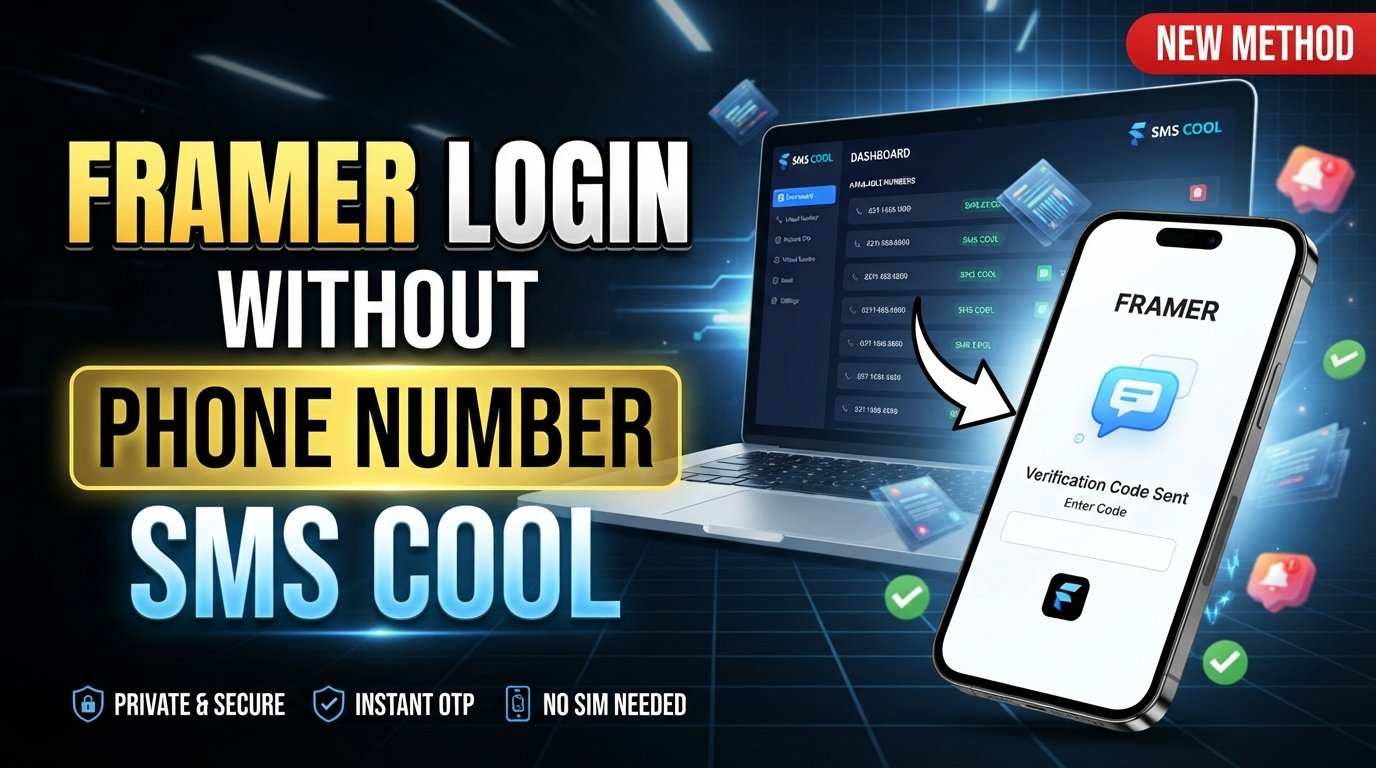
How to Get Framer Login Without Phone Number
Imagine sitting down to build a website in Framer, only to pause when a verification screen asks for a phone number. If you would rather keep your personal number separate from online accounts, that extra step can be frustrating.
The good news is that a phone number is not necessarily required for every Framer account flow. Framer's official help documentation currently explains that users can create an account with a Google account or an email address, and its passwordless sign-in process uses a secure email magic link.
However, particular verification or account-security workflows can differ. If Framer presents an SMS requirement and you prefer not to expose your personal number, an online SMS verification service such as SMS COOL may be worth considering when the number is accepted for the specific verification process.
This guide explains the options clearly, including how to approach Framer login without phone number, what SMS verification actually does, and how SMS COOL can provide an alternative number for eligible verification purposes.
Can You Get a Framer Login Without a Phone Number?
Yes, depending on the account flow you are using.
Framer's official account-creation instructions currently provide two straightforward options: signing up with Google or continuing with an email address. With email signup, Framer sends an activation message containing a secure sign-in link. Framer also describes its authentication as passwordless, meaning you can use an emailed magic link rather than remembering a password.
That distinction matters because Framer login, account registration, and phone verification are not necessarily the same thing.
For example:
- You may be able to create a Framer account using email.
- You may be able to sign in through Google's authentication flow.
- You may encounter a phone or SMS verification request in a particular situation.
- A phone number may therefore be relevant to a specific verification step rather than being universally required for every Framer login.
If your goal is simply a Framer account without phone number, try Framer's supported email or Google signup method first. If a phone verification screen appears, read the prompt carefully before choosing an alternative.
Why Users Prefer Not to Use Their Personal Phone Number
There are several legitimate reasons someone might prefer not to attach a personal number to an online service.
Privacy is the most obvious one. Your primary phone number is often connected to banking, messaging apps, contacts, delivery services, and other important accounts. Keeping it separate from less-critical online registrations can reduce the number of places where your personal contact information is shared.
There is also the issue of unwanted communication. People sometimes prefer not to expose their everyday number to websites simply because they want to reduce unnecessary texts, calls, or marketing messages.
Another reason is organization. A separate number can help distinguish personal communications from short-term account registrations, testing, or other legitimate online activities.
For users in this situation, a temporary phone number can provide a practical separation between personal communications and an online verification workflow.
What Is SMS Verification?
SMS verification is a simple authentication process based on a one-time code.
Typically, the process works like this:
- A website asks you to provide a phone number.
- The service sends an SMS containing a temporary verification code.
- You receive the message.
- You enter the Framer verification code or other OTP into the original verification screen.
- The website checks the code and decides whether to continue.
The important point is that an SMS verification service does not remove the website's security requirement. It simply provides a number capable of receiving an SMS when the website permits that type of number.
That distinction is important for anyone searching for how to access Framer without phone verification. A legitimate service should not be viewed as a tool for defeating security controls. If Framer requires verification, the appropriate approach is to complete the verification using a number that Framer accepts and that you are authorized to use.
How SMS COOL Can Help
SMS COOL is an online service offering temporary and virtual phone numbers for receiving SMS verification messages. Its published information describes virtual numbers for SMS verification, longer-term rentals, and related verification services.
For someone searching for receive SMS online, the basic idea is straightforward: instead of giving an online service your everyday mobile number, you can obtain an available virtual number through SMS COOL and monitor incoming verification messages through its platform.
This can be useful when you want to:
- Keep your personal number private.
- Separate online registrations from personal communications.
- Receive a one-time SMS verification code online.
- Use a temporary SMS number for an eligible verification process.
- Avoid unnecessarily connecting an online account to your primary mobile number.
There is an important limitation, though: SMS COOL itself states that successful registration with third-party platforms is not guaranteed. Compatibility can depend on the platform, number, carrier, region, and security rules in effect.
In other words, SMS COOL is a practical SMS receiving option—not a guarantee that every Framer verification request will accept every available number.
How to Get Framer Login Without Using Your Personal Phone Number
If Framer gives you an email-based option, that is usually the simplest place to start. If your particular workflow legitimately requests SMS verification and permits an alternative number, you can consider the following process.
1. Start with Framer's supported login options
Open Framer and select the appropriate sign-in or signup option.
According to Framer's account documentation, you can use Google or an email address to create an account. Email-based authentication uses a secure link sent to your inbox.
If this completes your account setup without asking for a phone number, there is no reason to introduce an SMS service unnecessarily.
2. Check whether SMS verification is actually required
If Framer displays a phone verification request, check exactly what the screen asks you to do.
Don't assume that every Framer user must provide a phone number. Verification requirements can be tied to a particular account or security workflow.
3. Create or access your SMS COOL account
If using a temporary number is appropriate for the verification process, visit SMS COOL and follow its current account and purchasing instructions.
The service describes a process in which users create an account, add balance, select the relevant service, and receive an OTP through the dashboard.
4. Select an available number for the relevant service
Choose a number that is available for the verification task you are performing.
Availability can vary, so do not assume that every number will work with every website.
5. Enter the number where Framer requests it
Return to the Framer verification page and enter the temporary or virtual number in the required format.
Only use a number for a legitimate account or verification process that you are authorized to complete.
6. Wait for the verification SMS
If Framer sends an SMS, monitor your SMS COOL dashboard for the incoming message.
When the message arrives, locate the one-time verification code.
7. Enter the verification code
Copy the Framer verification code from the received SMS and enter it into the verification field on Framer.
If the code is accepted, continue with the normal account setup or login process.
8. Secure your account afterward
Once you are signed in, use your normal account-security practices. Keep access to your email account secure, avoid sharing verification codes, and follow Framer's account rules.
The purpose of an alternative number should be privacy and convenience—not bypassing authentication.
Tips for Successful Framer Verification
SMS verification can fail for reasons that have nothing to do with your account. A few simple checks can make the process easier.
Use the correct number format. If the verification page requires a country code, follow the displayed format.
Avoid repeatedly requesting codes. Rapidly requesting multiple SMS messages can create confusion because an older code may become invalid when a new one is generated.
Check the SMS COOL dashboard carefully. Make sure you selected the intended service and that you are monitoring the correct active number.
Give the message a moment to arrive. SMS delivery is not always instantaneous.
Do not share OTPs. A verification code should only be entered into the service that requested it.
Try the email route first. If Framer allows you to use email authentication, it may be simpler than introducing phone verification at all. Framer specifically documents email-based magic-link login.
If you cannot complete the process, Framer provides support options for account-related problems.
Things to Keep in Mind
A temporary number is not identical to owning a personal mobile number.
The first limitation is compatibility. Some websites may reject virtual, temporary, recycled, or previously used numbers. SMS COOL's terms explicitly state that third-party registration success is not guaranteed.
Second, think about account recovery. If an account later requires access to the same number, a disposable number may not be suitable for long-term account security. For an important account, understand which recovery methods the platform supports before relying on a temporary number.
Third, follow the rules. Framer's verification requirements should be respected, and SMS COOL's terms prohibit illegal, fraudulent, abusive, or unauthorized use.
Finally, don't confuse privacy with anonymity guarantees. Using a virtual number can keep your personal number out of a particular registration, but it does not mean that the service becomes completely anonymous or that no account information is collected.
Final Thoughts
Searching for Framer login without phone number does not necessarily mean you need a complicated workaround.
Framer's documented account flow supports Google and email signup, with email authentication using secure magic links. If your particular workflow does require SMS verification, however, an online service such as SMS COOL can provide a temporary or virtual number for receiving verification messages when that type of number is accepted.
The key is to use the option responsibly. Start with Framer's own email or Google login methods, use SMS COOL only when an SMS number is genuinely needed, and remember that temporary numbers are not guaranteed to work with every third-party service.
For users who simply want to protect their personal phone number while completing a legitimate online verification process, SMS COOL can be a convenient alternative worth considering.
FAQ
Can I create a Framer account without a phone number?
Yes, Framer's official documentation says you can create an account using Google or an email address. Email signup uses a secure activation or magic link rather than a password.
Does Framer always require phone verification?
No. Framer's documented account-creation process supports email and Google authentication. A phone request may depend on the particular verification or security flow you encounter.
Can SMS COOL provide a number for Framer verification?
SMS COOL provides temporary and virtual numbers for receiving SMS verification messages. However, it states that successful registration with third-party platforms is not guaranteed, so compatibility with a particular Framer verification flow may vary.
What is a temporary phone number used for?
A temporary phone number can be used for eligible short-term SMS verification tasks, helping users keep their primary phone number separate from certain online registrations.
Can I receive a Framer verification code online?
If Framer sends an SMS to a number that you have legitimately provided and that number is supported, an online SMS verification service such as SMS COOL can allow you to view the incoming message through its platform.
Is using SMS COOL a way to bypass Framer security?
No. It should not be treated as a security bypass. The appropriate use is to receive an SMS when Framer legitimately requires verification and accepts the number being used. Always follow Framer's requirements and the applicable service terms.