25 Sep 2026
How to Create Fake WhatsApp Account India Number: Easy Guide
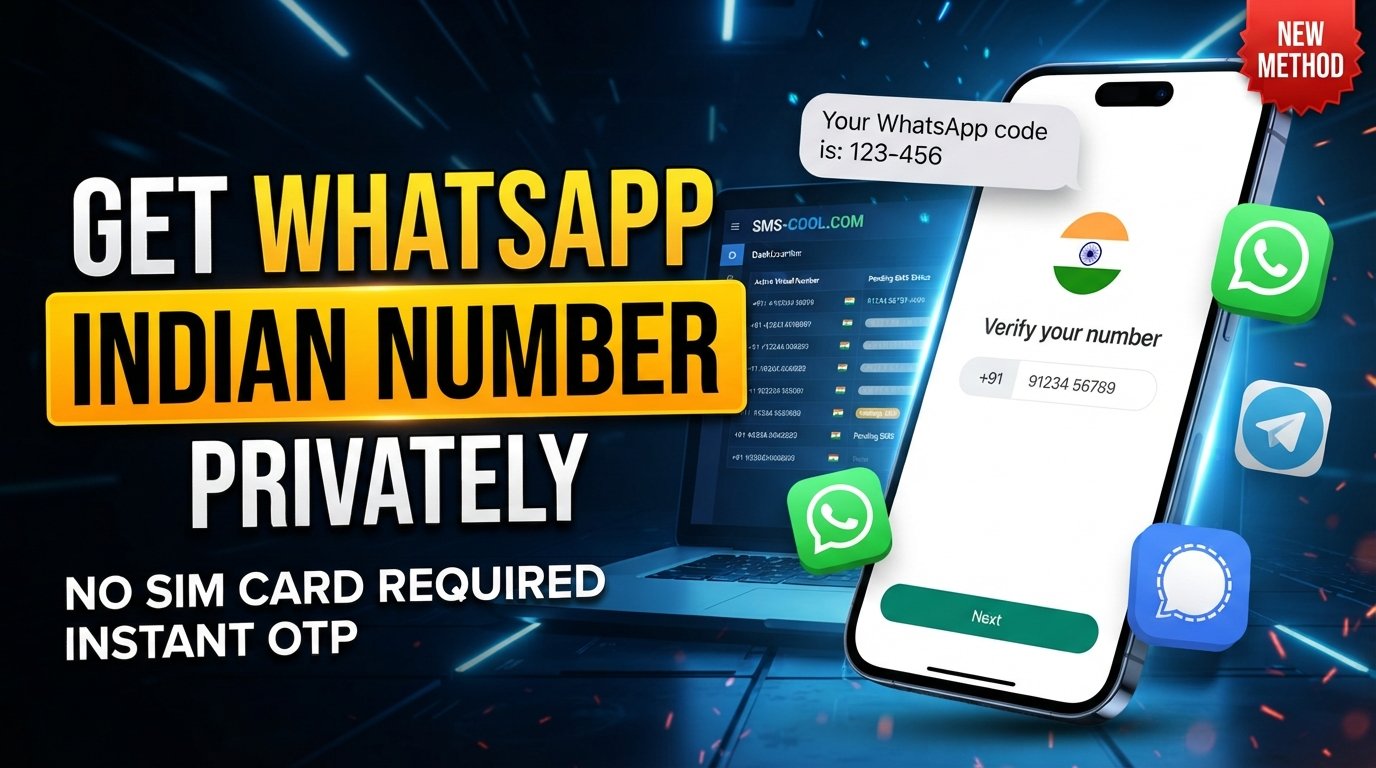
How to Create a Fake WhatsApp Account With an India Number
Searching for how to create fake whatsapp account india number usually does not mean someone wants to impersonate another person. In many cases, the real goal is much simpler: use a separate number for WhatsApp without exposing a primary personal number.
That is where temporary and virtual phone numbers can be useful.
Instead of buying another physical SIM card, an online SMS service can provide access to a virtual number that may receive verification messages. One option is SMS COOL, which provides virtual numbers for SMS verification and offers service-specific numbers where available.
However, there is an important distinction. A “fake WhatsApp account” should not mean a fraudulent identity, impersonation, or an attempt to bypass WhatsApp's security controls. The legitimate use case is an alternative number that you are authorized to use for account registration.
WhatsApp requires phone-number verification during registration and says that users must be able to receive the registration code through SMS or a phone call. It also states that the number being registered must be owned by the person registering it.
So, if your goal is privacy, testing, separating personal and other communications, or simply avoiding the exposure of your primary number, a virtual number may be worth considering where WhatsApp supports it.
What Does “Fake WhatsApp Account” Actually Mean?
The phrase fake WhatsApp account is commonly used in searches, but it can describe several different intentions.
Some users mean:
- A second WhatsApp account
- An account that does not use their primary phone number
- A temporary account for a short-term purpose
- A WhatsApp account using an Indian virtual number
- A separate number for online registrations
- A test account for legitimate business or personal purposes
These uses are different from creating an account to impersonate someone, deceive people, commit fraud, or evade security measures.
For legitimate privacy-focused use, the better term is usually temporary WhatsApp number, virtual phone number, or alternative WhatsApp number.
How WhatsApp Number Verification Works
WhatsApp registration is based on phone-number verification.
The basic process is straightforward:
- Open WhatsApp and begin registration.
- Select the appropriate country.
- Enter the phone number in international format.
- Request the verification code.
- Receive the SMS or phone call containing the code.
- Enter the code into WhatsApp.
- Complete the account setup.
WhatsApp's official guidance explains that a six-digit registration code is used to confirm ownership of the number. Users should also avoid guessing verification codes because repeated incorrect attempts can cause a temporary lockout.
This is why a WhatsApp verification number needs to be capable of receiving the relevant SMS or call. Simply having a number that looks like an Indian number is not enough.
How to Create a WhatsApp Account With an Indian Number
If you specifically need a WhatsApp account with Indian number, the first step is finding an Indian number that is actually available for your intended purpose.
A practical workflow is:
1. Decide Why You Need the Number
Before obtaining a number, decide whether you need it temporarily or for continued access.
For example, you might want a separate number for:
- Personal privacy
- A secondary communication account
- A temporary project
- Business testing
- Online services where an alternative number is appropriate
If you expect to keep using the WhatsApp account, a longer-term number is generally more practical than a disposable number.
2. Check for an Available Indian Number
Visit SMS COOL and review the available virtual numbers.
If an Indian number is listed and the relevant service is supported, you can select an option suitable for your intended verification.
Availability can change. Not every number will necessarily be accepted by every platform, so it is important to check the service and number information before proceeding.
3. Enter the Number in WhatsApp
Open WhatsApp and select India as the country.
Enter the selected number using the correct international format. Double-check every digit before requesting verification.
A wrong country code or incorrect number can prevent the verification message from reaching the intended destination.
4. Request the WhatsApp Verification Code
Ask WhatsApp to send the registration code.
If the number supports the required messaging route, the verification SMS may appear in the SMS COOL dashboard.
WhatsApp explains that registration codes are sent through SMS or phone calls, depending on the available verification method.
5. Check SMS COOL for the OTP
Return to the SMS COOL dashboard and monitor the selected number for an incoming message.
If the message arrives, use the verification code in the WhatsApp registration screen.
Never share the six-digit registration code with another person. WhatsApp specifically warns users not to disclose registration codes or security credentials.
6. Complete the Account Setup
After successful verification, complete your WhatsApp profile.
If you intend to keep the account, consider whether the number will remain accessible to you. Losing access to the registered number can make future verification or account recovery more difficult.
How Virtual and Temporary Numbers Work
A virtual phone number India service works differently from a traditional SIM card.
Instead of putting a physical SIM into your phone, the number is made available through an online platform. Incoming SMS messages can then appear in the provider's dashboard.
A typical virtual SMS number workflow looks like this:
Choose number → enter it on the service → request OTP → receive SMS online → enter code
This makes the process convenient when you do not want to use your everyday mobile number.
Some providers offer numbers for a single verification, while others offer numbers that can be rented for a longer period. SMS COOL describes both instant virtual numbers and longer-term number rentals on its platform.
The important point is that virtual does not automatically mean permanent. Before using a temporary number for an important account, understand how long you will have access to it.
Using SMS COOL for WhatsApp Verification
SMS COOL can be useful when you need access to a virtual or temporary number for receiving an SMS verification code.
The general process is:
Step 1: Open SMS COOL and review available numbers.
Step 2: Look for an Indian number if India is the required country.
Step 3: Check whether WhatsApp is listed as a supported service for the available number.
Step 4: Select the number and follow the service's instructions.
Step 5: Enter the number into WhatsApp using the correct country code.
Step 6: Request WhatsApp number verification.
Step 7: Monitor SMS COOL for the incoming OTP.
Step 8: Enter the received code into WhatsApp.
SMS COOL's own WhatsApp verification guidance describes this general workflow, while also noting that the number must be capable of receiving the relevant SMS.
The service should be viewed as a practical SMS-receiving option, not as a method for bypassing WhatsApp's security.
Benefits of a Temporary Indian Number
Using an alternative number can have several practical advantages.
Better separation
A secondary number can separate a WhatsApp account from your primary personal communications.
Convenience
An online number can eliminate the need to purchase and install another physical SIM, depending on the service and use case.
Flexible access
Temporary numbers can be useful for short-term registrations or situations where you do not want to expose your everyday number.
Cost control
Pay-as-you-go virtual-number services can be convenient when you only need a number for a specific verification task.
Online SMS access
Instead of waiting for an SMS on a physical handset, a supported virtual number can make the verification message available through an online dashboard.
Important Limitations to Understand
Temporary numbers are not suitable for every situation.
First, WhatsApp explicitly says that users can only register a phone number they own and must be able to receive SMS or calls to it. WhatsApp also lists certain unsupported number types, including VoIP and some other categories.
Second, WhatsApp OTP delivery is not guaranteed. A particular virtual number may be unavailable, unsupported, already associated with an account, or unable to receive the required message.
Third, temporary access creates a recovery concern. If you lose access to the number later, recovering an account can become more complicated.
Finally, WhatsApp can change its verification requirements and supported-number rules. Availability through a third-party provider can also change.
For these reasons, do not use a temporary number for an account containing important conversations, sensitive business information, or data that you cannot afford to lose unless you have a reliable long-term way to maintain access.
Privacy and Account-Security Tips
If you use an alternative number, treat the account like any other online account.
Keep these practices in mind:
- Never share a WhatsApp registration code.
- Do not use another person's number without permission.
- Avoid impersonating an individual or organization.
- Use accurate information where WhatsApp requires it.
- Enable available account-security features.
- Keep control of the number for as long as the account matters.
- Do not repeatedly request OTPs if a message is delayed.
- Check that the number is intended for your legitimate use.
- Follow WhatsApp's Terms of Service and applicable laws.
WhatsApp also provides additional security features such as two-step verification, which can add another layer of protection after registration.
Why a WhatsApp Verification SMS May Not Arrive
If you cannot receive WhatsApp verification code messages, several things could be responsible.
The number may not support WhatsApp verification, the service may not be available for that number, or the message may be delayed.
Before trying repeatedly:
- Confirm the country code and number.
- Make sure the selected number is still active.
- Check whether WhatsApp is supported for that number.
- Wait for the verification timer before requesting another code.
- Try the available phone-call option if WhatsApp provides it.
- Avoid entering guessed codes.
WhatsApp recommends waiting for the timer and, where available, using the phone-call option if an SMS does not arrive.
Is SMS COOL Right for Your Use Case?
If you are searching for an online Indian number, temporary phone number for WhatsApp, or a way to handle SMS verification online, SMS COOL can be a practical option to investigate.
The key is to choose the number according to your actual needs.
For a short-term verification task, a temporary number may be enough. For an account you expect to keep for a long time, a number with dependable ongoing access is more appropriate.
Most importantly, do not assume that every virtual number will work with WhatsApp. Availability and eligibility can vary, and WhatsApp's own requirements remain the deciding factor.
FAQ
Can I create a WhatsApp account with an Indian virtual number?
Potentially, if the number is supported by WhatsApp and you are authorized to use it. WhatsApp requires a number that can receive the required verification code and states that you can only register a number you own.
How can I receive a WhatsApp verification code online?
You can use a supported virtual SMS service such as SMS COOL to access a virtual number and monitor incoming SMS messages. However, successful delivery depends on the number and WhatsApp's current verification requirements.
What is a temporary Indian number?
A temporary Indian number is a phone number made available for a limited period or specific use instead of being your regular personal mobile number. It may be used for supported SMS verification tasks.
Can SMS COOL receive WhatsApp OTPs?
SMS COOL offers virtual numbers for SMS verification and lists WhatsApp among its supported services. Whether a specific number receives a WhatsApp OTP depends on that number's availability and WhatsApp's verification systems.
Is a virtual number suitable for WhatsApp verification?
It can be suitable in some circumstances, but it is not guaranteed. WhatsApp requires a supported number that can receive its verification code, and its rules may exclude certain number types.
Why might a WhatsApp verification SMS not arrive?
The number may be unsupported, unavailable, incorrectly entered, or temporarily unable to receive the message. WhatsApp recommends checking the number, waiting for the timer, and using the available call option when appropriate.
What should I do if a virtual number is unavailable?
Check SMS COOL for other available numbers or wait until a suitable number becomes available. Do not repeatedly request codes or assume that an unavailable number will work later.
Final CTA
If your goal is to keep your primary phone number separate from a legitimate WhatsApp registration, a virtual number can be a practical alternative where supported. Explore SMS COOL to find available virtual numbers for SMS verification, including Indian options when available.
Choose a number you are authorized to use, follow WhatsApp's verification requirements, and keep account recovery and long-term access in mind.