18 Sep 2026
Facebook Marketplace Verification Code Not Coming: Fix It Fast
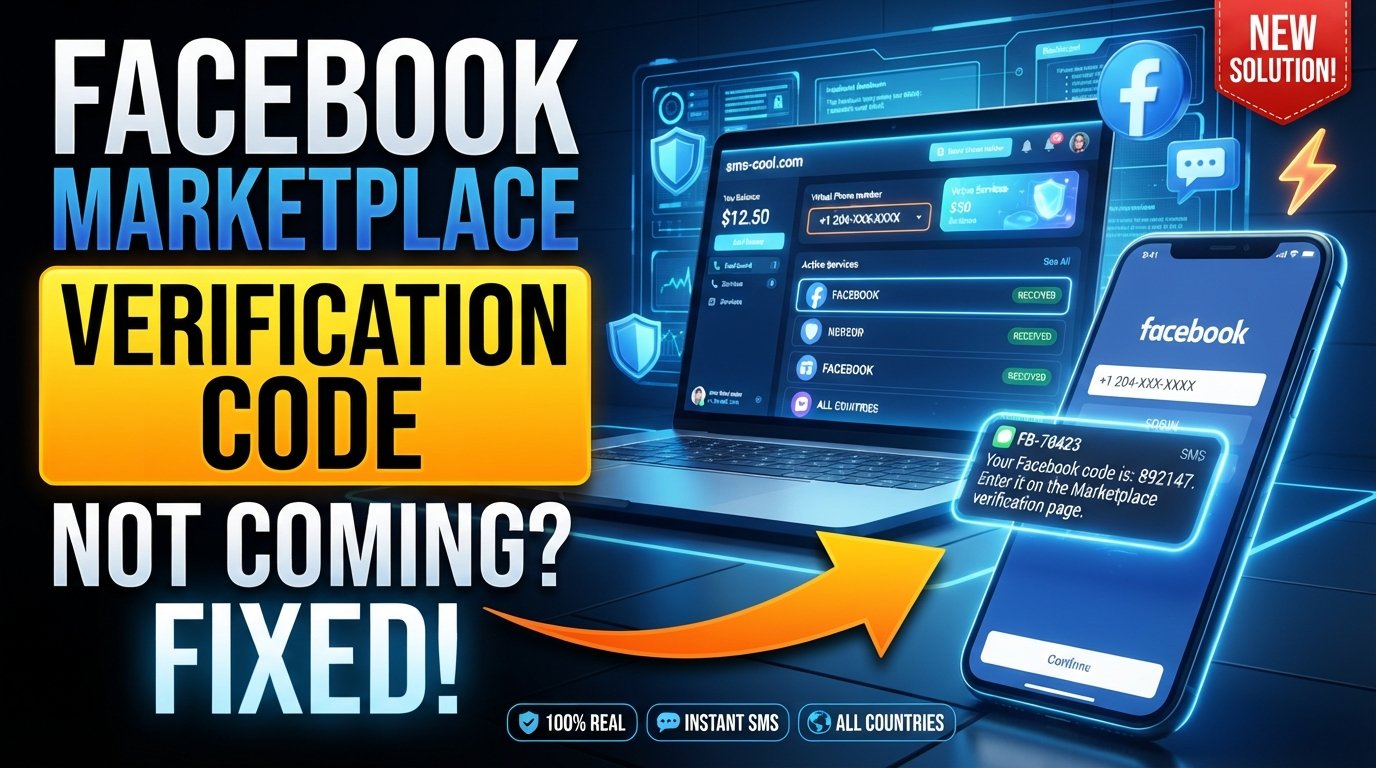
Facebook Marketplace Verification Code Not Coming: Solutions
You enter your phone number, request a verification code, and wait. Nothing happens. You try again, and still no SMS.
If you are searching for Facebook Marketplace Verification Code Not Coming, you are dealing with a frustrating but fairly common type of SMS verification problem. The good news is that a missing code does not always mean something is wrong with your Marketplace account.
A verification SMS can be delayed, blocked, sent to an incorrectly entered number, or affected by network and messaging issues. In some situations, repeatedly requesting a code can make the process even more confusing.
This guide explains the most common reasons a Facebook Marketplace verification code may not arrive, what you can do to troubleshoot the issue, and how SMS COOL can provide an alternative way to receive SMS online when a suitable virtual number is permitted for your verification task.
Why Is My Facebook Marketplace Verification Code Not Coming?
There are several possible reasons you may not receive a Facebook verification SMS.
1. The phone number is incorrect
The simplest explanation is often an incorrectly entered phone number. A missing digit, wrong country code, or formatting problem can prevent the message from reaching you.
Before requesting another code, carefully check:
- The country selected for your number
- The complete phone number
- Whether an old number is saved on your account
- Whether you accidentally entered a landline or unsupported number
If the number is wrong, requesting additional codes will not solve the underlying problem.
2. SMS delivery is delayed
Mobile networks do not always deliver text messages instantly. Temporary congestion, carrier issues, or routing problems can cause a Facebook SMS verification message to arrive later than expected.
Give the first request some time before trying again. Requesting multiple codes immediately can make it difficult to know which code is current.
3. Your phone is blocking the message
Your phone or carrier may filter certain automated messages. Spam protection, blocked senders, messaging applications, or carrier-level filtering can interfere with verification messages.
Check your blocked-message settings and spam folders if your device provides them.
4. You have requested too many codes
Repeatedly selecting “send code” can create another problem: you may end up with several codes in transit or encounter a temporary verification limitation.
Instead of repeatedly requesting a new code, pause and allow the previous request time to process. Then try again once the service allows you to do so.
5. Your mobile network is unstable
Poor cellular coverage can interfere with receiving SMS messages. Even if internet-based apps work through Wi-Fi, traditional SMS delivery can still depend on your mobile carrier.
Try moving to an area with stronger cellular reception or restarting your phone before attempting verification again.
6. The number may not be suitable for the verification process
Some verification systems can place restrictions on certain types of phone numbers. Virtual, temporary, recycled, or previously used numbers may not always be accepted.
That is why choosing a number specifically supported for the service is important if you decide to use an alternative number.
How to Fix Facebook Verification Code Not Received
Before looking for an alternative number, work through these basic troubleshooting steps.
Step 1: Check the number carefully
Return to the phone verification screen and confirm that the number is correct.
Pay particular attention to the country code. An otherwise valid phone number can fail if the country prefix is incorrect.
Step 2: Wait before requesting another code
If you have already requested a Facebook Marketplace verification code, avoid immediately requesting several more.
Wait for the original message, then use the newest valid code if multiple messages eventually arrive.
Step 3: Check your SMS inbox and blocked messages
Look through your normal SMS inbox as well as any spam, junk, or blocked-message sections available on your phone.
Also check whether you have accidentally blocked messages from unknown or automated senders.
Step 4: Restart your phone
A simple restart can refresh your cellular connection and messaging services. After restarting, wait briefly and check whether the verification SMS arrives.
Step 5: Test your mobile connection
If you are experiencing broader SMS problems, try sending or receiving a normal text message. If ordinary SMS messages are also delayed, the issue may be related to your carrier rather than Marketplace verification.
Step 6: Avoid repeatedly changing verification details
Constantly switching phone numbers or repeatedly requesting codes can make troubleshooting harder.
First establish whether the problem is your device, mobile carrier, number, or the verification process itself.
What If the Facebook Marketplace Code Still Does Not Arrive?
If you have confirmed your phone number, checked your device, waited for delivery, and still cannot receive the code, an alternative SMS receiving method may be worth considering.
This is where SMS COOL can be useful.
SMS COOL provides virtual phone numbers designed for supported SMS and OTP verification tasks. Its platform allows users to select a number, use it for a supported verification process, and monitor incoming SMS through an online dashboard.
The important word here is supported. A virtual number is not guaranteed to work with every verification attempt, and users should follow the requirements and terms of the platform they are trying to verify.
How SMS COOL Can Help
If you need to receive Facebook verification code messages without using your primary mobile number, SMS COOL offers an online alternative where an appropriate number is available.
The basic process is straightforward.
1. Create an SMS COOL account
Start by accessing the SMS COOL platform and creating an account.
2. Add balance
SMS COOL uses a pay-as-you-go model for its virtual-number services, so you can add funds when you need to purchase a number.
3. Select the service
Choose the relevant service from the available options. SMS COOL lists Facebook among its supported services, although availability and compatibility can change.
4. Select an available number
Choose a suitable virtual phone number according to the country and service requirements.
Before using it, make sure a virtual or temporary number is appropriate for your intended verification process.
5. Enter the number for verification
Enter the selected number where the service asks for phone verification.
If the platform accepts the number and sends an SMS, the message can appear in your SMS COOL dashboard.
6. Receive the verification SMS online
Once the message reaches the number, you can view the incoming SMS through the SMS COOL interface and use the verification code in the original verification process.
SMS COOL also offers both short-term virtual numbers and longer rental options, giving users flexibility depending on the legitimate task they need to complete.
Benefits of Using SMS COOL for SMS Verification
A temporary phone number for verification can be useful in several situations.
Keep your primary number separate
If you prefer not to use your personal number for every online registration or verification request, a separate number can provide an additional layer of separation.
Receive SMS online
Instead of relying entirely on your physical phone, supported messages can be accessed through an online dashboard.
Avoid getting another physical SIM
For a one-time or short-term verification task, purchasing and managing another physical SIM may be unnecessary. A virtual number can provide a digital alternative when the platform permits it.
Choose numbers for supported services
SMS COOL organizes virtual numbers around supported services, making it easier to look for a number appropriate for a particular verification requirement.
Important Things to Know Before Using a Temporary Number
A temporary phone number is not a magic fix for every Facebook Marketplace phone verification problem.
Facebook or another platform may reject a particular number, restrict certain number types, or require additional verification. SMS COOL itself states that it does not guarantee successful registration with third-party platforms and that platform restrictions or security checks can affect verification.
For that reason, keep these points in mind:
- Use a number only for legitimate purposes.
- Follow the verification platform's requirements and terms.
- Check whether virtual numbers are permitted for your intended task.
- Do not assume every temporary number will work.
- Do not repeatedly purchase numbers if the platform is rejecting the number type.
- Never use verification services for fraudulent, abusive, or unauthorized activity.
The goal is to have a practical alternative for receiving SMS, not to bypass legitimate account-security requirements.
Practical Troubleshooting Tips
If your Facebook Marketplace code not received problem continues, try this quick checklist:
Check the number: Make sure the country code and digits are correct.
Check your phone: Look for blocked messages, spam filtering, and weak cellular reception.
Wait between requests: Give SMS delivery time before requesting another code.
Avoid code overload: If several messages arrive, use the most recent valid code.
Check carrier issues: If ordinary SMS messages are also failing, contact your mobile provider.
Consider an alternative number: If your personal number continues to have problems, an online SMS verification service such as SMS COOL may be worth considering when permitted.
Check compatibility first: A temporary phone number may not be accepted by every platform or verification flow.
Why SMS Verification Problems Happen
It is easy to assume that a missing code means your Marketplace account is broken. In reality, SMS verification involves several moving parts.
The phone number must be entered correctly. The verification system must generate the message. The SMS must be routed through telecommunications networks. Your carrier and phone must accept the message. Finally, the platform must recognize the number as suitable for its verification requirements.
A failure at any point can produce the same frustrating result: verification code not coming.
Understanding this helps you troubleshoot the actual source of the problem instead of repeatedly clicking the resend button.
Frequently Asked Questions
Why is my Facebook Marketplace verification code not coming?
The most common possibilities include an incorrect phone number, SMS delivery delays, blocked messages, weak cellular service, repeated code requests, or restrictions affecting the number being used.
Why is my Facebook verification code not received?
Check your phone number and country code first. Then check blocked or spam messages, cellular reception, and whether your carrier is experiencing SMS delivery problems.
Can I receive Facebook verification code online?
If a suitable virtual number is supported for your verification process, services such as SMS COOL can provide an online SMS inbox for receiving messages. Compatibility is not guaranteed, so check the platform's requirements first.
Can I use a temporary phone number for Facebook Marketplace verification?
A temporary phone number may be an option where the verification process permits it. However, platforms can restrict or reject certain virtual numbers, so users should follow the applicable requirements and terms.
How does SMS COOL work?
SMS COOL allows users to select virtual numbers for supported services, use the number for an eligible verification task, and monitor incoming SMS through its online dashboard.
Does SMS COOL guarantee Facebook verification?
No. SMS COOL provides virtual numbers and SMS receiving services but does not guarantee successful registration or verification on a third-party platform.
What should I do if I keep requesting the verification code?
Stop repeatedly requesting codes and allow some time for delivery. Check your phone, number, carrier connection, and blocked messages before trying again.
Conclusion
When you are dealing with Facebook Marketplace Verification Code Not Coming, the problem may be as simple as an incorrect number or delayed SMS, but repeated requests can make troubleshooting more difficult.
Start with the basics: verify your phone number, check your SMS and blocked-message settings, confirm your cellular connection, and give the verification system time to deliver the message.
If your personal number continues to cause problems and you need an alternative way to receive SMS online, SMS COOL can be a practical option for supported verification tasks. You can choose an available virtual number, use it where permitted, and monitor incoming verification SMS through the online dashboard.
Just remember that no temporary-number service can guarantee acceptance by every platform. Always follow Facebook's verification requirements and applicable terms.
If you need a separate number for a legitimate SMS verification task, explore the available options through SMS COOL and choose a number that fits the requirements of the service you are trying to use.