18 Sep 2026
Facebook Marketplace OTP Verification with a Virtual Number Guide
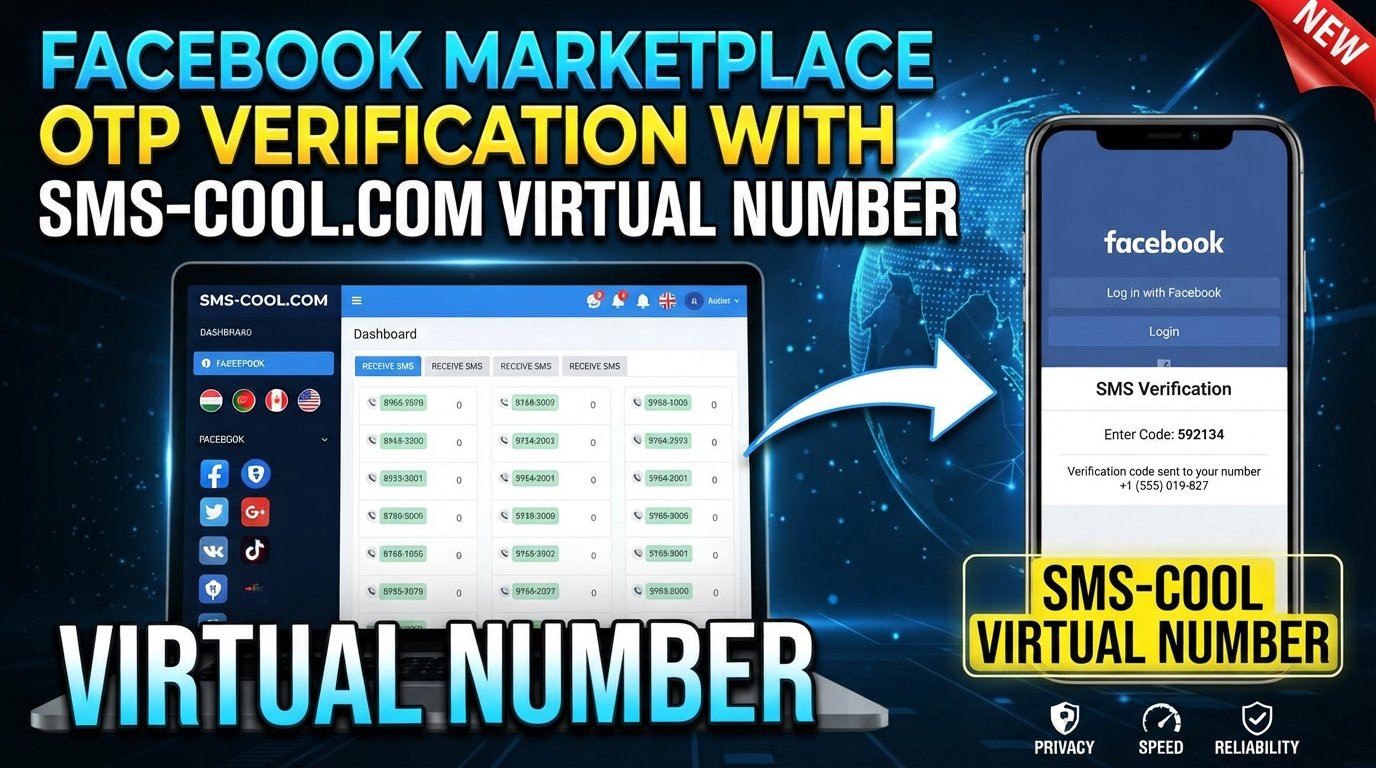
Facebook Marketplace OTP Verification with a Virtual Number
Facebook Marketplace is designed to make local buying and selling straightforward, but the experience can become frustrating when the platform asks you to verify a phone number before you can continue.
You may be asked to enter a phone number and then confirm a code sent by SMS. If you prefer not to use your personal number, or you simply need a separate number for legitimate verification purposes, a virtual number can be a practical option where the platform supports it.
This guide explains Facebook Marketplace OTP Verification with a Virtual Number, how verification codes work, what virtual numbers are, and how SMS COOL can help you access a number for receiving SMS verification codes where supported.
What Is Facebook Marketplace OTP Verification?
OTP stands for One-Time Password. In an SMS verification process, it is a temporary code sent to a phone number to confirm that the person entering the code has access to that number.
When Facebook Marketplace requests phone verification, the general process looks like this:
- You provide a phone number.
- The platform sends a verification code by SMS.
- You receive the message on that number.
- You enter the code in the verification field.
- If the code is valid and the verification request is accepted, the process continues.
A Facebook Marketplace verification code is usually time-sensitive. That means you should enter it promptly and avoid repeatedly requesting new codes unless necessary.
It is important to understand that phone verification is only one part of a platform's security system. A virtual number should be used for legitimate verification where permitted, not as a way to bypass identity checks, account restrictions, security controls, or other platform safeguards.
Why Does Facebook Marketplace Ask for Phone Verification?
Phone verification can help platforms confirm that an account has access to a reachable phone number.
For Marketplace users, verification may be relevant when Facebook requests additional confirmation before allowing certain activities. The exact reason can vary depending on the account, activity, region, or platform requirements.
A phone number can also provide a convenient communication channel for sending security or verification messages.
However, verification requirements are not necessarily identical for every user. You may see different prompts depending on your account and circumstances.
If Facebook asks for additional identity information or another form of verification, a phone number does not necessarily replace that requirement.
What Is a Virtual Number?
A virtual number is a phone number that is provided through an online or internet-based service rather than being tied directly to a traditional physical SIM card in your personal phone.
Depending on the service, a virtual number may be capable of receiving SMS messages online.
This makes a virtual phone number for OTP useful when a website or service sends a legitimate verification code by SMS and accepts the particular type of number.
For example, instead of giving your personal mobile number to every service that requires SMS verification, you may choose a separate number for an appropriate verification purpose.
However, there is an important limitation: not every online service accepts every virtual number. Some platforms may restrict certain number types, carriers, regions, or previously used numbers.
How Does Facebook Marketplace OTP Verification Work?
The basic process is simple.
When Facebook requests phone verification, you enter an eligible number. Facebook then attempts to send an SMS containing a temporary verification code.
If the number can receive the message and the verification request is supported, the code arrives in the SMS inbox associated with that number.
You then enter the code into the verification screen.
This is why choosing an appropriate Facebook Marketplace virtual number matters. A number that cannot receive SMS from the relevant service will not help with the verification process.
Likewise, if Facebook does not accept a particular virtual number, repeatedly requesting codes is unlikely to solve the underlying problem.
How to Receive a Facebook Marketplace Verification Code
If you want to use a virtual number, the general process is:
- Choose a reputable virtual-number provider.
- Select a number appropriate for the intended verification service.
- Enter the number on the official Facebook verification screen.
- Wait for the SMS message.
- Retrieve the OTP from the provider's receiving interface.
- Enter the current code into Facebook.
- Complete any additional verification steps Facebook requests.
For users looking for online SMS verification, the key point is that the virtual number must actually be supported by the platform and capable of receiving the required message.
Do not rely on screenshots, copied codes, or messages from unofficial sources. Enter only the current verification code delivered to the number you control or legitimately access.
How SMS COOL Can Help With OTP Verification
SMS COOL provides access to virtual numbers that can be used for receiving SMS verification codes where supported.
For someone searching for a virtual number for Facebook Marketplace, the service can offer a convenient alternative to immediately using a personal mobile number.
The basic idea is straightforward: obtain an appropriate virtual number through SMS COOL, use that number for a legitimate verification request, and monitor the online SMS inbox for the incoming OTP.
The practical advantages can include:
- Convenient access to a separate virtual number
- Online access to incoming SMS messages
- Less need to disclose your personal mobile number
- A straightforward process for users familiar with online verification
- A separate number for appropriate verification purposes
Availability and compatibility can vary, so it is sensible to check whether the specific number and service combination is supported before relying on it.
SMS COOL should be viewed as a practical verification-number service, not as a way to circumvent Facebook's security systems.
How to Use SMS COOL for a Virtual Number
Using SMS COOL OTP verification is generally a simple workflow.
1. Choose the appropriate service
Visit SMS COOL and review the available virtual-number options. Look for a number suitable for the service you intend to verify.
2. Obtain a virtual number
Select an available number according to the options presented by the service.
Before using it, make sure you understand the provider's terms and the intended use of the number.
3. Enter the number on Facebook
If Facebook presents a phone-verification field, enter the virtual number exactly as required, including the appropriate country format.
4. Request the verification code
Submit the verification request through Facebook's official interface.
5. Check for the incoming SMS
Return to the SMS COOL interface and check whether the verification message has arrived.
If the message is supported and successfully delivered, you should see the OTP in the receiving inbox.
6. Enter the current OTP
Copy the valid code into Facebook's verification field.
If Facebook accepts the code, continue with any remaining steps. If additional verification is requested, complete it through Facebook rather than trying to work around it.
Benefits of Using a Virtual Number for Verification
There are several reasons someone might prefer a separate number instead of their everyday mobile number.
Privacy and separation
A virtual number can help separate verification activity from your personal phone number. This can be useful when you want to avoid unnecessarily sharing your primary number with an online service.
Convenience
With an online receiving service, you can access the SMS through the provider's interface rather than waiting for a message on your personal handset.
A separate verification channel
A dedicated number can make it easier to keep certain verification messages separate from personal communications.
Accessibility
For users who already work with online services, an online SMS inbox can be convenient when receiving legitimate verification messages.
That said, convenience does not mean universal compatibility. A virtual number may be rejected by a particular platform, and some verification messages may not arrive.
Common Facebook Marketplace OTP Problems and Solutions
OTP verification does not always work perfectly. Here are some common problems to consider.
The SMS is delayed
Give the system a reasonable amount of time to deliver the message. Avoid repeatedly requesting new codes because this can result in multiple messages arriving out of sequence.
The number is unsupported
Some virtual numbers may not be accepted. If Facebook rejects the number, check whether another eligible number is available and whether Facebook provides an alternative verification method.
The code has expired
OTP codes are generally temporary. If the code no longer works, request a fresh code through the official verification process and use the newest valid message.
Too many requests
Repeated verification attempts can sometimes trigger temporary restrictions or additional security checks. If this happens, stop repeatedly requesting codes and follow the instructions displayed by Facebook.
No message arrives
Check that the number was entered correctly and that the selected number can receive messages from the relevant service. Also check the SMS COOL inbox again after a short delay.
Facebook requests additional verification
A phone OTP does not guarantee that all verification requirements will be satisfied. If Facebook asks for additional information, follow the official instructions rather than attempting to bypass them.
Important Things to Know Before Using a Virtual Number
A virtual number for verification can be useful, but it is not a universal solution.
Keep these points in mind:
- Compatibility depends on the platform and number type.
- Some numbers may already have been used for other accounts or services.
- SMS delivery can sometimes be delayed.
- OTPs can expire quickly.
- Some verification systems restrict virtual or temporary numbers.
- A phone OTP does not replace identity verification when a platform separately requires it.
- You should follow Facebook's terms and verification requirements.
- Never use a virtual number to impersonate another person or circumvent account restrictions.
The safest approach is to treat a virtual number as an alternative communication channel—not as a tool for bypassing platform safeguards.
Why Choose SMS COOL Instead of Your Personal Number?
For users who need a separate number for legitimate SMS verification, SMS COOL can simplify the process.
Instead of immediately giving your personal mobile number to a service, you can use an available virtual number where the service accepts it.
This can be particularly convenient when your goal is simply to receive SMS online without mixing verification messages with your everyday communications.
SMS COOL also gives users a dedicated place to check incoming verification messages, making the process more organized than relying on multiple personal devices or SIM cards.
The important qualification is that no virtual-number provider can guarantee acceptance by every third-party platform. Always check the specific verification requirements and use the service responsibly.
Privacy, Convenience, and Responsible Use
Privacy is one of the main reasons people search for a temporary phone number for Facebook or another virtual verification option.
Using a separate number can reduce the need to disclose your personal number for every legitimate online verification request. However, privacy also requires responsible account management.
Never use a virtual number to create misleading identities, evade enforcement, defeat security controls, or conduct fraudulent activity.
If a platform requires identity confirmation, age verification, documentation, or another security measure, follow that process directly.
A virtual number is most useful when it serves a legitimate purpose: receiving an SMS verification code through a supported communication channel.
Conclusion
Facebook Marketplace OTP Verification with a Virtual Number can be a convenient option when Facebook requests SMS verification and you prefer to use a separate number.
A virtual number provides an alternative to your everyday mobile number, while an online SMS service can make receiving the verification code more convenient.
SMS COOL offers a practical way to obtain a virtual number and receive SMS verification codes where the relevant service supports that number type. The process is straightforward: select an appropriate number, enter it through Facebook's official verification flow, wait for the SMS, and enter the valid OTP.
Remember that virtual numbers do not guarantee successful verification. Number compatibility, delivery, account requirements, and Facebook's security processes can all affect the result.
Used responsibly, a virtual number can provide a useful balance of convenience, separation, and privacy for legitimate SMS verification needs.
Frequently Asked Questions
1. What is Facebook Marketplace OTP verification?
Facebook Marketplace OTP verification is an SMS-based confirmation process in which a temporary code is sent to a phone number. You enter the code through the official verification interface to confirm access to that number.
2. Can I use a virtual number for Facebook Marketplace?
A virtual number may work where Facebook accepts that number type. Compatibility can vary, so there is no guarantee that every virtual number will be accepted.
3. How can I receive a Facebook verification code online?
If the verification flow supports the number you are using, you can receive the SMS through a compatible online SMS service such as SMS COOL. Enter the current OTP through Facebook's official verification screen.
4. Can SMS COOL help with Facebook OTP verification?
SMS COOL can provide virtual numbers for receiving SMS verification codes where supported. It is not affiliated with Facebook unless an official relationship is explicitly stated by the relevant parties.
5. Why haven't I received my OTP?
Possible causes include SMS delivery delays, an unsupported number, an incorrect number format, temporary verification restrictions, or a problem with the platform's SMS delivery system. Check the number and wait before requesting another code.
6. What should I do if my OTP expires?
Request a new code through the official verification process and use the latest valid OTP. Avoid repeatedly requesting codes in quick succession.
7. Do virtual numbers always work for Facebook verification?
No. Virtual numbers are not universally accepted. Facebook may restrict particular number types, and verification requirements can vary by account or circumstance.
8. Are virtual numbers useful for privacy?
They can be. A separate number may reduce the need to share your personal phone number for supported verification purposes. However, users should still follow platform rules and never use virtual numbers to bypass security or identity requirements.