18 Sep 2026
Facebook Marketplace OTP Not Received? Fix It with SMS COOL
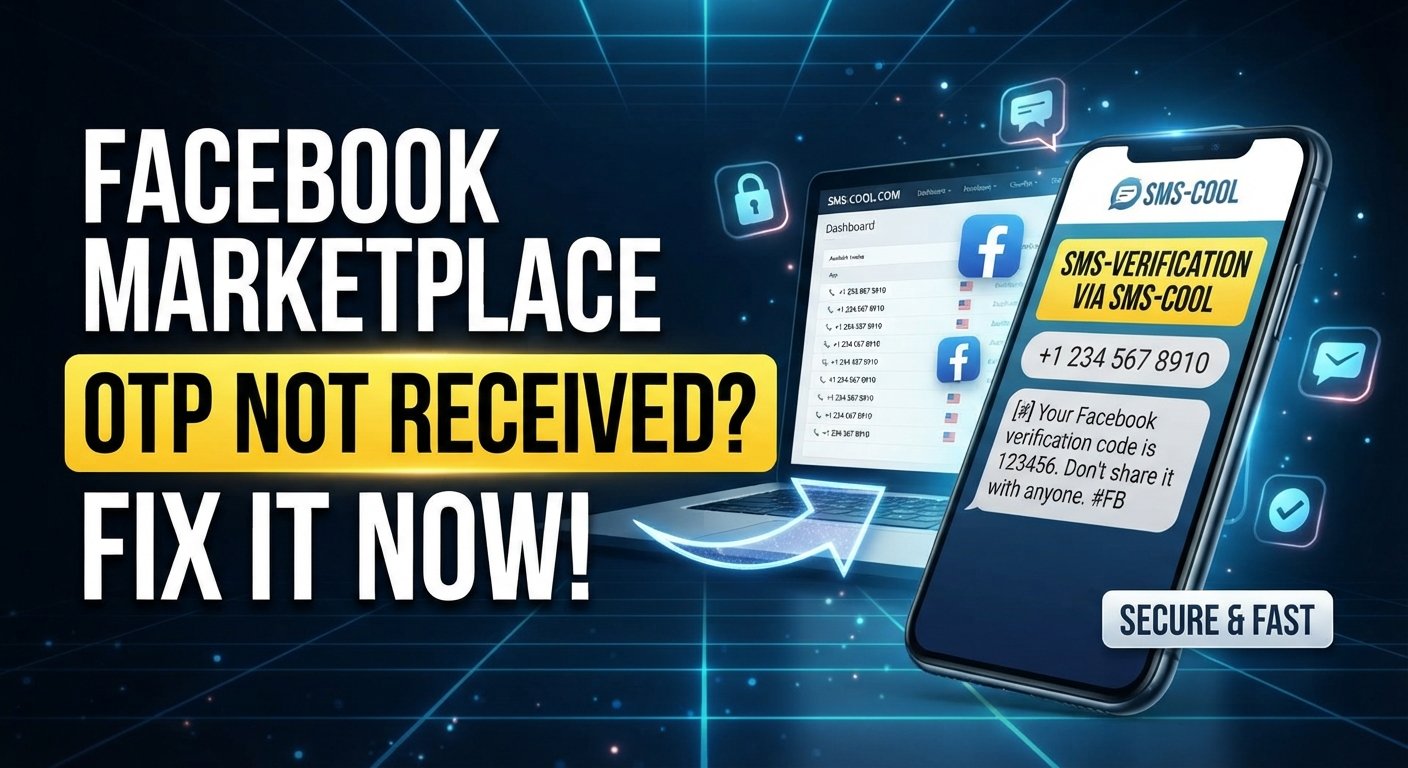
Facebook Marketplace OTP Not Received? How to Fix It
If you're searching for “Facebook Marketplace OTP not received,” you're not alone. A verification code may fail to arrive when you're trying to complete Facebook Marketplace phone verification, log in, confirm a number, or complete another security check.
Sometimes the problem is temporary. Your mobile network may be delayed, the phone number may be entered incorrectly, messages may be filtered, or repeated OTP requests may trigger additional delivery delays.
The good news is that there are several troubleshooting steps you can try. If your regular number continues to have problems receiving verification messages, an SMS verification service such as SMS COOL can also provide another way to receive SMS online, where supported.
Let's look at the most common causes and practical solutions.
Why Is My Facebook Marketplace OTP Not Received?
An OTP, or one-time password, is usually sent by SMS to confirm that you have access to a particular phone number. When the Facebook Marketplace verification code is not received, the problem isn't necessarily with your Facebook account.
Common causes include:
- Incorrect phone number or country code
- Weak or unstable cellular service
- Delayed SMS delivery
- Blocked or filtered messages
- A full SMS inbox
- Carrier-related restrictions
- Too many OTP requests in a short period
- Temporary delivery problems
- The verification service not supporting a particular number or carrier
Before trying complicated solutions, start with the basics.
1. Check Your Phone Number and Country Code
One of the easiest things to overlook is the phone number itself.
Open the verification screen and carefully check that:
- The country is correct.
- The country code is correct.
- The phone number contains the correct digits.
- You haven't accidentally added an extra digit.
- You haven't entered a landline or inactive number when an SMS-capable number is required.
If the number is incorrect, requesting another OTP won't solve the problem. Correct the number first and request a new verification code.
2. Check Your SMS Inbox and Network
If you're wondering, “Why is my Facebook OTP not coming?”, check whether your phone is actually receiving other SMS messages.
Try these quick checks:
- Send or receive a normal text message.
- Check your cellular signal.
- Toggle airplane mode off and on.
- Restart your phone.
- Check whether your SMS inbox is full.
- Look in blocked, filtered, or spam-message folders.
- Confirm that your phone can receive messages from unfamiliar numbers.
A temporary network issue can sometimes prevent a verification SMS from appearing immediately.
3. Don't Keep Requesting New OTPs
Repeatedly pressing “Send code again” may seem like the obvious solution, but it can make troubleshooting more confusing.
You could end up with several codes arriving at different times, and an older code may no longer be valid after a newer one is generated.
Instead:
- Request an OTP once.
- Wait for the message.
- Check your SMS folders.
- If it doesn't arrive, review your phone and network settings.
- Try again only after you've addressed a possible delivery problem.
This approach also makes it easier to determine whether the issue is related to your phone, carrier, or the verification process.
4. What If the Facebook Verification Code Is Still Not Received?
If you've checked everything and the Facebook verification code is not received, you can consider another SMS-capable number or an online SMS verification service.
This is where SMS COOL may be useful.
What Is SMS COOL?
SMS COOL is an online SMS verification service that can provide access to phone numbers capable of receiving SMS messages for supported verification purposes.
Instead of relying entirely on your everyday mobile number, you can use an available number through the service and check whether the verification message is delivered there.
This can be useful when you're troubleshooting an OTP not received on phone problem and want to determine whether the issue is specific to your regular number or carrier.
However, availability and acceptance can vary. A service cannot guarantee that every website, platform, or verification flow will send a code to or accept every available number.
How SMS COOL Can Help With OTP Verification
When normal SMS delivery isn't working, an online SMS verification service can offer an alternative route for receiving a verification message.
A typical process is straightforward:
- Access SMS COOL and review the available SMS-enabled numbers.
- Select an appropriate number for the supported verification purpose.
- Enter the number where the platform asks for your phone number.
- Request the verification code through the platform's normal verification process.
- Check SMS COOL for an incoming verification message.
- Enter the received code into the original verification screen if the code is provided and remains valid.
The exact process can vary depending on the service and verification provider.
The important point is that SMS COOL should be viewed as a legitimate troubleshooting option for receiving verification SMS—not as a way to bypass account security or platform restrictions.
Why Consider SMS COOL for a Marketplace OTP Problem?
There are several practical reasons someone troubleshooting Facebook SMS verification might consider an online SMS service.
A different SMS destination
If your regular phone number isn't receiving a particular verification message, another supported SMS-capable number can help you determine whether the issue is number-specific.
Convenient online access
Instead of waiting for a message on your physical phone, a supported online number can allow you to check incoming SMS through the service.
Useful for troubleshooting
Trying an alternative number may help identify whether the problem is related to your carrier, phone configuration, or the verification flow itself.
Simple process
For beginners, the basic concept is easy: select a supported number, use it where permitted, request the code, and check for the incoming SMS.
A Beginner-Friendly SMS COOL Workflow
If you've never used an online SMS verification service before, keep the process simple.
Step 1: Identify the verification problem
First, confirm that the issue is actually SMS delivery. Check your number, network, SMS inbox, and blocked messages.
Step 2: Choose a supported SMS COOL number
If you decide to use SMS COOL, select a number appropriate for the intended verification service and follow the provider's instructions.
Step 3: Enter the number accurately
Copy the number carefully into the relevant verification field. Make sure the country and number format match what the verification screen expects.
Step 4: Request the OTP
Use the platform's normal verification process to request the SMS code. Avoid repeatedly requesting codes.
Step 5: Monitor the incoming SMS
Check the SMS COOL interface for the verification message. If a code arrives, use it promptly according to the verification service's instructions.
Step 6: Complete verification normally
Enter the valid OTP into the original verification screen. If the number isn't accepted or no message arrives, don't assume that repeated attempts will fix the problem.
At that point, try another legitimate troubleshooting method or use the platform's available account-support options.
Common Mistakes to Avoid
An OTP problem can become harder to diagnose when users change too many things at once.
Avoid these common mistakes:
- Entering an incorrect country code
- Using a number that cannot receive SMS
- Requesting multiple OTPs repeatedly
- Entering an expired or older verification code
- Ignoring blocked or filtered messages
- Assuming every online number will be accepted
- Sharing verification codes with other people
- Using verification services for fraudulent activity or unauthorized accounts
- Treating an SMS service as a way to bypass Facebook security
An OTP is sensitive account information. Never give your verification code to someone who asks for it through an unsolicited message, call, or email.
Is a Temporary Phone Number for OTP Always Accepted?
No.
A temporary phone number for OTP may not work with every platform or verification process. Some services may restrict certain number types, carriers, regions, or previously used numbers.
That means SMS COOL can be a useful troubleshooting option, but it should not be treated as a guaranteed solution.
If a number isn't accepted, the appropriate next step is to follow the platform's legitimate verification or support process rather than attempting to circumvent its security controls.
Best Practices for Facebook Marketplace Phone Verification
When completing Facebook Marketplace phone verification, a few simple habits can prevent unnecessary problems.
Use accurate information. Make sure the phone number and country code are correct.
Keep your phone connected. If you're using your regular number, confirm that your device has reliable cellular service.
Check filtered messages. Some phones automatically move unknown or suspicious SMS messages into separate folders.
Be patient with OTP delivery. SMS isn't always instantaneous.
Avoid excessive requests. Multiple OTP requests can create confusion because earlier codes may become invalid.
Protect your verification code. Treat an OTP like a password and don't share it.
Use alternative services responsibly. If you use SMS COOL or another SMS verification service, make sure your use is consistent with the platform's rules and applicable laws.
The Bottom Line
A Facebook Marketplace OTP not received problem can be frustrating, but it doesn't always mean that something is wrong with your account. Incorrect numbers, network issues, blocked SMS, carrier limitations, and repeated OTP requests can all contribute to verification problems.
Start with the basic troubleshooting steps: verify your number, check your connection and SMS folders, and avoid requesting codes repeatedly.
If your regular phone number continues to have difficulty receiving verification messages, SMS COOL can be considered as an online SMS verification option for supported services. It provides a practical way to check whether a verification SMS can be received through another supported number.
Just remember that no SMS verification service can guarantee delivery or acceptance by every platform. Use the service responsibly, protect your OTPs, and always follow the verification requirements and rules of the platform you're using.
8. FAQ Section
Why is my Facebook Marketplace OTP not received?
The most common causes include an incorrect phone number, weak network service, delayed SMS delivery, blocked messages, carrier restrictions, or too many OTP requests. Check your number and SMS settings before requesting another code.
What should I do if my Facebook verification code is not received?
Confirm your country code and phone number, check your SMS inbox and blocked-message folders, verify your network connection, and avoid repeatedly requesting new codes. If the problem continues, consider an appropriate alternative SMS verification method.
Why is my Facebook OTP not coming to my phone?
Your carrier or phone may be filtering or delaying the message, or the verification request may not be reaching your number. Restarting your phone, checking network connectivity, and reviewing blocked SMS can help identify the issue.
Can SMS COOL help with Facebook Marketplace phone verification?
SMS COOL can provide access to supported SMS-capable numbers that may be used for verification purposes. Whether a particular number is accepted depends on the verification provider, so delivery or acceptance isn't guaranteed.
How can I receive SMS online for OTP verification?
With an online SMS verification service such as SMS COOL, you can select a supported SMS-enabled number, use it in a permitted verification flow, and monitor the service for an incoming SMS. Always follow the applicable platform rules.
Is SMS COOL a way to bypass Facebook verification?
No. SMS COOL should not be used to bypass security controls, restrictions, or account-verification requirements. It can be considered an alternative method for receiving SMS where the number and verification process are supported and permitted.
What should I do if an OTP still doesn't arrive through SMS COOL?
Check that you've selected the correct number, entered it accurately, and requested the code through the normal verification process. If no message arrives, the platform may not support that number or the delivery attempt may have failed. Follow the platform's legitimate verification or support options instead of repeatedly requesting codes.