20 Sep 2026
eBay Login Without Phone Number: SMS Verification Guide
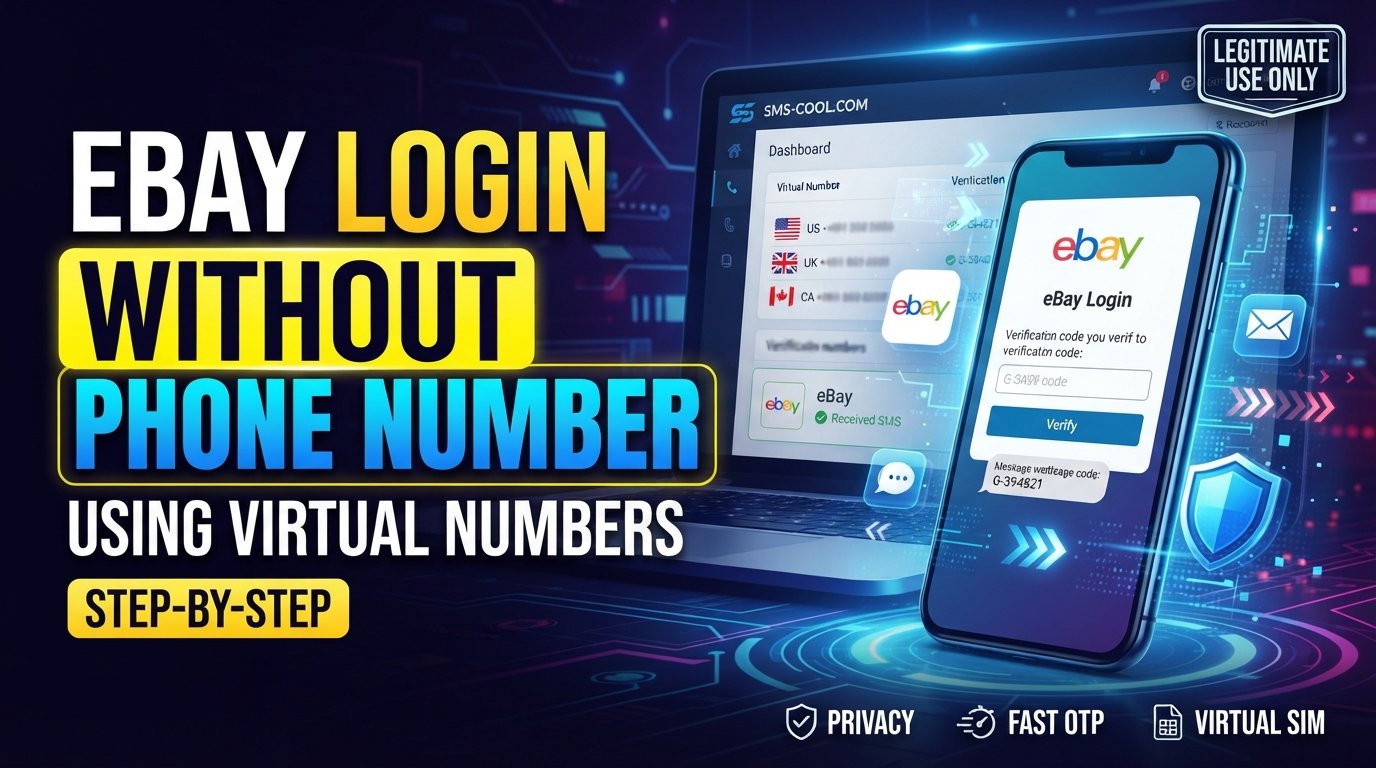
How to Get eBay Login Without Phone Number
Trying to complete an eBay login without phone number can be frustrating when the platform asks for a verification code and you would rather not provide your personal mobile number.
There are several legitimate reasons for wanting to keep your primary number separate from online accounts. You may be concerned about privacy, may not have convenient access to your usual SIM, or may simply prefer a dedicated number for certain online activities.
One practical option is an online SMS verification service such as SMS COOL, which provides virtual numbers for supported verification purposes. Instead of automatically using your personal number, you can explore whether a suitable virtual number is accepted for the verification step you need.
However, there is an important distinction: using a virtual number is not a way to bypass eBay security. You should only access your own account and follow eBay's verification and security requirements.
Can You Log In to eBay Without a Personal Phone Number?
The answer depends on what eBay requests during your particular account login.
An eBay account may use different authentication or account-recovery methods. If eBay asks you for an SMS code, you need access to the phone number receiving that code. If another approved verification method is offered, you can follow that method instead.
This means that “eBay login without phone verification” does not necessarily mean avoiding verification altogether. More accurately, it can mean accessing your account without exposing your personal phone number, when eBay accepts the alternative number you provide.
A virtual number can be useful in that situation, but compatibility is never guaranteed.
Why eBay May Ask for an SMS Verification Code
Phone verification is commonly used to add another layer of account protection.
When a service sends an eBay verification code, the basic process is straightforward:
- Enter an eligible phone number.
- Request verification.
- Receive an SMS containing a temporary code.
- Enter the code into the appropriate verification field.
- Continue the account process if the verification succeeds.
This is often called eBay SMS verification, phone verification, or OTP verification.
The important point is that the code confirms access to the number used for that verification attempt. It is not something that should be obtained from someone else's phone or used to gain unauthorized access.
How SMS Verification Works
Understanding the process makes it easier to decide whether a temporary number is appropriate.
Step 1: A Service Requests Your Number
During an account login, registration, recovery, or security check, the platform may request a phone number.
The exact screen and available options can vary.
Step 2: A Verification Code Is Generated
The platform generates a temporary eBay login code and sends it to the eligible number.
Step 3: The SMS Is Delivered
If the number is compatible, the verification SMS reaches the phone or online SMS platform associated with it.
Step 4: You Enter the Code
You enter the received code into the original verification screen.
If the code is valid and the platform accepts the number, the verification process can continue.
A key limitation is that not every website accepts temporary or virtual numbers. An SMS verification service cannot override restrictions imposed by the platform requesting the verification.
How SMS COOL Can Help With Verification
If you need to receive eBay verification code messages without immediately exposing your personal number, SMS COOL can be a practical option to investigate.
SMS COOL provides virtual phone numbers intended for SMS and OTP verification. Its platform allows users to select an available number for a supported service and receive incoming verification messages through its online dashboard.
The service offers both instant virtual numbers and longer-term rental options, giving users different approaches depending on their legitimate verification needs.
The important qualification is compatibility. SMS COOL itself states that it does not guarantee successful registration with third-party platforms, because acceptance can depend on platform restrictions, security checks, technical issues, or other factors.
So, think of SMS COOL as a tool for receiving SMS online, not as a method for defeating eBay's authentication system.
Step-by-Step Guide to Using SMS COOL for eBay Verification
If eBay permits the type of number you intend to use, the general workflow is simple.
1. Create an SMS COOL Account
Start by accessing the SMS COOL platform and creating an account.
The service states that registration is available without requiring a payment card upfront; payment is needed when you add balance for a purchase.
2. Add Balance
If you decide to purchase a virtual number, add the necessary balance using the payment options available through SMS COOL.
Only purchase a number when you have a legitimate reason to use it.
3. Select the Relevant Service
Look for the service you need within the SMS COOL interface.
Before proceeding, confirm that the number is intended for the type of verification you are attempting.
4. Choose an Available Number
Select an available virtual number that meets the relevant country or service requirements.
Availability can change, so you should not assume that a particular number or country will always be available.
5. Enter the Number Where Permitted
If eBay's verification process permits the selected number type, enter it into the appropriate phone-number field.
Do not use this process to circumvent an explicit eBay restriction.
6. Request the Verification SMS
Continue with the normal verification process on eBay.
If eBay sends a verification message to the number, monitor the SMS COOL dashboard for the incoming code.
7. Enter Your eBay Verification Code
Once the SMS arrives, enter the code into the legitimate eBay verification screen.
Never share a verification code with another person.
Benefits of Using SMS COOL
There are several reasons someone may consider an online SMS service when handling legitimate verification tasks.
Keep Your Personal Number Separate
A temporary or virtual number can help separate certain online activities from your primary mobile number.
That can be useful when privacy is a priority.
Receive SMS Online
Instead of relying entirely on a physical handset, supported verification messages can be accessed through an online dashboard. SMS COOL describes its service as providing virtual numbers for receiving SMS and verification codes.
Avoid Getting Another Physical SIM
For a short-term verification requirement, purchasing another physical SIM may be unnecessary. A virtual number can provide an alternative where the relevant platform permits it.
Flexible Number Options
SMS COOL provides instant virtual numbers and longer-term rentals, allowing users to choose an option suited to the duration of a legitimate task.
Important Things to Know Before Using a Temporary Number
A temporary phone number is useful in some situations, but it is not suitable for every account.
eBay May Reject Virtual Numbers
A platform can distinguish between different number types and may restrict temporary, virtual, disposable, or other numbers.
If eBay rejects a number, an SMS service cannot guarantee that another number will solve the problem.
Consider Account Recovery
Think carefully before using a temporary number for an account you expect to keep for a long time.
If the same number is later required for account recovery or another security check, losing access to it could create complications.
For important accounts, a long-term number or another officially supported security method may be more appropriate.
Keep Your Account Secure
Your eBay password, verification codes, recovery information, and other security credentials should remain private.
A temporary number should never be treated as permission to share login credentials or verification codes with anyone else.
Follow eBay's Rules
Only use a virtual number where it is permitted and appropriate. Do not use one to impersonate another person, evade an account restriction, or obtain unauthorized access.
Common eBay Login and Verification Problems
The eBay Login Code Does Not Arrive
A delayed or missing message can result from network problems, routing issues, number compatibility, or restrictions imposed by the platform.
Check that the number was entered correctly and that the selected number supports the intended service.
The Number Is Rejected
If eBay refuses the number, it may not support that type of virtual or temporary number.
Using another service does not guarantee a different result.
The Verification Code Has Expired
Verification codes are generally temporary. If a code is no longer valid, request another code through the normal eBay process.
You No Longer Have Access to Your Old Number
If your eBay account is tied to a phone number you cannot access, use the account-recovery or alternative verification options eBay makes available rather than trying to circumvent its security controls.
FAQs About eBay Login Without Phone Number
Can I complete an eBay login without a personal phone number?
Possibly, depending on the verification methods eBay offers and whether it accepts the alternative number you provide. A virtual number may be an option where permitted, but it does not guarantee access.
Can I receive an eBay verification code online?
If eBay sends an SMS to a compatible virtual number, an online SMS service such as SMS COOL can provide access to the incoming message through its platform. Compatibility depends on eBay and the number used.
Is a temporary phone number for eBay guaranteed to work?
No. Temporary and virtual numbers are not universally accepted. SMS COOL specifically states that successful registration or verification with third-party platforms is not guaranteed.
Is eBay SMS verification the same as an eBay login code?
They are closely connected. An eBay login code is typically a temporary verification code sent as part of an authentication process. SMS verification is the method used to deliver and confirm that code.
Can I use SMS COOL to receive SMS online?
Yes. SMS COOL provides virtual numbers intended for receiving SMS and verification codes for supported services.
Is using a temporary number safe for account security?
It can introduce additional considerations, particularly for future account recovery. For important accounts, use a number or authentication method that you can reliably access and that complies with the platform's requirements.
Does SMS COOL bypass eBay security?
No. SMS COOL should not be viewed as a security bypass. It provides virtual numbers and message-receiving services; whether eBay accepts a particular number is determined by eBay's own systems and requirements.
Conclusion: A Practical Way to Handle SMS Verification
Finding an eBay login without phone number option does not necessarily mean avoiding authentication. In many cases, the real goal is simply to complete legitimate verification without exposing a personal mobile number.
That is where a service such as SMS COOL can be useful. It provides virtual numbers and online SMS receiving capabilities that can help with supported verification workflows, while giving users an alternative to immediately using their personal number.
The key is to use the service responsibly. Access only your own eBay account, follow eBay's applicable security requirements, and understand that a temporary number is not guaranteed to be accepted.
If you have a legitimate need to receive eBay verification code messages without using your primary number, explore the available options through SMS COOL and check the compatibility requirements before purchasing a number. Explore SMS COOL