07 Oct 2026
Dropbox Sign Login Without Phone Number: Safe, Practical Options
How to Get Dropbox Sign Login Without Phone Number
Introduction
Being asked for a phone number when you simply want to access an online service can be frustrating. You may prefer not to connect your personal number to another account, want to keep personal and online activities separate, or simply have difficulty receiving verification messages on your regular phone.
If you're searching for Dropbox Sign login without phone number, there is an important distinction to understand: avoiding your personal phone number is not the same as bypassing a security requirement.
Dropbox Sign supports account access through methods that do not necessarily require a phone number. Its official account-access guidance explains that users can create or access accounts using email, Google, or Dropbox credentials.
However, some Dropbox Sign workflows can involve SMS verification. For example, SMS can be used as two-factor authentication for an account when enabled, and SMS can also be used to authenticate signers accessing certain signature requests.
So what should you do if you legitimately need an SMS-capable number but don't want to use your personal one? An appropriate virtual or temporary number may be an option when the platform permits it. This is where a service such as SMS COOL can be useful.
What Is Dropbox Sign?
Dropbox Sign is a cloud-based electronic signature service that allows users to sign and request signatures on documents online.
Users can access Dropbox Sign through its web application and mobile apps. Account creation can be completed using an email address, or users can sign up with Google or Dropbox.
This means a phone number is not automatically required for every Dropbox Sign account or every login. The exact verification experience can depend on the account, authentication method, and security settings involved.
That distinction matters when looking for a way to access Dropbox Sign without using a personal phone number.
Why Does Dropbox Sign Ask for Phone Verification?
Phone verification is generally used as an additional security or identity check.
Dropbox Sign documents SMS-based two-factor authentication for accounts where the feature has been enabled. In that process, a mobile phone number is entered and a verification code is sent by text message.
SMS can also be used to authenticate a signer before they access a document. In that situation, the signer receives a code on the specified phone number and enters it before proceeding.
The important point is that Dropbox Sign phone verification is not necessarily part of every login. Requirements can vary according to the workflow, account configuration, and security controls.
If a phone number is requested, the safest approach is to use an appropriate number that you are authorized to use rather than trying to defeat or circumvent the verification process.
Can You Use Dropbox Sign Without Your Personal Phone Number?
Yes, potentially.
If Dropbox Sign does not request phone verification for your particular login or signup process, you may simply be able to use the available email, Google, or Dropbox sign-in option.
If SMS verification is required, you may consider an alternative phone number when the Dropbox Sign workflow permits it and you have legitimate access to that number.
This can be useful if:
- You want to keep your personal number private.
- You maintain separate personal and professional communications.
- Your regular number cannot reliably receive the required SMS.
- You need a number temporarily for an authorized verification process.
- You prefer not to expose your primary phone number to another online service.
An online SMS verification service can provide another route for receiving a verification code, but acceptance is ultimately determined by the platform requesting the verification.
How to Get Dropbox Sign Login Without Phone Number
The first step is to determine whether Dropbox Sign actually requires phone verification for your situation.
Step 1: Try the standard Dropbox Sign login
Go to the Dropbox Sign login page and use the authentication method associated with your account.
If you normally use email and password, use those credentials. If your account was created or connected through Google or Dropbox, use the appropriate sign-in option.
If no phone verification is requested, you can complete the login without providing a phone number. Dropbox's own documentation confirms that Dropbox Sign supports email-based account creation as well as Google and Dropbox sign-in options.
Step 2: Determine whether SMS verification is actually required
If a phone verification screen appears, read the instructions carefully.
Do not assume that a phone number is required simply because you saw an SMS-related option elsewhere in Dropbox Sign. SMS authentication is used for specific security and signer-authentication workflows rather than necessarily being required for every user.
Step 3: Use an appropriate alternative number if permitted
If your legitimate workflow requires an SMS-capable number and Dropbox Sign accepts the number type you intend to use, you can consider a virtual or temporary number.
This is where SMS COOL can provide a practical option for receiving SMS online.
The service offers virtual numbers and number-rental options intended for SMS and verification-related use. Its own terms also make clear that it does not guarantee successful registration with every third-party platform.
How SMS COOL Helps With SMS Verification
SMS COOL provides access to virtual phone numbers that can receive SMS verification messages through its online platform.
The basic concept is straightforward: instead of using your primary mobile number, you select an available number suitable for the verification service you need, submit that number where permitted, and monitor the corresponding SMS inbox.
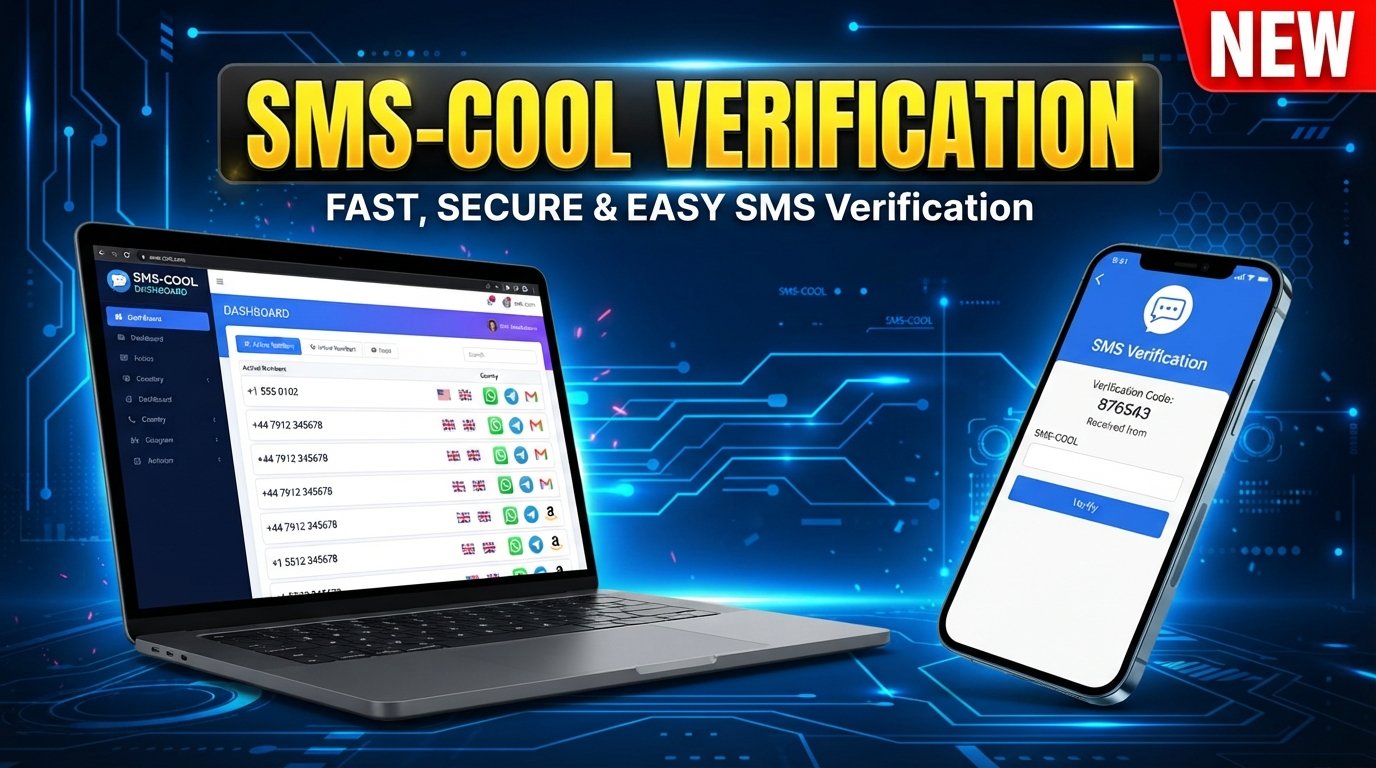
According to SMS COOL's published information, users can obtain instant virtual numbers or rent numbers for longer periods. The service also provides an online dashboard for receiving verification messages.
This can make sense when privacy or convenience is the main concern.
However, it is important not to treat SMS COOL as a way to bypass Dropbox Sign's security controls. SMS COOL is a separate third-party service, and Dropbox Sign ultimately decides whether a particular number is accepted.
Compatibility may depend on the country, number type, availability, previous usage, and Dropbox Sign's verification policies.
How to Use SMS COOL for Verification
If you are authorized to complete the Dropbox Sign verification and the use of a virtual number is permitted, the process can be simple:
- Visit SMS COOL. Create or access your SMS COOL account.
- Select an available SMS or verification number. Choose a number appropriate for the supported service and country you need.
- Use the number only for your authorized verification. Enter it where Dropbox Sign legitimately requests phone verification.
- Wait for the verification message. If Dropbox Sign accepts the number and sends an SMS, check the SMS COOL dashboard.
- Retrieve the verification code. Find the incoming verification SMS associated with your request.
- Enter the code in Dropbox Sign. Submit the code in the appropriate verification field.
- Complete the process. If the number and code are accepted, continue with the Dropbox Sign workflow.
SMS COOL states that a purchase is considered completed when an OTP is received, while unsuccessful activations may be subject to its refund rules.
Never use an SMS verification number to impersonate another person, access an account you do not own, create fraudulent accounts, or defeat security restrictions.
Why Use SMS COOL Instead of Your Personal Number?
There are several practical reasons someone may prefer an alternative SMS-capable number.
Privacy
Using a separate number can help you avoid unnecessarily sharing your primary personal number with another online service.
It does not mean you are completely anonymous or guaranteed to avoid all privacy risks. It simply provides a way to keep your primary number separate where alternative numbers are permitted.
Separation Between Personal and Online Activities
Some people prefer to maintain a clear boundary between personal communications and online accounts.
A dedicated virtual number can make that separation easier for supported verification tasks.
Convenience
If you need to receive a verification SMS but do not want to use your everyday phone number, an online SMS service can provide a convenient alternative.
SMS COOL supports both short-term virtual numbers and longer-term rental options, depending on the user's needs.
No Need for an Extra Physical SIM
A virtual number can be useful when you need an SMS-capable number for a particular online task without obtaining another physical SIM card.
Again, availability and acceptance depend on the service being verified.
Things to Know Before Using an SMS Verification Number
Before choosing an online SMS verification service, keep a few practical limitations in mind.
Not every service accepts every virtual number. A website can reject certain number types, countries, carriers, or previously used numbers.
Verification policies can change. A number that works for one service or workflow may not work for another.
Some accounts require additional verification. An SMS code may be only one part of a broader authentication process.
Temporary numbers may not be suitable for long-term account recovery. If you expect to need the number again for important account access, consider whether a longer-term number is more appropriate.
Follow Dropbox Sign's rules. The goal is to complete legitimate verification, not circumvent a security control.
Protect your verification codes. Treat OTPs as sensitive account information and never share them with someone who should not have access to the account.
SMS COOL's terms specifically prohibit illegal, fraudulent, abusive, or unauthorized use and state that successful registration with a third-party platform is not guaranteed.
SMS COOL: A Practical Solution for Verification Needs
If you need an alternative number for a legitimate SMS verification process, SMS COOL is a practical option worth considering.
Its platform is built around virtual numbers, SMS reception, and verification-related services. Depending on availability, you can choose a number for a particular verification task or consider a rental option when longer access is appropriate.
The key advantage is flexibility: you do not necessarily have to expose your primary personal number every time an online service requests SMS verification.
At the same time, it is important to keep expectations realistic. SMS COOL does not control Dropbox Sign's verification system, and no third-party SMS provider can guarantee that every number will be accepted.
Before purchasing, check the available service, country, and number options. Then use the number only for an account and verification process you are authorized to complete.
For readers specifically looking for Dropbox Sign login without phone number, this makes SMS COOL most useful when the real objective is not to bypass verification, but to complete an allowed verification process without relying on a personal phone number.
10. FAQs
Can I use Dropbox Sign without my personal phone number?
Often, yes. Dropbox Sign supports account access and signup methods involving email, Google, or Dropbox, so a personal phone number is not automatically required for every account. If your particular workflow requires SMS verification, an alternative number may be considered when permitted.
Why does Dropbox Sign require phone verification?
SMS verification can provide an additional security or authentication step. Dropbox Sign documents SMS-based two-factor authentication and SMS authentication for certain signer workflows. Requirements can vary depending on the account and workflow.
Can I receive a Dropbox Sign verification code online?
If Dropbox Sign accepts the number you use and sends an SMS to it, an online SMS service such as SMS COOL may allow you to view the incoming verification message through its platform. Acceptance is not guaranteed.
What is an SMS verification number?
An SMS verification number is a phone number capable of receiving text messages containing verification codes. It can be a virtual number rather than the personal mobile number you normally use.
Can SMS COOL receive verification SMS?
SMS COOL provides virtual numbers and SMS receiving services for supported verification workflows. Its published rules explain that verification codes can be received through the service, subject to availability and applicable restrictions.
Will every Dropbox Sign verification code work with an online SMS number?
No. A platform may reject a particular virtual number, country, carrier, or number type. SMS COOL itself states that successful registration with third-party platforms is not guaranteed.
Is using an alternative phone number safe?
Using an alternative number can be reasonable when the number is legitimately available to you and the platform permits its use. However, you should understand the provider's terms, protect verification codes, and avoid using alternative numbers to bypass security or access controls.
What should I do if my verification SMS does not arrive?
First, confirm that the number was entered correctly and that the number supports the requested service. Check the SMS provider's dashboard, wait for the platform's normal delivery period, and avoid repeatedly requesting codes. If the message still does not arrive, try an approved alternative verification method or contact Dropbox Sign support.
11. Conclusion/CTA
If you are looking for Dropbox Sign login without phone number, the first thing to remember is that you may not need a phone number at all. Dropbox Sign supports standard account-access methods such as email, Google, and Dropbox sign-in, while SMS verification applies to particular security and authentication workflows.
When SMS verification is legitimately required and an alternative number is permitted, a service such as SMS COOL can provide a practical way to receive verification SMS without relying on your primary personal number.
The important part is to use the service responsibly: only verify accounts you are authorized to access, follow Dropbox Sign's requirements, and understand that third-party virtual numbers are not guaranteed to work with every verification system.
If that approach fits your situation, explore the available numbers and supported services through SMS COOL before starting your verification.