19 Sep 2026
How to Get Discord Login Without Phone Number | SMS COOL Guide
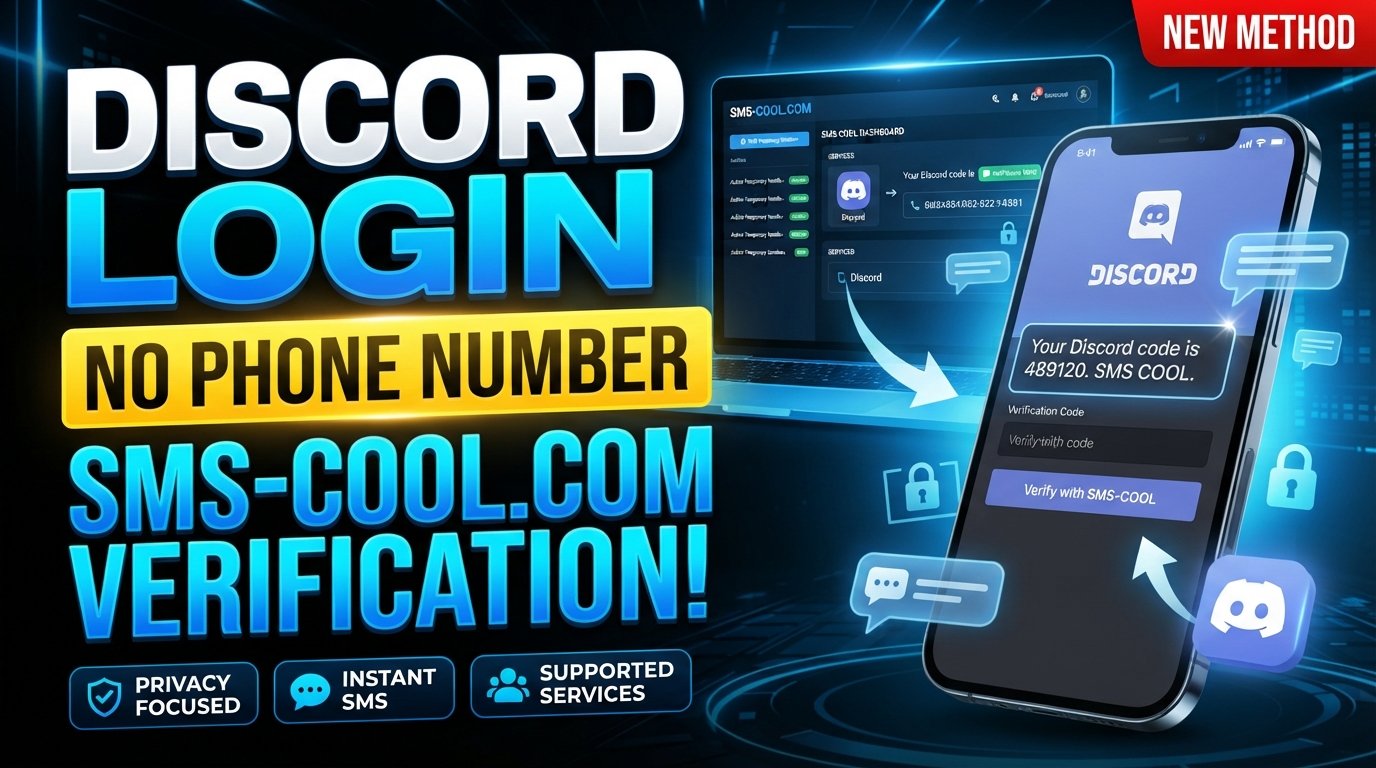
How to Get Discord Login Without Phone Number
Want to use Discord without giving the platform your personal phone number? You're not alone. Many people prefer to keep their primary phone number private and separate from online communities, gaming platforms, and other internet services.
The good news is that there are legitimate options worth considering when Discord requests phone verification. One practical approach is using an online SMS verification service such as SMS COOL, where supported, instead of exposing your personal mobile number.
However, there is an important distinction: there is no universal method that guarantees a Discord account can be created or accessed without phone verification. Discord may request verification based on its own security and account-verification requirements, and not every temporary or virtual number will necessarily be accepted.
This guide explains how to get Discord login without phone number, how Discord SMS verification works, and how SMS COOL can be useful when you need temporary online SMS reception.
Can You Use Discord Without a Phone Number?
Sometimes, yes—but it depends on what Discord requires for the particular account or login attempt.
A Discord account can be created using an email address and other required information, but Discord may request phone verification in certain circumstances. The verification requirement is controlled by Discord and can vary depending on its security systems, account activity, or other factors.
This means there is no reliable shortcut that guarantees Discord login without phone number in every situation.
If Discord does not request a phone number, you can simply follow the normal account creation or login process. If phone verification is required, however, you need to use a number capable of receiving the requested SMS.
For people who do not want to expose their personal number, an online SMS verification service may provide an alternative where supported.
Why Do People Want Discord Without a Phone Number?
There are several legitimate reasons someone may search for a Discord account without phone number.
Privacy
Your personal mobile number is sensitive contact information. Some users prefer not to associate it with every online service they use.
Using a separate verification number can help keep your personal contact details separate from online accounts.
Separating Personal and Online Communication
A primary phone number may already be connected to family, friends, work, banking, and other important services. Keeping online registrations separate can make managing your digital identity easier.
Temporary Verification Needs
Sometimes, you simply need to complete an SMS verification process without using your regular mobile number.
A temporary SMS number can be useful in situations where an online service accepts it and you have no reason to use your personal number for that particular verification.
Reducing Unnecessary Exposure
Protecting your personal phone number does not mean trying to avoid legitimate security checks. Instead, it can mean choosing what information you share and with which services.
How Discord Phone Verification Works
The basic Discord SMS verification process is straightforward.
- Discord requests verification. You may see a prompt asking you to verify your phone number.
- A phone number is entered. You provide a number that can receive SMS messages.
- Discord sends an SMS. A verification message containing a temporary code is sent to the number.
- The code is entered. You enter the Discord verification code into the appropriate field.
- Verification is completed. If the number and code are accepted, Discord completes the requested verification step.
The important part is that the number must be able to receive the message and meet Discord's requirements. A number that cannot receive the SMS, has already been used, or is not accepted by Discord will not solve the verification requirement.
How to Get Discord Login Without Phone Number Using SMS COOL
If Discord is requesting SMS verification and you prefer not to use your personal number, SMS COOL can be a practical option for supported verification services.
The process is designed around receiving an SMS online rather than having the message delivered to your personal mobile device.
Step 1: Visit SMS COOL
Start by visiting the SMS COOL service and reviewing the available temporary or online SMS options.
Look for a number appropriate for the service you need to verify.
Step 2: Select an Available Number
Choose a suitable temporary phone number for Discord if an appropriate option is available.
Availability can vary, so check the service listing before proceeding.
Step 3: Select Discord if Available
If Discord is listed as a supported service, select the relevant option according to the instructions provided by SMS COOL.
Support and availability can change, so use only options currently presented as available.
Step 4: Use the Number During Legitimate Discord Verification
When Discord asks for a phone number, enter the number provided through SMS COOL.
Do not use the number to impersonate another person, circumvent account restrictions, or violate Discord's rules. The purpose is simply to complete a legitimate verification process while avoiding unnecessary exposure of your personal number.
Step 5: Wait for the SMS
Discord should send the verification message if the number is accepted and the verification request proceeds normally.
Depending on the service and network conditions, the message may take some time to appear.
Step 6: Retrieve the Discord Verification Code
Return to SMS COOL and check the incoming messages associated with your selected number.
If the SMS arrives, locate the Discord verification code.
Step 7: Enter the Code on Discord
Enter the received code into Discord's verification field.
Make sure you enter the code exactly as provided and follow any additional instructions displayed by Discord.
Step 8: Complete Verification
If Discord accepts the number and verification code, complete the remaining account or login process.
Keep in mind that SMS COOL can provide temporary or online SMS reception where supported, but it cannot guarantee that Discord will accept every available number.
Why Use SMS COOL for Discord Verification?
Using an online SMS service can be useful when privacy and convenience are important.
Protect Your Personal Phone Number
The biggest advantage for many users is keeping their primary phone number private.
Instead of immediately sharing your regular mobile number with another online service, you can consider a separate verification option where appropriate.
Receive SMS Online
SMS COOL provides an online way to receive SMS messages for supported services. This can be convenient when you need access to a verification message without relying on your personal phone.
Temporary Verification Options
A temporary number can be appropriate for a one-time verification requirement when long-term phone access is not necessary.
However, temporary numbers should not automatically be treated as a replacement for a permanent recovery method.
Simple Process
The basic workflow is easy to understand: select a supported number, use it for the legitimate verification request, wait for the SMS, and enter the received code.
Discord Login Without Phone Number: What You Should Know
Before relying on a virtual phone number for Discord, there are several limitations to understand.
- Discord may require phone verification. If Discord specifically requires a phone number, you need to complete that requirement using an accepted number.
- Not every temporary number is accepted. Some online or virtual numbers may be rejected.
- Requirements can change. Discord determines its own verification and security requirements.
- Temporary numbers may have limited availability. A particular number may expire or become unavailable.
- Long-term recovery is different from temporary verification. If an account requires future phone-based recovery, relying on a temporary number may create complications.
- Follow Discord's rules. A privacy-focused verification method should not be used to bypass restrictions, abuse the platform, or operate unauthorized accounts.
The goal should be legitimate account access and privacy—not defeating Discord's security controls.
Common Problems With Discord SMS Verification
Even when using a legitimate SMS verification service, problems can occur.
Verification Code Does Not Arrive
SMS delivery can sometimes be delayed. Check the SMS COOL dashboard again and allow a reasonable amount of time for the message to appear.
Avoid repeatedly requesting new codes unless Discord specifically allows you to do so, as repeated requests can complicate the process.
Number Is Not Accepted
Discord may reject certain numbers, including some temporary or virtual numbers.
If a number is not accepted, check whether another supported option is available through the service.
Number Has Already Been Used
A number may have previously been associated with another account or verification request. If Discord reports that the number has already been used, it may not be suitable for your particular verification.
Temporary Number Expired
Temporary numbers can have limited availability periods. If the number expires before the verification process is complete, you may need to start again with another available option.
SMS Delivery Is Delayed
Network traffic, service availability, or other technical factors can delay incoming messages. Check the status of the number and the instructions provided by the SMS verification service.
Is Using a Temporary SMS Number Safe for Discord?
A temporary SMS number can help protect your personal phone-number privacy, but it is important to understand what it does—and does not—provide.
A temporary number can reduce the need to disclose your personal mobile number during a supported verification process. However, it may not be appropriate for permanent account recovery or future security checks.
For important accounts, always consider how you would regain access if you lose your login credentials or Discord asks for verification again.
You should also avoid sharing verification codes with other people. A Discord SMS code is intended for the verification process associated with your account.
In short, using a disposable phone number or temporary number should be considered a privacy and verification option, not a way to bypass security.
Frequently Asked Questions
Can I create a Discord account without a phone number?
Possibly. Discord does not necessarily require phone verification for every account creation or login situation. However, it may request phone verification depending on its current requirements and security systems.
Can I log into Discord without phone verification?
If Discord does not request phone verification for your login, you can follow the normal login process. If Discord requires verification, you will need to complete the requested verification step.
How can I receive a Discord verification code online?
If Discord accepts the number, you can use a supported online SMS verification service such as SMS COOL to receive the message online instead of using your personal phone number.
Can I use a temporary phone number for Discord?
A temporary number may work if Discord accepts that number and it can receive the required SMS. Acceptance is not guaranteed for every temporary number.
Does Discord accept virtual phone numbers?
Discord may accept some virtual numbers, but acceptance can vary. Some temporary or virtual numbers may be rejected, so check the available options and Discord's current requirements.
What is SMS COOL?
SMS COOL is an online SMS service that provides temporary or online numbers for supported verification purposes. Availability depends on the services and numbers currently offered.
Is SMS COOL useful for Discord SMS verification?
It can be useful when Discord requests SMS verification and a suitable SMS COOL number is available and accepted by Discord. It should be used for legitimate verification purposes rather than bypassing platform security.
What should I do if my Discord verification code does not arrive?
First, check that the selected number is still active and that the SMS request was completed correctly. Check SMS COOL for incoming messages, allow some time for delivery, and follow Discord's instructions if you need to request another code.
Final Thoughts
Finding Discord login without phone number is mainly about understanding the difference between avoiding unnecessary disclosure of your personal number and bypassing Discord's security requirements.
If Discord does not require phone verification, you may be able to use Discord normally without providing a number. If verification is required, however, you need an accepted number capable of receiving the required SMS.
For users who want to protect their personal phone number, SMS COOL offers a practical option for supported online SMS verification. You can select an available number, receive the Discord SMS code online, and use that code to complete the legitimate verification process.
Just remember that temporary numbers are not guaranteed to work with every Discord verification request, and they may not be suitable for long-term account recovery.
The safest approach is simple: protect your personal information, follow Discord's requirements, and use temporary SMS services responsibly.
Ready to Protect Your Phone Number?
If you need a temporary or online SMS verification option for a supported Discord verification request, explore SMS COOL and check the currently available numbers.
Choose an appropriate option, receive your SMS verification code online, and complete the legitimate verification process without unnecessarily exposing your personal phone number.
Explore SMS COOL today and make online SMS verification more convenient and privacy-conscious.