25 Sep 2026
DigitalOcean Login Without Phone Number: Easy Verification Guide
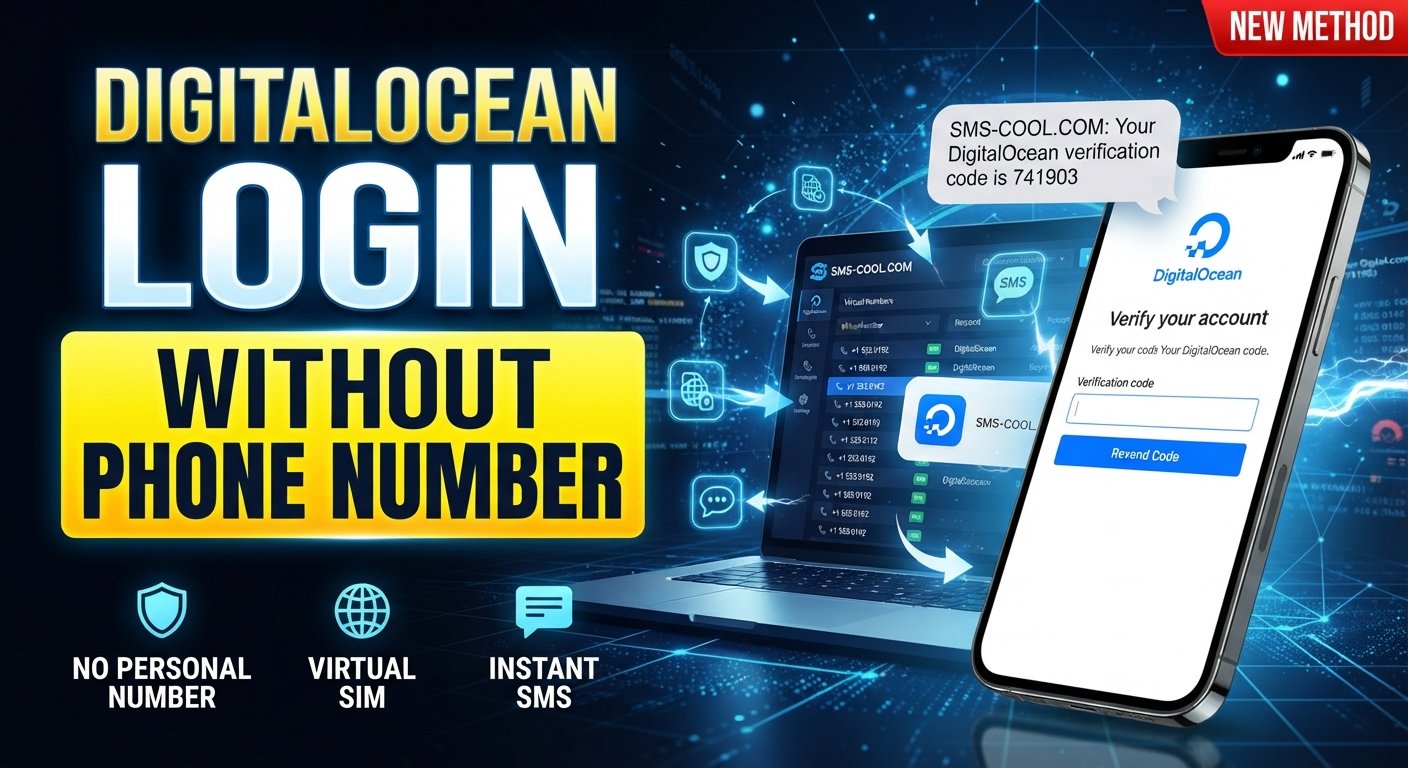
How to Get DigitalOcean Login Without Phone Number
Trying to access a DigitalOcean account can become frustrating when a phone number or SMS verification step appears during registration or sign-in. This is especially true if you prefer not to use your personal number for online services or need a separate number for account verification.
The good news is that DigitalOcean login without phone number does not necessarily mean bypassing account security. The important distinction is between avoiding the use of your personal phone number and attempting to defeat a verification requirement.
DigitalOcean uses several authentication and verification methods depending on the account and sign-in circumstances. Its documentation explains that device verification can send an authorization code by email or SMS, while other login methods such as Google or GitHub are also supported.
If DigitalOcean requests SMS verification, a legitimate virtual or online number may be an option where that number is accepted. Services such as SMS COOL can provide access to virtual phone numbers for receiving SMS verification codes, subject to the requirements and restrictions of the service you are trying to verify.
Why Does DigitalOcean Ask for Phone Verification?
Phone verification is one part of a broader account-security process.
Online platforms may use verification codes to help confirm that a person controlling an account also has access to a particular communication channel. DigitalOcean's documentation explains that device verification can require an authorization code when signing in from a new location, device, or browser. Depending on the circumstances, that code may be sent by email or SMS.
Verification can also be associated with stronger account protection. DigitalOcean supports two-factor authentication, including authentication apps and SMS as available methods. The company recommends using an authenticator app for 2FA rather than relying on SMS alone.
This means a request for a DigitalOcean verification code should be treated as a normal security step, not something to circumvent.
Can You Access DigitalOcean Without Your Personal Phone Number?
Can you get DigitalOcean login without a phone number?
You may be able to avoid using your personal phone number if DigitalOcean presents an accepted alternative authentication method or accepts another number for the particular verification step. However, the available methods depend on the account, login method, and current DigitalOcean requirements.
DigitalOcean supports email/password sign-in as well as Google and GitHub sign-in. Device verification may also use an authorization code sent to the account email address.
If DigitalOcean specifically requests an SMS code, using a virtual phone number is different from bypassing authentication. You are still completing the requested verification process by receiving and entering the code.
However, not every virtual number is guaranteed to work. DigitalOcean explicitly states that VoIP or telephony numbers from services such as Google Voice or Ooma cannot be used for its SMS-based 2FA.
Therefore, check the current DigitalOcean requirements before relying on any temporary or virtual number.
How to Get DigitalOcean Login Without Phone Number
If your goal is to avoid using your personal phone number while completing legitimate account verification, follow the normal DigitalOcean process.
1. Visit the official DigitalOcean website
Start from DigitalOcean's official website and use the normal account registration or login process.
Avoid unofficial login pages or links from unknown sources. Your account credentials and verification codes should only be entered into the appropriate official service.
2. Start the normal login or account process
Enter your existing credentials if you already have a DigitalOcean account. If you are creating an account, follow the standard registration process.
DigitalOcean supports multiple sign-in methods, including email and password and GitHub SSO.
3. Complete the requested account information
Provide accurate information wherever DigitalOcean requests it. Do not use false identity information simply to avoid verification.
Depending on your account and circumstances, DigitalOcean may request additional verification or authentication.
4. Check whether phone verification is required
If DigitalOcean does not require an SMS step, complete the available authentication process normally.
If a phone verification field appears, determine whether an alternative number is appropriate and accepted for your particular situation.
5. Consider an appropriate virtual number
Where permitted, an online SMS verification service such as SMS COOL can provide access to a virtual phone number for receiving SMS.
The important point is that the number must be accepted by the service requesting verification. A virtual number should not be treated as a guaranteed replacement for a personal mobile number.
6. Select an available number through SMS COOL
Open SMS COOL and select an appropriate available virtual number or verification option for the service you need.
Availability and acceptance can vary, so check the details presented by SMS COOL before proceeding.
7. Enter the number in the verification field
If DigitalOcean accepts the selected number for the verification step, enter it in the relevant phone-number field using the required country and number format.
8. Receive the verification code
If the number is accepted and the SMS is delivered, the DigitalOcean SMS verification message should appear through the SMS COOL service.
This message may contain the one-time DigitalOcean OTP or verification code required by the page.
9. Enter the code and finish verification
Enter the received code into the appropriate DigitalOcean verification field and continue with the normal authentication process.
If DigitalOcean rejects the number or the SMS does not arrive, do not repeatedly submit requests. Instead, troubleshoot the issue or use an authentication method supported by DigitalOcean.
How SMS COOL Can Help With DigitalOcean Verification
SMS COOL can be useful when you need a separate phone number for online verification rather than using your personal number.
Its role is straightforward: provide access to a virtual number that can receive SMS, allowing a user to retrieve a verification code online when the relevant service accepts that type of number.
For users who regularly encounter phone verification during online account registration, this can be convenient because it separates verification messages from their everyday personal number.
Potentially useful aspects include:
- Access to virtual phone numbers
- Receiving SMS verification codes online
- A separate number for online services
- Convenient browser-based access to received messages
- A simple workflow for online SMS verification
- Less need to expose a personal number to every online service
The key qualification is important: SMS COOL does not control DigitalOcean's verification rules. DigitalOcean decides which numbers and authentication methods it accepts. SMS COOL should therefore be viewed as a practical option for receiving SMS, not as a method for bypassing DigitalOcean security.
Step-by-Step SMS COOL Verification Process
If the relevant DigitalOcean verification flow accepts your selected virtual number, the process can be straightforward:
- Open SMS COOL.
- Choose the relevant service or number option.
- Obtain an available virtual number.
- Enter the number where DigitalOcean requests phone verification.
- Wait for the verification SMS.
- Retrieve the verification code through SMS COOL.
- Enter the code into the DigitalOcean verification field.
- Finish the normal account or login process.
If the number is rejected or the message does not arrive, select another legitimate verification method or contact DigitalOcean support rather than attempting to circumvent the security process.
DigitalOcean Phone Verification vs. Using a Virtual Number
FactorPersonal Phone NumberVirtual Phone NumberPrivacy considerationsDirectly associated with your personal mobile serviceCan provide separation from your personal numberConvenienceUsually available directly on your phoneAccessible through the service providing the numberReceiving verification SMSDepends on carrier and service compatibilityDepends on number type and service acceptanceSeparate number for online servicesNoYesLong-term account recoveryOften easier to retain personallyDepends on continued access and service termsCompatibilityGenerally determined by DigitalOcean's requirementsMust be accepted by DigitalOcean for the relevant verification method
A virtual number can therefore be convenient, but it is not automatically equivalent to a personal mobile number. DigitalOcean's own documentation places restrictions on certain VoIP and telephony numbers for SMS-based 2FA.
Common Problems With DigitalOcean SMS Verification
Even with a valid number, SMS verification can occasionally fail. Here are some common situations and practical steps to take.
Verification SMS is not arriving
Check that the number was entered correctly and that the service is capable of receiving messages from the relevant sender.
DigitalOcean recommends checking the phone number in the account's Security settings when an expected SMS verification code does not arrive.
The number is unavailable
A particular virtual number may no longer be available. If SMS COOL indicates that a number cannot be used, choose another available option rather than repeatedly submitting the same number.
The verification code expires
One-time codes are intended for immediate verification. Enter the code promptly after receiving it.
Incorrect number format
Country codes and number formats matter. Make sure the number is entered exactly as the verification page expects.
Verification attempt limits
Repeatedly requesting codes can create additional verification problems. If several attempts fail, pause and review the account or verification requirements before trying again.
Service restrictions
Some platforms restrict virtual, VoIP, recycled, or temporary numbers. DigitalOcean's documentation specifically says certain VoIP or telephony numbers cannot be used for SMS 2FA.
If a number is rejected, the appropriate response is to use an accepted method rather than attempting to defeat the restriction.
Tips for a Smooth DigitalOcean Login
A few simple habits can make account verification easier:
- Use accurate account information.
- Enter the phone number in the correct format.
- Check your email as well as SMS when expecting an authorization code.
- Enter verification codes promptly.
- Avoid repeatedly requesting new codes.
- Keep your password private and unique.
- Enable stronger authentication where appropriate.
- Keep backup authentication methods secure.
- Follow DigitalOcean's current verification requirements.
- Use a reliable SMS verification service when a virtual number is permitted.
DigitalOcean also supports authentication apps for 2FA and recommends them as a stronger option than SMS.
If you repeatedly encounter login verification problems, DigitalOcean provides support resources for account access issues and a “Can't Sign In” support path.
Is SMS COOL Suitable for DigitalOcean Verification?
SMS COOL can be suitable when you need a separate virtual number to receive an SMS verification code, provided that the selected number is accepted for the particular DigitalOcean verification step.
That qualification matters. No third-party SMS verification service can guarantee that every number will be accepted by every platform.
For someone searching for DigitalOcean login without phone number, the practical advantage of SMS COOL is that it can help separate online verification from a personal phone number. You can receive SMS online and retrieve the relevant verification code without automatically exposing your everyday number.
At the same time, users should distinguish between a normal verification workflow and an attempt to bypass security. SMS COOL is useful for receiving a legitimate verification message; it should not be used to defeat authentication controls, account restrictions, or DigitalOcean's policies.
Conclusion
Getting DigitalOcean login without phone number does not necessarily mean avoiding security verification. In many cases, the real goal is simply to avoid using a personal phone number while still completing the required authentication process.
DigitalOcean supports multiple authentication options, and its verification requirements can vary by account and sign-in circumstances.
When an SMS verification step is required and a virtual number is permitted, SMS COOL can be a practical option for receiving the verification code online. The selected number must still meet DigitalOcean's requirements, and users should always follow the platform's current terms and security procedures.
If you need a separate number for online SMS verification, explore SMS COOL to see whether an appropriate virtual number is available for your verification needs.
FAQs
Can I log into DigitalOcean without a phone number?
Sometimes. DigitalOcean supports email/password and Google or GitHub sign-in, and device verification may use email or SMS depending on the circumstances. If SMS is specifically required, you need an accepted number or another authentication method available to your account.
Why does DigitalOcean require phone verification?
Verification helps confirm account access and protect accounts from unauthorized use. DigitalOcean uses device verification and other authentication methods as part of its account-security process.
Can I use a virtual number for DigitalOcean?
It depends on the verification method and the type of number. DigitalOcean specifically states that VoIP or telephony numbers from services such as Google Voice or Ooma cannot be used for SMS-based 2FA.
How can I receive a DigitalOcean verification code online?
If DigitalOcean sends the required verification code by SMS and accepts the number you use, a compatible virtual-number service can allow you to receive SMS online. SMS COOL can be considered where its available number is accepted for the relevant verification process.
What should I do if my DigitalOcean SMS code does not arrive?
Check the number and format, confirm that SMS messages are not being blocked, and avoid repeatedly requesting codes. DigitalOcean recommends checking the phone number associated with your account and contacting support if the expected verification code still does not arrive.
Is SMS COOL useful for online SMS verification?
SMS COOL can be useful for receiving SMS verification codes when a suitable virtual number is available and accepted by the service you're verifying. Acceptance depends on the platform's current requirements.
Can I use a temporary phone number for DigitalOcean verification?
A temporary phone number may work only if DigitalOcean accepts that particular number type for the verification step. Acceptance is not guaranteed, and DigitalOcean places restrictions on certain VoIP and telephony numbers for SMS 2FA.
Suggested Internal-Link Anchor Texts
- temporary phone numbers
- receive SMS online
- virtual phone numbers
- online SMS verification
- SMS verification services