03 Oct 2026
DeepSeek Login Without Phone Number: Practical Privacy Guide
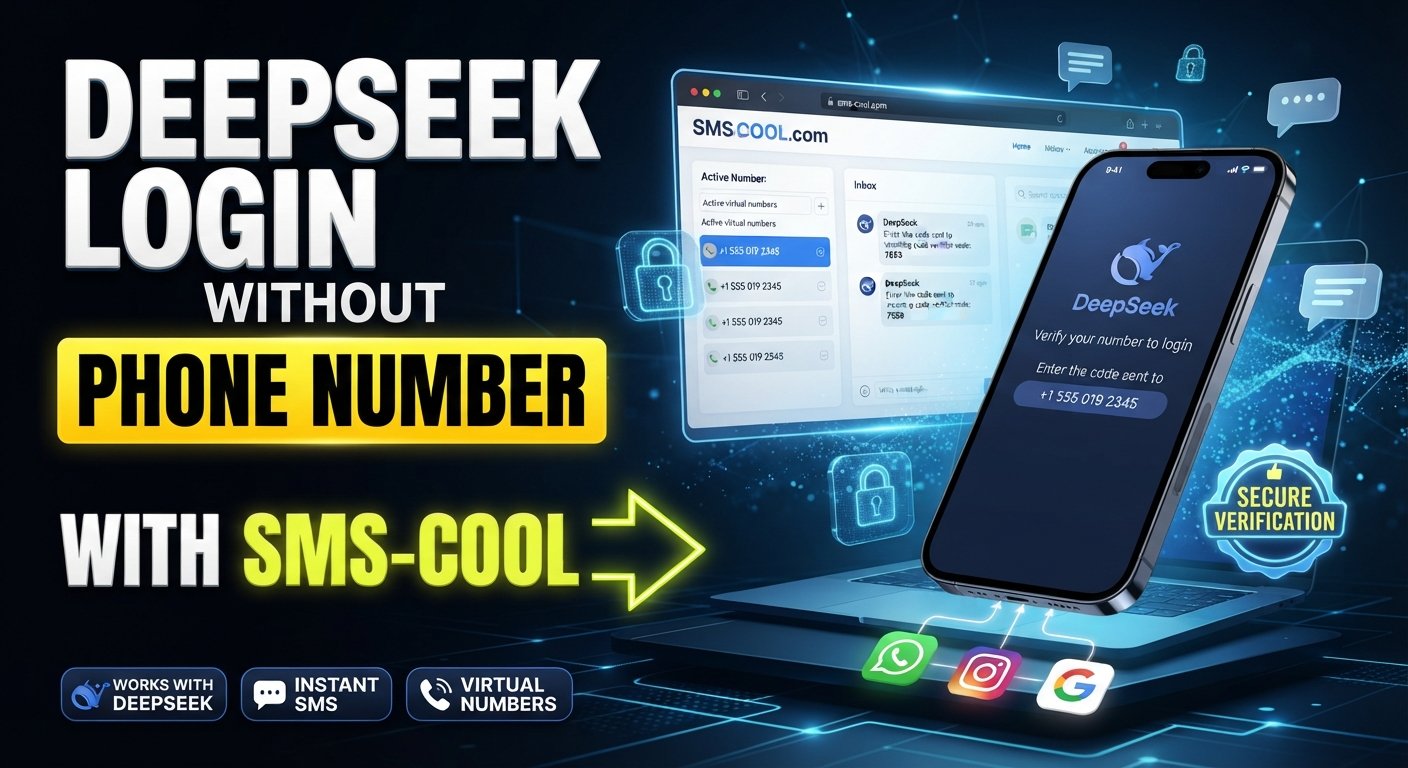
How to Get DeepSeek Login Without Phone Number
Want to use DeepSeek but would rather not share your personal phone number? You are not alone. Phone verification can be an inconvenient step when creating or accessing an online account, especially if you prefer to keep your primary number separate from online services.
The good news is that a phone number is not necessarily the only route available for every DeepSeek sign-in flow. DeepSeek's published terms describe account registration through email or a third-party account, while its privacy documentation also indicates that account information can include an email address and/or telephone number. The exact options presented can vary by product, region, account flow, and security requirements.
When a particular DeepSeek verification process does require an SMS code, a temporary or virtual number may be an option if DeepSeek accepts that type of number. This is where an online SMS verification service such as SMS COOL can become useful.
Rather than giving your everyday mobile number to another service, you can use an available number for a supported verification task, receive the SMS online, and enter the verification code where requested.
Why Does DeepSeek Ask for Verification?
Phone or email verification is commonly used to confirm that a person has access to the contact method associated with an account.
For SMS verification, the general process is straightforward:
- You enter a phone number.
- The service sends a verification message.
- The message contains an OTP, or one-time password.
- You enter the code.
- The service checks the code and completes the verification step if it is valid.
DeepSeek's official documentation describes verification as part of account registration and login processes, although the exact method can depend on the service and account flow.
For users concerned about phone number privacy, the important question is whether they need to use their personal number at all.
Can You Use DeepSeek Without Your Personal Phone Number?
In some DeepSeek account flows, you may be able to register or log in using an email address or an available third-party account option instead of entering a personal phone number. DeepSeek's published terms specifically describe registration using email or a third-party account, while its current platform interface may present phone number or email as an input option.
However, you should always follow the options actually shown to you.
If your particular DeepSeek registration or verification screen requires an SMS code, trying to bypass the verification process is not the right approach. Instead, if temporary or virtual numbers are permitted, you can consider an appropriate SMS verification service.
This gives you two practical paths:
- Email or third-party sign-in: Use this when DeepSeek provides the option.
- Supported temporary number: Use this when SMS verification is required and the platform accepts the type of number you have selected.
What Is a Temporary or Virtual Phone Number?
A temporary phone number is a number provided for a limited or specific purpose, such as receiving an SMS verification code.
A virtual phone number works through an online service rather than requiring you to insert a physical SIM card into your personal phone.
For example, instead of entering your everyday number into a registration form, you may obtain an available online SMS number, enter it into the supported verification form, and monitor the provider's inbox for the incoming message.
The distinction is important because a temporary number is generally intended for short-term verification, while a rented or longer-term virtual number may be designed for continued access.
Neither option should automatically be considered a replacement for a permanent personal number. The right choice depends on how the account will be used and what the target platform allows.
Personal Number vs. Online SMS Verification Service
Using your personal number can be convenient, particularly when you expect to use it for account recovery or ongoing security.
But there are situations where keeping your main number separate makes sense.
An online SMS verification service can help reduce the need to disclose your primary number for a supported, temporary verification task. SMS COOL states that it provides temporary phone numbers, rental numbers, and related verification services for online registration and verification.
Here is the basic difference:
Personal numberTemporary or virtual numberDirectly connected to youSeparate from your everyday numberConvenient for long-term accountsUseful for supported temporary verificationBetter suited to account recoveryMay be unsuitable for future recoveryYou retain control of the numberAvailability and ownership can varyUsually remains available to youMay expire or be reassigned
For an important account that you expect to keep for a long time, think carefully before relying on a temporary number.
How SMS COOL Helps With DeepSeek Verification
If DeepSeek is requesting SMS verification and accepts the type of virtual number available, SMS COOL can provide a practical way to receive the required message without immediately using your personal mobile number.
The service's website describes virtual numbers for OTP verification and an online dashboard where incoming SMS messages can be viewed.
The general process is simple.
Step 1: Visit SMS COOL
Open SMS COOL and review the available verification options.
You will want to identify a number and service combination that is currently available and appropriate for your intended verification.
Step 2: Choose an Available Number or Service
Look for a suitable number where DeepSeek verification is supported.
Availability can change, and the fact that a provider offers virtual numbers does not mean every number will be accepted by every platform.
Step 3: Enter the Number in DeepSeek
Return to the relevant DeepSeek registration or verification screen.
If DeepSeek permits the use of a temporary or virtual number, enter the number provided by SMS COOL, including the correct country information where required.
Step 4: Request the Verification SMS
Ask DeepSeek to send the verification message.
The message may contain a short OTP or verification code.
Step 5: Monitor the SMS COOL Inbox
Check the relevant SMS COOL interface for the incoming message.
The provider explains that SMS messages sent to purchased numbers can appear through its dashboard.
Step 6: Enter the DeepSeek Verification Code
Copy the current verification code and enter it into DeepSeek.
If DeepSeek accepts the number and the code is valid, you can proceed with the account process.
The key point is that this is not a guaranteed workaround. SMS COOL itself states that third-party platforms may restrict virtual numbers and that successful registration cannot be guaranteed.
Tips for Successful DeepSeek SMS Verification
If you are trying to complete DeepSeek SMS verification, a few practical checks can prevent unnecessary problems.
Check the country and number format
Make sure the selected number uses the country or region expected by the verification form. Entering an incorrect country code can prevent delivery.
Confirm that DeepSeek is supported
Before purchasing or selecting a number, check whether DeepSeek is currently available as a supported service.
A number that works with one website may not work with another.
Avoid repeated requests
If a verification SMS does not arrive immediately, repeatedly requesting new codes can make troubleshooting harder. Wait, check the number carefully, and follow the instructions displayed by DeepSeek.
Use the newest code
If several messages arrive, use the most recent valid verification code rather than an older one.
Check the account's long-term needs
If you plan to use the DeepSeek account for an extended period, consider whether you will need the same phone number for recovery or future security checks.
Privacy Considerations When Using a Temporary Number
The main attraction of a temporary phone number is separation from your personal number.
However, temporary does not mean completely anonymous or risk-free.
SMS COOL's terms state that its services may involve information such as an email address, IP address, transaction history, account activity logs, device or browser information, and security logs.
That means users should still review the provider's privacy policy and terms before using the service.
It is also wise to avoid putting sensitive personal information into temporary accounts or verification services unless it is genuinely necessary.
For legitimate privacy-conscious use, the goal should be to minimize unnecessary exposure—not to evade a platform's security rules.
Limitations of Temporary Numbers
Temporary and virtual numbers have an important weakness: you may not control the number forever.
Depending on the type of number you choose, it may be available only for a limited period or for a specific verification transaction. SMS COOL also offers longer-term rental options, but those come with their own duration and usage considerations.
This matters for account recovery.
Suppose you create an account using a temporary number and later lose access to that number. If the platform subsequently sends a security code or recovery message to that number, you may have difficulty accessing the account.
For that reason, temporary numbers are generally more suitable for situations where long-term phone-based recovery is not required or where another reliable recovery method is available.
What If the DeepSeek Verification SMS Does Not Arrive?
First, check that the number was entered correctly and that the selected service and country are appropriate.
Then consider these possibilities:
- The selected number may not be accepted by DeepSeek.
- The number may have been previously used.
- SMS delivery may be delayed.
- The service may have changed its verification requirements.
- The selected number may no longer be available for that service.
- Too many verification attempts may have triggered additional restrictions.
If the problem continues, try an officially supported DeepSeek sign-in method, such as email or an available third-party login option, rather than repeatedly requesting SMS codes. DeepSeek's terms also require users to provide accurate and valid registration information and prohibit malicious or bulk account registration.
Is SMS COOL the Right Option for DeepSeek?
For someone searching for DeepSeek login without phone number, SMS COOL can be a practical option when the normal DeepSeek interface requires SMS verification and accepts a suitable temporary or virtual number.
Its main advantage is straightforward: you can separate a verification task from your everyday mobile number and receive supported SMS messages through an online interface.
But compatibility is the deciding factor.
SMS COOL does not control DeepSeek's verification system, and DeepSeek can change its requirements or reject certain number types. SMS COOL's own terms explicitly explain that third-party platform restrictions can prevent successful registration.
So, treat SMS COOL as an option for supported verification—not as a guaranteed way around DeepSeek's requirements.
Frequently Asked Questions
Can I create a DeepSeek account without my personal phone number?
Potentially, yes. DeepSeek's published terms describe registration using email or a third-party account, while specific interfaces may present different options. Check the sign-up methods shown in your DeepSeek account flow.
How does DeepSeek SMS verification work?
When SMS verification is requested, the service sends a verification code to the submitted phone number. You then enter that code into the relevant DeepSeek verification screen.
Can I receive a DeepSeek verification code online?
If DeepSeek accepts the selected virtual or temporary number, an online SMS verification service can potentially receive the message and display the code through its dashboard. Acceptance depends on DeepSeek's current verification rules.
Is using a temporary number for verification safe?
It can be appropriate for supported, legitimate verification tasks, but there are trade-offs. Temporary numbers may have limited availability or future recovery limitations, and users should review the provider's privacy practices.
What should I do if the DeepSeek verification SMS does not arrive?
Check the number, country code, service compatibility, and SMS inbox first. If the message still does not arrive, use another officially supported sign-in method where available or try a different eligible number.
Can SMS COOL receive DeepSeek verification codes?
SMS COOL provides numbers intended for SMS and OTP verification, but it does not guarantee that every third-party service will accept its numbers. DeepSeek compatibility depends on its current verification system and the selected number.
Can I use the same temporary number again later?
Not necessarily. Availability, number reuse, rental duration, and service restrictions can vary. Do not assume that a temporary number will remain available for future DeepSeek verification.
Final Thoughts
Getting a DeepSeek login without a personal phone number can be possible, depending on the sign-in method currently offered and the verification requirements applied to your account.
If email or a third-party login option is available, that may be the simplest route. If SMS verification is required and DeepSeek accepts temporary or virtual numbers, an online SMS verification service can provide another option.
For users who want a straightforward way to receive SMS online, SMS COOL is worth considering for supported verification tasks. The workflow is simple: choose an eligible number, use it during verification, monitor the online inbox, and enter the received DeepSeek verification code.
Just remember that compatibility can change. A temporary number is also not ideal for every long-term account because future recovery may depend on continued access to the same number.
Use temporary verification numbers responsibly, follow DeepSeek's account rules, and choose the authentication method that best fits your privacy and long-term account needs.
INTERNAL LINK OPPORTUNITIES:
- [Suggested internal link: How Temporary SMS Verification Works]
- [Suggested internal link: Best Temporary Phone Number Service]
- [Suggested internal link: How to Receive SMS Verification Codes Online]
- [Suggested internal link: Virtual Phone Numbers for OTP Verification]
- [Suggested internal link: What to Do When a Phone Number Cannot Be Used for Verification]
External SEO reference opportunities: Link the phrase “DeepSeek Terms of Use” to the official DeepSeek terms, and “DeepSeek Privacy Policy” to the official privacy documentation. For the SMS COOL section, link “SMS COOL” to its official website.