20 Sep 2026
Coinbase Login Without Phone Number: Safe Verification Options
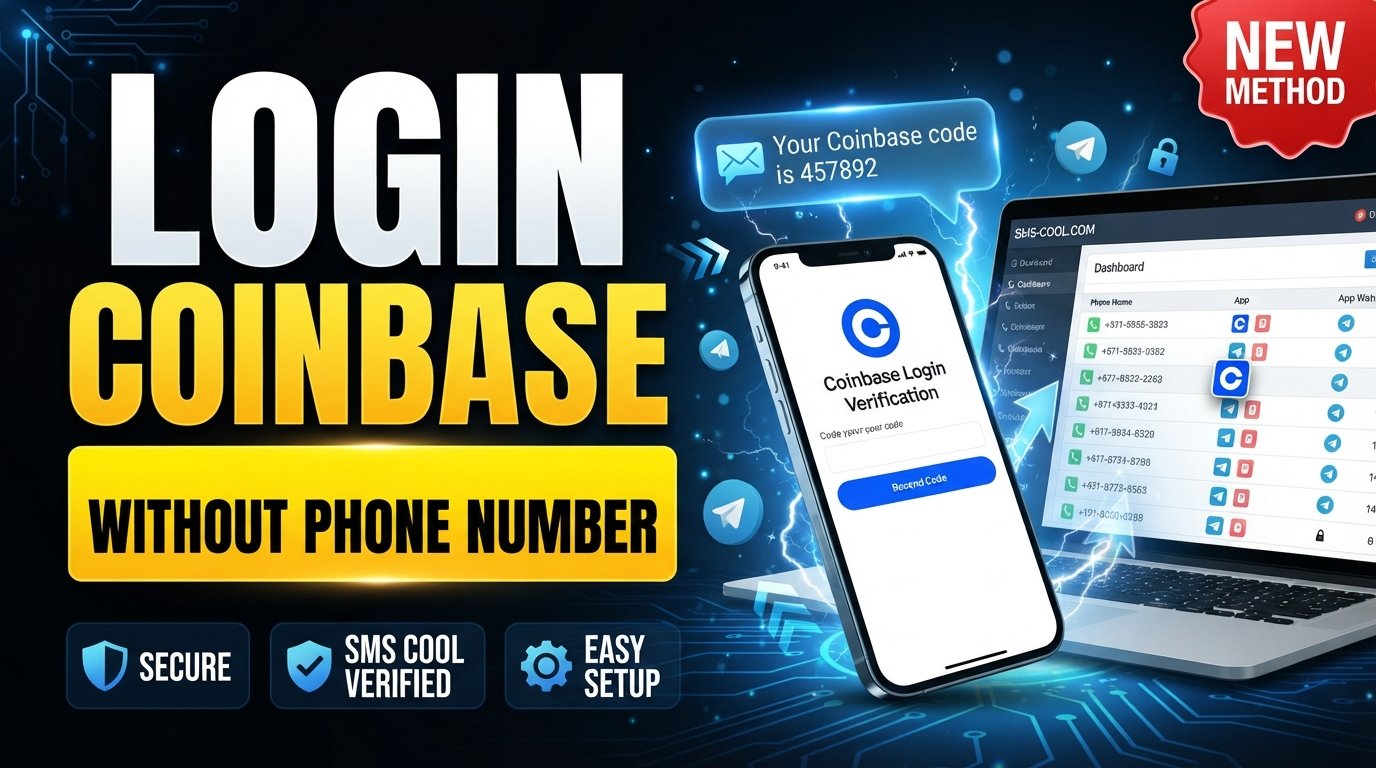
How to Get Coinbase Login Without Phone Number
Introduction
Losing access to the phone number connected to a Coinbase account can turn a routine login into a frustrating problem. You may remember your email address and password perfectly, yet still be asked for a verification code sent by SMS.
If you're searching for Coinbase login without phone number, the important thing to understand is that there is no legitimate shortcut for defeating Coinbase's security checks. Instead, you should use an available authentication method or Coinbase's official account-recovery process.
For situations where a platform permits verification through an alternate SMS-enabled number, an SMS verification service such as SMS COOL can also be useful. It can provide access to an SMS-capable number and an online inbox for receiving messages. However, compatibility varies by platform, and users should only use such services when the intended use is permitted.
This guide explains your legitimate options, how SMS verification works, and where SMS COOL may fit into the process.
Why Coinbase May Ask for Phone Verification
Phone verification is part of the security system used to help protect accounts from unauthorized access. Coinbase requires 2-step verification as an additional security layer, and SMS is one of the supported methods.
There are several situations where a verification prompt may appear:
- Account security: A second verification factor adds protection beyond your password.
- Two-factor authentication: Coinbase can require a separate code during sign-in.
- Login verification: A new or unrecognized device may trigger an additional security check.
- Unusual activity: Certain account or sign-in activity can result in extra verification.
- Account recovery: If you lose access to a 2FA method, Coinbase may require identity verification before restoring access.
The purpose is straightforward: knowing an email address and password alone should not necessarily be enough to access a protected financial account.
Coinbase also supports alternatives such as passkeys, security keys, authenticator apps, and other verification methods, depending on what has already been configured on the account.
Can You Log In to Coinbase Without a Phone Number?
Sometimes, yes—but it depends on which authentication methods are already available on your account.
If you previously configured a passkey, security key, authenticator app, backup code, or another supported method, you may be able to use that method instead of receiving an SMS. Coinbase specifically advises users who have lost access to SMS to try another previously configured authentication method where available.
If SMS is your only available 2FA method and you no longer have access to the registered number, the appropriate solution is Coinbase account recovery, not an attempt to bypass authentication.
Coinbase's recovery process can be started through a browser. The platform may ask you to verify your identity, including through government-issued identification or other information, before allowing you to update your 2-step verification method.
After regaining access, you can review your security settings and consider adding alternative authentication methods. Coinbase recommends using stronger options such as passkeys, security keys, or authenticator apps rather than relying exclusively on SMS.
How SMS Verification Works
SMS verification is relatively simple from a user's perspective.
- A website or service requests a phone number.
- The service sends a one-time verification code by SMS.
- The message arrives at the associated phone number.
- You enter the verification code into the website or app.
- The service checks whether the code is valid and continues its normal verification process.
For example, Coinbase's SMS setup involves adding a phone number and entering the six-digit code sent to that number.
This is why having access to the number that receives the message is essential when SMS is the selected authentication method.
It's also important to remember that receiving an SMS does not automatically guarantee account access. A financial platform may apply additional security checks, identity verification, device confirmation, or account-recovery requirements.
How SMS COOL Can Help
SMS COOL is an online service that provides temporary phone numbers and related SMS verification solutions. Its stated terms allow temporary numbers to be used for online account registration and verification, subject to its rules and applicable requirements.
For a supported verification scenario, the basic concept is useful: instead of relying on your personal mobile number, you can use an available SMS-enabled number and monitor its online inbox for an incoming verification message.
This can be helpful when you need to receive SMS verification code messages but do not want to use your personal number—or when you temporarily lack access to a suitable number.
However, there is an important distinction when dealing with Coinbase or another financial service: SMS COOL is separate from Coinbase. There should be no assumption that Coinbase accepts every temporary or virtual number, or that using one will restore access to an account.
Before relying on an SMS COOL phone number, check whether the relevant service permits that type of number and whether it is appropriate for your specific verification purpose.
If the platform does not accept the number, or if you are trying to recover an existing account whose registered number is unavailable, follow the platform's official recovery procedure instead.
Step-by-Step: Using SMS COOL for SMS Verification
If the service you're verifying with permits an external or temporary SMS number, the process can be straightforward.
1. Visit SMS COOL
Open the SMS COOL website and review the available SMS-enabled numbers and supported services.
2. Select an Appropriate Available Number
Choose a number that matches the service and verification requirement you're dealing with. Availability and compatibility can vary, so don't assume that every number works with every website.
3. Use the Number Only Where Permitted
Enter the number on the relevant verification screen only if the platform allows this type of number.
For Coinbase specifically, this should not be treated as a method for bypassing account security. If Coinbase requires recovery of an existing account, use its official recovery process.
4. Request the Verification SMS
Complete the normal verification request on the platform. If the service supports the selected number, it may send a one-time code by SMS.
5. Monitor the SMS COOL Inbox
Return to the relevant SMS COOL interface and check for the incoming verification message.
6. Enter the Verification Code
If the message arrives and the platform permits the number, enter the received code into the appropriate verification field.
7. Complete the Normal Security Process
Continue through the platform's ordinary verification steps. Additional checks may still be required.
The key principle is simple: SMS COOL can facilitate SMS receipt where supported; it does not remove or defeat authentication requirements.
What If the Verification Code Does Not Arrive?
Not receiving a code doesn't necessarily mean that something is wrong with your account.
Start by checking that you selected the correct number and intended service. Then wait briefly before requesting another code if the platform provides that option.
Avoid repeatedly requesting new codes. Coinbase notes that repeated SMS requests can temporarily stop additional messages from being sent as a security measure. Its troubleshooting guidance also recommends waiting before requesting another code.
Other possible issues include:
- The selected number may not support the service.
- The platform may not accept temporary or virtual numbers.
- SMS delivery may be delayed.
- The verification code may have expired.
- Too many requests may have triggered a temporary restriction.
- You may have another 2FA method configured instead of SMS.
If you're dealing specifically with Coinbase and cannot receive the expected SMS, use its Try another way option when available or begin the official account-recovery process.
Coinbase Account Recovery Options
When you've lost access to the phone number associated with your account, Coinbase provides an account-recovery route.
According to Coinbase's help documentation, users who cannot receive SMS codes can select the option indicating that they need help signing in or no longer have access to their phone number. The recovery process may require identity verification.
Coinbase also documents recovery options for users who have lost access to a 2-step verification method. Depending on the account and circumstances, recovery can involve uploading identification or using previously configured trusted contacts.
Once access has been restored, review your security settings. Coinbase supports several 2FA methods, including authenticator apps, passkeys, security keys, and SMS. Having more than one configured method can provide a backup when one method becomes unavailable.
This is generally a better long-term approach than depending on a temporary number for continued account access.
Benefits and Limitations of SMS Verification Services
An SMS verification service can be convenient, but it isn't a universal solution.
Benefits
- Convenient: Messages can be viewed through an online interface.
- Alternative to a personal number: A supported service may provide an SMS-enabled number when your own number isn't suitable.
- Useful for supported scenarios: Temporary numbers can be practical for services that explicitly permit them.
- Simple workflow: Select a number, request an SMS, and retrieve the message through the service.
Limitations
- Compatibility varies: Not every platform accepts temporary or virtual phone numbers.
- Numbers may have usage history: A number could have previously been used for another verification purpose.
- Delivery isn't guaranteed: SMS networks and platform restrictions can affect message delivery.
- Financial accounts can require more: A verification SMS alone may not satisfy additional identity or security requirements.
- Account recovery is different: Losing access to a registered phone number may require the platform's official recovery procedure.
For these reasons, SMS COOL verification is best viewed as a practical option for supported SMS-verification situations—not as a replacement for account recovery or a way to circumvent security.
Frequently Asked Questions
Can I log in to Coinbase without my phone number?
If you have another configured authentication method, such as a passkey, security key, or authenticator app, you may be able to sign in without SMS. If SMS is your only available method and you've lost the number, Coinbase directs users to its account-recovery process.
Can I receive a Coinbase verification code online?
SMS codes are normally sent to the phone number associated with the verification method. An online SMS service may receive messages for platforms that permit its numbers, but this does not guarantee that Coinbase will accept a particular temporary or virtual number.
Does Coinbase accept temporary phone numbers?
You should not assume that every temporary number will be accepted. Coinbase's requirements and security systems determine whether a particular number can be used. If you're recovering an existing account, follow Coinbase's official recovery instructions rather than relying on a temporary number.
Can SMS COOL receive Coinbase verification SMS?
SMS COOL can provide SMS-enabled numbers for supported verification uses, but there is no guarantee that a particular number will receive messages from Coinbase or that Coinbase will accept it. Check compatibility before relying on the service.
What should I do if I lost access to my phone?
If you can use another configured 2FA method, try that first. Otherwise, use Coinbase's official account-recovery process. Coinbase may require identity verification before allowing your security settings to be updated.
Why am I not receiving my Coinbase SMS code?
Possible causes include SMS delivery problems, repeated requests, an incorrect number, or using a different 2FA method. Coinbase recommends waiting before requesting another code and trying an alternative verification method when available.
Is SMS verification safe for account recovery?
SMS adds a layer of account protection, but Coinbase describes SMS as less secure than options such as security keys and recommends stronger authentication methods where possible. Account recovery should always follow Coinbase's official security process.
Conclusion
Finding a Coinbase login without phone number solution depends on why you no longer have access to the number and which authentication methods are already connected to your account.
If you've configured a passkey, security key, authenticator app, or another supported method, that may provide an alternative to SMS. If your phone number is unavailable and SMS is your only option, Coinbase's official account-recovery process is the appropriate route.
For separate, supported online verification needs, SMS COOL can provide convenient access to SMS-enabled numbers and an online inbox for receiving verification messages. Its usefulness depends on whether the platform accepts the number and whether the intended use complies with the platform's rules.
If your verification use is supported, you can explore SMS COOL as a practical way to receive verification SMS without relying on your personal number. For Coinbase account recovery specifically, however, keep the focus on Coinbase's official security and recovery procedures rather than attempting to bypass authentication.