03 Oct 2026
ChatGPT Login Without Phone Number: Easy Verification Guide
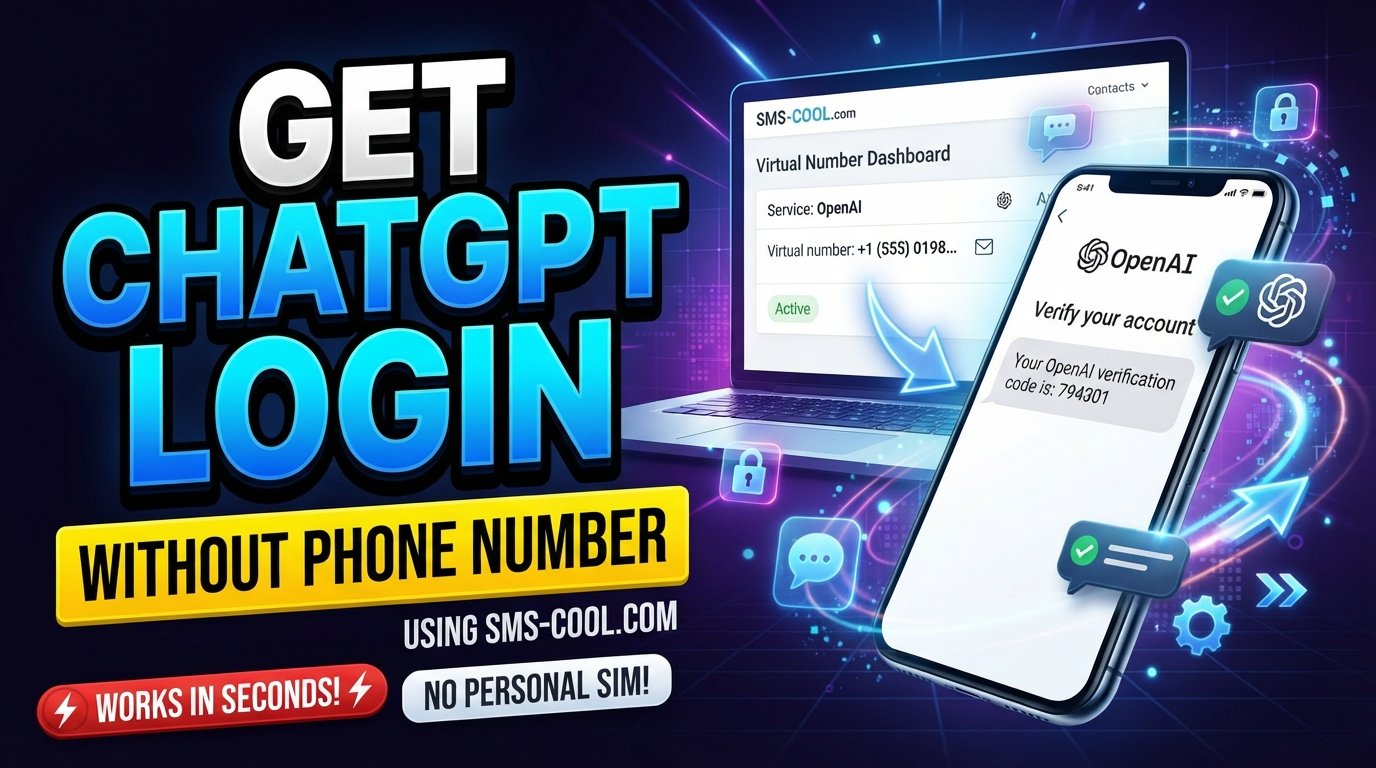
How to Get ChatGPT Login Without Phone Number
Want to use ChatGPT without handing over your personal mobile number?
For many people, phone-number privacy is a reasonable concern. You may not want to share your primary number with another online service, or you may simply need a separate number for a specific verification task.
The good news is that phone verification is not generally required to create an OpenAI account or use ChatGPT according to OpenAI's current help documentation. However, particular OpenAI products or features can have different verification requirements. For example, OpenAI says phone verification may be required when accessing Codex in the ChatGPT desktop app and when creating an initial API key.
So, if you're searching for ChatGPT login without phone number, the first step is understanding exactly what you're trying to access.
Why Does ChatGPT Ask for Phone Verification?
Phone verification is a security measure used by online platforms to confirm access to a particular phone number.
Depending on the OpenAI product and your circumstances, verification may involve receiving a one-time password, or OTP, through SMS. In certain supported locations, OpenAI also offers WhatsApp verification for some phone-verification flows.
An OTP is simply a temporary ChatGPT verification code. You enter the code into the relevant verification screen to demonstrate that you can receive messages at the submitted number.
It's important not to assume that every ChatGPT account or login requires this process. OpenAI's current documentation specifically states that phone verification is not generally required for creating a new OpenAI account or using ChatGPT.
That distinction matters when looking for a ChatGPT sign up without phone number method.
Can You Get ChatGPT Login Without a Personal Phone Number?
In many cases, yes—because standard ChatGPT account creation does not generally require phone verification.
If ChatGPT lets you create or access your account without requesting a number, there is no reason to add one simply because you expect verification might be required.
A sensible approach is:
- Go through the normal ChatGPT account or login process.
- Follow the verification options actually displayed.
- If no phone number is requested, continue without one.
- If a specific OpenAI feature requires phone verification, review the available verification options.
- If you don't want to use your personal number, consider whether a suitable alternative number is permitted.
The exact requirements can differ between ChatGPT, the API, Codex-related access, geographic locations, and particular account flows. OpenAI's documentation should therefore be treated as the authoritative source for the verification screen you actually encounter.
Ways to Handle ChatGPT Phone Verification
If a phone number is requested, you have several possibilities depending on the specific verification flow.
1. Use Your Personal Mobile Number
The simplest option is your normal mobile number if you're comfortable providing it and the service accepts it.
This can be appropriate when you expect to maintain long-term access to the account and want the number associated with your verification activity.
However, some users prefer not to expose their primary number to every online service.
2. Check Whether WhatsApp Verification Is Available
For certain OpenAI phone-verification flows, WhatsApp may be offered instead of SMS in supported countries.
OpenAI currently lists countries including Pakistan, India, Saudi Arabia, Nigeria, Turkey, and several others for WhatsApp phone verification. Availability depends on the country selected and the particular verification screen.
If WhatsApp appears as an option, you can follow the instructions provided by OpenAI.
3. Use a Separate or Virtual Number Where Permitted
Another possibility is using a virtual phone number for ChatGPT when the relevant OpenAI verification system accepts that type of number.
However, this is where caution is important.
OpenAI's documentation says that landlines, VoIP numbers, Google Voice, and premium numbers are not supported for its phone-verification process described in its help documentation. It says supported verification uses mobile phone numbers through SMS, with WhatsApp available in selected regions.
Therefore, you shouldn't assume that every virtual or temporary number will work.
Using an SMS Verification Service
An SMS verification service provides access to phone numbers that can receive verification messages online.
Instead of using your personal SIM, you may be able to select an available number, enter it into a supported website or application, and view the incoming OTP through the service's dashboard.
This is sometimes useful when your goal is to receive ChatGPT verification code messages without exposing your everyday phone number.
But compatibility is always controlled by the platform sending the verification message.
A temporary phone number can receive an SMS perfectly well and still be rejected by a particular service. In fact, OpenAI explicitly states that some categories of numbers are unsupported for its phone verification.
Why Consider a Service Like SMS COOL?
SMS COOL provides virtual numbers intended for SMS and OTP verification workflows. Its platform offers temporary numbers and longer-term rentals, with incoming verification messages displayed through its online dashboard.
For someone searching for ChatGPT without phone number, the attraction is straightforward: if the particular verification flow accepts an available number, you can use a separate number rather than immediately sharing your primary mobile number.
However, SMS COOL is not an OpenAI service and should not be treated as an official ChatGPT verification provider. Most importantly, using SMS COOL does not bypass OpenAI's security controls or guarantee that a number will be accepted.
SMS COOL itself notes that compatibility with third-party platforms is not guaranteed.
How SMS COOL Can Help
SMS COOL is designed around the basic process of receiving SMS verification codes online.
Its website describes a simple workflow:
- Create an SMS COOL account.
- Add funds according to the available payment options.
- Select the required service.
- Choose an available number.
- Use the number for a supported verification request.
- Monitor the dashboard for the incoming OTP.
The service offers both short-term activations and rental numbers, so the appropriate option depends on whether you need a number for a single verification event or longer access.
For users who specifically need a temporary phone number for ChatGPT, the important question isn't simply whether SMS COOL has a number available. The question is whether that number is compatible with the verification system you're attempting to use.
Ready to Check Your Options?
Visit SMS COOL to explore available virtual numbers
Check the currently available service and number options before purchasing. Availability, supported countries, number types, and acceptance can change.
Step-by-Step: Using SMS COOL for Verification
If a website or application requests phone verification and permits the type of number you're considering, the general process is straightforward.
Step 1: Visit SMS COOL
Open the official SMS COOL website and create an account if you don't already have one.
Step 2: Choose an Available Service and Number
Look for the relevant service and an available number appropriate for the verification requirement.
Don't assume that any country or number will work. Match the number to the requirements displayed by the target platform.
Step 3: Complete Purchase or Activation
Follow SMS COOL's instructions to add balance and activate or purchase the selected service. SMS COOL says its activation service provides temporary access to a virtual number for verification purposes.
Step 4: Enter the Number
Return to the verification page and enter the provided number where a phone number is requested.
Only do this when the target platform permits that type of number.
Step 5: Wait for the Verification SMS
If the target service sends an OTP, monitor your SMS COOL dashboard for the incoming message.
Step 6: Retrieve the Code
Copy the ChatGPT OTP or other verification code shown in the dashboard.
Step 7: Enter the Code
Return to the original verification screen and enter the code into the appropriate field.
If the number and verification method are accepted, you can continue with the account or login process.
Again, receiving an SMS is not the same thing as guaranteeing account verification. The target platform ultimately decides whether the number is acceptable.
Things to Know Before Using a Temporary or Virtual Number
Before choosing an online SMS service, consider a few important points.
Acceptance Isn't Guaranteed
A number that works for one website may be rejected by another.
OpenAI specifically states that certain number types, including VoIP and Google Voice numbers, aren't supported for its phone-verification process.
Temporary Numbers May Not Be Ideal for Long-Term Accounts
Think carefully about account recovery.
If a service requires the same number again later, losing access to a temporary number could create complications. For an important long-term account, using a phone number you control and can reliably access may be preferable where permitted.
Check the Platform's Rules First
Don't purchase a number before checking whether the target platform accepts it.
This can save money and avoid unnecessary verification attempts.
Protect Your Verification Codes
OTP codes are sensitive authentication information. Don't share them with other people, and only enter them into the official verification page for the service you're trying to access.
Common Problems and Solutions
The ChatGPT verification code doesn't arrive
First, check that the number was entered correctly and that the number is currently active for the selected service.
If you're using an online SMS service, check its dashboard and order status.
The number is rejected
The target platform may not accept that number type, country, carrier, or virtual-number range.
Try an officially supported verification method instead of repeatedly purchasing numbers.
ChatGPT doesn't ask for a phone number
That's normal for many standard ChatGPT account flows. OpenAI currently says phone verification isn't generally required for new OpenAI account creation or ChatGPT usage.
Simply continue with the available account or login options.
You're trying to access an API feature
Don't confuse ChatGPT login with API access.
OpenAI currently requires phone verification when generating an initial API key, even though ordinary ChatGPT usage doesn't generally require it.
Frequently Asked Questions
Can I use ChatGPT without a phone number?
Generally, yes. OpenAI currently states that phone verification is not generally required to create an OpenAI account or use ChatGPT. Specific features can have different requirements.
Can I create a ChatGPT account without phone verification?
For standard ChatGPT account creation, phone verification is generally not required according to OpenAI's current documentation. If a particular signup flow requests verification, follow the options presented there.
Can I use a temporary phone number for ChatGPT?
It depends on the specific verification flow and whether the number type is accepted. OpenAI does not support certain number categories, including VoIP and Google Voice numbers, for its documented phone-verification process.
What is a ChatGPT OTP?
A ChatGPT OTP is a one-time verification code delivered through an available verification channel when phone verification is required.
Can SMS COOL guarantee ChatGPT verification?
No. SMS COOL provides numbers and SMS-receiving functionality, but it cannot guarantee that OpenAI will accept a particular number or complete an account-verification process. SMS COOL's own information states that third-party registration isn't guaranteed.
Is SMS COOL affiliated with OpenAI?
There is no basis here to describe SMS COOL as an official OpenAI service or affiliate. It is a separate SMS verification service.
Can I receive SMS online instead of using my personal number?
Yes, services such as SMS COOL provide virtual numbers that can receive supported SMS messages through an online dashboard. Whether the target website accepts the number is a separate question.
Conclusion
Getting ChatGPT login without phone number is often simpler than it sounds because standard ChatGPT use does not generally require phone verification. However, particular OpenAI products and verification flows can have different requirements.
If you encounter a genuine phone-verification requirement and don't want to use your personal number, an online SMS verification service such as SMS COOL may be worth considering where the target platform permits the relevant number type.
The key is to set realistic expectations: a virtual phone number for ChatGPT isn't a guaranteed workaround, and no third-party SMS service can override OpenAI's verification rules.
If you decide that a separate number is appropriate for your situation, SMS COOL provides temporary and rental virtual-number options for supported SMS verification workflows. Check the available service and number requirements first, then proceed only if they fit the platform's verification rules.