15 Sep 2026
How to Get Booking.com Login Without Phone Number: Easy Guide
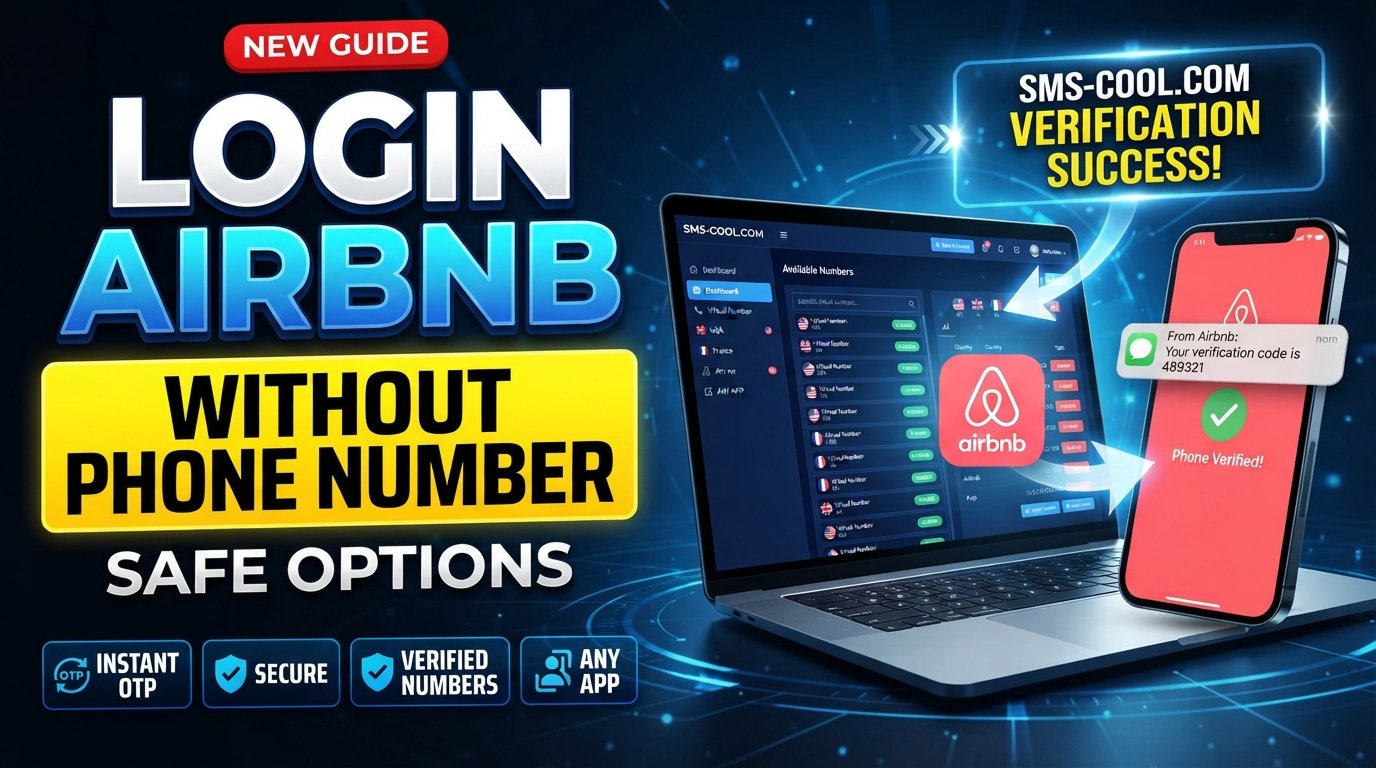
How to Get Booking.com Login Without Phone Number
Trying to complete a Booking.com login without phone number can be frustrating when a verification screen suddenly asks for an SMS code. You may not have access to your usual SIM, you may be traveling, or you may simply prefer not to share your personal number with another online service.
The important thing is that there is no universal phone-free login method that works for every Booking.com account or every verification attempt. The available verification options can depend on your account, the particular login attempt, and the security checks being applied.
When an SMS verification step is required, a virtual or temporary number can sometimes provide a practical alternative. SMS COOL offers online virtual numbers that can receive verification SMS for supported services, allowing users to keep their primary phone number separate when the verification flow accepts the number.
This guide explains how the process works, what limitations to expect, and how to use an SMS receiving service responsibly.
What Is Booking.com Phone Verification?
Phone verification is a security process used to confirm that a user can access a particular phone number.
In an SMS-based verification flow, the basic process is:
- A website asks for a phone number.
- You provide a number capable of receiving SMS.
- The service sends a verification code.
- You receive the SMS.
- You enter the OTP or verification code.
- The service checks the code and, if accepted, completes that verification step.
Booking.com also uses security measures such as two-factor authentication in some account scenarios. Its safety guidance explains that a unique verification code may be sent to a mobile device before access is granted.
The exact verification experience can vary, so it is better to think of SMS verification as one possible security requirement rather than assuming every Booking.com login will require it.
Can You Log In to Booking.com Without a Phone Number?
Sometimes you may be able to access your account without entering a phone number, depending on the login and verification options Booking.com presents.
However, if the particular login attempt requires phone-based verification, you generally need access to a number that the verification system accepts.
That is where the distinction matters:
- No phone number required: You can proceed using the available login method.
- Phone verification required: You need access to a compatible phone number.
- Personal number unavailable: A virtual number may be an option if the verification system accepts it.
- Number rejected: You may need to use an official account-recovery or alternative verification method.
Therefore, there is no legitimate method that guarantees a Booking.com login without phone verification in every situation.
The safest approach is to use the verification method offered by Booking.com. If a virtual number is appropriate for your legitimate use case, a service such as SMS COOL can provide a way to receive SMS online.
Why Users Look for Booking.com Login Without Phone Number
There are several legitimate reasons someone may prefer not to use a personal mobile number.
Privacy Concerns
Some users prefer to keep their primary phone number separate from online accounts and registrations.
Traveling or International Use
If you're traveling internationally, your regular SIM may not be active, may have limited roaming access, or may not reliably receive verification messages.
Lost or Unavailable Phone
You might know your account credentials but temporarily lack access to the phone that normally receives verification codes.
SMS Delivery Problems
Even when a personal number is active, verification SMS messages can occasionally be delayed or fail to arrive.
Separating Personal and Online Accounts
A separate virtual number can be useful when you want registration-related SMS messages kept apart from your everyday personal communications.
The goal is not to bypass account security. Instead, it is to use a different number when a legitimate verification workflow allows it.
How SMS Verification Works
An OTP, or one-time password, is a temporary verification code generated for a particular verification attempt.
For example, the process may look like this:
Phone number → SMS request → Verification code → OTP entry → Verification result
The code normally has a limited validity period. If it expires, you may need to request another code.
The important part is that the website receiving the code ultimately decides whether the submitted number is acceptable. An SMS verification service can provide a number and receive messages, but it cannot guarantee that another company's verification system will accept that number.
How SMS COOL Can Help
SMS COOL is a practical option for users who need to receive SMS online through a virtual or temporary phone number.
Its service provides virtual numbers intended for SMS verification and related online verification workflows.
If a Booking.com verification flow accepts the type of virtual number you select, the general process is straightforward:
- Visit SMS COOL.
- Choose an appropriate available number or supported service.
- Use the provided number during the relevant verification process.
- Request the verification SMS.
- Monitor the SMS COOL dashboard for the incoming message.
- Enter the received OTP into the verification field.
- Complete the verification process if the number and code are accepted.
The key qualification is if accepted. SMS COOL itself states that successful registration or verification with third-party platforms is not guaranteed, because individual platforms can impose their own restrictions.
In other words, SMS COOL is an SMS-receiving solution—not a tool for bypassing Booking.com's security systems.
Benefits of Using SMS COOL
Using a separate number can be convenient when a supported verification process does not require your personal mobile number.
1. Greater Privacy
A virtual number can help keep your primary phone number separate from certain online activities.
2. Convenient SMS Access
Instead of waiting for an SMS on your personal handset, supported messages can be accessed through the SMS COOL platform.
3. Useful for Temporary Needs
A temporary phone number can be practical when you only need a number for a specific verification task.
4. No Need for an Additional Physical SIM
For supported workflows, a virtual number can provide SMS access without requiring another physical SIM card.
5. Simple OTP Workflow
The process is generally straightforward: select a number, use it for the supported verification request, receive the SMS, and enter the code.
SMS COOL describes its service as providing temporary numbers and longer-term rental options for different verification requirements.
Step-by-Step: How to Try Booking.com Login Without Your Personal Number
If the Booking.com login screen requires phone verification, follow these steps carefully.
Step 1: Open the Official Booking.com Login
Start with the official Booking.com website or app and attempt to access your own account.
Avoid links received through suspicious emails, messages, or social media posts. Booking.com specifically warns users about phishing attempts and recommends protecting account credentials and personal information.
Step 2: Check the Available Verification Options
Look at the verification methods presented during your login attempt.
If Booking.com provides an official alternative that you can use, consider that option first.
Step 3: Choose an Appropriate SMS COOL Number
If the verification workflow permits a virtual number and you have a legitimate reason to use one, visit SMS COOL and select an appropriate available number.
Step 4: Enter the Number
Enter the number in the Booking.com verification field exactly as required, including the appropriate country format.
Step 5: Request the Verification SMS
Submit the number and wait for the verification message.
Delivery time can vary depending on the service, number, network, and the website sending the message.
Step 6: Check SMS COOL
If the message is successfully delivered, open the SMS COOL dashboard and locate the incoming verification SMS.
Step 7: Enter the OTP
Copy the verification code into the Booking.com verification field.
If the code is valid and the number is accepted, the verification process may continue.
Step 8: Complete the Login
Follow the remaining instructions shown by Booking.com.
Remember that SMS COOL does not control Booking.com's account-access decisions. Its role is to provide the number and receive the SMS; the third-party platform decides whether that number can be used.
Things to Keep in Mind
Before using a virtual number for Booking.com SMS verification, consider these limitations:
- Some verification systems reject temporary or virtual numbers.
- A number that works with one website may not work with another.
- Some numbers may have been previously used.
- SMS delivery can sometimes be delayed or unsuccessful.
- Verification requirements can change depending on the login attempt.
- A verification code may expire before you enter it.
- Using a number does not guarantee account access.
- You should only use verification services for accounts and activities you are authorized to access.
If Booking.com offers an official account-recovery method, that should generally be considered before looking for an alternative number.
Common Problems and Solutions
Verification SMS Is Not Arriving
First, check that the number was entered correctly and that the selected number supports the relevant service. Give the message a reasonable amount of time to arrive before requesting another code.
Repeated requests can sometimes create additional verification attempts, so avoid clicking the resend option unnecessarily.
OTP Has Expired
Verification codes are temporary. If the code no longer works, request a fresh code and enter it promptly.
Booking.com Rejects the Number
This is one of the most important limitations of virtual numbers. A website can restrict temporary, shared, or virtual numbers.
If the number is rejected, trying multiple numbers is not guaranteed to solve the issue. Consider an official verification or account-recovery option instead.
Too Many Verification Attempts
If you've requested several codes, stop repeatedly submitting requests. Wait and then follow the instructions displayed by Booking.com.
Login Still Requests Phone Verification
A virtual number does not necessarily remove the requirement for phone verification. If Booking.com continues requesting verification, follow the available official instructions.
Account Recovery Is Not Working
Use Booking.com's official support and account-recovery resources rather than attempting to circumvent security checks. Booking.com provides customer-support guidance for account and reservation issues.
FAQ
Can I log in to Booking.com without a phone number?
It depends on the account and the verification method presented during your login attempt. Some logins may not require phone verification, while other security checks may require a verification code sent to a mobile number.
How can I receive a Booking.com verification code?
If Booking.com requests an SMS code, you need access to a number capable of receiving the message. If the verification flow accepts virtual numbers, SMS COOL can be considered as an online SMS-receiving option.
Can I use a temporary number for Booking.com verification?
Possibly, but there is no guarantee. Booking.com may reject temporary or virtual numbers depending on its verification requirements. Only use a temporary number when it is appropriate for your legitimate account activity.
Does SMS COOL receive OTP codes?
SMS COOL provides virtual numbers for receiving SMS and verification messages through its platform. Whether a particular third-party service sends a code to a selected number depends on that service's own systems and restrictions.
Why is my Booking.com verification SMS not arriving?
Possible causes include an incorrect number, unsupported number type, delivery delays, service restrictions, or temporary technical problems. Verify the number and wait before requesting another code.
Can a virtual number be used for SMS verification?
Yes, virtual numbers can be used for some SMS verification workflows, but acceptance is controlled by the website or application requesting the verification. Not every platform accepts every virtual number.
Is SMS COOL easy to use?
SMS COOL is designed around a straightforward workflow: select a suitable number, use it for a supported verification task, and monitor the incoming SMS through the platform.
What should I do if Booking.com rejects a virtual number?
Do not try to bypass the rejection or security controls. Instead, use another official verification or account-recovery method offered by Booking.com. If appropriate, you can also check whether a different legitimate verification method is available.
Conclusion
Finding a Booking.com login without phone number can be difficult when your particular login attempt requires SMS verification. The right solution depends on the verification options Booking.com presents and whether the number you use is accepted.
For users who want to keep their personal number separate, SMS COOL can be a convenient option for receiving verification SMS through a virtual number when the relevant verification flow supports it.
The process is simple: choose a suitable number, enter it during the supported verification process, receive the OTP through SMS COOL, and enter the code into the appropriate verification field.
Just remember that no third-party SMS verification service can guarantee acceptance by Booking.com. Use these services only for legitimate account access, respect the platform's security requirements, and use official account-recovery options whenever they are available.
If you need a practical way to receive SMS online without relying on your personal phone number, explore SMS COOL and check the available numbers and supported verification options before starting your verification attempt.