09 Oct 2026
Benefits and Limitations of Temporary Email: A Complete Guide
Benefits and Limitations of Temporary Email
Introduction
The internet makes it easy to sign up for websites, explore new services, download resources, and connect with online communities. However, almost every registration asks for personal information, including an email address or phone number. Before long, your inbox may be filled with promotional offers, unwanted newsletters, verification messages, and notifications you never requested.
This is where understanding the benefits and limitations of temporary email becomes important. A temporary email address can help protect your primary inbox, reduce unwanted messages, and make everyday online activities more convenient. However, it is not the right choice for every account, particularly when long-term access, account recovery, or sensitive information is involved.
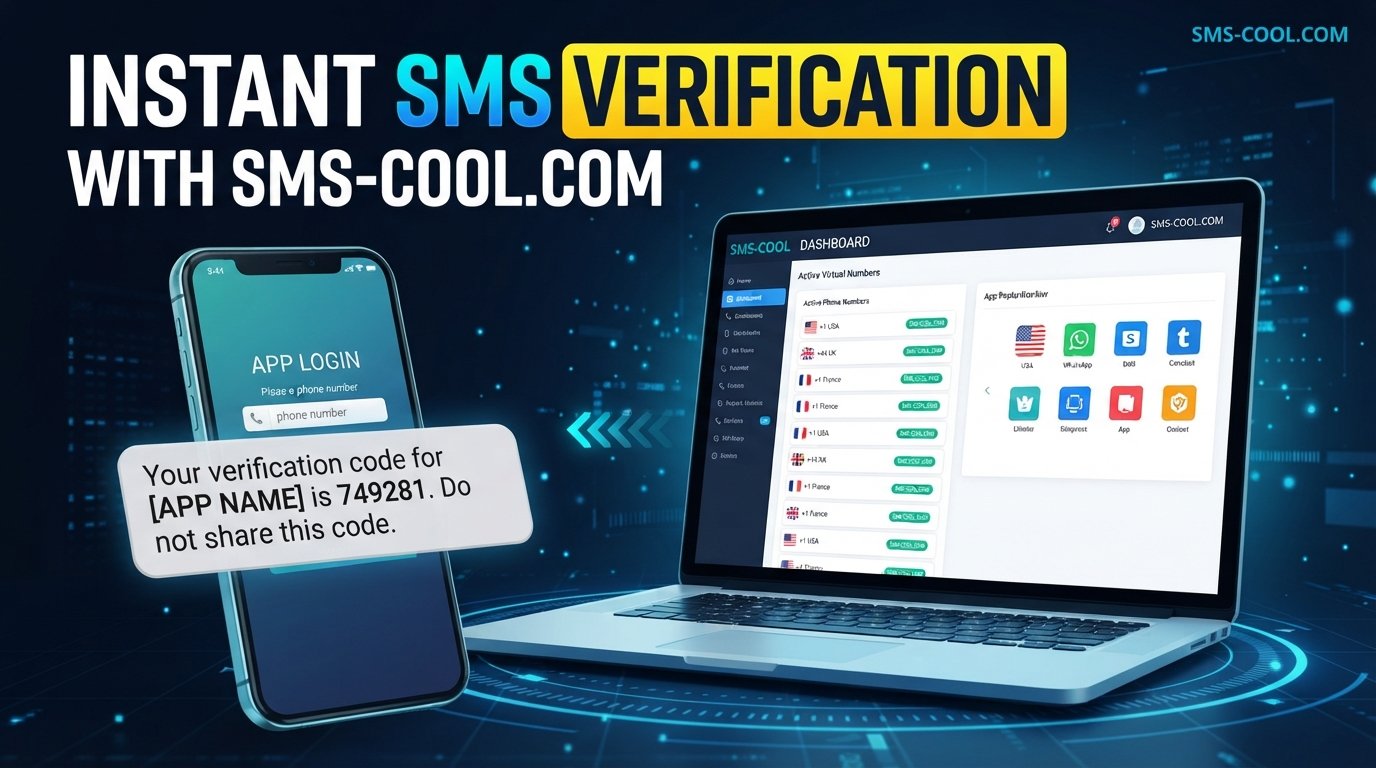
For situations that require phone-based verification, SMS COOL offers a complementary option for users who need temporary phone numbers and want to receive SMS verification codes online, where supported.
In this guide, we will explore how temporary email works, its main advantages and disadvantages, how it compares with temporary phone numbers, and how to choose these services more safely.
What Is Temporary Email?
A temporary email is an email address designed for short-term use rather than permanent communication. It allows you to receive messages without necessarily sharing your primary email address with every website or online service.
A disposable email address can be particularly helpful when you want to test a platform, access a download, or complete a registration without exposing your everyday inbox to additional marketing messages.
A typical temporary email service provides an inbox that you can use for incoming messages. Depending on the provider, the address may remain available for a limited period, until you manually remove it, or according to other service-specific rules.
How Does Temporary Email Work?
Using a temporary email address is usually straightforward:
- Get an address: Visit a temporary email service and obtain an available email address.
- Enter it during registration: Use the address on a website that accepts temporary email addresses.
- Check incoming messages: Open the temporary inbox to look for confirmation links, one-time passwords, or other messages.
- Complete the task: Follow the verification instructions if the message arrives and the service supports the required email type.
- Understand the expiration rules: The inbox or address may stop working, and messages may no longer be accessible.
Not every temporary email service works the same way. Some allow limited inbox management, while others provide only basic message reception. Always check how long messages remain available and whether an address can be reused.
The Main Benefits of Temporary Email
Temporary email services can make online activity more convenient while giving users greater control over where their contact information is shared.
1. Better Privacy for Everyday Browsing
Every time you share your primary email address, you create another opportunity for it to be stored, processed, or shared under a website's privacy practices.
A disposable email address can reduce how often you disclose your main address to unfamiliar platforms. For example, if you want to download a free checklist from a website you have never used before, a temporary email may be sufficient if the website accepts it and the download does not require ongoing access.
This can help limit unnecessary exposure of your everyday contact details.
However, temporary email does not make you anonymous. Websites may still collect IP addresses, browser information, device details, and other data. It should be treated as one privacy measure, not a complete online privacy solution.
2. Less Spam in Your Primary Inbox
One of the most practical benefits of temporary email is spam protection.
Some websites send frequent promotional emails after registration. Others add users to mailing lists, subject to their consent practices and privacy policies.
Using a separate, short-term email address for low-priority registrations can help keep these messages away from your main inbox.
This is useful when you want to:
- Explore a new website without receiving ongoing promotions.
- Access a one-time resource.
- Try an online tool before deciding whether to use it regularly.
- Separate casual registrations from important personal correspondence.
A temporary inbox will not stop spam across the internet, but it can reduce clutter in your primary email account.
3. Faster Registrations
Creating a dedicated email account for every website can be time-consuming. A temporary email service offers a convenient alternative when you only need to receive one confirmation message.
For example, suppose you want to test a web-based design tool before committing to it. If the platform permits disposable email addresses, you can use a temporary inbox to receive its registration link and explore the service.
This saves time and avoids creating another permanent account you may never use again.
4. Convenient Testing and Research
Temporary email can be useful for developers, marketers, researchers, and ordinary users who need to test online experiences.
Common examples include:
- Testing email confirmation flows on a website you manage.
- Checking whether a newsletter subscription works.
- Exploring a service that does not require long-term communication.
- Comparing online tools before choosing one.
For development and quality assurance, dedicated test inboxes or controlled email testing environments may be more appropriate than public disposable inboxes, especially when messages contain sensitive test data.
5. Fewer Unnecessary Accounts to Maintain
A disposable email service can reduce the number of secondary email accounts you need to manage. Instead of creating a new permanent mailbox for every low-priority activity, you can use a temporary address where appropriate.
The convenience is greatest when the task is genuinely short-term and there is no expectation of future communication.
The Limitations of Temporary Email
Although temporary email has several advantages, it also creates practical and security challenges. Understanding these limitations helps you avoid losing access to important accounts.
1. Account Recovery Can Become Difficult
One of the biggest disadvantages of temporary email is the possibility of losing access to an account.
Many websites use email addresses for password resets, identity checks, security notifications, and account recovery. If the temporary inbox expires, you may be unable to receive those messages.
Imagine registering for an online learning platform using a disposable address. Several weeks later, you forget your password, but the original inbox is no longer available. Recovering the account may become difficult or impossible.
Best practice: Use a permanent email address for accounts you intend to keep, especially financial services, work platforms, cloud storage, healthcare portals, and personal accounts containing valuable information.
2. Temporary Inboxes May Expire
Not every temporary email service retains messages for the same length of time. Some inboxes are available only briefly, and others may have limits on storage or access.
An expired inbox can prevent you from retrieving a confirmation link, a receipt, an important notification, or a message needed to complete registration.
Before using a temporary email, consider whether you will need the message again. If you might need ongoing access, a permanent email address is usually the better choice.
3. Security and Confidentiality Risks
A disposable email service is not automatically secure. Some temporary inboxes may be accessible to anyone who knows the address, depending on how the provider operates.
If other people can view incoming messages, verification links and account-related information could be exposed. Even services with private inboxes may differ in their data retention, access controls, and security practices.
Avoid using public temporary inboxes for sensitive documents, confidential business information, personal identity records, or password reset messages.
Check the provider's privacy policy, HTTPS support, message retention practices, and inbox access controls before relying on the service.
4. Some Websites Block Disposable Email
Many platforms restrict temporary email domains to reduce spam, fraudulent registrations, and abuse. As a result, you may find that a website rejects your address or refuses to send a confirmation message.
Repeatedly trying different disposable addresses may not solve the problem. If a service requires a verified, ongoing contact address, use an appropriate permanent email account instead.
5. Important Messages May Be Missed
A temporary inbox is not designed to replace your regular email account. You may miss receipts, policy updates, appointment reminders, renewal notices, or other messages if you forget where you registered.
Even if a temporary email address initially works, its short-term nature can create problems when the website later needs to contact you.
The key is to match the address to the importance and expected lifespan of the account.
Temporary Email vs. Temporary Phone Numbers
Temporary email and temporary phone numbers serve a similar purpose: they can help you avoid sharing your primary contact details unnecessarily. However, they work through different communication channels.
Feature
Temporary email
Temporary phone number
Main purpose
Receive email messages
Receive SMS messages or supported calls
Typical use
Email registration and confirmation
Phone verification and SMS codes
Message type
Email, links, and attachments where supported
SMS messages and verification codes
Common limitation
Inbox expiration or inaccessible recovery emails
Number availability, service restrictions, or expiration
Best suited for
Low-risk activities requiring email
Supported activities requiring phone verification
Some websites require only an email address, while others insist on a mobile number. A temporary email cannot receive an SMS code, and a temporary phone number cannot replace an email inbox.
How SMS COOL Complements Temporary Email
SMS COOL provides an additional option when online registration requires a phone number instead of, or alongside, an email address.
Users who want to keep their personal number separate from certain online activities can explore SMS COOL for temporary phone number services and online SMS reception.
Where the relevant number and service are supported, users can receive SMS verification codes online without relying on their primary phone number for that particular interaction.
For example, suppose you are exploring an online platform that asks for an email address and a phone number. A temporary email may help you handle the email portion, while SMS COOL may provide an option for the SMS portion if the platform accepts the available number.
The two approaches complement each other, but neither is universally accepted.
Before using a temporary number, check the target platform's verification rules and SMS COOL's current service details. Delivery, number availability, supported services, and message access can vary. Do not assume every website will accept a temporary number or that every message can be received.
For accounts that matter over the long term, a personal, consistently accessible phone number is generally the safer choice.
When Should You Use Temporary Email?
Temporary email is most useful when you have a clear, limited purpose and do not expect to rely on the address later.
Consider it for:
- Accessing low-risk downloads or resources.
- Testing websites and email registration flows.
- Exploring online tools before making a commitment.
- Keeping promotional subscriptions separate from your main inbox.
- Signing up for nonessential services that accept disposable addresses.
When Should You Avoid Temporary Email?
Avoid disposable email for accounts that require reliable long-term communication or contain valuable personal information.
Examples include:
- Banking, payments, and financial accounts.
- Work accounts and business communication.
- Healthcare and insurance services.
- Primary social media or cloud storage accounts.
- Shopping accounts with receipts, refunds, or warranty records.
- Any account where password recovery and security alerts are important.
The same principle applies to temporary phone numbers. Avoid relying on them for critical accounts if you could lose access to the number and be unable to receive future verification codes.
Tips for Choosing Temporary Email and SMS Verification Services Safely
Choosing the right service involves more than finding the quickest available address or number.
1. Match the service to the task. Use disposable contact details for low-risk, short-term activities, not for accounts you cannot afford to lose.
2. Review privacy practices. Check whether messages are public, how long they are retained, and what information the provider collects.
3. Avoid sensitive information. Never assume a temporary inbox or number is private enough for confidential messages or identity documents.
4. Check expiration and access rules. Understand whether you can revisit the inbox or number and what happens when access ends.
5. Verify website compatibility. Some websites block disposable addresses or temporary numbers. Confirm that the service supports your intended use before relying on it.
6. Keep important recovery details current. Use permanent contact details for essential accounts and maintain the recovery methods recommended by the account provider.
7. Use services transparently and responsibly. Follow applicable terms of service and do not use disposable contact details to bypass security controls, impersonate others, or facilitate abuse.
8. Evaluate SMS COOL based on your needs. Review its currently available number options, supported services, and usage conditions to determine whether it suits your intended verification task.
Ultimately, temporary contact details are most valuable when you understand their boundaries and use them deliberately.
8. FAQ Section
1. What are the main benefits and limitations of temporary email?
The main benefits include better separation of personal contact details, reduced inbox clutter, faster registrations, and convenience. The limitations include expired inboxes, account recovery difficulties, security concerns, and websites that block disposable email addresses.
2. Is temporary email safe to use?
Temporary email can be suitable for low-risk activities, provided you understand the service's privacy and access policies. Avoid using public or disposable inboxes for banking, sensitive personal information, confidential messages, or accounts that require long-term access.
3. Can I use a temporary email address for SMS verification?
No. An email address cannot receive SMS messages. If a website requires phone verification, you need a compatible phone number. SMS COOL offers temporary phone number services and online SMS reception where supported.
4. What is the difference between disposable email and a temporary phone number?
Disposable email is used to receive email messages, such as registration links and email verification codes. A temporary phone number is used for phone-based verification, including SMS messages where supported. The two options serve different purposes and can complement each other.
5. Can I receive SMS verification codes online with SMS COOL?
SMS COOL is an option to explore when you need temporary phone numbers and online SMS reception. Whether a verification code can be received depends on number availability, the target platform's requirements, and the service's current supported options.
6. Should I use temporary email for my main accounts?
Generally, no. Your primary email account should use a stable address you can access for password resets, security alerts, receipts, and important communication. Temporary email is better suited to short-term, low-risk activities.
7. How can I choose a reliable temporary email or SMS service?
Review privacy policies, inbox or message visibility, retention periods, number availability, and access restrictions. Avoid sharing sensitive information, confirm that the service suits your intended use, and keep permanent recovery details for important accounts.
9. Internal Linking Suggestions
Use the following internal links to strengthen topical relevance, improve navigation, and help readers discover related SMS COOL resources. Replace the suggested paths with your actual published URLs.
Suggested anchor text
Suggested URL slug
Recommended placement
Temporary phone number services
/temporary-phone-number/
Temporary email vs. temporary phone numbers
Receive SMS online
/receive-sms-online/
SMS COOL introduction
Temporary SMS verification
/temporary-sms-verification/
SMS verification discussion
How to protect your online privacy
/online-privacy-tips/
Benefits of temporary email
How to reduce spam emails
/reduce-email-spam/
Spam protection section
Choosing a disposable email service
/disposable-email-service/
Safety tips section
Explore SMS COOL
/
Conclusion and call to action
Internal linking recommendations:
- Link each topic to a relevant, existing page rather than creating links to pages that do not exist.
- Use descriptive anchor text that tells readers what they will find.
- Add a contextual link to SMS COOL near the temporary phone number comparison.
- Include a final link to the main SMS COOL website so interested readers can explore the available services.
- Avoid using the same exact-match keyword as anchor text repeatedly when a natural variation would be clearer.
10. Thumbnail Image Prompt

Visual direction reference: a clean, modern technology illustration with email, mobile verification, and privacy themes.
Writing
Image Generation Prompt:
Create a premium, professional website blog thumbnail for an article titled “Benefits and Limitations of Temporary Email,” featuring SMS COOL as the prominent brand element.
Use a clean, modern technology aesthetic with a balanced 16:9 composition. Place a sleek smartphone at the center-right displaying a simplified email inbox, a generic SMS verification code interface, and a subtle notification indicator. Include floating email envelope icons, a few spam message symbols fading away, and understated privacy and security elements such as a minimalist shield and a small lock.
Use an attractive palette of deep navy blue, electric blue, teal, and soft purple gradients, with crisp highlights and realistic yet refined 3D illustration details. Keep the background uncluttered, with strong visual hierarchy, generous negative space, and excellent readability at small thumbnail sizes.
Display SMS COOL clearly and prominently in a polished, professional brand treatment. If a headline is included, limit it to “Temporary Email” with a smaller supporting phrase, “Benefits & Limitations.” Ensure all text is spelled correctly and remains legible.
The visual should communicate temporary email, online privacy, spam reduction, and SMS verification without suggesting absolute anonymity, guaranteed security, or universal verification acceptance. Use original, generic interface elements without imitating third-party brands.
Output requirements: 16:9 aspect ratio, high resolution, polished editorial quality, professional website-blog appearance, strong contrast, mobile-friendly readability, no excessive text, no clutter, no watermarks, and no misleading security claims.