31 Aug 2026
How to Get VK Login Without Phone Number | SMS COOL
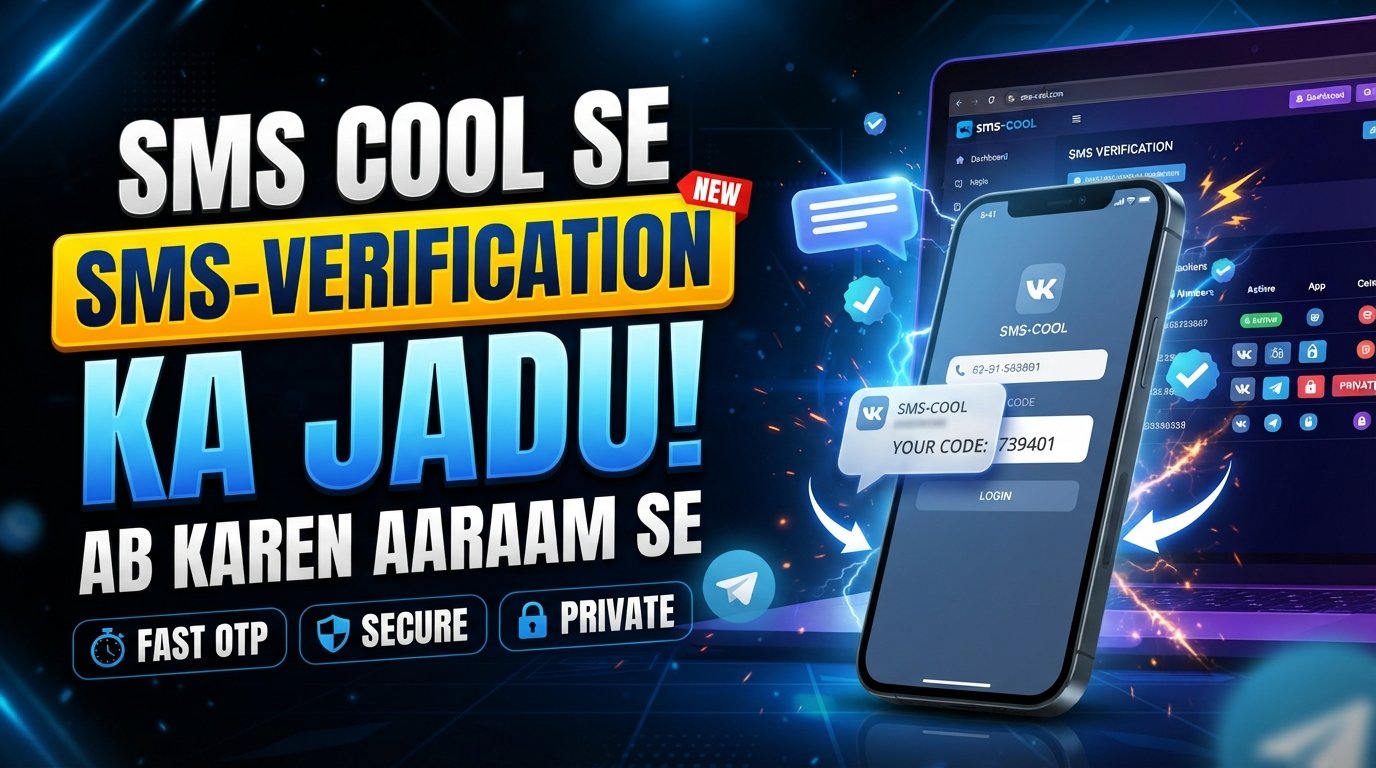
How to Get VK Login Without Phone Number
Want a VK login without phone number? If VK asks you to verify your account by SMS, you may not want to use your personal mobile number. Perhaps you prefer to keep your social accounts separate from your everyday contact details, or you simply need a number for a temporary verification task.
Whatever your reason, phone verification does not always mean you have to expose your primary personal number.
One practical option is an online SMS verification service such as SMS COOL, which can provide access to temporary or virtual phone numbers that can receive verification messages online. Instead of waiting for an SMS on your personal phone, you can use an available number and view the incoming verification message through the service.
However, there is an important distinction: using an alternative number does not bypass VK's security requirements. VK can still require phone verification, and whether a particular number is accepted can depend on its current verification rules and availability.
With that in mind, let's look at how VK phone verification works and how SMS COOL can make the process more convenient.
Why Does VK Ask for a Phone Number?
Phone verification is commonly used by online platforms to confirm that an account is associated with a reachable phone number.
For VK, SMS-based verification can help with several purposes, including:
- Confirming that a user can access a phone number
- Reducing automated or suspicious registrations
- Supporting account security
- Helping with login verification
- Providing a way to recover or confirm an account
When VK requests verification, it may send a one-time VK verification code by SMS. You then enter that code into the appropriate verification field.
This process is straightforward when you are happy to use your regular number. The problem is that some users would rather not connect their personal phone number to another online account.
That is where an online SMS verification approach can be useful.
Can You Use VK Without Your Personal Phone Number?
If your question is how to login VK without phone number, the realistic answer is that you generally cannot simply ignore a phone verification request when VK requires one.
The more practical approach is to distinguish between using no phone number at all and using a phone number that is not your personal number.
Depending on VK's current requirements, you may be able to use a suitable temporary or virtual number for the verification step. This can allow you to complete VK account verification without giving the platform your everyday personal contact number.
However, not every virtual number will necessarily work. Some services or numbers may already have been used too frequently, may be unavailable for a particular service, or may not be accepted by VK.
So, rather than looking for a method that somehow bypasses verification, it is better to use a legitimate number capable of receiving the required SMS.
How to Get VK Login Without Phone Number
If you want a VK account without phone number linked to your personal mobile, the general process is simple.
Step 1: Check What VK Requires
Start the VK registration or login process normally. If VK requests phone verification, you will know that an SMS-capable number is required for that step.
Step 2: Choose an Alternative Number
Instead of immediately entering your personal number, you can consider a temporary phone number for VK or a virtual phone number for VK from an online SMS service.
The number should be available for VK and capable of receiving the verification message.
Step 3: Enter the Number
Enter the selected number into the phone verification field provided by VK.
Make sure the country code and number are entered correctly. A simple formatting mistake can prevent the SMS from arriving.
Step 4: Wait for the VK SMS
VK may send a one-time verification message to the number.
Depending on the service and network, the message may arrive quickly or take some time. Avoid repeatedly requesting codes unless necessary, since excessive requests can sometimes create additional verification friction.
Step 5: Enter the Verification Code
Once the message arrives, locate the VK verification code and enter it into VK's verification screen.
Step 6: Complete the Process
If VK accepts the number and code, complete the remaining registration or login steps.
Remember that successful verification depends on VK's current policies and the specific number you use. No third-party SMS service should be treated as a guaranteed way around VK's verification system.
Use SMS COOL for VK SMS Verification
SMS COOL is a practical option for users who want to complete VK SMS verification without using their everyday personal phone number.
The basic idea is simple: instead of receiving the VK message on your own mobile device, you select an available number through SMS COOL and monitor the incoming message online.
This can be especially convenient when you need a number for a temporary verification purpose and want to keep your personal contact information separate.
How SMS COOL Works for VK Verification
The process can be completed in a few straightforward steps:
- Open SMS COOL.
- Select an appropriate phone number or service for VK.
- Use the provided number where VK requests phone verification.
- Wait for the VK verification SMS to arrive.
- View the received message and verification code through SMS COOL.
- Enter the code into VK and complete the verification process.
The biggest advantage is convenience. You do not need to give VK your primary personal number simply to receive a one-time verification message.
At the same time, availability matters. A number may become unavailable, receive a delayed message, or be rejected by VK. If that happens, you may need to choose another available number or follow VK's additional verification instructions.
The goal is not to circumvent VK security. It is to provide another way to handle phone number verification when you prefer not to use your personal number.
Why Choose SMS COOL?
There are several reasons an online SMS verification service can make VK verification easier.
Keep Your Personal Number Separate
Using an alternative number can help you avoid connecting your everyday phone number to an account when you would prefer to keep your contact details separate.
Receive SMS Online
Instead of relying on your physical phone, you can receive SMS online through the service. This can be useful when the verification message is the only reason you need access to a phone number.
Simple Verification Process
The basic workflow is easy to understand: select a number, enter it into VK, wait for the SMS, retrieve the code, and submit it.
Useful for Temporary Needs
If you only need a number for a temporary verification task, using a dedicated service can be more convenient than obtaining another personal SIM or mobile line.
Greater Separation of Contact Details
Some users prefer to keep social accounts, work communications, and personal contact information separate. A suitable virtual number can support that approach.
Of course, convenience should not be confused with guaranteed acceptance. VK ultimately controls which numbers and verification methods it accepts.
Things to Know Before Using a Temporary Number for VK
Before choosing a temporary phone number for VK, there are several important considerations.
Number availability: Not every number is available at all times. Popular services can have limited inventory.
VK restrictions: VK may reject certain numbers or require additional verification. A number that works in one situation may not necessarily work in another.
Account recovery: Think carefully about long-term account access. If you use a temporary number and later lose access to it, recovering an account may become more difficult if VK asks you to verify ownership again.
Privacy: A temporary or virtual number can help separate your personal number, but you should still understand the privacy policies and usage conditions of the service you choose.
One-time codes: Verification codes are generally intended for the verification process. Do not share your codes unnecessarily.
Repeated attempts: If an SMS does not arrive immediately, avoid rapidly requesting many new codes. Check the number, wait a reasonable amount of time, and follow the instructions displayed by VK.
The best solution is one that fits your specific use case while keeping expectations realistic.
Step-by-Step Tips for a Smoother VK Verification
Having trouble receiving your VK verification code? Try these practical steps:
- Check the country code. Make sure the number is entered in the format VK expects.
- Confirm the number is intended for VK. Some numbers may be unavailable or unsuitable for particular services.
- Wait before requesting another code. Multiple requests can sometimes cause confusion or delays.
- Refresh the SMS service carefully. If SMS COOL provides an updated message area, check it after allowing enough time for delivery.
- Use the latest code. If several messages arrive, the newest valid code may be the one you need.
- Check VK's on-screen instructions. Additional verification requirements can vary.
- Try another available number if necessary. A particular number may not be accepted.
- Consider account recovery before relying on a temporary number. Temporary access can be convenient, but long-term account ownership may require a more persistent verification method.
These steps can reduce common problems without trying to bypass VK's security controls.
Frequently Asked Questions
Can I log in to VK without a phone number?
If VK requires phone verification for your login or account, you will generally need to complete that verification. However, you may be able to use a suitable alternative number instead of your personal phone number.
Can I create a VK account without my personal number?
Potentially, yes. If VK accepts an available temporary or virtual number, you can use that number for the required verification instead of your personal mobile number. Acceptance depends on VK's current requirements.
How can I receive a VK verification code online?
You can use an online SMS verification service such as SMS COOL. Select an available number, enter it in VK, and check the service for the incoming verification SMS.
Does VK accept virtual phone numbers?
VK may accept some virtual numbers, but acceptance is not guaranteed. Certain numbers can be restricted, unavailable, or rejected based on VK's verification systems.
Can SMS COOL be used for VK verification?
SMS COOL can be used to obtain an available number for receiving an SMS verification message from VK. Whether a particular number is accepted depends on VK's current verification requirements and the availability of that number.
What should I do if the VK SMS code does not arrive?
First, confirm that you entered the number correctly and that the selected number is active for VK. Wait a little longer before requesting another code. If the message still does not arrive, consider another available number or follow VK's verification instructions.
Is a temporary phone number safe for VK verification?
A temporary number can be useful when you want to keep your personal number separate, but it has limitations. Most importantly, consider future account recovery and whether you will retain access to the number after verification.
Final Thoughts
Finding a VK login without phone number does not necessarily mean finding a way to avoid verification altogether. In many cases, the more practical solution is to complete VK's required SMS verification without using your personal mobile number.
A service such as SMS COOL can make that process more convenient by providing access to numbers that can receive SMS online. You can select an appropriate number, enter it during VK verification, receive the code through SMS COOL, and use that code to complete the process.
There are no guarantees that every number will be accepted, so availability and VK's current verification rules should always be considered. For temporary verification needs, however, separating your personal phone number from the process can be a useful option.
If you want a straightforward way to handle VK verification without phone number exposure, consider SMS COOL and check the available options for your VK verification needs.