07 Sep 2026
Spotify Login Without Phone Number: Easy Verification Guide
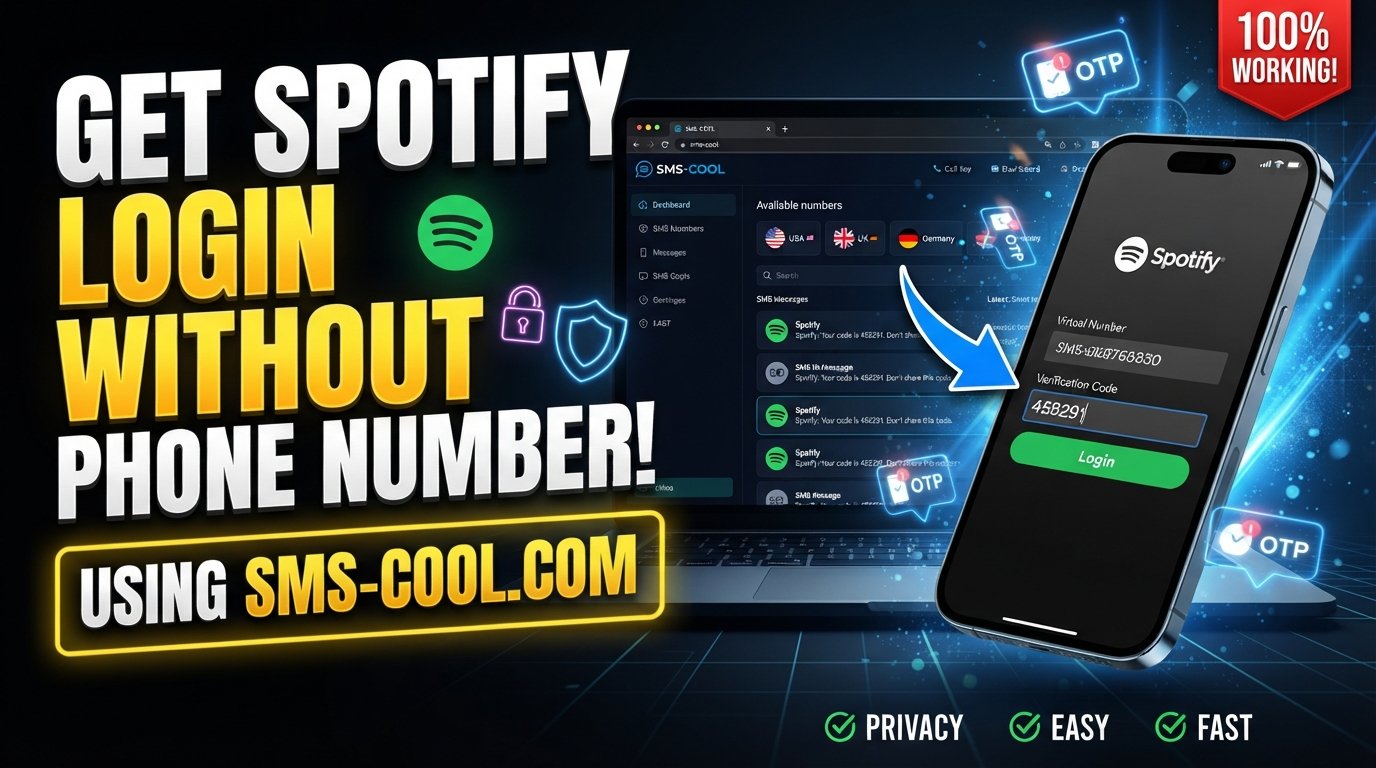
How to Get Spotify Login Without Phone Number
If you want to use Spotify but would rather not attach your personal phone number to another online service, you may be wondering whether Spotify login without phone number is possible.
The good news is that a phone number is not always the only way to access a Spotify account. Spotify supports several sign-up and login methods, including email, Google, Apple, and phone-based login, depending on the account and situation.
However, some users may encounter a phone verification request during registration or another account-related process. If you prefer not to use your personal number for that step, an online SMS verification service such as SMS COOL can be a practical option where the relevant service accepts virtual numbers.
The important point is to understand the difference between avoiding a personal phone number and bypassing a platform's security. The goal should always be legitimate account access and verification—not circumventing Spotify's policies or security controls.
Can You Get Spotify Login Without a Phone Number?
Yes, in many situations you can use Spotify without a phone number.
Spotify's official support information states that users can sign up using different methods, including an email address, phone number, Apple, or Google. Spotify also explains that an account can use an email address and password for login.
This means that if you're simply trying to create or access a Spotify account without phone number, the first thing to check is whether an alternative login method is available.
For example, if you already have a Spotify account associated with an email address, you may be able to log in with that email and password rather than using phone-based login.
Phone numbers become more relevant when Spotify specifically requests phone verification or when the account was originally created using a phone number. Spotify notes that phone-based sign-up uses an SMS code for login, while phone-number login isn't supported in the desktop app.
So, Spotify without phone number doesn't necessarily mean finding a way around verification. It can simply mean choosing an available alternative authentication method.
Why Do People Want Spotify Without a Phone Number?
There are several perfectly legitimate reasons someone might prefer not to use their personal number.
Privacy
Your phone number is personal information. Some people prefer to limit the number of websites and apps that have access to it.
Keeping your personal number separate from online registrations can reduce unnecessary exposure.
Separating Personal and Online Accounts
You might use your primary number for banking, family communication, work, and other important services.
Using a separate number for certain online registrations creates a clearer boundary between your personal and online activities.
Verification Convenience
SMS verification can be convenient, but it can also become inconvenient when you don't have access to your phone, are experiencing reception problems, or simply don't want another service tied to your personal number.
An online SMS service can provide an alternative when virtual numbers are accepted.
Avoiding Unnecessary Information Sharing
Not every online service needs access to your primary phone number from a privacy-conscious user's perspective.
Using a suitable secondary or virtual number can help you limit where your personal contact details are shared.
How SMS Verification Works
SMS verification is relatively simple.
When a website or application wants to verify a phone number, it generates a temporary code and sends that code to the number you entered.
The basic process looks like this:
Enter number → Receive SMS → Read verification code → Enter code → Verification completed
The code is generally time-sensitive and connected to a particular verification attempt.
For example, if a service sends a six-digit OTP, you enter that code into the website or app. If the number and code are accepted, the service can confirm access to that phone number.
This is commonly referred to as Spotify SMS verification, online SMS verification, OTP verification, or phone number verification.
The important limitation is that every platform controls which numbers it accepts. A virtual number that works for one service may not work for another.
How to Get Spotify Login Without Phone Number Using SMS COOL
If Spotify presents a phone verification requirement and you don't want to use your personal number, SMS COOL is one option to consider where virtual numbers are accepted.
SMS COOL provides virtual numbers and SMS receiving services designed for online verification workflows. Its published terms also make clear that it does not guarantee successful registration with third-party platforms, because acceptance depends on the platform and other factors.
Here's the general process:
1. Visit SMS COOL
Start by visiting the official SMS COOL website and accessing the available virtual-number services.
2. Choose an Appropriate Available Number or Service
Look for an available number suitable for your intended verification.
Availability can change, and the appropriate option depends on what the target platform accepts.
3. Enter the Number Where Verification Is Requested
If Spotify asks you for a phone number and permits the use of the selected virtual number, enter it in the relevant verification field.
Don't use a virtual number if Spotify's applicable terms or verification process prohibit it.
4. Request the Verification SMS
Submit the number and request the verification message.
If Spotify sends an SMS code to that number, SMS COOL can display the incoming message through its service.
5. Check the Incoming Message
Open the SMS COOL interface and look for the verification message.
The purpose is straightforward: receive SMS online rather than having the code delivered to your personal mobile number.
6. Enter the Verification Code
Copy the received code and enter it into the relevant Spotify verification field.
7. Complete the Process if Accepted
If Spotify accepts the number and verification code, continue with the account or verification process.
If the number isn't accepted, don't repeatedly attempt to circumvent the restriction. Instead, try an official Spotify-supported login method or another legitimate account recovery option.
Why Choose SMS COOL?
SMS COOL can be useful when you specifically need an alternative number for a legitimate online verification workflow.
Some practical advantages include:
- Separation from your personal number: You don't necessarily need to expose your primary mobile number for every online verification.
- Online SMS access: Verification messages can be accessed through the service rather than directly through your personal SIM.
- Convenient verification workflow: The basic process is designed around selecting a number, receiving an SMS, and viewing the verification code.
- Virtual-number availability: SMS COOL offers temporary virtual numbers as well as longer-term rental options.
- Useful for supported services: The service is intended for SMS-based verification, although individual platforms ultimately decide which numbers they accept.
That last point matters. SMS COOL is a verification service, not a way to bypass Spotify's security systems. Its own terms specifically state that successful registration on third-party platforms isn't guaranteed.
Is Using a Temporary Number Safe?
A temporary number can be useful, but it isn't automatically the best choice for every account.
The biggest consideration is long-term account recovery.
If you use a temporary or shared number for an account and later lose access to that number, you may have difficulty receiving future verification codes. This matters particularly for accounts you use regularly or consider important.
Before using a temporary phone number, consider:
- Whether the number is private or shared
- Whether you'll need it again later
- Whether the platform permits virtual numbers
- Whether you have another recovery method available
- Whether the account contains important personal or payment information
For an account where long-term security and reliable recovery are priorities, your personal number—or another permanent recovery method supported by the platform—may be preferable.
For less sensitive verification needs, a temporary number can offer useful separation from your primary contact information.
Tips for Spotify Account Security
Getting access to Spotify without your personal phone number is only part of the equation. You should also protect the account itself.
Use a Strong, Unique Password
If you're using email-and-password login, create a password that isn't reused on other websites.
Protect Verification Codes
Never share an OTP or verification code with another person. A legitimate verification code should only be entered into the service that requested it.
Keep Recovery Information Accessible
If your account uses an email address for recovery, make sure you can still access that email account.
Spotify provides official account and recovery resources for users who encounter login problems.
Be Careful With Third-Party Services
Only use verification services for legitimate purposes. Avoid services or methods that promise to bypass security restrictions, account bans, or platform safeguards.
Consider Long-Term Account Needs
If you're creating an account you'll rely on for a long time, think carefully before using a temporary number. Convenience today isn't necessarily the same as reliable recovery later.
Frequently Asked Questions
Can I use Spotify without a phone number?
Often, yes. Spotify supports several account and login methods, including email, Google, Apple, and phone-based login. The exact options available can depend on how your account was created and what Spotify requests during the process.
How can I get Spotify login without phone number?
First, check whether Spotify allows you to use your email address, Google account, or Apple account instead. If Spotify specifically requires SMS verification and permits the use of a virtual number, you can consider an SMS verification service such as SMS COOL.
Can I receive Spotify verification SMS online?
If Spotify sends an SMS to a virtual number that it accepts, a service such as SMS COOL can provide access to the incoming verification message online. However, acceptance of virtual numbers is controlled by Spotify and can vary.
What is a temporary phone number?
A temporary phone number is a virtual number that can be used for a limited verification or communication purpose instead of your regular personal number. Availability, duration, and functionality depend on the provider.
Can SMS COOL receive verification codes?
SMS COOL provides virtual numbers and SMS receiving services for verification workflows. Whether it can receive a specific Spotify verification code depends on whether Spotify accepts the particular number and successfully routes the message to it. SMS COOL itself does not guarantee third-party registration success.
Is a temporary number suitable for long-term account recovery?
Not necessarily. A temporary number may be unsuitable if you need reliable access to the same number months later. For important accounts, a permanent recovery method is generally a better choice.
What should I do if Spotify does not accept a number?
Don't try to bypass the restriction. Instead, use an alternative Spotify-supported login method, such as email, Google, or Apple where available, or use Spotify's official support and recovery options.
Conclusion
Getting Spotify login without phone number doesn't necessarily require complicated workarounds. In many cases, Spotify already provides alternative login methods such as email, Google, or Apple.
When phone verification is specifically required, users who don't want to expose their personal number can consider a virtual-number solution such as SMS COOL, provided the relevant Spotify verification flow accepts the number.
SMS COOL makes the basic process straightforward: choose an available number, enter it where permitted, receive the verification SMS online, and enter the code into the appropriate verification field.
Just remember that virtual numbers aren't guaranteed to work everywhere, and temporary numbers aren't always ideal for long-term account recovery. Use them responsibly, follow Spotify's requirements, and prioritize permanent recovery methods for accounts that matter.
If privacy and convenience are your main reasons for looking for Spotify without phone number, SMS COOL is worth considering for supported SMS verification needs.
Visit SMS COOL