04 Sep 2026
How to Get Shopify Login Without Phone Number via SMS COOL
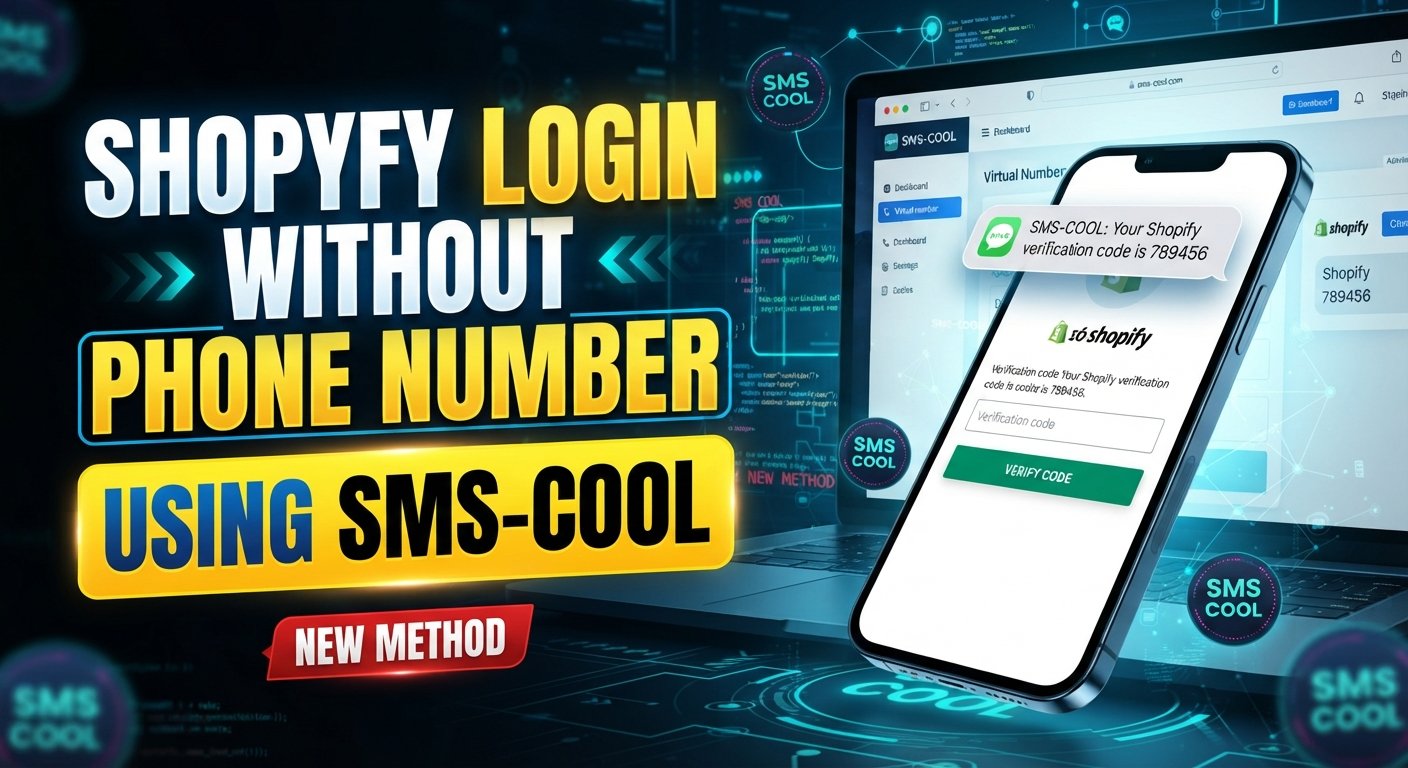
How to Get Shopify Login Without Phone Number
Getting locked out of a Shopify account because a verification code is tied to a phone number can be frustrating. It is even more inconvenient when you simply do not want to share your personal mobile number with another online service.
The good news is that needing Shopify login without phone number does not necessarily mean you have to abandon the account or look for questionable workarounds. Depending on your account's security configuration and the verification method Shopify presents, you may be able to use an alternative authentication method or an available temporary or virtual number for supported SMS verification.
For users who specifically need to receive an SMS without exposing their personal number, SMS COOL offers a practical online option worth considering.
Can You Log In to Shopify Without a Phone Number?
The answer depends on how your account is configured and which verification method Shopify requires.
Shopify supports two-step authentication methods, including SMS-based authentication. When SMS is enabled, Shopify can send a one-time code to the phone number associated with the authentication method. Shopify also recommends having backup authentication options, such as recovery codes or another supported authentication method, in case the primary method is unavailable.
That means there is no universal method that removes phone verification from every Shopify account.
If Shopify specifically asks for an SMS code, you need access to the number receiving that code. If another supported verification method is available, you may be able to use that instead.
For someone searching for how to login Shopify without phone number, the practical question is therefore not how to bypass Shopify security. It is how to complete the normal verification process without unnecessarily exposing a personal mobile number.
Why Users Look for Shopify Login Without Phone Number
There are several legitimate reasons someone may want to keep their personal phone number separate from a Shopify account.
Privacy concerns
Your personal number is often connected to family, friends, banking, messaging apps, and other private services. Some users simply prefer not to provide that same number to every website.
Temporary access
You may only need a number for a specific verification task. Buying another physical SIM card for a single SMS can feel unnecessary.
Business and testing needs
Developers, agencies, store operators, and online businesses sometimes need separate numbers for testing or managing digital workflows. A temporary or virtual number can provide useful separation.
Lost or unavailable phone access
If your usual phone is unavailable, a different supported authentication option may help. If you have recovery codes or another configured method, those should generally be considered first.
Keeping personal and online activity separate
A separate number can help reduce the number of services connected directly to your everyday mobile number.
The goal should always be legitimate account access—not bypassing security controls or accessing an account that does not belong to you.
Shopify Login Verification and SMS Codes
Understanding the terminology makes the process much easier.
Shopify login verification is a security step designed to confirm that the person signing in is authorized to access the account. With SMS-based two-step authentication, Shopify can send a one-time six-digit authentication code by text message.
You may see terms such as:
- Shopify SMS verification — verification through a text message.
- Shopify OTP — an OTP, or one-time password, used to confirm access.
- Shopify two factor authentication — an additional authentication step beyond your password.
- Shopify phone verification — confirming access to a phone number through a verification message.
- Shopify verification code — the temporary code you enter when prompted.
The important point is that an OTP is not a password replacement. It is part of the account-security process. Never give a verification code to another person, even if they claim to be helping you access your store.
How to Get Shopify Verification Codes Without Your Personal Phone
If your Shopify account is configured to use SMS verification and Shopify permits the number type you choose, a temporary or virtual number can provide an alternative to your personal mobile number.
This is where SMS COOL can be useful. SMS COOL provides online numbers intended for receiving SMS and verification messages, allowing users to keep a personal number separate from certain temporary verification tasks.
A basic process looks like this:
- Visit SMS COOL. Open the service and review the available number options.
- Choose an appropriate number. Select a number suitable for your intended verification task.
- Enter the number in Shopify. If Shopify provides an SMS verification field and accepts that number type, enter the number as requested.
- Request the verification code. Continue through Shopify's normal verification process.
- Check SMS COOL. Monitor the online inbox for the incoming message.
- Enter the OTP. Copy the verification code into Shopify's verification field.
- Complete the normal login process. Continue only after Shopify accepts the code.
There is an important limitation: Shopify may not accept every temporary, virtual, or shared number. Number compatibility can vary, so SMS COOL should be viewed as a convenient option rather than a guaranteed method.
If the number is rejected, use another authentication method available on your account or follow Shopify's account-recovery process.
Why SMS COOL Is a Convenient Option
The biggest advantage of SMS COOL is simplicity.
Instead of buying another physical SIM, putting it into a phone, and managing another mobile line, you can access supported SMS messages through an online service. SMS COOL describes its service as providing virtual numbers for OTP and SMS verification, including options for temporary use and longer-term number rentals.
For users concerned about privacy, this creates a useful separation between a personal number and a temporary verification number.
Other practical benefits include:
- Less reliance on your personal number
- Online access to SMS messages
- Convenient verification workflow
- Temporary number options
- Virtual phone number availability
- Useful separation for business or testing activities
- No need to manage an additional physical SIM for every temporary task
If your goal is simply to receive SMS online for an appropriate verification process, an online SMS service can be considerably more convenient than obtaining another physical mobile line.
You can also add a natural internal link here using the anchor text receive SMS online.
Temporary Phone Number vs Personal Phone Number
Choosing between a personal number and a temporary number depends on how important long-term access is.
FactorPersonal Phone NumberTemporary / Virtual NumberPrivacyLower separation from personal identityBetter separation for temporary tasksConvenienceAlways available if your phone is activeConvenient through an online serviceAccessibilityDepends on your phone and mobile serviceAccessed through the providerVerification SMSGenerally suitable where supportedDepends on Shopify accepting the numberLong-term recoveryUsually better for ongoing account recoveryMay be unsuitable if access expiresBest useImportant, long-term accountsTemporary or appropriate verification tasks
The last point matters most.
If a number may be required later for account recovery, security alerts, or another login challenge, make sure you can reliably access it. A number that disappears after a short period can create problems later.
For long-term account security, keep your recovery options current and save your recovery codes securely.
Step-by-Step Guide to Shopify Login Without Your Personal Number
If you're trying to complete a Shopify login without phone number, follow this beginner-friendly approach.
Step 1: Start with Shopify's normal login
Enter your regular Shopify credentials and continue through the standard login process.
Do not attempt to disable or circumvent security controls simply because verification appears.
Step 2: Check which verification method Shopify requests
If Shopify offers an authenticator, passkey, recovery code, or another supported method that you already configured, consider using it.
If SMS is the required method, continue with the SMS process.
Step 3: Choose a suitable number
If you need a separate number, explore SMS COOL and choose an available number appropriate for your intended use.
You can use temporary phone number as a natural internal-link anchor to a relevant SMS COOL page.
Step 4: Enter the number where requested
Enter the selected number into Shopify's phone field exactly as required, including the appropriate country code if Shopify requests it.
Step 5: Request the code
Ask Shopify to send the verification SMS.
Step 6: Check the online inbox
Open SMS COOL and look for the incoming verification message.
Step 7: Enter the code
Copy the Shopify OTP and enter it into the verification field.
Step 8: Secure your account afterward
If you regain access, review your authentication settings and make sure your recovery options are properly configured.
Shopify recommends having backup authentication methods and securely storing recovery codes.
Common Problems With Shopify SMS Verification
Even when everything is entered correctly, SMS verification can sometimes fail.
Verification SMS is not arriving
First, check that the number and country code were entered correctly. Wait briefly, then request another code if Shopify provides that option.
If the message still does not arrive, the number may not support the required service or Shopify may not be routing messages to that number.
The number is rejected
Some platforms restrict certain temporary, virtual, or shared numbers. If Shopify does not accept the number, do not repeatedly retry with random numbers.
Use another supported authentication method or contact Shopify support.
The OTP has expired
One-time codes are designed for short-term use. If a code is no longer accepted, request a new one and enter the latest code.
The wrong code was entered
Check the SMS carefully and make sure you are entering the current Shopify authentication code rather than an older message.
A temporary number has already been used
Shared or previously assigned numbers may have a history with online services. If a particular number does not work, choose another appropriate option if available.
Shopify requires another verification method
A temporary SMS number cannot replace every Shopify security method. If Shopify requests a passkey, authenticator, recovery code, or identity verification, follow the method Shopify provides.
Is Using a Temporary or Virtual Number Safe?
A virtual phone number can be useful for privacy and temporary verification, but it should not be treated as a complete security solution.
The safest approach is to consider what happens after the initial login.
For example, if you use a temporary SMS number today but lose access to it later, you may have difficulty receiving future security messages. That makes disposable numbers a poor choice for permanent account recovery unless the number remains accessible to you.
Keep these principles in mind:
- Use legitimate services for legitimate purposes.
- Never share your Shopify verification code with anyone.
- Do not use temporary numbers to impersonate others or gain unauthorized access.
- Check Shopify's requirements before using a virtual number.
- Keep reliable recovery methods available.
- Save recovery codes securely.
- Use a long-term number you control when ongoing account recovery requires it.
A temporary number can protect your personal number from unnecessary exposure, but it should not be confused with complete anonymity or guaranteed account security.
Why Choose SMS COOL?
If your goal is to receive Shopify verification code messages without immediately using your personal mobile number, SMS COOL provides a straightforward option to explore.
SMS COOL offers virtual numbers for OTP and SMS verification, along with temporary and longer-term number options.
That makes it particularly relevant for users looking for:
- A temporary phone number for Shopify where supported
- A virtual number for Shopify verification where permitted
- Online access to SMS codes
- A simple alternative to using a personal mobile number
- Temporary verification for legitimate business or testing needs
The important qualification is compatibility. Shopify controls its own verification requirements, so no external SMS service should promise that every number will work.
For users whose main concern is privacy and convenience, however, SMS COOL is a practical place to explore available SMS verification options.
Frequently Asked Questions
Can I log in to Shopify without my personal phone number?
Potentially, yes. It depends on your account's configured authentication methods and what Shopify requests during login. If SMS is required, an available temporary or virtual number may be an option where Shopify accepts that number type.
Can I receive a Shopify verification code online?
Yes, if Shopify sends the code to a number that can be accessed through a supported online SMS service. SMS COOL provides online access to SMS verification numbers, but acceptance depends on Shopify's requirements.
Can I use a temporary phone number for Shopify?
You may be able to use a temporary phone number for Shopify when the relevant Shopify verification flow accepts that number. Compatibility is not guaranteed, so check the verification result rather than assuming every number will work.
Does Shopify always require SMS verification?
No. The verification method depends on your account's security configuration and the authentication options Shopify makes available. Shopify documents multiple authentication and recovery approaches, including SMS and alternative methods.
Can SMS COOL receive Shopify OTP codes?
SMS COOL provides virtual numbers intended for receiving OTP and SMS verification messages. Whether a specific Shopify OTP reaches and is accepted by a particular number depends on Shopify's verification requirements and the number's compatibility.
What should I do if my Shopify verification code does not arrive?
Check the number and country code, wait briefly, request a new code if available, and check your SMS inbox. If the problem continues, try another supported authentication method or contact Shopify support.
Is a virtual number suitable for Shopify account recovery?
It can be suitable for some temporary verification needs, but long-term recovery is different. If Shopify may need that number later, use a number you can reliably retain and access rather than a disposable number that may expire.
Conclusion
Searching for Shopify login without phone number usually comes down to one simple concern: you want to access your account without unnecessarily connecting your personal mobile number to another online service.
The right approach is not to bypass Shopify's security. Instead, use the authentication and recovery methods Shopify provides. When SMS verification is required and Shopify permits the number type, a temporary or virtual number can offer a practical layer of separation.
For users who want to receive SMS online, SMS COOL is a convenient option to explore. It provides access to virtual numbers for OTP and SMS verification, helping reduce reliance on a personal mobile number for appropriate temporary verification tasks.
Just remember that compatibility can vary. A temporary number should also not replace a reliable long-term recovery method for an important Shopify account.
If privacy, convenience, and online SMS access are your priorities, explore SMS COOL and choose the number option that fits your legitimate verification needs.
8. SEO Keyword Usage Summary
Primary keyword:
- Shopify login without phone number — used prominently in the title, introduction, headings, body, and conclusion.
Secondary keywords and semantic terms:
- how to login Shopify without phone number
- Shopify login without SMS verification
- Shopify verification code without phone
- Shopify OTP without phone number
- Shopify account without phone number
- Shopify login verification
- Shopify two factor authentication
- Shopify SMS verification
- Shopify phone verification
- receive Shopify verification code
- temporary phone number for Shopify
- virtual number for Shopify
- online SMS verification
- receive SMS online
- SMS verification online
- temporary SMS number
- virtual phone number
- SMS COOL
The keywords are distributed across informational, transactional, troubleshooting, and FAQ sections rather than concentrated unnaturally in one area.
9. Suggested Internal Link Anchors
- SMS COOL
- receive SMS online
- temporary phone number
- virtual number for SMS verification
- online SMS verification
- temporary SMS number
- virtual phone number
- SMS verification online
- Shopify verification code
- OTP verification
10. Final CTA
Need Shopify verification without exposing your personal number? Explore SMS COOL for convenient online SMS access and temporary or virtual numbers where supported.