25 Aug 2026
How OTP Adds Security to Online Accounts | SMS COOL Explained
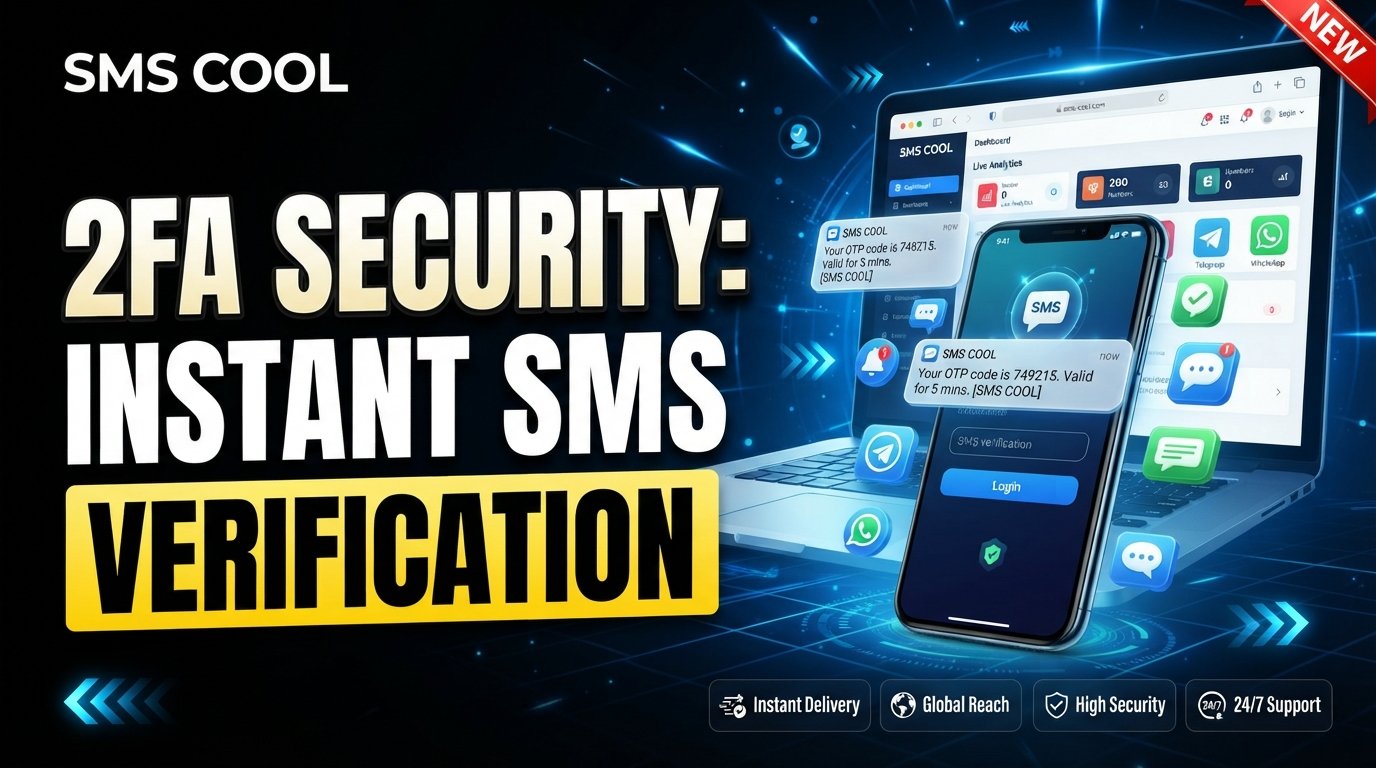
How OTP Adds Security to Online Accounts
Think about how many things in your digital life are protected by a password. Your email, social media profiles, shopping accounts, banking services, work platforms, and countless other online services often depend on a simple combination of letters, numbers, and symbols.
Passwords are important, but they are not always enough.
That is where an OTP (One-Time Password) can add another layer of protection. An OTP is a temporary verification code that can help confirm that the person attempting to log in or complete an action is authorized to do so.
For many services, SMS verification provides a convenient way to deliver these temporary codes. Solutions such as SMS COOL can help users receive SMS verification codes for supported account verification and authentication use cases.
Understanding how OTP security works—and using it responsibly—can make your approach to online account security considerably stronger.
What Is an OTP?
OTP stands for One-Time Password. Unlike a normal password that you may use repeatedly, an OTP is designed for a single verification attempt or a limited period.
For example, you might enter your regular password when signing into an account. The service may then send a six-digit SMS verification code to a registered phone number. You enter that code to complete the login.
The basic idea is simple:
Something you know + something you can access = stronger authentication.
Your regular password represents something you know. The temporary code sent to your phone provides an additional verification factor.
An OTP may be delivered through several channels, including SMS, email, authentication apps, or specialized security devices. SMS OTP is one of the most familiar options because many people already have access to a mobile phone.
How OTP Protects Online Accounts
OTP verification usually takes place in a few straightforward steps.
1. You Start a Login or Verification Process
You enter your username, email address, phone number, or other account details on a website or application.
2. The Service Requests Additional Verification
After checking your initial credentials, the service asks for an OTP. This is often part of two-factor authentication or another form of multi-step authentication.
3. A Temporary Code Is Generated
The service creates a unique verification code. The code is generally intended to be used only once and may expire after a short period.
4. The Code Is Delivered
If SMS is being used, the SMS verification code is sent to the phone number associated with the account or verification process.
5. You Enter the OTP
You enter the code into the appropriate verification field.
If the code is valid and has not expired, the service can complete the requested action.
This additional step makes unauthorized access more difficult when someone has obtained only your ordinary password.
Why Passwords Alone May Not Be Enough
Passwords can be compromised in several ways.
Someone might reuse the same password across multiple websites. If one service suffers a credential leak, attackers could potentially try those credentials elsewhere.
Passwords can also be exposed through phishing, malicious software, accidental sharing, weak security practices, or predictable combinations.
Common password-related problems include:
- Reusing the same password on multiple accounts
- Choosing short or predictable passwords
- Sharing passwords with other people
- Entering credentials on fraudulent websites
- Storing passwords insecurely
- Failing to update compromised credentials
OTP security addresses one part of this problem by introducing another verification step.
Imagine that someone discovers your password. Without additional protection, they may be able to sign in immediately. With OTP verification enabled, they may also need access to the device or authentication channel receiving the temporary code.
That does not mean OTP makes an account impossible to compromise. It simply creates another barrier that an attacker must overcome.
The Role of SMS Verification
SMS has become a widely recognized method for delivering temporary verification codes.
When a website supports SMS authentication, it can send a message containing a code to a phone number. The user then enters that code to confirm the action.
This can be useful for several purposes, including:
- New account registration
- Login verification
- Password recovery
- Phone number verification
- Identity confirmation
- Transaction or action confirmation
- Two-factor authentication
For example, suppose you create an account on an online service. After entering your basic information, the platform asks you to verify your phone number. It sends an SMS containing a temporary code. Entering that code confirms that you have access to the number receiving the message.
This is a practical form of account verification.
However, SMS-based authentication has limitations. Phone numbers can be exposed, SIM-related attacks can occur, and phishing can trick users into revealing codes. For accounts that support stronger authentication methods, such as authenticator applications or hardware security keys, those options may provide additional protection.
The important point is to treat an SMS OTP as one security layer—not as an absolute guarantee of safety.
Key Benefits of OTP Security
Adding OTP verification can provide several practical advantages for people and organizations managing secure online accounts.
Additional Login Security
OTP adds a second checkpoint after a password. This can reduce the risk associated with compromised passwords.
Temporary Authentication
A One-Time Password is generally short-lived and intended for a particular verification event. That makes it different from a permanent password.
Account Verification
Services can use OTPs to confirm access to an email address or phone number during registration and account setup.
Protection Against Some Unauthorized Logins
If an attacker knows a password but cannot complete the additional verification step, access may be more difficult.
Convenient User Experience
SMS OTP can be relatively simple for users. Instead of setting up specialized hardware, a person may receive a verification code through an ordinary text message.
Support for Multi-Factor Authentication
OTP can be incorporated into broader authentication strategies. When combined with strong passwords and other security measures, it can contribute to a more layered approach to digital security.
How SMS COOL Fits Into OTP Verification
For people who need access to SMS-based verification codes, SMS COOL can be a practical solution for supported use cases.
At its core, the service can help users receive SMS verification codes when a supported website or application sends a verification message to an eligible number.
This can be useful when you need to complete a phone number verification or other SMS-based authentication process without relying on your everyday personal number for every supported verification scenario.
The process is straightforward:
- Choose an appropriate supported verification use case.
- Obtain an eligible number through SMS COOL.
- Enter that number where the supported service requests phone verification.
- Request the SMS verification code.
- Check the incoming message through SMS COOL.
- Enter the received code into the original service.
The exact experience depends on the website, application, country, number availability, and its policies regarding virtual or temporary numbers.
That last point matters. Not every website or online service accepts every type of number, and some platforms may block temporary, virtual, or VoIP numbers. SMS COOL should therefore be viewed as a convenient option for supported verification scenarios rather than a universal solution for every service.
Used appropriately, SMS COOL can simplify the process of receiving verification messages while giving users a practical option for SMS-based account verification.
Practical Example: Signing Up for an Online Service
Imagine you want to register for a platform that requires phone number verification.
After creating your account, the service asks for a phone number. Once submitted, it sends a verification code by SMS.
If you are using a supported SMS COOL number, you can access the incoming message and retrieve the SMS OTP.
You then enter the code on the original platform.
The website verifies the code and, assuming everything is valid, completes the phone number verification process.
The important security principle remains the same: the OTP should be used only for the intended verification process and should never be shared with another person.
Best Practices for Safer OTP Verification
OTP can strengthen authentication, but your own habits still matter.
Never Share an OTP
A legitimate service generally should not require you to disclose a verification code to a stranger, salesperson, or unsolicited caller.
If someone asks you to forward an OTP, treat that as a warning sign.
Check Where You Are Entering the Code
Before entering a verification code, make sure you are using the official website or application you intended to access.
Phishing pages can imitate legitimate login screens and trick users into providing passwords and OTPs.
Do Not Click Suspicious Links
If an unexpected SMS or email tells you to log in urgently, avoid clicking the link until you can verify where it leads.
Instead, open the official service directly through its known website or application.
Use Strong, Unique Passwords
OTP is not a substitute for good password hygiene. Use strong and unique passwords, preferably managed with a reputable password manager.
Enable Stronger Authentication When Available
For important accounts, consider using an authenticator application, passkey, or hardware security key if the service supports it. These methods can provide stronger protection than SMS alone in some situations.
Keep Recovery Information Secure
Account recovery options can become another route into an account. Protect recovery email addresses, backup codes, and other authentication methods carefully.
Use SMS COOL Responsibly
If you use SMS COOL for verification, make sure the intended website or application permits the type of number you are using. Also understand the service's terms and the purpose for which the number is provided.
OTP Is One Layer of a Larger Security Strategy
Good online account security rarely depends on one technology.
A safer approach combines multiple habits and controls:
- Strong and unique passwords
- Two-factor authentication
- OTP verification where appropriate
- Secure account recovery options
- Phishing awareness
- Updated devices and software
- Careful handling of verification codes
- Privacy-conscious online behavior
Think of account protection like the locks on a building. Adding another lock does not make every possible threat disappear, but it can make unauthorized entry more difficult.
The same principle applies to digital security.
Conclusion
A password provides an important first line of defense, but modern online accounts often benefit from additional authentication. A One-Time Password provides a temporary verification step that can help confirm a user's access during login, registration, password recovery, or another protected action.
OTP security is especially useful when incorporated into a broader approach to authentication. SMS verification makes the process familiar and convenient, while users should remain aware of its limitations and continue following good security practices.
For supported verification use cases, SMS COOL offers a practical way to receive SMS verification codes and complete phone-based account verification processes. It can be a convenient option when a service accepts the relevant type of number.
If you are looking for a straightforward solution for supported SMS verification needs, explore SMS COOL and see how it can fit into your account verification workflow. Use it responsibly, protect your OTPs, and remember that secure account access is strongest when multiple layers of protection work together.