13 Aug 2026
What Does OTP Code Mean? A Simple Guide to OTP Verification Tips
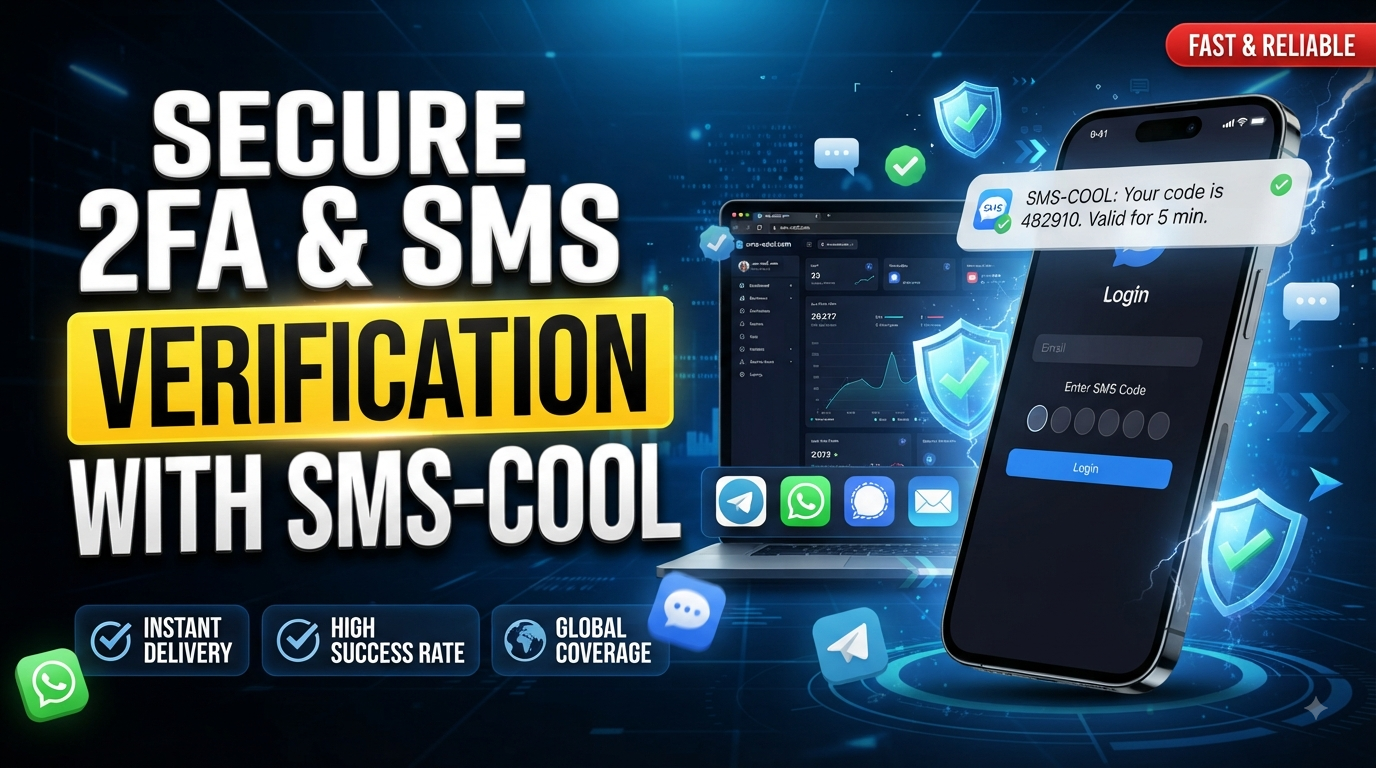
What Does OTP Code Mean?
If you have ever signed up for an account, logged in from a new device, confirmed a payment, or verified a phone number, you have probably seen a message asking for an OTP code.
So, what does OTP code mean?
OTP stands for One-Time Password. An OTP is a temporary verification code generated for a specific authentication or verification attempt. It is usually valid for a short period and is designed to be used only once.
Instead of relying only on a traditional password, a website or app can ask for an additional OTP verification code to confirm that the person completing the action has access to the registered phone, email address, or authentication method.
For many users, the process is simple: request verification, receive a code, enter it, and continue.
But how does it actually work, and what should you do when you need to receive an SMS verification code? Let's break it down.
What Is an OTP Code?
The OTP meaning is straightforward: a one-time password is a temporary code used to verify a user's identity or authorize a particular action.
The OTP full form is One-Time Password.
Unlike a normal password, which may be reused every time you sign in, an OTP is generally created for a single verification event. Once it has been used successfully—or once its validity period ends—it should no longer work.
An OTP might appear as a short sequence of numbers, although the exact format depends on the service generating it.
You may encounter an OTP when:
- Creating a new online account
- Confirming a mobile number
- Logging in from an unfamiliar device
- Resetting a password
- Confirming an important account action
- Completing certain transactions
- Setting up two-factor authentication
This temporary nature is what makes an OTP different from your regular password. Someone who knows your permanent password may potentially use it again, while a properly implemented one-time password is intended for a specific moment.
How Does OTP Verification Work?
The process behind how OTP codes work is easier than it sounds.
A typical SMS OTP verification process looks like this:
- You start a verification process.
- You may enter your phone number during registration, login, password recovery, or another account action.
- The service generates a temporary OTP.
- The website or app creates a verification code associated with the current request.
- The code is delivered.
- In an SMS-based system, the OTP is sent as a text message to the relevant mobile number.
- You enter the code.
- You type the verification code into the website or app.
- The system checks it.
- The service compares the submitted code with the expected OTP.
- The OTP expires.
- After successful use or a limited validity period, the code is no longer usable.
This explains how does OTP verification work in everyday situations. The code acts as a temporary proof that the user has access to the designated verification channel.
Why Do Websites and Apps Use OTP Codes?
Why do websites use OTP? Primarily because an OTP can provide an additional verification step beyond a username and password.
For example, suppose someone knows your password but does not have access to the verification method connected to your account. An OTP requirement can make unauthorized access more difficult.
Common uses include:
- Account registration: Confirming that a phone number belongs to the person registering.
- Login verification: Adding an extra authentication step when signing in.
- Password recovery: Helping verify access before allowing an account password to be changed.
- Mobile verification: Confirming ownership or access to a phone number.
- Transaction confirmation: Verifying certain sensitive actions.
- Two-factor authentication: Combining something you know, such as a password, with another verification factor.
OTP authentication is therefore commonly associated with two-factor authentication (2FA), although OTPs can also be used for standalone verification purposes.
It is important to remember that OTP verification is an additional security measure, not an absolute guarantee against account compromise.
What Is an SMS OTP?
An SMS OTP is a one-time password delivered through a text message.
For example, after entering a phone number on a website, you may receive a message containing a temporary verification code. You then enter that code on the website to complete the verification process.
This is commonly called an SMS verification code, verification code, or SMS authentication code.
SMS remains a familiar option because users generally do not need to install a separate authentication application just to receive a text message. However, delivery can depend on factors such as the mobile network, country, number type, and the policies of the service sending the code.
That can create a practical problem: what happens when you need an OTP but do not want—or cannot use—your usual mobile number?
How Can You Receive an OTP Verification Code?
The simplest option is to use the mobile number associated with your account or verification request. If the service supports SMS verification, it sends the temporary code directly to that number.
However, some users may need a separate number for a legitimate verification purpose. They may want to keep their primary number separate from a particular online registration or simply need access to an SMS-capable verification number.
This is where online SMS verification services can be useful.
When considering one, always check whether the particular website or app accepts the number type and country you intend to use. Not every service accepts every virtual or temporary number, and some platforms have restrictions on verification numbers.
For users looking for a convenient way to receive SMS verification codes, SMS COOL can be a practical option to consider when its available numbers and the target service are compatible.
SMS COOL: A Convenient Solution for SMS Verification
SMS COOL is relevant for users who need a convenient way to receive SMS messages associated with online verification.
Instead of making the OTP itself complicated, think of the service as part of the delivery side of the process: a supported verification number can receive the SMS, allowing you to access the temporary code and enter it where the verification request originated.
A typical workflow is straightforward:
- Choose an appropriate SMS verification option through SMS COOL.
- Use the provided number where the website or app requests a phone number.
- Wait for the verification SMS to arrive.
- View the received message and identify the OTP code.
- Enter the code on the original verification page.
- Complete the verification process if the service accepts the number.
The important point is compatibility. SMS COOL should not be presented as a universal solution for every website or app. Some platforms restrict certain number types, regions, or temporary numbers. Availability can also vary depending on the verification service involved.
For that reason, SMS COOL is best viewed as a convenient option for users who specifically need access to SMS verification and whose intended service supports the available verification method.
OTP Code vs Password: What's the Difference?
OTP CodePasswordUsually temporaryUsually intended for repeated useDesigned for a specific verification eventUsed for ongoing account accessOften expires after a short periodRemains valid until changed, reset, or otherwise invalidatedMay be generated automaticallyUsually created or selected by the userCommonly used as an additional verification stepOften serves as the primary authentication credential
The key distinction is simple: a password is generally reusable, while an OTP is designed to be temporary and one-time.
Using an OTP alongside a password can therefore add another layer to the authentication process.
Is an OTP Code Secure?
OTP authentication can improve account security, but users should not treat an OTP as a magic security shield.
An OTP is meant to be entered only into the legitimate website or application that requested it. If someone asks you to send them your OTP, be cautious.
Good security habits include:
- Never share an OTP with strangers.
- Do not read a verification code aloud to an unsolicited caller.
- Check the website address before entering a code.
- Be cautious of unexpected OTP requests.
- Avoid entering codes into suspicious links or pages.
- If you receive an unexpected code, investigate why it was requested.
SMS-based verification also has limitations. Phone-related attacks, phishing, compromised devices, and other threats can affect the overall security of an account.
The safest approach is to treat every OTP as sensitive information.
Common Types of OTP Codes
Not every one-time password arrives through SMS. Common methods include:
SMS OTP
A temporary code is delivered through a text message. This is one of the most familiar forms of mobile verification and is the method most directly relevant to SMS COOL.
Email OTP
The verification code is sent to an email address instead of a phone number.
Authenticator-App Codes
An authentication application can generate temporary codes for account verification.
TOTP
Time-Based One-Time Password (TOTP) systems generate codes based on time. Authenticator apps commonly use this approach.
Each method has different characteristics. SMS OTP remains convenient for many everyday verification scenarios, while other authentication methods may be preferable for certain security-sensitive situations.
Why Am I Not Receiving My OTP Code?
Waiting for an OTP that never arrives can be frustrating. Before assuming something is broken, check the basics.
Incorrect phone number:
Make sure the number and country or region selection are correct.
Network or delivery delay:
SMS messages can occasionally take time to arrive.
Expired OTP:
If you waited too long, the original code may no longer be valid. Request a fresh one if the service allows it.
Too many attempts:
Some websites temporarily limit repeated verification requests.
Unsupported number:
A particular website may reject certain virtual, temporary, or other number types.
Service restrictions:
The website or app may limit verification based on country, carrier, or number type.
Wrong country or region:
Double-check that the selected country matches the verification number you are using.
If an OTP does not arrive, avoid repeatedly requesting codes in rapid succession. Check the service's instructions, confirm your information, and try again when appropriate.
Frequently Asked Questions About OTP Codes
What does OTP code mean?
OTP code means One-Time Password code. It is a temporary verification credential used to confirm a user's identity or authorize a specific action. An OTP is generally intended to work only once and often expires after a limited period.
What is the full form of OTP?
The full form of OTP is One-Time Password. It is a temporary code used for authentication or verification. OTPs can be delivered through SMS, email, or authentication applications, depending on how the particular service handles verification.
What is an OTP verification code?
An OTP verification code is a temporary code generated for a specific verification request. For SMS verification, it is usually sent to a mobile number by text message. The user enters the code into the relevant website or app to complete the verification process.
How does an OTP work?
A service generates a temporary code and sends it through a selected verification method. The user enters that code, and the system checks whether it matches the expected value and is still valid. Once used or expired, the OTP should no longer work.
How long is an OTP valid?
The validity period depends on the service that generated it. Some OTPs expire relatively quickly, while others may have different time limits. If a code has expired, the usual solution is to request a new verification code rather than repeatedly entering the old one.
Is an SMS OTP secure?
SMS OTP can provide an additional layer of account verification, but it is not completely risk-free. Users should protect their codes, watch for phishing attempts, and enter OTPs only on legitimate websites or apps. More sensitive accounts may offer additional authentication methods.
How can I receive an OTP verification code?
You can normally receive an OTP through the verification method selected by the website or app, such as your own mobile number. If you need a separate SMS verification number, SMS COOL may be a convenient option when its available number and the target service are compatible.
Final Thoughts
So, what does OTP code mean? In simple terms, it means a One-Time Password: a temporary code used to verify a user or authorize a particular action.
OTP verification has become a familiar part of online life, from account registration and mobile verification to login security and password recovery. SMS OTP is especially straightforward because the verification code can be delivered directly through a text message.
When receiving that message becomes the difficult part, a convenient SMS verification service can help. SMS COOL is an option worth exploring for users who need access to SMS verification numbers and codes, provided the intended website or app supports the available number.
If you need a practical way to receive SMS verification codes, explore SMS COOL and check whether its available verification options fit your particular use case.