01 Sep 2026
How to Get Microsoft Login Without Phone Number: Complete Guide
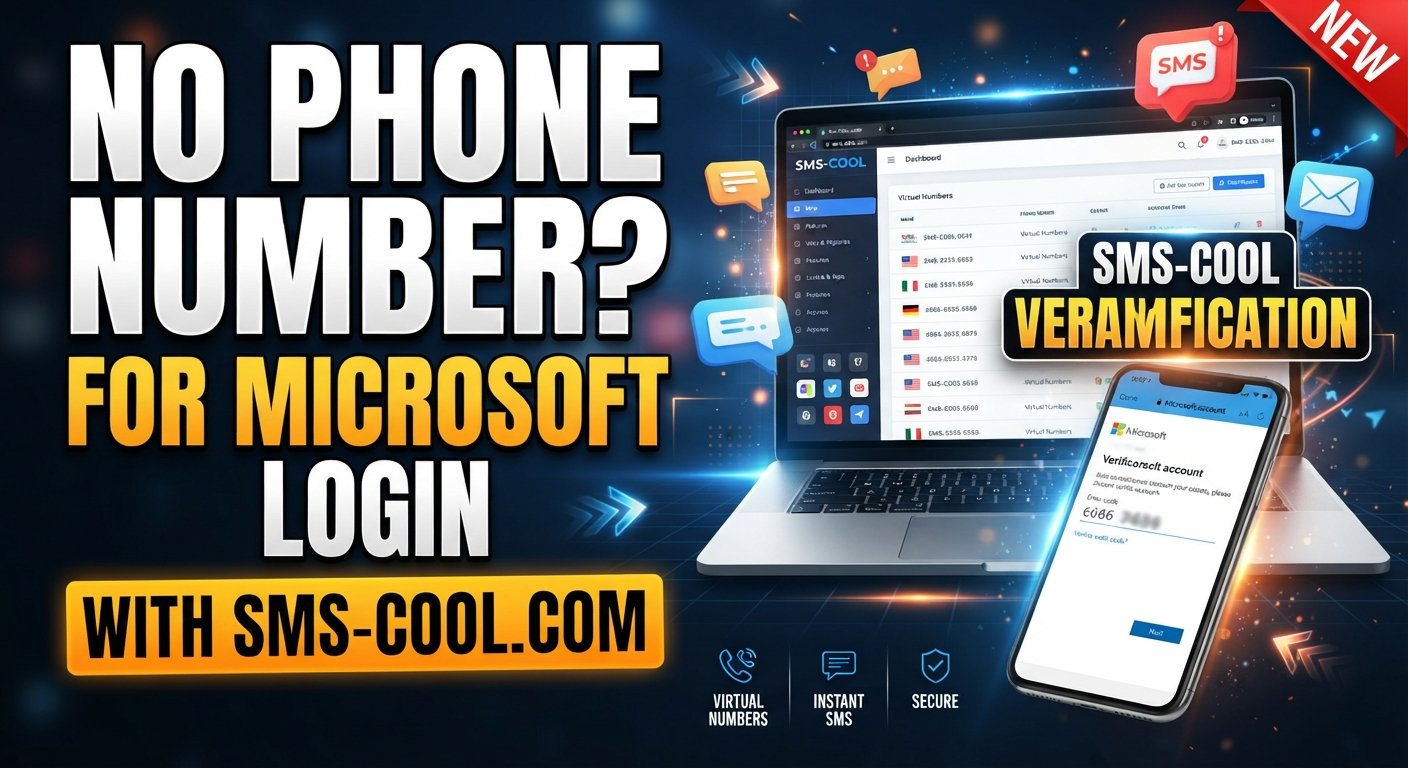
How to Get Microsoft Login Without Phone Number
Trying to get a Microsoft login without a phone number can be frustrating. You may have an email address, a strong password, and everything else ready, only to discover that Microsoft is asking you to verify your identity with a phone number.
The good news is that phone verification is not the only verification method Microsoft supports. Depending on your account, device, region, and security requirements, Microsoft may offer options such as email verification, an authenticator app, or a passkey.
However, if Microsoft specifically requires SMS verification and you do not want to use your personal number, a temporary or virtual number can be a practical option where the service and Microsoft allow it.
That is where SMS COOL can help.
With an online SMS verification service such as SMS COOL, you can access a temporary phone number and receive an incoming verification SMS online rather than immediately exposing your primary mobile number.
Can You Get a Microsoft Login Without a Phone Number?
Yes, sometimes — but it depends on the verification options Microsoft presents to you.
There is an important difference between signing into an existing Microsoft account and creating a new Microsoft account.
For an existing account, Microsoft may allow you to verify your identity using:
- A recovery email address
- Microsoft Authenticator
- A passkey
- Another previously configured security method
- SMS, where it is still offered
Microsoft's security settings allow users to manage different methods for proving their identity. The available choices can vary between accounts.
For new account registration, Microsoft may sometimes request additional verification. This can happen because verification helps protect accounts and services against automated abuse, suspicious activity, and unauthorized access.
If Microsoft gives you an alternative verification method, using that option is generally the simplest approach.
If SMS is specifically required and you prefer not to provide your personal number, an online SMS solution may be worth considering.
Why Does Microsoft Ask for Phone Verification?
Phone verification is commonly used as an additional security check.
A website can ask for a phone number and send a one-time password, commonly called an OTP. You then enter that code to prove that you can receive messages at the number provided.
Microsoft may request verification when:
- Creating or securing an account
- Signing in from an unfamiliar device
- Detecting unusual activity
- Recovering account access
- Changing important security information
- Performing an action that requires additional identity verification
Microsoft explains that unusual activity can sometimes affect verification-code delivery. Excessive or repeated requests can also lead to temporary restrictions on code delivery.
So, if your Microsoft account phone verification is causing problems, repeatedly requesting new codes is not necessarily the best solution.
Microsoft Account Without Phone Verification: Your Legitimate Options
Before looking for a temporary phone number, check whether Microsoft already gives you another way to verify your identity.
1. Use a Recovery Email
If Microsoft offers email verification, this can be one of the easiest alternatives.
The email address must be accessible to you because Microsoft may send a verification code that you need to enter during the sign-in or account-security process.
2. Use Microsoft Authenticator
Microsoft Authenticator can provide another way to verify sign-ins without relying on SMS.
This can be particularly convenient for people who regularly access their Microsoft account and want a more permanent authentication method.
3. Use a Passkey
Passkeys provide a passwordless authentication option based on a device, biometric authentication, or PIN.
Microsoft describes passkeys as a more phishing-resistant alternative to traditional password and SMS-based authentication.
4. Use SMS When Microsoft Requires It
If SMS is the only verification method presented to you, you may need access to a compatible mobile number.
This does not necessarily mean you must expose your primary personal number.
For legitimate situations where temporary numbers are permitted, an online SMS verification service can provide another option.
Using SMS COOL for Microsoft Verification
If you need to receive Microsoft verification code messages and Microsoft accepts the number you provide, SMS COOL offers a practical way to access a temporary virtual number.
Visit SMS COOL for virtual numbers and online SMS verification
The basic concept is simple.
Instead of entering your personal mobile number, you obtain an available number through SMS COOL, enter that number during the supported verification process, and monitor SMS COOL for the incoming message.
When the verification SMS arrives, you can view the code and enter it into Microsoft's verification screen.
SMS COOL describes its service as providing temporary virtual numbers for SMS verification, along with longer-term rental numbers and other online verification tools.
Important: Microsoft Must Accept the Number
A temporary number is not a guaranteed workaround for every Microsoft verification screen.
Microsoft states that some VoIP numbers cannot be used for sign-in or verification codes, and the available verification methods can differ between accounts.
That means you should always treat compatibility as dependent on Microsoft's current requirements.
The goal is not to bypass Microsoft's security. The goal is simply to use an appropriate number when Microsoft legitimately requests SMS verification and permits that type of number.
How to Use SMS COOL for Microsoft Verification
If SMS verification is required and a temporary number is appropriate for your situation, the process is straightforward.
Step 1: Check Microsoft's Available Verification Methods
Start with the Microsoft sign-in or registration page.
Look at the options Microsoft provides. If you can verify through email, Authenticator, or a passkey, consider using one of those options instead.
If SMS verification is offered or required, continue.
Step 2: Open SMS COOL
Visit the SMS COOL platform and look for an available number suitable for your verification requirement.
SMS COOL provides online access to temporary numbers that can receive SMS messages through its dashboard.
Step 3: Select the Appropriate Number
Choose an available number based on the service and country requirements shown by SMS COOL.
Before purchasing or using a number, make sure you understand the service's current terms and the duration for which the number will remain available.
Step 4: Enter the Number on Microsoft
Return to the Microsoft verification page and enter the selected number in the phone-number field.
Make sure the country code and number are entered correctly.
Do not repeatedly change numbers or request verification codes unnecessarily. Microsoft recommends avoiding excessive or repetitive verification attempts because unusual activity can affect code delivery.
Step 5: Request the Microsoft Verification Code
Submit the verification request.
Microsoft will determine whether it can send an SMS to the number and whether that number is eligible for the requested verification process.
Step 6: Receive SMS Online
Open your SMS COOL dashboard and check for the incoming verification message.
If the SMS is delivered successfully, the Microsoft account verification code should appear in the received message.
Step 7: Enter the Code
Copy the verification code and enter it into the Microsoft verification screen.
Once Microsoft validates the code, continue with the account creation, sign-in, or security process.
Remember that SMS COOL provides access to the number and incoming message; Microsoft remains responsible for generating and validating its own verification code.
Why Choose SMS COOL?
There are several reasons someone may prefer a temporary number rather than immediately using a personal phone number.
Keep Your Personal Number Separate
Your primary phone number is often connected to family, friends, banking, work, and other important services.
Using a separate number for an appropriate temporary verification task can help keep those activities separate.
Receive SMS Online
With SMS COOL, you can monitor incoming verification messages through an online dashboard instead of relying solely on your physical SIM card.
This is useful when you need a temporary number for an online verification process.
Simple Verification Workflow
The basic process is easy to understand:
Choose a number → Enter it for verification → Request the SMS → Receive the code online → Enter the code
There is no need to understand complicated telecommunications technology to use the service.
Temporary and Rental Options
SMS COOL offers both temporary virtual numbers and rental options, allowing users to choose a solution based on their needs.
A short-term verification requirement may call for a temporary number, while an ongoing legitimate workflow may be better suited to a rental number.
Useful for More Than Microsoft
An online SMS verification service can also be useful for other supported websites, applications, testing environments, and legitimate registration workflows.
However, compatibility varies. A number that works for one platform may not necessarily be accepted by another.
Microsoft Verification Without Phone: What You Should Know
There is no universal trick that removes Microsoft's security requirements.
If Microsoft asks for phone verification and does not present an alternative, you need to complete the verification method it accepts.
Also, Microsoft is moving personal-account authentication away from SMS toward methods such as passkeys and verified email. Its support documentation explains that SMS is being phased out as an authentication and account-recovery method for personal accounts.
This means that the best long-term strategy may be to configure a passkey, authenticator, or recovery email when Microsoft makes those options available.
A temporary number can still be practical for an appropriate SMS verification step, but it should not be viewed as a permanent replacement for strong account-security methods.
Safety and Privacy Tips
Whether you use your personal number or a temporary number, treat verification codes as sensitive information.
Follow these basic rules:
- Never share your Microsoft verification code with another person.
- Do not give an OTP to someone claiming to be technical support.
- Use temporary numbers only for legitimate purposes.
- Check Microsoft's account and security pages directly rather than following suspicious links.
- Avoid repeated verification requests if a code is delayed.
- Read the terms of any SMS verification service before using it.
- Do not use temporary numbers for unauthorized access, fraud, spam, or deceptive activity.
- For important long-term accounts, maintain a reliable recovery method you control.
Microsoft specifically warns that unexpected verification codes can indicate an attempted account access or a mistaken phone-number entry.
If you receive a verification code that you did not request, do not enter it anywhere or share it with anyone.
Is a Temporary Phone Number Right for You?
The answer depends on why you need Microsoft verification.
A personal number may be better when you are setting up an account that you expect to use for a long time and where reliable recovery is important.
A temporary number may make more sense when:
- You need a number for a short-term verification task.
- You prefer not to expose your primary number.
- Microsoft permits the number for the verification process.
- You understand that temporary numbers may not work for every platform.
- You are using the service for legitimate activity.
For those situations, SMS COOL provides a convenient way to explore temporary and virtual-number options.
Final Thoughts: Getting Microsoft Login Without a Phone Number
Finding a Microsoft login without a phone number does not have to mean looking for questionable workarounds.
First, check Microsoft's available verification methods. Email, Microsoft Authenticator, and passkeys may provide a better long-term solution when they are offered.
If Microsoft specifically requires SMS and permits the type of number you intend to use, an online SMS verification service can provide a practical alternative to immediately exposing your personal mobile number.
SMS COOL makes this process straightforward by providing temporary virtual numbers and an online interface for receiving SMS messages.
The important thing is to use the service responsibly, follow Microsoft's requirements, and understand that no third-party service can guarantee acceptance by Microsoft.
For users who need a convenient way to receive SMS online while keeping their primary number separate, SMS COOL is a practical option worth considering.
8. FAQ
Can I create a Microsoft account without a phone number?
Sometimes. Microsoft may provide alternative verification methods such as email, Microsoft Authenticator, or a passkey, depending on the account and signup flow. If Microsoft specifically requires a phone number and provides no alternative, you must use an accepted verification method.
How can I get a Microsoft login without phone verification?
Check whether Microsoft offers email verification, Authenticator, or a passkey. If SMS is required, you may consider an appropriate temporary number through a service such as SMS COOL, provided Microsoft accepts that number for the verification process.
Can I use SMS COOL for Microsoft verification?
SMS COOL provides temporary virtual numbers for receiving SMS verification messages. However, Microsoft determines whether a particular number is accepted. Therefore, SMS COOL should be viewed as a practical option rather than a guaranteed solution.
How do I receive a Microsoft verification code?
If Microsoft sends the code by SMS, you need an eligible phone number capable of receiving the message. You can use your personal number or, where permitted, an appropriate virtual or temporary number. If Microsoft offers email, Authenticator, or passkey verification, those may be alternatives.
Can I use a temporary phone number for Microsoft account verification?
It depends on Microsoft's current verification requirements and whether the specific number is accepted. Microsoft notes that some VoIP numbers cannot be used for sign-in or verification codes, so compatibility should be checked rather than assumed.
What is online SMS verification?
Online SMS verification is a process where an SMS-capable virtual or temporary number receives a verification message through an online service. The user can then view the message and enter the one-time code into the website requesting verification.
Is a virtual number safe for Microsoft verification?
A virtual number can be useful for appropriate verification purposes, but it should not replace good account-security practices. For important accounts, maintain reliable recovery methods and never share verification codes with others.
Why am I not receiving my Microsoft account verification code?
Common causes include incorrect contact information, unusual account activity, regional delivery issues, blocked messages, technical problems, or requesting too many codes. Microsoft recommends checking your available verification methods and avoiding excessive repeated requests.
Does Microsoft still use SMS verification?
SMS availability can vary. Microsoft has stated that it is phasing out SMS as an authentication and account-recovery method for personal accounts and is encouraging alternatives such as passkeys and verified email.
What should I do if Microsoft will not send a verification code?
First, verify that your contact information is correct and check whether another verification method is available. Avoid repeatedly requesting codes. If the issue continues, use Microsoft's official account recovery or sign-in support options.
9. Final CTA for SMS COOL
Need a Temporary Number for SMS Verification?
If you need to receive an SMS verification code without immediately using your personal mobile number, SMS COOL provides a convenient online option for supported verification needs.
Choose an available virtual number, use it where permitted, and monitor your SMS COOL dashboard for incoming verification messages.
Use temporary numbers responsibly, follow Microsoft's requirements, and choose the verification method that best protects your account.