31 Aug 2026
How to Get LinkedIn Login Without Phone Number Using SMS COOL
How to Get LinkedIn Login Without Phone Number
If you're trying to access LinkedIn but don't want to provide your personal phone number, you're not alone. Many people prefer to keep their primary number private, especially when signing up for online services, completing verification, or managing accounts they don't want connected to their everyday contact details.
The good news is that a LinkedIn login without phone number may be possible in situations where LinkedIn gives you another available authentication or recovery method. However, if LinkedIn specifically asks you to verify a phone number by SMS, you'll need access to a number that can receive the required verification message.
This is where a temporary or virtual number can be useful. Instead of immediately exposing your personal number, you can consider an online SMS service such as SMS COOL to obtain a suitable number for a supported verification task.
The important point is that this isn't a guaranteed way around LinkedIn's security requirements. LinkedIn controls its own verification process and may accept or reject particular number types. Your goal should be to use a legitimate verification method that works with the requirements shown on your account.
Can You Use LinkedIn Without a Phone Number?
Sometimes, yes.
LinkedIn does not necessarily require a phone number for every login or account interaction. Depending on your account, login method, security settings, location, and the action you're trying to perform, you may be able to sign in using your email address and password or another available authentication method.
The situation changes when LinkedIn requests phone number verification.
If a verification screen specifically requires an SMS, simply knowing your password may not be enough to complete that step. You'll need to receive the LinkedIn verification code sent to the number you provide.
For users who don't want to use their personal number, a virtual phone number or temporary SMS number can be an alternative where LinkedIn accepts it.
Why Does LinkedIn Ask for Phone Verification?
Phone verification is commonly used by online platforms as an additional security and account-management measure.
A platform may request a phone number to:
- Confirm access to a particular number
- Help protect accounts from suspicious activity
- Reduce automated or abusive registrations
- Add another layer of account security
- Support account recovery or verification processes
The exact reason can vary depending on what you're doing on LinkedIn.
It's also worth remembering that SMS verification is controlled by the platform requesting it. An online SMS service can provide access to a number and incoming message, but it cannot force LinkedIn to accept that number.
That distinction is important when looking for LinkedIn verification without phone number options.
How to Get LinkedIn Login Without Phone Number
If LinkedIn allows you to continue without SMS verification, use the alternative authentication method displayed on the login screen.
If LinkedIn requires an SMS verification code, you have a few possibilities.
Option 1: Use Your Personal Number
This is the most straightforward approach if you're comfortable sharing your number with LinkedIn.
It can be suitable when you want a long-term number associated with your account and don't have privacy concerns.
Option 2: Use an Available Alternative Verification Method
Depending on your account and LinkedIn's current security flow, another authentication or account-recovery option may be presented.
Follow the options shown directly by LinkedIn rather than trying to bypass its security checks.
Option 3: Use a Virtual or Temporary SMS Number
If LinkedIn permits the number type, a virtual phone number can give you access to SMS verification without exposing your primary personal number.
This is where SMS COOL becomes a practical option to consider.
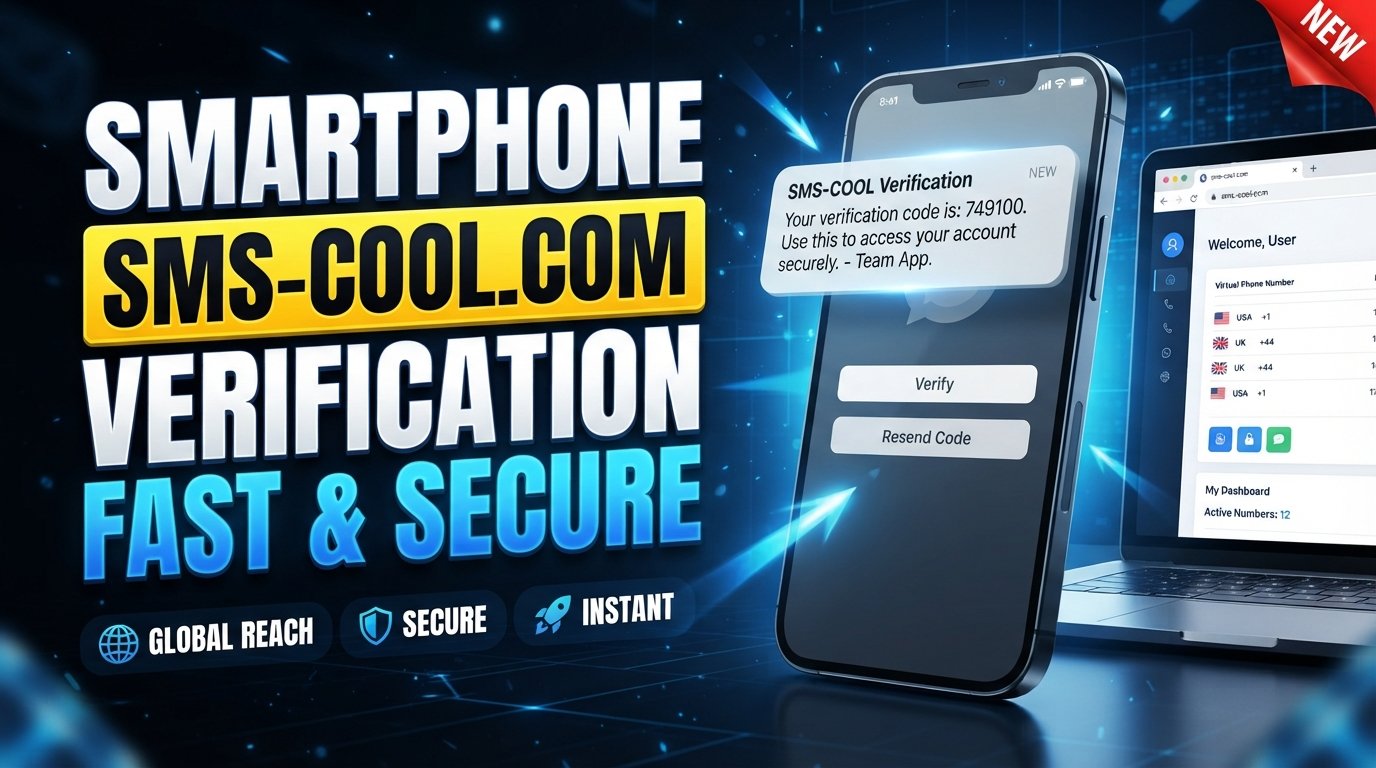
SMS COOL provides virtual numbers intended for supported SMS and OTP verification workflows. Its platform allows users to select available numbers and receive incoming verification messages through an online dashboard.
How SMS COOL Helps With LinkedIn Verification
The basic idea behind SMS COOL verification is simple.
Instead of entering your everyday personal number, you select an appropriate available virtual or temporary number. If the number supports the required service and LinkedIn accepts that number, the verification SMS can be delivered to the SMS COOL dashboard.
This can be useful if your main concern is privacy.
You aren't necessarily looking for a way to eliminate verification altogether. You're looking for a separate number that can receive the verification message when the platform permits virtual numbers.
SMS COOL offers instant virtual numbers and longer-term rental options, with availability varying by country and supported service.
Why This Approach Can Be Convenient
A separate number can help keep your personal and online contact information apart.
For example, you may prefer not to give your primary mobile number to every service that requests phone verification. A temporary SMS number can provide another option for supported, legitimate verification tasks.
It can also be more convenient than obtaining a second physical SIM when you only need a number for a short-term purpose.
How to Use SMS COOL for LinkedIn SMS Verification
If LinkedIn is requesting an SMS and the available SMS COOL number is compatible with the verification requirement, the general process is straightforward.
1. Visit SMS COOL
Open the SMS COOL website and create or access your account.
2. Select an Appropriate Country and Number
Browse the available virtual numbers and select a country appropriate for your verification requirement.
Number availability can change, so choose from the options currently displayed on the platform.
3. Choose the Relevant Service When Available
If LinkedIn is listed as a supported service, select it. If it isn't listed, don't assume that another number will work automatically.
Service compatibility matters because websites can restrict virtual, temporary, or certain types of numbers.
4. Get the Temporary or Virtual Number
Purchase or activate an available number according to the options shown by SMS COOL.
5. Enter the Number on LinkedIn
When LinkedIn asks for your phone number, enter the SMS COOL number in the correct international format.
Only do this where LinkedIn's terms and verification requirements permit the use of such a number.
6. Receive the Verification SMS
Return to the SMS COOL dashboard and wait for the incoming message.
SMS COOL's workflow is designed to display supported incoming OTP messages through its online platform.
7. Enter the LinkedIn Verification Code
Copy the verification code from the received SMS and enter it into the LinkedIn verification screen.
If the code is valid and LinkedIn accepts the number, the verification process can continue.
Keep in mind that SMS delivery and number compatibility aren't guaranteed for every service.
Why Use SMS COOL Instead of Your Personal Number?
The main reason is separation.
Your primary mobile number may be connected to family, friends, banking services, messaging apps, business contacts, and other important accounts. You may not want to use the same number everywhere.
A suitable virtual or temporary number can provide several practical advantages.
Privacy
You can reduce the need to expose your primary phone number during supported online verification tasks.
Convenience
You can receive supported SMS messages online rather than needing another physical SIM card.
Flexible Number Options
SMS COOL provides different virtual-number options, including short-term numbers and longer rental options.
Simple Online Access
Instead of managing an additional physical device, incoming supported verification messages can be viewed through the service's online dashboard.
Useful for Temporary Tasks
If you only need a number for a particular verification task, a temporary SMS number may be more practical than maintaining another permanent mobile line.
Benefits of Using a Temporary or Virtual SMS Number
A virtual number and a temporary number are related concepts, but they aren't always identical.
A virtual phone number refers to a number provided through an online service rather than necessarily being tied to your everyday physical SIM.
A temporary SMS number emphasizes short-term use.
Depending on the provider, a temporary number can be a type of virtual number.
For users searching for receive SMS online for LinkedIn, the important consideration is whether the number can receive the required message and whether LinkedIn accepts that number type.
SMS COOL states that it provides virtual numbers for supported SMS and OTP verification purposes across multiple countries and services.
Common Problems With LinkedIn SMS Verification
Even with a virtual number, verification may not always work.
The Code Doesn't Arrive
SMS delivery can sometimes be delayed or unavailable. Check that the number is active and that the correct number was entered.
LinkedIn Doesn't Accept the Number
Some platforms restrict temporary, virtual, VoIP, or other nontraditional numbers.
If LinkedIn rejects a particular number, trying repeatedly may not solve the underlying compatibility issue.
The Verification Code Expires
OTP codes are normally intended for short-term use. If a code expires, request another code and use the newest message.
Too Many Attempts
Repeated verification attempts can trigger additional security checks. Avoid continuously requesting new codes if something isn't working.
The Number Has Been Used Before
Public or recycled numbers can create additional problems, especially when other people have previously used the number for online accounts.
Tips for Successful LinkedIn Verification
If you're trying to complete LinkedIn SMS verification, a few simple practices can improve your experience.
First, check the exact requirements displayed by LinkedIn before purchasing a number.
Second, select a number specifically suited to the service when such an option is available.
Third, enter the number carefully, including the correct country code.
Fourth, avoid using publicly displayed SMS inboxes for sensitive accounts. You don't want verification messages exposed to strangers.
Finally, don't assume that a number that works on one website will automatically work on LinkedIn.
Compatibility depends on the platform's own verification systems.
Is Using an Online SMS Number Safe?
An online SMS number can be useful, but you should understand its limitations.
A temporary number is generally better suited to short-term verification than to an account where you may need the same number for future recovery.
For important or long-term accounts, consider whether you'll need ongoing access to the number. Losing access to a temporary number could make future account recovery more difficult.
You should also avoid services that publicly display sensitive messages or provide unclear information about number ownership and availability.
If privacy is the reason you're looking for a LinkedIn account without phone number, choose an approach carefully and understand what information is being shared.
Most importantly, use virtual numbers for legitimate purposes and follow LinkedIn's applicable rules.
Frequently Asked Questions
Can I log into LinkedIn without a phone number?
In some situations, yes. If LinkedIn allows you to authenticate using your email, password, or another available method, you may not need an SMS. If LinkedIn specifically requires phone verification, you'll need access to an accepted phone number.
Can I create a LinkedIn account without my personal phone number?
If LinkedIn provides an account-registration route that doesn't require your personal number, you can use that option. If SMS verification is required, a virtual or temporary number may be considered where LinkedIn permits it.
How can I receive a LinkedIn verification code?
You need to provide a phone number capable of receiving the SMS and accepted by LinkedIn. If supported, an online SMS number from a service such as SMS COOL can provide access to the incoming verification message.
Can I use a temporary number for LinkedIn?
Possibly. It depends on whether LinkedIn accepts the specific temporary or virtual number. No temporary SMS service can guarantee acceptance by every platform.
Is SMS verification online possible?
Yes. Online SMS verification services provide virtual numbers through which supported incoming SMS messages can be viewed online. The specific website you're verifying determines whether the number is accepted.
What is the best way to receive LinkedIn SMS verification?
The best method depends on your circumstances. If you are comfortable using your personal number, that may be simplest. If privacy is important and LinkedIn accepts virtual numbers, SMS COOL is an option worth considering.
How does SMS COOL work?
You select an available virtual number, use it for a supported verification task, and monitor the SMS COOL dashboard for the incoming verification message. You then enter the received OTP into the original service.
Can SMS COOL protect my personal phone number?
Using a suitable virtual number can help you avoid directly sharing your personal phone number for supported verification tasks. However, it does not remove the need to follow the verification requirements or privacy policies of the service you're using.
Final Verdict
Finding a LinkedIn login without phone number option depends largely on what LinkedIn requires for your particular login, registration, or security situation.
If LinkedIn lets you authenticate without SMS, use the alternative method it provides. If phone verification is mandatory, you'll need an accepted number capable of receiving the verification code.
For users who want to keep their personal number private, a temporary or virtual SMS number can be a practical alternative where permitted.
SMS COOL is worth considering when you need to receive SMS online for a legitimate, supported verification task. It provides access to virtual numbers and an online dashboard for receiving supported OTP messages, while offering short-term and longer-term number options.
Before choosing a number, always check LinkedIn's current verification requirements and confirm that the available number is suitable. There is no guarantee that every virtual number will be accepted.
If protecting your personal phone number is important and you need a convenient way to receive a temporary or virtual verification SMS, explore SMS COOL and see which numbers and supported services are currently available.