31 Aug 2026
How to Get Instagram Login Without Phone Number: Complete Guide
How to Get Instagram Login Without Phone Number: Complete Guide
Introduction
Trying to log into Instagram when you do not want to use your personal phone number can be frustrating. You may have access to your username and password, yet Instagram can still ask for an additional verification step, leaving you wondering how to complete the login.
The good news is that Instagram login without phone number can sometimes be possible depending on the account, login method, and verification options Instagram presents. Email-based recovery, previously configured security methods, connected accounts, and suitable alternative numbers may all play a role.
If Instagram specifically asks for an Instagram verification code by SMS, however, you need access to a phone number capable of receiving that message. This is where a virtual or temporary number can be useful when it is permitted by the platform.
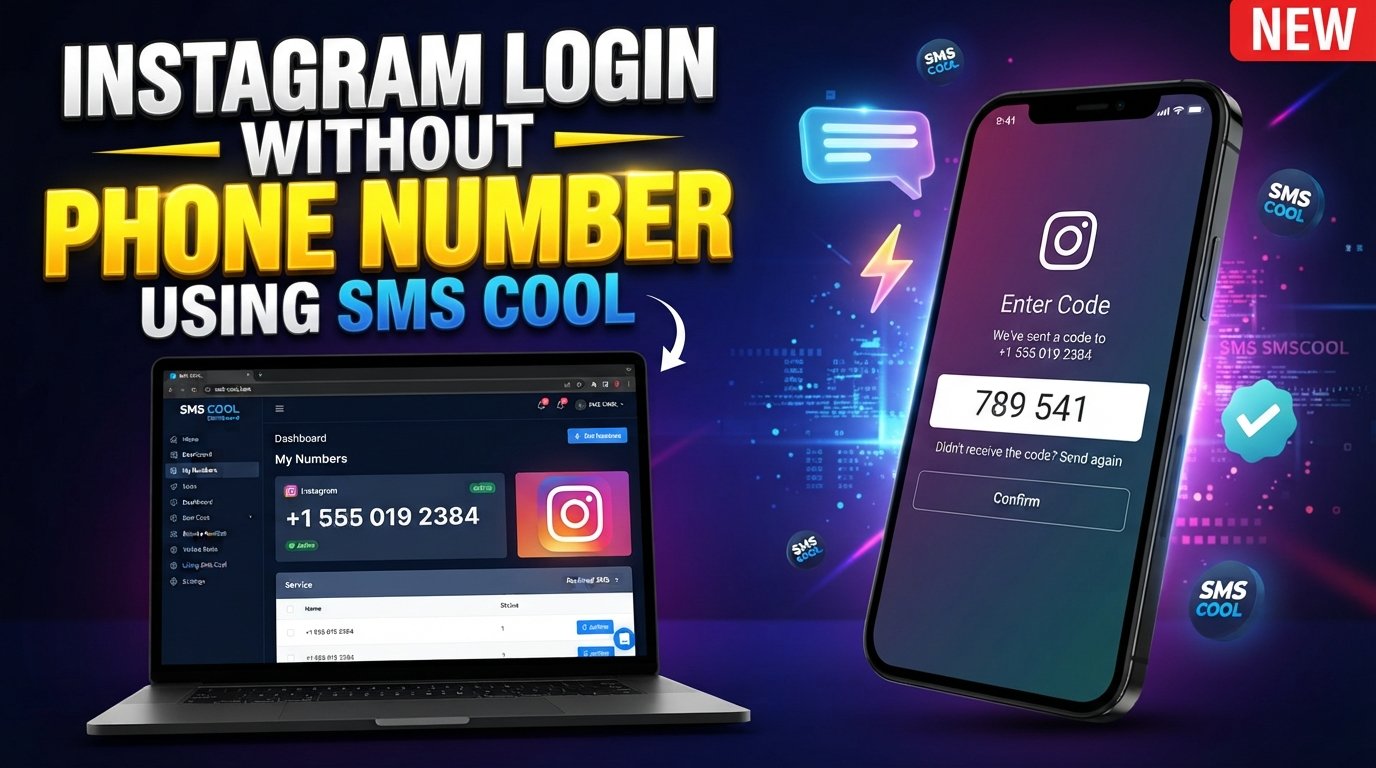
For users who prefer not to expose their personal number, SMS COOL offers virtual numbers designed for supported SMS verification workflows. Its platform lets users select a number and receive incoming OTP messages through an online dashboard.
Let's look at the practical options.
Can You Get Instagram Login Without a Phone Number?
Yes, in some situations.
Instagram does not always require you to enter a phone number simply to log in. If your account is already associated with an accessible email address and you know your login credentials, you may be able to use those details.
Instagram's official help information also explains that password recovery can involve an email address, phone number, or username, depending on the account and recovery flow.
However, there is an important distinction between:
- Logging in without entering a phone number
- Creating an Instagram account without a phone number
- Completing Instagram verification without using your personal number
- Recovering an account when you have lost access to the original number
These situations can require different solutions.
If Instagram specifically sends an Instagram login code to a phone number, you cannot simply skip that security step. You need to use one of the verification methods Instagram makes available for your account.
Why Instagram May Ask for a Phone Number
Phone verification is primarily a security measure. A verification code can help confirm that the person attempting to access an account has access to a particular communication channel.
You might encounter a phone verification request when:
- Creating or confirming an account
- Logging in from an unfamiliar device
- Recovering account access
- Confirming suspicious activity
- Using additional security features
- Changing important account information
Instagram may also provide other recovery or identity-confirmation options in certain circumstances. For example, Instagram's help documentation notes that some users experiencing login difficulties may be asked to complete an identity-confirmation process.
This means there is no universal trick for Instagram without phone number access. The options available depend on what Instagram displays for your particular account.
Ways to Access Instagram Without Using Your Personal Number
If you want an Instagram account without phone number exposure, consider these legitimate options.
1. Use Your Email Address
If your Instagram account has an accessible email address associated with it, try using your username or email during the normal login or recovery process.
This is usually the simplest option because it does not require a second phone number.
2. Use an Existing Account Recovery Method
If you previously configured additional security or recovery options, Instagram may offer one of those methods when you have trouble signing in.
Check the options displayed on the login screen rather than repeatedly requesting SMS codes.
3. Use an Alternative Number
If Instagram requires SMS verification and you do not want to share your personal number, an alternative number for Instagram may be an option where virtual numbers are accepted.
This is where an online SMS verification service can be useful.
4. Use a Virtual Phone Number
A virtual phone number for Instagram can provide a separate number capable of receiving SMS without requiring you to use your everyday mobile number.
Compatibility is important, though. Not every platform accepts every virtual or temporary number, so availability and acceptance can vary.
5. Use SMS COOL for Supported Verification
If Instagram presents an SMS verification step and accepts the number you select, SMS COOL provides a practical way to obtain a virtual number and receive the verification message online.
The service currently lists Instagram among its supported platforms and provides instant virtual numbers as well as longer-term rental options.
How SMS COOL Helps With Instagram Verification
SMS COOL is designed to help users receive SMS verification messages through virtual phone numbers.
Instead of immediately providing your personal mobile number, you can select an appropriate virtual number for a supported verification task. When the platform sends an OTP, the incoming message can appear in your SMS COOL dashboard.
This can be useful if your goal is to:
- Keep your personal number separate from online registrations
- Receive SMS online
- Use a temporary phone number for a supported verification task
- Access verification messages through an online dashboard
- Avoid purchasing a separate physical SIM for a short-term need
SMS COOL's stated workflow is straightforward: create an account, add balance, select the relevant service, choose a number, and receive the OTP through the dashboard.
Most importantly, SMS COOL is not a way to bypass Instagram security. Instagram still controls whether a number is accepted and whether an account can be accessed. The service simply provides a potential alternative number for legitimate SMS verification where the number type is supported.
Step-by-Step Guide to Using SMS COOL
If you need to receive an Instagram verification code without using your personal number, the general process looks like this:
Step 1: Create an SMS COOL Account
Visit SMS COOL and create an account through its platform.
The service states that registration is free and that users can add funds when they are ready to purchase a number.
Step 2: Add Balance
Add the necessary balance according to the available payment options and pricing.
Because SMS COOL uses a pay-as-you-go model, you can select the option appropriate for your particular verification requirement.
Step 3: Select Instagram
Look for Instagram in the supported service options.
SMS COOL currently lists Instagram among its supported platforms, although availability can change and individual numbers may not always be accepted by Instagram.
Step 4: Choose an Available Number
Select a suitable virtual number.
Make sure the country and number type match the requirements presented by Instagram.
Step 5: Enter the Number on Instagram
If Instagram gives you the option to verify using a phone number, enter the selected number.
Only proceed when using a virtual or temporary number is appropriate under the platform's rules.
Step 6: Receive the Instagram SMS Verification Code
Wait for Instagram to send the verification message.
If delivery is successful, the incoming SMS should appear through your SMS COOL dashboard.
Step 7: Enter the Instagram Login Code
Copy the verification code and enter it into Instagram's verification screen.
If Instagram accepts the number and the code is valid, you can continue through the account's normal login or verification process.
Benefits of Using SMS COOL for SMS Verification
There are several reasons someone might prefer an online SMS verification service.
Privacy
Using a separate number can help keep your personal mobile number separate from online services where an alternative number is permitted.
Convenience
You can access incoming verification messages through an online dashboard rather than needing another physical SIM card.
Flexibility
SMS COOL offers instant virtual numbers and longer-term rental options, making the service suitable for different verification needs.
Simple Workflow
The basic process is easy to understand: select a number, use it for the supported service, receive the SMS, and enter the OTP.
Pay-as-You-Go Approach
SMS COOL describes its service as pay-as-you-go rather than requiring a subscription for its virtual-number purchases.
Important Things to Know About Instagram Verification
Before choosing a temporary phone number for Instagram, keep a few things in mind.
Virtual Numbers Are Not Guaranteed to Work
A website may reject a particular virtual, temporary, or previously used number. Instagram ultimately determines whether the number is acceptable.
A Verification Code Does Not Guarantee Account Access
Receiving an SMS is only one part of the authentication process. Instagram may request additional information or security checks.
Keep Recovery Information Updated
If you successfully regain access to your account, consider maintaining an email address and other available recovery methods that you can actually access.
Instagram's own guidance recommends updating account information when you regain access so that you can continue accessing the account in the future.
Do Not Share Verification Codes
Never give an Instagram verification code to another person claiming to be Instagram support. A legitimate verification code should be entered only into the official Instagram login or verification flow.
Follow Instagram's Rules
An online SMS service should be used for legitimate verification purposes. It should not be treated as a method for defeating security controls, impersonating someone, or gaining unauthorized access to an account.
Common Questions About Instagram Login Without a Phone Number
Can I log into Instagram without a phone number?
Sometimes. If Instagram allows you to authenticate using your username, password, email, or another available recovery method, you may not need to enter a phone number. If Instagram specifically requires SMS verification, you need access to an accepted number or another verification method it offers.
Can I receive an Instagram verification code online?
If Instagram sends the code to a number that supports online SMS reception, you may be able to receive the message through an SMS verification service such as SMS COOL. However, Instagram must accept the selected number for the verification attempt.
How can I get an Instagram login code without my personal number?
One option is to use an appropriate alternative number where Instagram permits it. A virtual phone number can provide a separate destination for SMS verification rather than exposing your everyday personal number.
Is a virtual phone number useful for Instagram verification?
It can be useful for supported verification workflows. However, virtual numbers are not universally accepted, and some numbers may already have usage or compatibility limitations.
How does SMS COOL work?
SMS COOL provides virtual numbers for supported SMS and OTP verification tasks. You select a service, obtain an available number, use that number where permitted, and monitor the incoming SMS through the SMS COOL dashboard.
Can SMS COOL receive Instagram SMS verification codes?
SMS COOL currently lists Instagram among its supported services and provides virtual numbers for SMS verification. Actual delivery and acceptance can depend on number availability and Instagram's own verification systems.
What should I do if I do not receive an Instagram verification SMS?
First, check that the number was entered correctly and that the selected number supports the required service. Avoid repeatedly requesting codes in quick succession. If the SMS still does not arrive, try another legitimate recovery method offered by Instagram or choose another compatible number.
Conclusion: A Practical Alternative to Your Personal Number
Finding a way to complete Instagram login without phone number does not mean trying to bypass Instagram's security. The better approach is to use the legitimate authentication methods available to your account.
If email recovery works, it may be the easiest solution. If Instagram requires SMS verification and you prefer not to expose your personal mobile number, a suitable virtual number can provide another option where permitted.
SMS COOL makes that process more convenient by providing access to virtual numbers for supported SMS verification services. Its dashboard-based approach lets you select a number, receive incoming OTP messages online, and use the verification code in the relevant service.
The important thing is to keep expectations realistic: SMS COOL cannot guarantee Instagram approval, bypass account security, or restore an account that Instagram has restricted. It simply gives you a practical alternative when you need to receive SMS online and a virtual number is accepted.
Ready to try a separate number for your verification needs? Explore SMS COOL's virtual number service and choose an option that fits your legitimate SMS verification requirement.