03 Sep 2026
How to Get Outlook Login Without Phone Number: Use SMS COOL for Verification
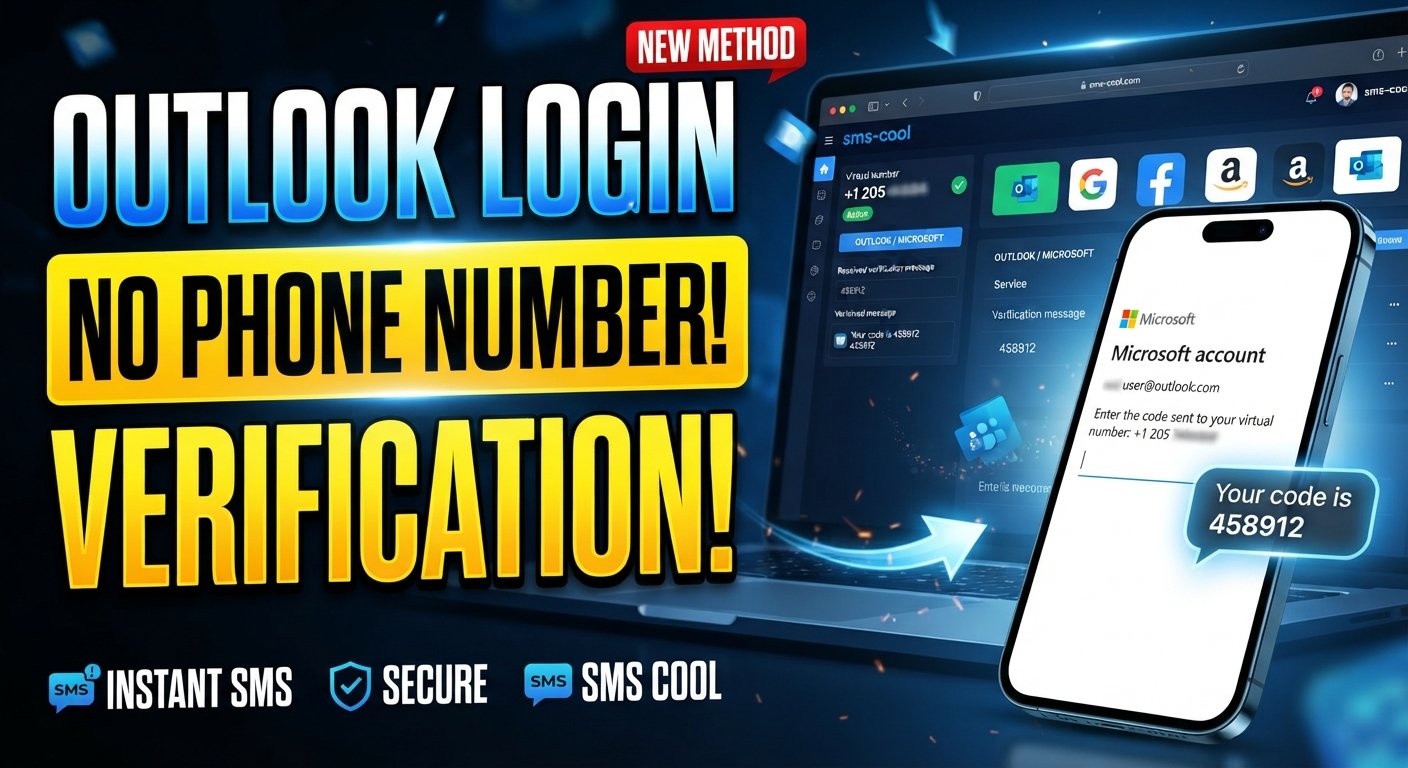
How to Get Outlook Login Without Phone Number
Creating or accessing an Outlook account can sometimes become frustrating when Microsoft asks for a phone number during signup or verification. Not everyone wants to connect a personal mobile number to every online account. Privacy concerns, unwanted messages, separating personal and online activity, or simply needing a temporary number can all make this request inconvenient.
Fortunately, there are practical options to consider.
One option is an online SMS verification service such as SMS COOL, which provides temporary and virtual phone numbers that can receive verification SMS messages for supported services. Instead of immediately sharing your personal phone number, you can use a separate number when the verification system permits it.
However, there is an important distinction: using an alternative number is not the same as bypassing Microsoft's security. Outlook and Microsoft account verification requirements can vary, and Microsoft may reject temporary or virtual numbers in some situations.
With that in mind, let's look at how to get an Outlook login without using your personal phone number.
Can You Get Outlook Login Without a Phone Number?
Yes, it may be possible in some circumstances, but there is no universal method that guarantees an Outlook account can be created without phone verification.
Microsoft may request a phone number based on factors such as the signup process, security checks, account activity, location, or other risk signals. One user may be offered a different verification experience from another.
If Microsoft provides another supported verification method, you can use that option instead of a phone number. If phone verification is required and Microsoft accepts the type of number you are using, an online SMS verification service can be another practical option.
This is where SMS COOL can be useful. The service provides access to virtual numbers intended for supported SMS verification tasks, allowing users to receive verification codes online rather than exposing their personal number.
The key point is that you should work with Microsoft's available verification options rather than trying to defeat or circumvent its security controls.
Why Does Outlook Ask for a Phone Number?
Phone verification is commonly used by online services as an additional security and trust mechanism.
Microsoft may request a phone number for several reasons, including:
- Security: A phone number can provide an additional way to confirm account access.
- Account verification: SMS can help confirm that the person completing a process can access the submitted number.
- Abuse prevention: Verification can make automated or abusive account creation more difficult.
- Suspicious activity detection: Additional verification may appear when an activity looks unusual.
- Account recovery: A phone number can sometimes be used as a recovery or security method.
- Identity and risk checks: Microsoft may use additional verification when its systems require more confidence in an account action.
These requirements are part of Microsoft's account security processes. Therefore, searching for “how to bypass Outlook phone verification” should not be interpreted as a request to defeat Microsoft's security. A better approach is to look for legitimate verification methods that protect your privacy while complying with the service's requirements.
How to Get Outlook Login Without Using Your Personal Phone Number
If you want an Outlook login without phone verification on your personal number, start by checking which verification choices Microsoft presents.
If Microsoft allows you to continue without a phone number, use the available method. Depending on the account flow, other security or recovery options may be presented.
If a phone number is required, a temporary or virtual number can be considered where Microsoft's verification system accepts it.
This approach can be helpful when you want to:
- Keep your personal number private.
- Separate personal communication from online accounts.
- Avoid giving your primary number to another online service.
- Receive an SMS verification code online.
- Use a temporary number for a legitimate, short-term verification task.
SMS COOL is a practical solution to consider for this purpose. It provides virtual numbers that can receive SMS verification messages through its online platform. Its service includes short-term virtual numbers as well as longer-term rental options.
The important limitation is compatibility. Microsoft controls its own verification system, so an available SMS number is not automatically guaranteed to work with Outlook.
How SMS COOL Helps With Outlook Verification
SMS COOL is an online service that provides virtual phone numbers for SMS and OTP verification. Users can select an available number for a supported service and receive incoming verification messages through the platform.
For someone looking for an Outlook account without phone verification using their personal number, the basic idea is straightforward.
Instead of entering your private mobile number, you can select an appropriate temporary number from SMS COOL if Outlook's verification process accepts that type of number. Microsoft then sends the verification message to the selected number, and the SMS can be viewed through the SMS COOL dashboard.
This can provide a useful layer of separation between your personal phone and certain online activities.
SMS COOL offers instant virtual numbers as well as rental numbers, giving users different options depending on whether they need a number for a short-term task or a longer period.
Before choosing a number, however, make sure it supports the required service. Not every temporary phone number works with every website or application.
Step-by-Step: Using SMS COOL for Outlook Verification
If Microsoft's verification screen requires a phone number and permits the type of number you plan to use, the process can be simple.
1. Visit SMS COOL
Start by visiting the official SMS COOL platform and creating or accessing your account.
2. Choose an Available Number
Look for a temporary or virtual phone number that supports the required verification service. Service and country availability can change, so check the options shown on the platform before purchasing.
3. Enter the Number in Outlook
When Microsoft or Outlook asks for a phone number, enter the selected SMS COOL number if virtual or temporary numbers are permitted in that verification flow.
4. Request the Verification Code
Continue with Microsoft's verification process and request the SMS code.
5. Monitor SMS COOL
Return to the SMS COOL dashboard and watch for the incoming verification message. SMS COOL states that verification messages can be received through its dashboard after obtaining a suitable number.
6. Enter the Outlook Verification Code
Once the Microsoft verification code arrives, enter it into the Outlook or Microsoft verification screen.
7. Complete the Process
If Microsoft accepts the number and code, continue with the account setup or login process.
If the number is rejected, do not repeatedly attempt to circumvent the restriction. Instead, check Microsoft's available verification methods or choose another legitimate option.
Benefits of Using SMS COOL
Using a separate number can make sense for people who prefer not to expose their personal mobile number during supported online verification.
Better Privacy
A temporary number can help keep your primary phone number separate from online registrations and verification requests.
No Extra Physical SIM
A virtual number can eliminate the need to purchase another physical SIM simply to receive a verification SMS.
Convenient SMS Reception
Instead of relying on your personal handset, supported verification messages can be accessed online through the SMS COOL platform.
Useful for Temporary Tasks
If you only need a number for a short-term verification requirement, a temporary number may be more practical than maintaining another permanent mobile connection.
Separation of Personal and Online Activity
Using a separate number can create a clearer boundary between your private communications and certain online services.
Is It Safe to Use a Temporary Number for Outlook?
A temporary number can be useful for privacy and convenience, but it should be used thoughtfully.
The biggest consideration is account recovery. If you create an important Microsoft account using a temporary number and later lose access to that number, you may not be able to use it as a recovery method.
For an account that contains important email, documents, contacts, subscriptions, or other sensitive information, consider setting up Microsoft's supported long-term recovery and security options after account creation.
You should also remember that SMS verification is only one part of account security. Use a strong, unique password and enable additional security options offered by Microsoft when appropriate.
Most importantly, use temporary numbers only for legitimate purposes. SMS COOL's terms prohibit illegal, fraudulent, abusive, or unauthorized use and state that the service does not guarantee successful registration with third-party platforms.
Alternatives to Using Your Personal Phone Number
A temporary SMS number is not the only option.
Depending on what Microsoft offers during your particular account or login flow, alternatives may include:
- Microsoft-supported verification methods.
- Authenticator or other security options.
- Recovery email.
- Existing account security methods.
- Other verification choices displayed directly by Microsoft.
The options available can depend on the specific account and security situation.
If Microsoft gives you a supported alternative, that is generally the best first choice. If phone verification remains necessary, SMS COOL can be considered when its available number is compatible with the verification service.
What If Outlook Does Not Accept the Temporary Number?
Don't assume that every temporary number will work with Outlook.
Online services can identify or restrict certain types of phone numbers, including some virtual, temporary, or previously used numbers. Microsoft can also change its verification requirements.
If Outlook does not accept the number:
- Check whether Microsoft provides another verification method.
- Confirm that the number you selected supports the required service.
- Avoid repeatedly submitting random numbers.
- Consider using a supported permanent recovery method for important accounts.
- Contact Microsoft support if you believe the verification request is incorrect.
The goal should be to complete verification legitimately, not to defeat Microsoft's security controls.
FAQs
Can I create an Outlook account without a phone number?
Sometimes. Microsoft does not require exactly the same verification process for every signup. If phone verification is not requested, you can continue using the available signup options. If Microsoft requires a phone number, you may need to provide an accepted number or use another verification method offered during the process.
How can I get an Outlook login without phone verification?
First, check whether Microsoft provides an alternative verification method for your account or login flow. If a phone number is required, a temporary or virtual number may be considered where Microsoft accepts it. SMS COOL provides virtual numbers for supported SMS verification tasks, but it cannot guarantee that Microsoft will accept a particular number.
Can SMS COOL receive Outlook verification codes?
SMS COOL provides virtual numbers designed to receive SMS and OTP messages for supported services. Whether an Outlook verification SMS can be received depends on Microsoft's acceptance of the selected number and the availability of compatible numbers through SMS COOL.
Is SMS COOL useful for Microsoft account verification?
It can be useful when you need a separate number for a legitimate verification task and Microsoft accepts that type of number. SMS COOL's service is designed to provide temporary and virtual numbers for supported online verification, but successful Microsoft verification is not guaranteed.
Can I use a temporary number for Outlook?
You may be able to use one if Microsoft accepts temporary or virtual numbers during the particular verification process. Because acceptance can vary, check Microsoft's requirements before relying on a temporary number.
Why does Outlook ask for my phone number?
Microsoft may request phone verification for security, account verification, abuse prevention, suspicious-activity checks, recovery, or other risk-control purposes. The exact reason and requirements can vary between account situations.
What should I do if Outlook does not accept a temporary number?
Try another verification method offered directly by Microsoft. If no alternative is available, consider using an appropriate permanent number or contacting Microsoft support. Avoid attempts to circumvent Microsoft's verification restrictions.
Final SEO/CTA Conclusion
If you are searching for how to get Outlook login without phone number, the first thing to understand is that there is no universal way to remove Microsoft's phone verification requirement. Microsoft decides when verification is needed and which numbers or methods it accepts.
For users who simply do not want to expose their personal phone number, a temporary SMS verification option can be a practical alternative when supported.
SMS COOL makes that approach convenient by providing access to virtual and temporary numbers that can receive verification SMS messages online. You can choose a suitable number, use it during a supported verification process, and monitor the incoming code through the SMS COOL platform.
Just remember that no third-party SMS verification service can guarantee Microsoft approval. Always follow Microsoft's account rules, use verification services for legitimate purposes, and maintain an appropriate recovery method for important accounts.
If protecting your personal number is your main concern, check out SMS COOL and explore its available virtual numbers for your verification needs.