08 Sep 2026
How to Get EA Login Without Phone Number: Easy Verification Guide
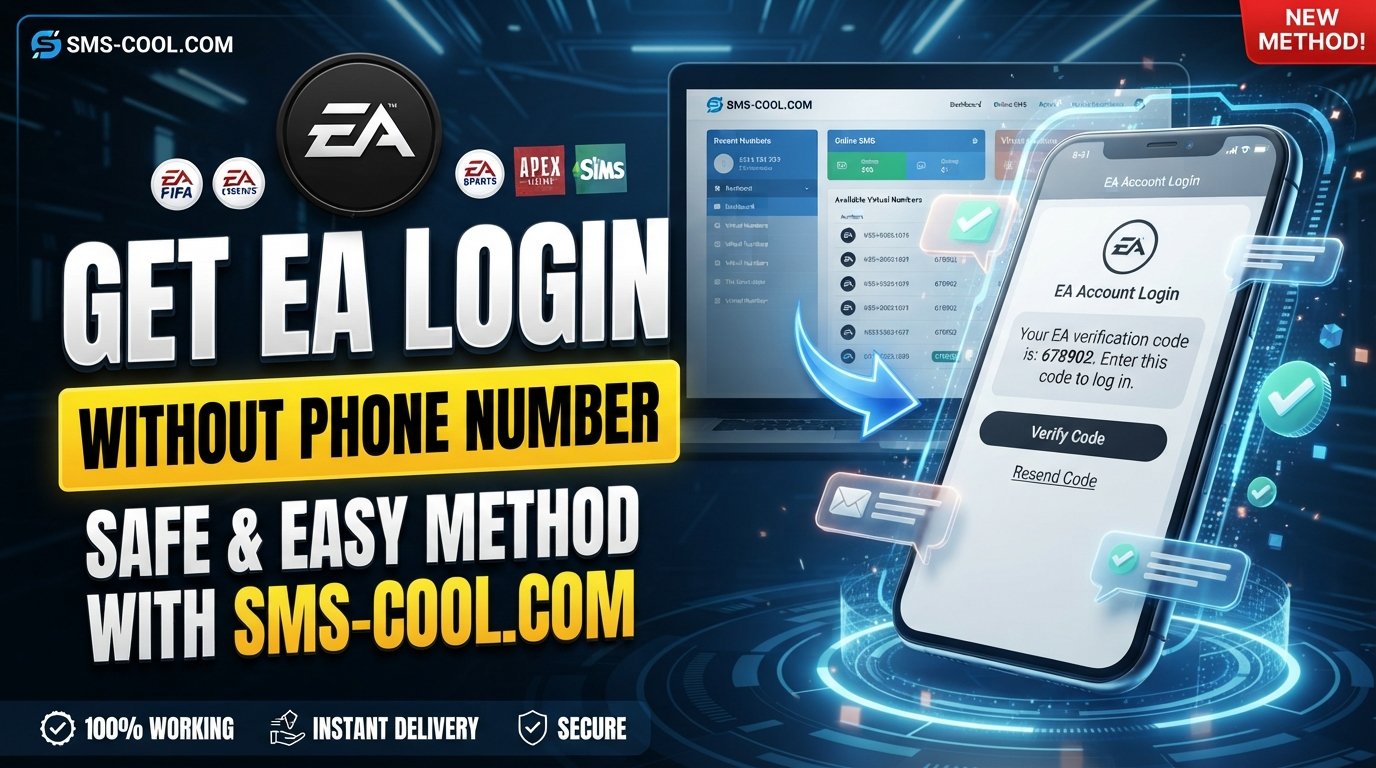
How to Get EA Login Without Phone Number
Creating or accessing an EA account can become frustrating when the verification screen asks for a phone number you would rather not provide. Maybe you want to keep your personal number separate from gaming accounts, you are using a secondary account, or you simply need another way to receive a verification code.
The good news is that EA login without phone number does not necessarily mean avoiding verification. The important distinction is between bypassing EA's security and using a different number for legitimate verification.
If EA requires an SMS code, one practical option is to use a temporary or virtual number capable of receiving SMS. Services such as SMS COOL can help users receive verification messages online without putting their personal phone number into the process.
Let's look at how EA verification works, what options you have, and how to approach the process safely.
Can You Get an EA Login Without Your Personal Phone Number?
Yes, in some situations you may be able to create or access an EA account without using your personal phone number. However, this is different from saying that EA never requires a phone number.
EA may request phone verification depending on the account, login attempt, security settings, or verification method presented to you. The available options can also change.
If a phone number is required, you generally have two choices:
- Use your own mobile number.
- Use another legitimate number that can receive the required SMS.
For users who do not want to share their personal number, a virtual phone number for EA can be a practical alternative when the number is accepted by EA's verification system.
The goal is not to defeat authentication. It is simply to use an alternative number for receiving the verification message.
Why Does EA Ask for Phone Verification?
Phone verification is commonly used as an additional layer of account security.
When EA sends a verification SMS, the message typically contains a one-time code. Entering that code helps confirm that the person attempting the action has access to the phone number associated with the verification request.
This can be particularly useful during:
- Account registration
- Suspicious or unusual login attempts
- Account security checks
- Changes to certain account settings
- Additional verification prompts
The exact verification requirements can vary, so you should always follow the instructions shown on the EA screen.
If you are trying to get an EA Sports account working without exposing your personal number, the key question is therefore not "How can I skip verification?" but rather "How can I receive the required verification SMS using another number?"
How EA SMS Verification Works
The process is relatively straightforward.
When EA asks for a phone number, you enter a number that can receive SMS messages. If EA accepts the number, it sends a verification code to that number.
You then retrieve the code and enter it into the verification screen.
In simple terms:
EA requests a number → EA sends an SMS → you receive the code → you enter the code → verification is completed if the code is accepted.
This is why having access to an SMS-capable number matters.
If you are specifically looking for an EA verification code without phone in the sense of not using your personal handset or number, an online SMS service may provide a useful alternative.
Options for EA Login Without a Personal Phone Number
There is no single method that works for every EA account or every verification screen. Your options depend on what EA currently allows for your particular account.
Use Another Personal or Secondary Number
If you have access to a second mobile number, you can use it when appropriate.
This is often the simplest option because you control the number and can continue receiving messages on it.
The downside is that not everyone has a spare number, and some users prefer not to connect additional personal contact information to gaming accounts.
Use a Virtual or Temporary Number
A temporary phone number for EA can be useful when the main requirement is receiving an SMS verification code rather than maintaining a separate mobile line.
A virtual number operates through an online service rather than requiring another physical SIM in your phone.
However, acceptance is not guaranteed. Some platforms restrict certain virtual or temporary numbers, and SMS delivery can vary.
Use Another Verification Method If EA Offers One
Depending on your account and the screen you see, EA may provide other supported security or verification options.
If an alternative is displayed, using EA's own available method is usually the most straightforward route.
How SMS COOL Helps With EA Verification
If you need an alternative number specifically for receiving an SMS, SMS COOL can be a convenient option to consider.
SMS COOL provides access to online/virtual numbers intended for receiving SMS verification messages. Instead of giving EA your everyday personal number, you can use an available number through the service when appropriate.
This can be useful for people who want to:
- Keep their personal number private
- Separate gaming accounts from personal communications
- Receive a verification SMS online
- Use a temporary number for a specific verification task
- Avoid needing an additional physical SIM
The basic idea is simple: use an available virtual number where EA asks for a phone number, then check SMS COOL for the incoming verification message.
It is important to keep expectations realistic. SMS COOL is a verification-SMS solution, not a way to bypass EA security. Whether a particular number is accepted and whether an SMS arrives depends on EA's current verification requirements and the availability of the selected number.
How to Use SMS COOL for EA SMS Verification
If EA's verification screen requires an SMS and you want to use a virtual number, the general process looks like this:
1. Visit SMS COOL
Open SMS COOL and review the available SMS verification options.
2. Choose an Available Virtual Number
Select an appropriate available number or SMS service based on the options presented to you.
3. Enter the Number in EA
When EA asks for a phone number, enter the selected number carefully.
Make sure you follow the formatting instructions shown by EA.
4. Request the Verification SMS
Continue with the EA verification process so that EA sends the SMS code.
5. Check SMS COOL
Return to SMS COOL and check for the incoming verification message.
If the SMS is delivered, you should be able to see the verification code.
6. Enter the Code
Copy the received EA verification code into the verification field shown by EA.
7. Complete Verification
If EA accepts the number and code, continue through the remaining account or login steps.
If the number is rejected or the SMS does not arrive, do not repeatedly submit requests. Check the number, review EA's instructions, and consider another supported verification method or number.
Benefits of Using a Virtual Number for EA Verification
A virtual number can be useful for more than simply receiving one verification message.
Better Separation of Personal Information
Using a separate number can help keep your everyday phone number away from accounts that do not need to contact you personally.
Convenient Online Access
With an online SMS service, you can check messages through the service rather than depending on a physical SIM.
Useful for Secondary Accounts
If you manage a legitimate secondary gaming account, having a separate verification number can make account organization easier.
No Additional Physical SIM
A virtual number can remove the need to obtain another physical SIM solely for an SMS verification task.
These benefits make online SMS verification appealing, but the service should always be used within the rules of the platform being verified.
Things to Know Before Using a Temporary Number
Before relying on a temporary or virtual number, there are a few important considerations.
Not every number will be accepted. Some websites and services restrict temporary, recycled, or virtual numbers.
SMS delivery can vary. Network routing, number availability, and the recipient platform can affect whether a message arrives.
Do not assume permanent access. A temporary number may not be available to you indefinitely. If an account later depends on that number for recovery or security, losing access to it can create problems.
Follow EA's account rules. A virtual number should be treated as a verification option, not a method for circumventing account restrictions or security controls.
For important accounts, consider whether you will need ongoing access to the verification method before choosing a temporary number.
Common Questions About EA Login Without Phone Number
Can I create an EA account without my personal phone number?
Potentially, yes. If EA requires phone verification, you may be able to use another supported number instead of your personal number. The options presented during registration determine what is possible.
How can I receive an EA verification code without my phone?
If you mean without using your personal phone number, an online SMS verification service such as SMS COOL may provide a virtual number capable of receiving the code, provided EA accepts that number.
Can I use a virtual number for EA verification?
A virtual number may work where EA accepts it, but acceptance is not guaranteed. Some verification systems restrict particular types of numbers.
How does SMS COOL work?
SMS COOL can provide access to available online or virtual numbers for receiving SMS verification messages. You use the number where a service requests phone verification and check the service for the incoming code.
Is an EA verification SMS required for every login?
Not necessarily. Verification requirements can depend on the account, login attempt, security settings, and the method EA requests at that time.
What should I do if the EA verification code does not arrive?
First, confirm that the number was entered correctly and that the verification request was successfully submitted. Check the SMS service for the message, wait briefly, and avoid repeatedly requesting codes. If the issue continues, try another supported verification option or consult EA's account support resources.
Final Thoughts
Finding an EA account without phone number does not have to mean trying to bypass account security. If EA asks for SMS verification, the practical approach is to use a legitimate number that can receive the required code.
For users who do not want to expose their personal number, a virtual or temporary number can be a convenient alternative. SMS COOL makes this approach particularly practical by providing an online way to receive verification SMS when an appropriate number is available.
Remember that EA ultimately controls which numbers and verification methods it accepts. SMS delivery and number acceptance can vary, so no third-party service should promise guaranteed access or verification.
If you need a convenient way to receive an EA login verification code without relying on your everyday phone number, explore the available options on SMS COOL and choose the verification method that best fits your situation.