24 Aug 2026
How Businesses Can Use SMS APIs for Smarter Communication
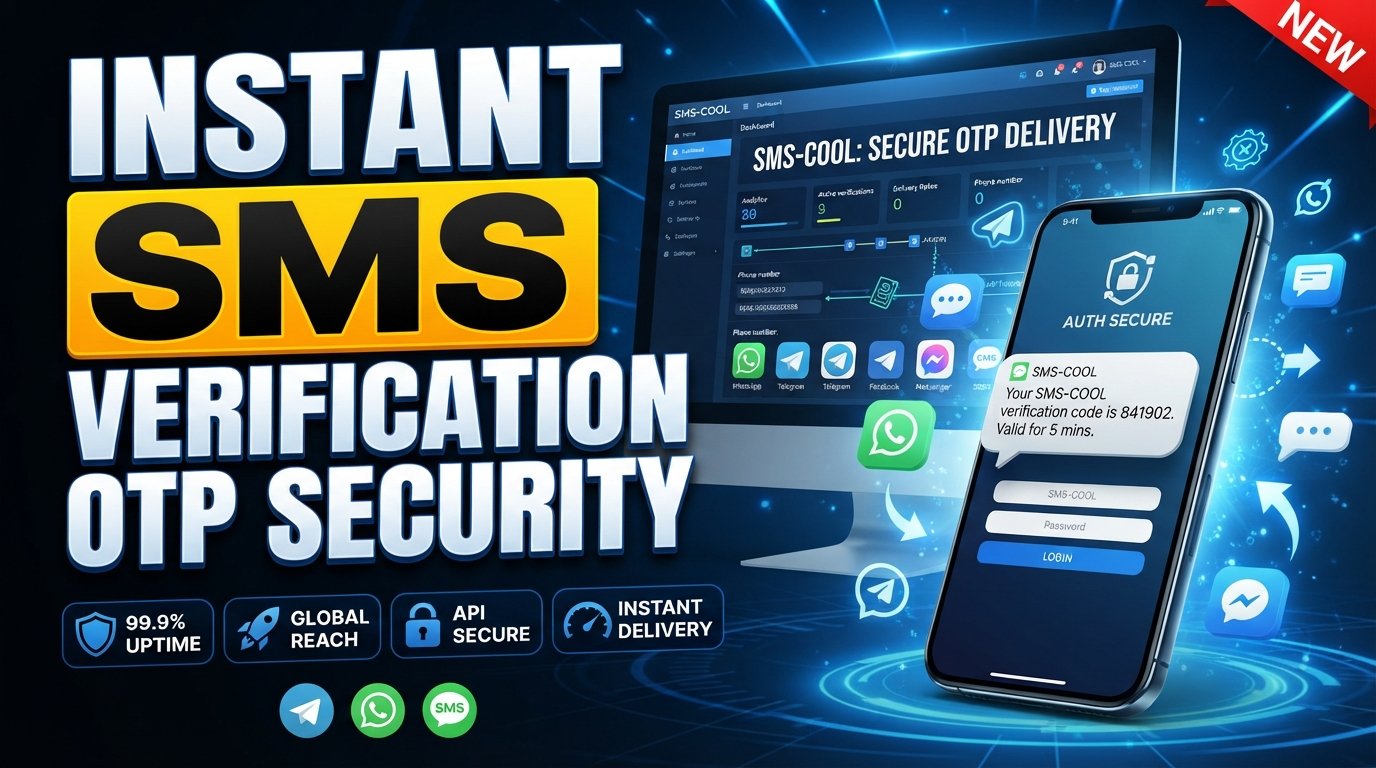
How Businesses Can Use SMS APIs
SMS is still one of the simplest ways for a business to reach a customer at the right moment. But modern businesses rarely want employees manually typing and sending every message. They want communication to happen automatically when a customer places an order, requests a verification code, books an appointment, receives a payment update, or becomes eligible for a promotion.
That is where SMS APIs come in.
An SMS API connects a business application, website, CRM, e-commerce store, or internal system with an SMS gateway. Once integrated, software can trigger automated text messages based on events and workflows.
For businesses looking for a practical way to build this capability, SMS COOL provides an API-focused approach to SMS communication, automation, verification, and scalable messaging. Its developer-oriented API is designed around straightforward integration, secure authentication, RESTful endpoints, and predictable JSON responses.
So, how can businesses actually use SMS APIs? Let's explore the most useful applications.
What Is an SMS API and How Does It Work?
An SMS API is a software interface that allows one application to communicate with an SMS service.
Instead of an employee opening a messaging application and sending a text manually, the business's software can make an API request whenever a particular event occurs.
For example:
- A customer places an order on an online store.
- The store's backend detects the new order.
- The backend sends a request to the SMS API.
- The SMS gateway processes the request.
- The customer receives an automated SMS notification.
The same basic process can support marketing messages, appointment reminders, OTP verification, delivery updates, payment alerts, and many other forms of business communication.
This is what makes an SMS API different from ordinary texting. It turns SMS into a programmable part of a company's digital infrastructure.
Why Do Businesses Use SMS APIs?
Businesses use SMS APIs because customer communication often needs to happen quickly and consistently.
Imagine a company processing hundreds of orders every day. Sending confirmation messages manually would be slow, difficult to manage, and prone to mistakes.
With an SMS API, the order-management system can trigger the message automatically.
The benefits can include:
- Automation: Messages can be triggered by customer or system actions.
- Speed: Important updates can be sent as soon as an event occurs.
- Consistency: Businesses can use standardized message templates and workflows.
- Scalability: Software can handle messaging as customer and transaction volumes grow.
- Integration: SMS can become part of websites, apps, CRMs, e-commerce systems, and other platforms.
- Better customer communication: Customers can receive useful information without waiting for a support representative.
For developers, an API for SMS also means they can build messaging directly into existing software rather than creating an entirely separate communication process.
Common Business Use Cases for SMS APIs
An SMS API can support far more than promotional texts. Some of the most valuable use cases are transactional and operational.
1. SMS Marketing and Promotions
Businesses can use an SMS API to support SMS marketing campaigns, including promotions, product announcements, reminders, and time-sensitive offers.
For example, an online retailer might send:
Your weekend offer is now live. Explore selected products today.
A restaurant could notify customers about a special promotion, while a service business could remind existing customers about an upcoming offer.
The important distinction is that effective SMS marketing should be relevant and permission-based. Businesses should follow applicable messaging, privacy, and consent requirements rather than treating SMS as an unlimited advertising channel.
A bulk SMS API can be particularly useful when a business needs to communicate with a larger opted-in audience through an automated system.
2. Transactional SMS and Customer Notifications
Transactional SMS is one of the strongest business applications for an SMS API.
These messages are triggered by actions or events rather than primarily by marketing campaigns.
Examples include:
- Order confirmations
- Shipping updates
- Delivery notifications
- Payment confirmations
- Account alerts
- Password reset messages
- Booking confirmations
- Service updates
For customers, these messages answer an important question: What is happening with my transaction or request?
For businesses, automation reduces the need for staff to send routine updates manually.
3. OTP Verification and Authentication
OTP verification is another common reason businesses integrate an SMS API.
A customer creates an account and enters a phone number. The application generates or requests a one-time password, and the SMS service delivers the code.
The customer enters the OTP, and the application validates it before continuing.
This can be used for:
- Phone number verification
- Account registration
- Login verification
- Password recovery
- Selected two-factor authentication workflows
- Transaction confirmation
- Customer onboarding
SMS COOL specifically supports businesses and developers looking to incorporate SMS-based verification and OTP workflows into applications.
Businesses should still implement appropriate security measures such as OTP expiration, rate limits, attempt limits, secure credential handling, and protection against abuse.
4. Appointment and Booking Reminders
Missed appointments can create unnecessary operational problems.
A booking system can use an SMS API to automatically remind customers about upcoming appointments.
For example:
Reminder: Your appointment is scheduled for tomorrow at 3:00 PM.
This approach can work for salons, clinics, consultants, repair services, educational providers, and many other appointment-based businesses.
The key advantage is that the reminder becomes part of the booking workflow instead of depending on someone remembering to send it.
5. Order, Delivery, and Payment Alerts
E-commerce and service businesses can connect SMS notifications to different stages of a customer journey.
A customer might receive:
- Order received
- Order confirmed
- Order dispatched
- Delivery scheduled
- Delivery completed
- Payment received
- Payment issue detected
These small updates can make the customer experience feel much more organized because customers know what is happening without having to repeatedly check a website or contact support.
SMS Automation: Turning Events Into Messages
The real power of an SMS API appears when businesses connect it to automation.
Consider a simple workflow:
Customer action → Business system → API request → SMS → Customer response
A CRM might trigger an onboarding message when a new customer is added.
An e-commerce platform might send an order update when the order status changes.
A booking system might send a reminder a specific amount of time before an appointment.
A security system might request OTP verification when a user signs in from a new device.
This is SMS automation in practice: the message is not treated as a separate task. It becomes part of the workflow itself.
With SMS COOL, businesses can use an API-oriented approach to connect SMS functionality with applications and automation workflows. Its published API features include secure authentication, RESTful endpoints, JSON responses, and documentation intended to support developer integration.
How Can a Business Integrate an SMS API?
The exact implementation depends on the technology stack, but the overall process is straightforward.
Step 1: Define the Business Workflow
Start with the problem you want SMS to solve.
Do you need OTP verification? Order notifications? Marketing campaigns? Appointment reminders?
Defining the workflow first prevents businesses from adding SMS simply because the technology is available.
Step 2: Choose an SMS Provider
Look for an SMS gateway that matches your expected messaging requirements.
Consider the provider's API, documentation, supported destinations, security practices, scalability, delivery capabilities, pricing, and support.
SMS COOL is designed as a practical option for businesses that want API-based SMS functionality without building the messaging infrastructure themselves. Its platform documentation describes support for integrations and automated workflows across a broad range of services and countries.
Step 3: Connect Your Backend
Your application communicates with the SMS API from the server side.
For security, private API credentials should not be exposed in frontend code or public repositories.
Step 4: Create Message Workflows
Define what event should trigger each message.
For example:
Order status = shipped → Send shipping notification
or:
New user registration → Start phone verification → Send OTP
Step 5: Handle Errors and Delivery Events
A production SMS integration should account for failed requests, invalid numbers, rate limits, delayed messages, and other exceptions.
Monitoring these events helps developers troubleshoot problems and improve the customer experience.
What Features Should Businesses Look For?
Not every SMS API is equally suitable for every organization.
Before choosing a provider, evaluate several important factors.
Reliability
For OTPs, payment alerts, and time-sensitive notifications, reliability matters. A messaging service should fit the business's delivery and operational requirements.
Scalability
A solution that works for a small customer base should also be suitable for increased messaging volumes if the business grows.
A scalable SMS solution helps businesses avoid rebuilding their communication infrastructure every time their messaging requirements change.
Developer-Friendly Integration
Clear documentation, sensible authentication, predictable API responses, and understandable endpoints can make implementation significantly easier.
SMS COOL describes its API as developer-friendly, with RESTful endpoints and consistent JSON responses designed for integration into applications and automation workflows.
Security
Security should be considered at every stage, particularly when SMS is used for authentication.
Businesses should protect API credentials, limit verification attempts, secure sensitive application data, and design OTP workflows carefully.
Geographic Coverage
If a business serves customers in multiple markets, it should verify that the provider supports the countries and networks relevant to its audience.
Practical Support
When messaging becomes part of a critical customer workflow, access to documentation and appropriate technical support can make troubleshooting much easier.
Why SMS COOL Is a Practical Choice for Business Messaging
The best SMS service is not necessarily the one with the longest feature list. It is the one that fits the business's actual workflow.
That is where SMS COOL can be useful.
Rather than treating SMS as a manual communication task, businesses can use SMS COOL as an API-based communication layer within their applications and automated workflows.
It can be considered for use cases such as:
- SMS and OTP verification
- Phone number verification
- Automated SMS workflows
- Business notifications
- Customer communication
- API-driven messaging
- Scalable application integrations
SMS COOL's published API capabilities emphasize secure authentication, clean RESTful endpoints, predictable JSON responses, and integration with automated workflows.
For developers, that means SMS can be incorporated into an application's existing architecture. For business owners, it means routine communication can become more systematic instead of relying on manual intervention.
The result is a more practical approach to business messaging: use software to determine when communication should happen, and use the SMS platform to handle the messaging layer.
Build Smarter Customer Communication With SMS APIs
SMS APIs give businesses a simple way to connect communication with the events that matter.
From the first OTP sent during registration to the delivery notification that follows an online purchase, SMS can become a useful part of the customer journey. Marketing teams can use it for permission-based campaigns, while developers can use it to build automated workflows into websites, applications, CRMs, and business systems.
The important part is choosing an SMS solution that balances reliability, scalability, security, integration simplicity, and practical functionality.
SMS COOL offers a straightforward option for businesses that want to bring SMS into their applications without treating messaging as a disconnected manual process. Whether the goal is verification, notifications, automation, or broader customer communication, an API-based approach can make SMS a natural part of the business workflow.
If your business is ready to move beyond manually sending text messages, explore SMS COOL and see how its SMS API capabilities can fit into your communication, verification, and automation workflows.