01 Sep 2026
How to Get Google Business Profile Login Without Phone Number
How to Get Google Business Profile Login Without Phone Number
Trying to get a Google Business Profile login without phone number can be frustrating when Google asks you to verify access using SMS or another verification method.
The good news is that you do not necessarily need to expose your personal mobile number for every business-related online task. Depending on what Google offers for your specific profile, you may have options such as email, video, or other verification methods. Google determines which methods are available automatically, so there is no universal way to force a particular option.
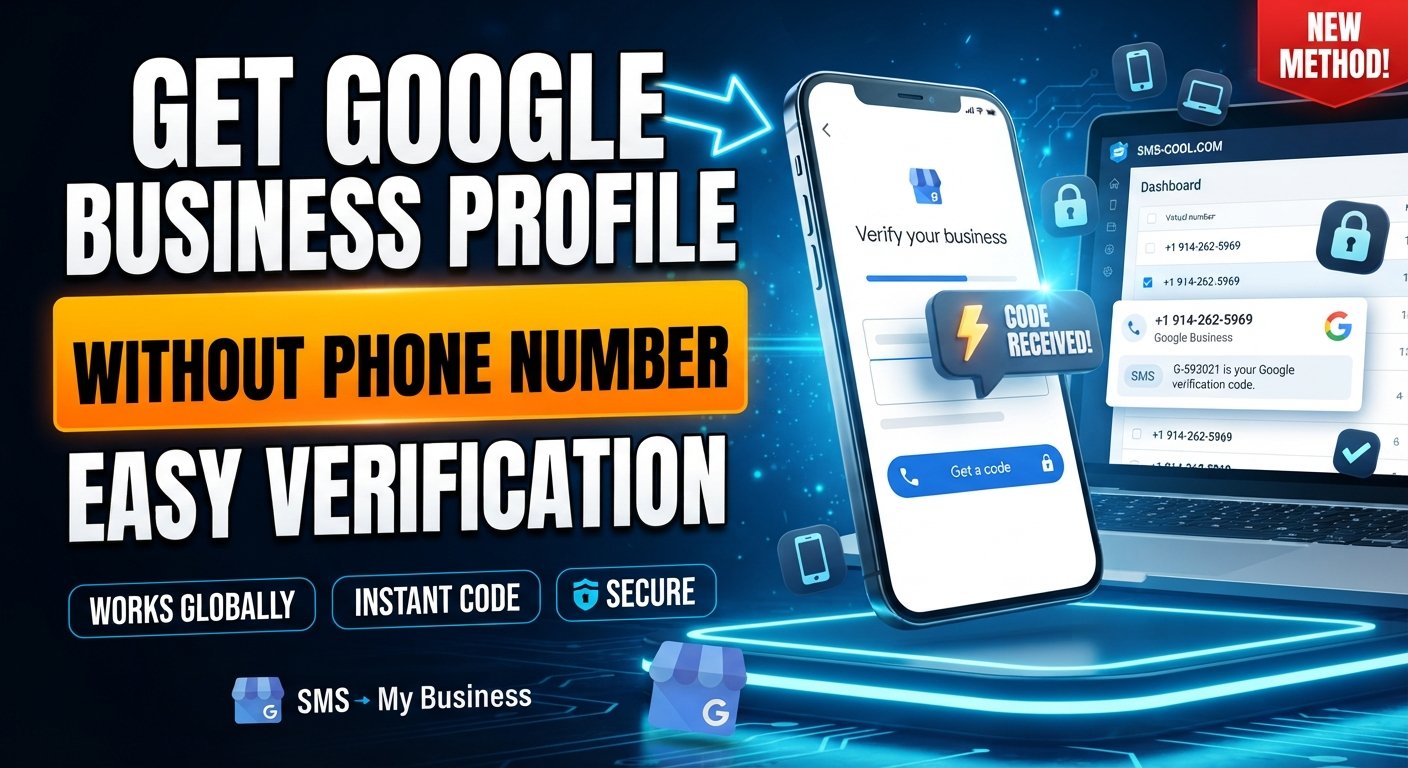
If Google presents phone or SMS verification and you prefer not to use your personal number, a temporary or virtual phone number can be a practical alternative when that number type is accepted. Services such as SMS COOL provide online numbers that can receive supported verification SMS messages.
This guide explains what you need to know, how Google Business Profile verification works, and how SMS COOL can fit into the process without bypassing Google's legitimate security requirements.
What Is Google Business Profile?
Google Business Profile is Google's platform for managing how an eligible business appears on Google Search and Maps.
A verified profile can help businesses display useful information such as:
- Business name
- Address or service area
- Business hours
- Website
- Phone number
- Photos and videos
- Customer reviews
Google requires businesses to verify their profiles before they can fully manage important business information. You need a Google Account to create or manage a Business Profile.
That distinction is important: Google Business Profile login and Google Business Profile verification are not exactly the same thing. Your Google Account provides access, while Business Profile verification establishes that you are authorized to manage the business.
Can You Get Google Business Profile Login Without a Phone Number?
Yes, potentially—but it depends on what you mean by “without a phone number.”
If you already have a Google Account, you may be able to access your Business Profile without entering a phone number every time you log in. Google also allows people to use an existing Google Account with an email address that is not Gmail.
The bigger issue usually comes during Google Business Profile verification.
Google automatically determines which verification methods are available for a particular business. Depending on factors such as the business, region, and other information, Google may offer phone/SMS, email, video, or mail verification. Some profiles may have more than one option.
So, if your goal is to create Google Business Profile without phone number, first check whether Google gives you an alternative verification method.
If phone verification is the only available option and you do not want to use your personal number, an appropriate virtual number may be worth considering.
Why Google May Ask for Phone Verification
Phone verification is one method Google can use to confirm that you can access the phone number associated with the verification process.
When phone or SMS verification is available, Google instructs users to receive a call or text and enter the supplied verification code in their Business Profile.
This can create a problem for business owners who:
- Do not want to share their personal mobile number
- Are setting up a separate business identity
- Need to keep personal and business communications separate
- Do not have convenient access to another mobile line
- Need a temporary number for a legitimate, supported task
The important point is that avoiding your personal number should not mean avoiding Google's verification process. You still need to complete whatever verification Google requires.
How Google Business Profile Verification Works
The process generally starts when you add or claim an eligible business.
You then follow the verification options displayed inside your Business Profile. Google says these options are automatically determined and cannot simply be switched manually.
Depending on your profile, available methods can include:
Phone or SMS
If Google offers phone verification, you can receive a verification SMS or call and enter the supplied code.
Some businesses may receive an email verification option. If available, you follow the instructions sent to the eligible email address.
Video Verification
Google may provide video-based verification, where you demonstrate the business location and evidence that you manage the business.
In some cases, Google may offer postcard verification. Availability varies, and Google notes that postcard verification is not available for every business.
Therefore, before searching for a workaround, always check the verification methods Google has actually offered to your profile.
Problems With Using a Personal Phone Number
Using your personal phone number can be convenient, but it is not always ideal.
For example, a business owner may prefer to keep personal communication separate from business accounts. Sharing a personal number across numerous online services can also make account management less organized.
There is another practical concern: phone number verification is not necessarily the same as using that number as your permanent business contact number.
If you need a number specifically for receiving a verification SMS and the service permits temporary or virtual numbers, using a separate number can provide a useful layer of separation.
However, this should never be interpreted as a guarantee that Google will accept every virtual number.
How to Receive Google Verification SMS Without Using Your Personal Number
If Google specifically offers SMS verification and you do not want to use your personal phone, you can consider an online SMS receiving service.
A virtual phone number works through an online platform rather than requiring you to use your everyday mobile SIM. A temporary number is generally intended for a shorter-term purpose.
This is where SMS COOL can be useful.
SMS COOL provides virtual numbers for supported SMS and OTP verification workflows. Its platform allows users to select an available number and access incoming verification messages through its dashboard.
The key phrase is “where supported.” Google ultimately controls which numbers and verification methods it accepts. A temporary number can be a practical option, but it cannot guarantee successful verification.
How SMS COOL Can Help
SMS COOL is designed around a straightforward concept: provide access to virtual numbers that can receive SMS for supported services.
That can be useful when you need to:
- Receive a verification SMS online
- Keep your personal phone number separate
- Use a temporary SMS number for a legitimate task
- Avoid purchasing an additional physical SIM
- Access an OTP through an online dashboard
SMS COOL offers instant virtual numbers as well as rental options, with service and country availability varying by the numbers currently offered.
For a Google Business Profile workflow, the important step is to check whether the appropriate Google-related service and number are available and whether Google's verification system accepts the selected number.
Step-by-Step: Using SMS COOL for Verification
If Google presents phone or SMS verification and a temporary number is appropriate for your situation, the general workflow is simple.
1. Visit SMS COOL
Open SMS COOL and review the available virtual numbers and supported services.
2. Choose an Available Number
Select a number suitable for the country and service you need, where available.
Do not assume that every number will work with every website. Compatibility can vary.
3. Enter the Number in the Google Verification Screen
If Google provides a phone/SMS verification option, enter the selected number in the appropriate field.
Only do this when the number type is permitted and appropriate for your legitimate verification purpose.
4. Request the Verification SMS
Continue through Google's verification process and request the code.
5. Retrieve the Code Through SMS COOL
If the number receives the message, the verification SMS should appear through the SMS COOL platform. SMS COOL describes its service as providing online access to incoming OTP and verification messages for supported platforms.
6. Enter the Google Verification Code
Copy the code into the appropriate Google verification field.
Never share a verification code with another person. Google specifically warns users to keep verification codes secure.
7. Complete the Remaining Verification Steps
After submitting the code, follow any additional instructions Google provides.
Verification is not necessarily complete immediately after entering an SMS code. Google may review business information or request another verification method.
Important Things to Know Before Using a Temporary Number
A temporary phone number can solve a privacy or convenience problem, but it is not a magic key for Google verification.
Keep these points in mind:
Google controls verification requirements.
You cannot force Google to offer SMS verification or another particular method.
Not every virtual number is accepted.
Websites can restrict temporary, virtual, disposable, or certain categories of numbers.
Temporary numbers may not be suitable for long-term account recovery.
If an account later requires access to the same number, a short-lived number could create problems.
Use legitimate account information.
Your business details should accurately represent a real, eligible business.
Keep verification codes private.
An OTP or Google verification code can be sensitive account information.
Check Google's available options first.
If email, video, or another verification method is available and better suited to your situation, consider using that instead.
SMS COOL itself states that its temporary numbers are intended for legitimate uses and prohibits illegal, fraudulent, abusive, or unauthorized activity.
What If Google Does Not Accept the Number?
Do not repeatedly try random numbers.
Instead, check the following:
- Confirm that the number was entered correctly.
- Make sure the selected number supports the relevant service.
- Check whether the SMS has arrived.
- Wait briefly if there is a delivery delay.
- Review Google's other available verification methods.
- Contact Google Business Profile support if you cannot complete verification.
Google recommends trying the verification options presented for your Business Profile and contacting support if you remain unable to verify.
Google Business Profile Login Without Phone Number: The Practical Approach
The simplest approach is to separate three different tasks: Google Account access, Business Profile management, and business verification.
You may not need a phone number simply to log into an existing Google Business Profile. However, Google can require verification before you can fully manage a profile.
If SMS verification is offered and you do not want to expose your personal number, a virtual or temporary phone number can be worth considering. SMS COOL provides a convenient way to obtain supported online numbers and receive SMS through its platform.
Still, always treat compatibility as conditional. The objective is not to bypass Google's security requirements—it is to use an appropriate alternative number when Google permits it.
FAQ: Google Business Profile Verification
Can I access Google Business Profile without a phone number?
Yes, having a phone number is not necessarily required every time you log into a Business Profile. You need a Google Account to manage the profile, while verification requirements depend on the options Google provides for your business.
Can I verify Google Business Profile without my personal number?
Potentially. If Google offers email, video, mail, or another verification option, you may be able to use that instead. If Google offers SMS and permits the relevant number type, a separate virtual number may also be an option.
How do I receive a Google verification code online?
If SMS verification is available, you need access to the phone number receiving the message. A service such as SMS COOL can provide online access to supported virtual numbers and incoming SMS messages.
Can I use a temporary phone number for Google verification?
Sometimes. Acceptance depends on Google's verification system and the specific number. A temporary number is not guaranteed to work, so check the verification options and requirements shown for your Business Profile.
Is SMS COOL useful for receiving Google verification SMS?
SMS COOL can be useful when you need a virtual number for a supported SMS verification workflow. Its platform provides temporary and virtual numbers for supported services, but it does not guarantee acceptance by Google.
Can Google reject a temporary phone number?
Yes. A verification system can reject a number that does not meet its requirements. If that happens, use another verification method offered by Google rather than repeatedly attempting incompatible numbers.
What should I do if my verification code does not arrive?
First, confirm the number is correct and capable of receiving SMS. Check the online inbox for the message and allow reasonable time for delivery. If the code still does not arrive, try another verification option offered by Google or contact Business Profile support.
Final Thoughts
Getting a Google Business Profile login without phone number does not necessarily mean finding a way around Google's verification process.
Instead, the smarter approach is to understand the difference between logging into your Google Account and verifying your business. Google may offer several verification methods, but the available choices depend on your specific profile.
When SMS verification is the available route and you want to keep your personal number separate, a temporary or virtual phone number can be a practical option—provided Google accepts it.
For that purpose, SMS COOL offers virtual numbers and online SMS receiving for supported verification services. Use it responsibly, check compatibility before purchasing a number, and always follow Google's verification requirements.
Final CTA for SMS COOL
Need to receive a verification SMS without immediately using your personal phone number?
Explore SMS COOL to find available virtual and temporary numbers for supported verification services. Choose an appropriate number, receive the SMS online, and use the verification code where permitted—while keeping in mind that final acceptance is always determined by the platform requesting verification.