17 Aug 2026
Gmail OTP Verification: Easy Ways to Receive Your Code Online
Gmail OTP Verification Explained
Getting stuck waiting for a Gmail verification code can be frustrating, especially when you need to complete account setup quickly. Gmail OTP Verification is a simple security step designed to confirm that a phone number belongs to the person creating or accessing an account. In most cases, Google sends a one-time password, or OTP, by SMS, which you enter on the verification screen.
But what happens when the Gmail OTP does not arrive? Network problems, carrier delays, incorrect number formats, blocked messages, or restrictions on certain numbers can all cause problems.
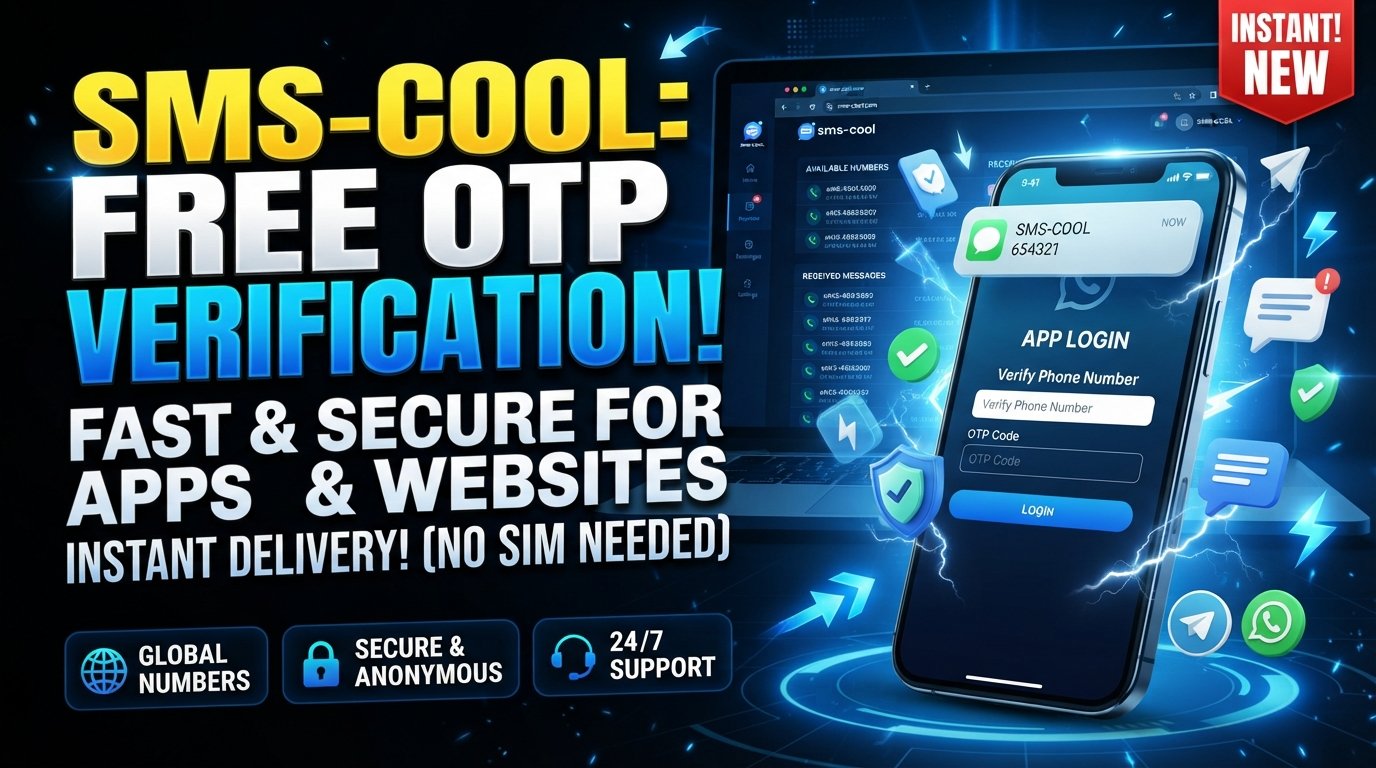
For users who need a convenient way to receive verification SMS, SMS COOL can be a practical option to consider. It provides access to phone numbers intended for receiving SMS messages, helping simplify verification processes when an appropriate number is available and accepted by the service.
What Is a Gmail OTP?
A Gmail OTP is a one-time password sent by SMS for phone number verification. It is usually a short numeric code that must be entered into the verification field before the process can continue.
The code is temporary. It is generated for a specific verification attempt and generally should not be reused or shared with anyone.
You may encounter a Gmail OTP when:
- Creating or verifying a Google account
- Adding a phone number to an account
- Completing certain security checks
- Confirming ownership of a phone number
- Recovering or securing an account when Google requests additional verification
The important point is that a Gmail verification code is not your Gmail password. It is a temporary authentication code connected to a particular verification request.
Why Does Gmail Require OTP Verification?
Phone number verification helps online services distinguish legitimate account activity from suspicious or automated behavior. Requiring a verification code also makes it harder for someone to complete certain actions without access to the associated phone number.
For users, the process is straightforward:
- Enter an eligible phone number.
- Request verification.
- Receive the verification SMS.
- Enter the Google verification code.
- Complete the verification step.
The challenge is usually not understanding the process. It is receiving the OTP SMS successfully.
That is where having a suitable number and a dependable SMS-receiving method can make the process much easier.
How Gmail Verification Codes Work
When Google requests phone verification, it sends a verification SMS to the number entered during the process.
A typical message contains a short code. You then return to the Gmail or Google verification screen and enter that code.
For example, imagine you are creating an account and Google displays a message asking you to confirm your phone number. After selecting the option to receive a code, an SMS may appear in your phone's messaging inbox.
You copy the code, enter it into the verification field, and continue.
What Happens If You Request Another Code?
If the first message does not arrive, you may have the option to request another verification code. However, repeatedly requesting codes in a short period can make the process more confusing because an earlier message may arrive after a newer one.
A better approach is to:
- Wait briefly for the first SMS.
- Check that the phone number is correct.
- Confirm that the phone can receive SMS.
- Avoid repeatedly clicking the resend option.
- Try an appropriate alternative number if the current one is unavailable or unsuitable.
Common Problems When Receiving Gmail OTPs
Not receiving a Gmail verification code does not necessarily mean something is wrong with your Google account.
Several issues can interfere with SMS delivery.
1. Incorrect Phone Number
A single wrong digit can prevent the verification SMS from reaching you. Always review the country code and phone number before requesting the code.
2. Network or Carrier Delays
SMS delivery depends partly on telecommunications networks. Temporary congestion or routing problems can delay a verification SMS.
3. SMS Filtering
Some devices, carriers, or messaging applications may filter certain messages. Check blocked messages and spam-related folders if your phone supports them.
4. Unsupported or Restricted Numbers
Not every phone number is accepted for every verification process. Some online services restrict certain virtual, disposable, or previously used numbers.
This is particularly important when considering a temporary phone number. Availability does not automatically mean that Google will accept that number for verification.
5. Too Many Verification Attempts
Repeated requests can complicate the process. If you have already requested multiple codes, waiting before trying again may be more sensible than continuing to request new ones.
How to Receive Gmail OTP Easily
If your regular phone number is unavailable, SMS verification can become inconvenient. This is one reason some users look for ways to receive SMS online.
An online SMS service can provide access to a phone number and display incoming messages through an online interface rather than requiring the message to arrive on your personal handset.
The basic workflow is generally simple:
- Choose an available number suitable for the intended verification.
- Enter that number into the relevant verification form.
- Request the verification SMS.
- Monitor the SMS receiving interface.
- Read the incoming OTP.
- Enter the code into the verification page.
However, there is an important distinction between convenience and guaranteed compatibility. A service such as Google may reject a number, particularly when the number is shared, previously used, or otherwise restricted.
For that reason, users should always follow the relevant service's rules and use numbers appropriately.
SMS COOL: A Simple Solution for Gmail OTP Verification
SMS COOL is designed to make receiving verification SMS more convenient for people who need access to online phone numbers for verification-related tasks.
Instead of relying entirely on your physical SIM card, an SMS receiving service can give you a way to view incoming messages online. This can be useful when your normal number is temporarily unavailable or when you prefer not to use your personal number for a particular low-risk verification process.
For Gmail OTP Verification, the idea is straightforward: use an available number that is appropriate for the verification process, request the Gmail OTP, and check the SMS receiving interface for the incoming code.
If Google accepts the selected number and delivers the message, you can use the received verification code to complete the verification step.
The key advantage is simplicity. Rather than troubleshooting a missing SMS on your personal phone for an extended period, you have another method to explore when receiving an online verification SMS.
How SMS COOL Helps With SMS Verification
The usefulness of SMS COOL comes down to making the SMS-receiving process more accessible.
Depending on the number and service availability, users can use the platform to support verification workflows that require an incoming SMS.
A typical process looks like this:
Step 1: Select a Suitable Number
Choose an available number appropriate for your verification requirement. Pay attention to the country and service compatibility where applicable.
Step 2: Enter the Number
Use the selected phone number in the phone number verification field on the relevant service.
Step 3: Request the OTP
Ask the service to send its verification SMS. If the number is accepted, the message should be routed to that number.
Step 4: Check the Incoming SMS
Monitor SMS COOL for the incoming verification message and locate the OTP.
Step 5: Complete Verification
Enter the code into the verification screen and follow the remaining instructions.
The process is intentionally straightforward, which is useful for beginners who do not want to deal with complicated SMS-receiving setups.
Benefits of Using SMS COOL
There are several reasons an online SMS service can be useful when handling verification tasks.
Easy Access to SMS Verification
You can check incoming verification messages through an online interface instead of depending entirely on a physical SIM.
Convenient OTP Receiving
When an appropriate number is available and supported, receiving an OTP SMS can become a much simpler process.
Simple User Experience
A straightforward workflow makes it easier for users who are unfamiliar with virtual numbers or online SMS services.
Useful for Verification Processes
Online SMS receiving can be useful for certain account signup, testing, and verification scenarios where the service permits the selected number.
Fewer Common SMS-Receiving Headaches
If your personal phone cannot receive a message because of temporary network or device issues, an alternative SMS-receiving method can give you another option to try.
More Separation From Your Personal Number
For suitable low-risk situations, using an alternative number can reduce the need to provide your primary phone number to every online service.
That said, this should not be treated as a replacement for a permanent phone number when an account requires ongoing access, recovery, or identity verification.
Tips for a Smoother Gmail Verification Process
A few simple habits can prevent unnecessary OTP problems.
Check the number carefully. Make sure the country code and digits are correct before requesting the verification SMS.
Wait before requesting another code. SMS messages can sometimes take a little time to arrive.
Use a compatible number. Some services may reject temporary or virtual numbers, so choose an option that the verification service permits.
Do not share OTPs. A verification code is intended for the person completing the verification process. Never give your code to someone who asks for it unexpectedly.
Avoid public numbers for sensitive accounts. Shared SMS inboxes can expose messages to other users. For important accounts, consider the security and recovery implications before using any temporary number.
Keep account recovery in mind. If you expect to use a Gmail account long term, make sure you have appropriate recovery methods and security settings rather than relying solely on a temporary number.
Gmail OTP Verification FAQs
What is Gmail OTP Verification?
Gmail OTP Verification is a phone verification process in which Google sends a temporary one-time code, typically by SMS, to confirm a phone number during an eligible verification flow.
Why am I not receiving my Gmail verification code?
Possible causes include an incorrect phone number, SMS delays, network problems, filtering, repeated verification requests, or the selected number being unsupported or restricted.
Can I receive a Gmail OTP online?
You may be able to receive a Gmail OTP through an online SMS service when the selected number is accepted by Google and the verification message is successfully delivered. SMS COOL can be considered for this type of SMS-receiving workflow.
What is a temporary phone number?
A temporary phone number is a number provided for short-term use, often for receiving SMS messages or completing permitted verification tasks. Availability and compatibility vary by service.
Is a Google verification code the same as a Gmail password?
No. A Google verification code is a temporary OTP used for a specific verification event. Your account password is a separate credential and should never be shared.
Can SMS COOL guarantee that I will receive a Gmail OTP?
No service should be presented as guaranteeing every verification message. Delivery depends on factors including the number, carrier, routing, and Google's acceptance of the number.
Is SMS COOL useful for SMS verification?
SMS COOL can be a convenient option for users who need access to incoming verification SMS messages. Its usefulness depends on the specific service, number availability, and whether the number is accepted for the verification process.
Conclusion
Gmail OTP Verification is designed to confirm phone numbers and add an extra layer of control to certain Google account processes. While receiving a Gmail verification code is usually straightforward, SMS delays, incorrect numbers, network problems, and restrictions on certain numbers can sometimes make the process frustrating.
When your regular phone number is not a practical option, an online SMS receiving service can provide an alternative approach. SMS COOL offers a simple way to explore SMS verification through available phone numbers, making it a practical option for users who need to receive verification SMS messages.
The important thing is to use the right number for the right situation, follow Google's requirements, protect your OTP, and avoid relying on temporary numbers for accounts that require permanent recovery access.
If you need a straightforward way to receive verification SMS, explore SMS COOL and see whether its available numbers fit your Gmail OTP Verification needs.