12 Sep 2026
Fortnite Login Without Phone Number: Easy Verification Guide
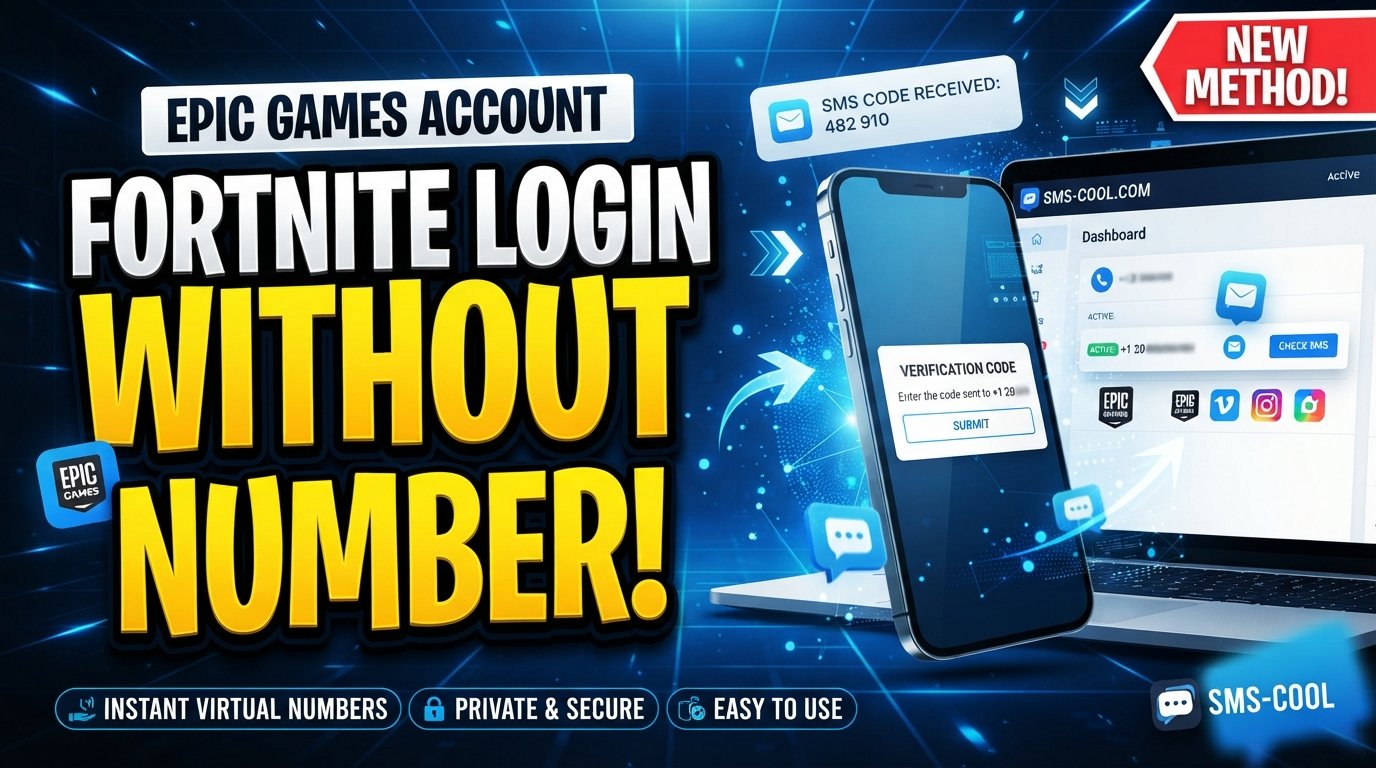
How to Get Fortnite Login Without Phone Number
Trying to complete a Fortnite login without phone number verification can be frustrating, especially when you want to keep your personal mobile number private or your regular number is unavailable.
The good news is that a phone number is not always the only way to verify an Epic Games account. Depending on the security method enabled on your account, Epic Games supports email verification, authenticator apps, Epic Authenticator, and SMS-based two-factor authentication (2FA).
For situations where SMS verification is required and a virtual number is permitted, a service such as SMS COOL can provide an online number capable of receiving SMS verification codes.
In this guide, we'll explain the available options for Fortnite login without phone verification, when a virtual number may be useful, and how to approach Fortnite account verification without unnecessarily exposing your personal phone number.
Can You Log Into Fortnite Without a Phone Number?
Yes, in many situations.
Your Fortnite account is connected to your Epic Games account, so the login process is primarily based on your Epic Games credentials. Epic's official sign-in instructions state that you can log in using your email address and password and, if required, complete 2FA using email, phone, or an authenticator app.
Epic currently lists several 2FA methods:
- Epic Authenticator
- Third-party authenticator apps
- Email authentication
- SMS authentication
This means that if you already have email or authenticator-based security enabled, you may be able to complete Fortnite login without phone number at all.
However, the exact verification method depends on your account configuration and the security prompt presented during login.
Why Does Fortnite Ask for Phone Verification?
Phone verification and 2FA are designed to add another layer of security to your account.
If someone obtains your password, a second authentication factor can prevent them from signing in without the additional code or approval. Epic specifically recommends enabling 2FA to help protect accounts.
2FA can also be required for certain Epic Games features. Epic states that 2FA is required for activities including sending gifts in Fortnite and participating in Fortnite competitive events.
So, when you encounter a Fortnite phone verification request, it does not necessarily mean you must permanently use your personal phone number. You may have another supported authentication option available.
Method 1: Use Email Verification
The simplest method for Fortnite login without phone verification is often email authentication.
If email 2FA is enabled on your Epic Games account, Epic can send a security code to the email address associated with the account. You then enter that code during the login process.
This approach is useful because:
- You don't need to provide a mobile number.
- You can receive the code from your normal email account.
- Your personal phone number remains separate.
- It is an officially supported Epic authentication method.
If you are already stuck at an SMS prompt, look for an option such as “Try another way.” Epic's support documentation says users with another configured 2FA method can use an alternative verification method, including email.
Method 2: Use an Authenticator App
Another strong option is an authenticator app.
Epic supports authenticator-app 2FA, where the app generates security codes that can be entered during login. Epic also offers its own Epic Authenticator functionality, which can provide number-matching approval when signing in.
Popular authenticator applications include Google Authenticator and Microsoft Authenticator.
For people searching for Fortnite login without phone number, an authenticator app can be a better long-term solution than relying on SMS because you don't need to receive a text message every time you authenticate.
If you still have access to your Epic Games account, you can manage your 2FA methods from the account's Password and Security settings.
Method 3: Use SMS COOL When a Virtual Number Is Supported
What if the Fortnite verification process specifically requires SMS and you don't want to use your personal phone number?
A virtual SMS number may be an option where Epic's verification system accepts that type of number and its use is appropriate.
SMS COOL provides virtual phone numbers designed to receive SMS verification messages. Its platform offers instant virtual numbers as well as longer-term rentals, with incoming messages accessible through its online dashboard.
The general process is straightforward:
- Create an account with SMS COOL.
- Add the required balance.
- Select an available number appropriate for the supported service.
- Enter the virtual number only where the verification process permits it.
- Request the SMS verification code.
- Check the SMS COOL dashboard for the incoming message.
- Enter the received code into the original verification screen.
The key point is that SMS COOL provides access to a number for receiving SMS; it does not bypass Epic Games' security controls.
Compatibility is controlled by the platform requesting verification. SMS COOL itself states that successful registration or verification with every third-party platform is not guaranteed because platform restrictions, security checks, account policies, and other factors can affect the result.
Why Use a Virtual Number for Fortnite Verification?
There are several legitimate reasons someone might prefer a separate virtual number instead of their primary mobile number.
Privacy
You may not want to give your personal phone number to every online service that requests one.
A separate number can help keep your primary contact information private.
Separation
A dedicated number can separate gaming-related verification messages from your everyday calls and texts.
Convenience
If you need to receive a supported SMS online and don't have convenient access to another physical SIM, a virtual number can be simpler.
Temporary Requirements
For a short-term verification requirement where virtual numbers are explicitly accepted, purchasing an additional physical SIM may be unnecessary.
However, users should always check the requirements of the service being verified. A virtual number isn't automatically accepted simply because it can receive SMS.
What If You Don't Receive the Fortnite Verification Code?
Not receiving an SMS code doesn't necessarily mean your Fortnite account is broken.
Epic says SMS 2FA may be unavailable in some regions, and certain phone numbers may not be eligible. When SMS isn't available, Epic recommends using an alternative 2FA option such as an authenticator app.
You can also check a few basics:
Check the Number
Make sure the number and country code were entered correctly.
Wait Before Requesting Multiple Codes
Repeatedly requesting new codes can make troubleshooting more confusing. Wait briefly and try again.
Try Another Authentication Method
If your account has email or authenticator 2FA enabled, select “Try another way” when available.
Check Whether the Prompt Comes From Your Console
Sometimes a verification prompt shown while launching Fortnite on PlayStation, Xbox, or Nintendo isn't an Epic Games code at all. Epic explains that a console platform may be requesting its own verification code, which can be connected to the email, phone number, or authentication method associated with that console account.
What If You've Lost Access to Your Old Phone Number?
If your Epic account previously used SMS 2FA and you've lost access to that number, don't assume that you need to create a new Fortnite account.
Epic provides account recovery options for users who can no longer access their previous authentication method. If another method is available, you may be able to use email verification or backup codes.
Epic also provides an account recovery request process that can ask for information such as your account ID, email addresses, display names, linked accounts, and other account details.
This is generally the safest route when you're trying to regain access to an existing account.
Fortnite Login Without Phone Number: Which Method Is Best?
The best method depends on your situation.
SituationRecommended optionYou have access to your account emailEmail verificationYou want stronger account securityAuthenticator appEpic Authenticator is availableEpic AuthenticatorSMS is specifically requiredA supported phone numberYou don't want to expose your personal numberVirtual number, where permittedYou lost access to your old numberEpic account recovery
For most users, an authenticator app or email verification is the preferable long-term approach. A virtual number is more useful when you have a legitimate SMS requirement and the platform accepts the number type.
Is SMS COOL Safe to Use for Fortnite Verification?
SMS COOL provides virtual numbers and SMS-receiving functionality, but no third-party provider can guarantee acceptance by every website or gaming platform.
Its terms specifically explain that it does not guarantee successful registration with third-party services and that platform restrictions, security verification, account suspensions, and other external factors can affect results.
For that reason, use a virtual number as a privacy and SMS-receiving tool—not as a method for defeating Fortnite or Epic Games security.
Also, never give your Epic Games password to an SMS verification provider or enter your credentials on an unofficial Fortnite login page. Epic advises users to sign in only through official Epic Games websites or applications and warns against suspicious third-party offers.
Final Thoughts
Getting a Fortnite login without phone number is possible in several legitimate ways, depending on your account and the verification screen you're seeing.
If email authentication or an authenticator app is available, those are usually the cleanest options. Epic officially supports both, alongside SMS authentication.
If SMS is required and a virtual number is permitted, SMS COOL can provide an alternative number for receiving verification messages without exposing your primary personal number. Its service offers instant virtual numbers and online SMS access, although compatibility with third-party platforms is never guaranteed.
Most importantly, don't treat Fortnite login without phone verification as a way to bypass account security. The goal should be to choose a legitimate authentication method that protects your account while giving you control over the personal information you share.
Frequently Asked Questions
Can I log into Fortnite without a phone number?
Yes. Depending on your Epic account settings, you may be able to use email verification, Epic Authenticator, or an authenticator app instead of SMS.
Can I use SMS COOL for Fortnite verification?
SMS COOL provides virtual numbers for receiving SMS verification codes. Whether a particular number works for Fortnite depends on Epic's verification requirements and whether that number type is accepted.
What is Fortnite phone verification?
It is a verification process that uses an SMS code sent to a phone number as part of account authentication or 2FA.
What if I lost access to my old phone number?
Try another configured 2FA method, such as email or backup codes. If those aren't available, Epic provides an account recovery process.
Is an authenticator app better than SMS?
For many users, an authenticator app is a strong long-term alternative because it doesn't depend on receiving SMS messages. Epic officially supports authenticator-app 2FA.
Can a virtual number guarantee Fortnite verification?
No. Virtual-number compatibility depends on the platform and the specific number. SMS COOL explicitly states that third-party verification success isn't guaranteed.