07 Sep 2026
How to Get Epic Games Login Without Phone Number: Easy Verification & Recovery Guide
How to Get Epic Games Login Without Phone Number: Easy Verification & Recovery Guide
Getting locked out of an Epic Games account can be frustrating, especially when the login process asks for a code sent to a phone number you no longer use. Maybe you changed your number, lost access to your SIM, or simply prefer not to share your personal number with another online service.
The good news is that an Epic Games login without phone number may still be possible depending on the verification methods connected to your account. Epic Games supports several account-security options, including email and authenticator-based verification, while SMS is another available 2FA method.
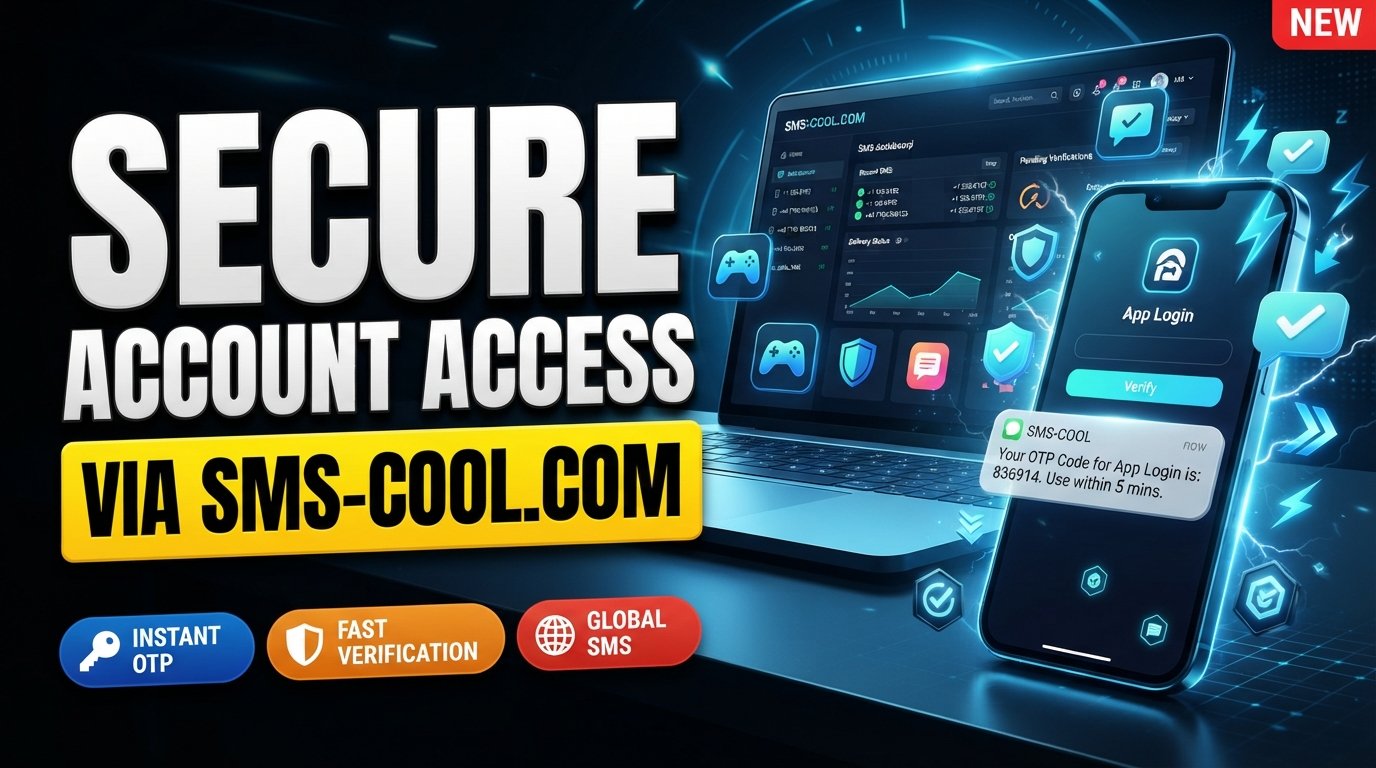
If SMS verification is required and you don't want to use your personal number, SMS COOL can be a practical option to consider. It provides virtual numbers intended for supported SMS and OTP verification workflows, allowing you to receive verification messages online rather than relying on your everyday mobile number.
Let's look at the legitimate ways to regain access and where SMS COOL can fit into the process.
Why Epic Games May Ask for Phone Verification
Phone verification is primarily a security measure. Two-factor authentication adds another layer of protection beyond your password, making it harder for someone with your password alone to access your account.
Epic Games currently supports multiple 2FA methods, including:
- Authenticator apps
- Email-based security codes
- SMS codes
- Epic Authenticator
When SMS is selected as the 2FA method, Epic Games sends a security code to the registered phone number when you sign in. Some regional phone numbers may also be unsupported for SMS 2FA.
This means an Epic Games login code isn't simply an obstacle to work around. It is part of the account's security system. If you don't have access to the registered number, the right approach is to use another available verification method or follow Epic's official account recovery process.
Can You Get Epic Games Login Without Your Personal Phone Number?
Yes, potentially—but it depends on your account configuration and what verification Epic Games requests.
You don't necessarily need your personal phone number for every Epic Games account login. For example, Epic supports email-based 2FA and authenticator apps. Linked external accounts can also be useful for account access, depending on how your account was originally configured.
There is an important distinction, however:
Account recovery is not the same as bypassing verification.
If Epic Games specifically requires SMS verification, you should not try to defeat or circumvent that security requirement. Instead, use a legitimate number that you control or an appropriate SMS verification solution where the service accepts it.
That's where SMS COOL may be useful. Its virtual-number service is designed to receive SMS and OTP messages for supported verification workflows. However, SMS COOL itself states that third-party platforms may restrict virtual or temporary numbers, so successful verification is not guaranteed for every service or request.
How to Log In to Epic Games Without Using Your Personal Number
If you are trying to login to Epic Games without phone, start with the options already connected to your account.
1. Try your email and password
Go to the official Epic Games sign-in page and enter the email address and password associated with your account.
If you have forgotten the password, use the password-reset option rather than repeatedly guessing credentials.
2. Check for another 2FA method
If you previously enabled email or an authenticator app, Epic may allow you to verify your identity through that method instead of SMS.
Epic's account-security guidance lists authenticator apps and email alongside SMS as supported 2FA methods.
3. Try a linked account
If your Epic account is connected to an external account such as a supported console or social account, that connection may help you regain access.
Epic also allows linked-account information to be used during its recovery process.
4. Use Epic Games account recovery
If you cannot sign in, Epic provides a Trouble signing in? recovery flow. Depending on your circumstances, the process can use your account email, recovery information, linked accounts, and other details to identify your account.
5. Consider SMS verification when it is specifically required
If SMS is the verification method you need and you don't want to expose your personal number, an SMS verification service such as SMS COOL may be worth considering, provided the relevant Epic verification flow accepts the number.
How SMS COOL Helps With Epic Games SMS Verification
SMS COOL is a practical solution for users who need to receive SMS verification without using their regular personal phone number.
The basic idea is straightforward. Instead of putting your everyday mobile number into every service that requests SMS verification, you can obtain a virtual number through SMS COOL for a supported verification task.
SMS COOL's official service provides virtual numbers for receiving OTP and SMS verification messages. It also offers both instant virtual numbers and longer-term rental options.
For someone facing an Epic Games phone verification prompt, this can be useful when:
- You don't want to expose your personal mobile number.
- Your usual number cannot receive the required SMS.
- You need a number for a legitimate verification workflow.
- You want to receive an SMS verification code online.
- Your account or situation allows another eligible phone number to be used.
The key limitation is important: SMS COOL does not bypass Epic Games security. It simply provides a virtual number and SMS-receiving service. Epic Games can impose its own restrictions on which numbers are accepted.
Step-by-Step: Using SMS COOL for Verification
If an Epic Games verification screen permits you to use a different phone number, the general process is simple.
1. Open SMS COOL
Visit the SMS COOL platform and choose the virtual-number service appropriate for your legitimate verification requirement.
2. Select a suitable number
Choose an available number that matches the requirements displayed by the verification service.
Don't assume that every available number will work with every website. Third-party platforms can restrict virtual, temporary, or certain regional numbers.
3. Enter the number where permitted
Return to the Epic Games verification screen and enter the selected number if Epic's verification flow allows you to use an alternative number.
Make sure the country code and number are entered correctly.
4. Request the verification SMS
Submit the phone number and request the Epic Games verification code.
5. Check SMS COOL for the incoming message
If the verification request is accepted and the message is sent, monitor SMS COOL for the incoming SMS.
The platform describes its virtual numbers as capable of receiving OTP and verification messages through its dashboard.
6. Enter the received code
Copy the verification code into the Epic Games verification field and complete the sign-in process.
If the code doesn't arrive, don't repeatedly request codes. Check the number, wait for possible SMS delays, and consider another legitimate recovery or verification method.
Benefits of Using SMS COOL
There are several reasons someone might prefer a virtual number over their personal number for a suitable SMS verification task.
Privacy
Using a separate number means you don't have to automatically expose your everyday phone number to an online service.
Convenience
SMS COOL lets users receive SMS messages through its online service rather than depending on a physical SIM in their regular phone.
Separation from your personal number
A dedicated verification number can help keep personal communications separate from one-off verification activities.
Access to verification SMS
When the relevant service accepts the number, you can receive an OTP or verification message online through the SMS COOL platform.
Useful when your regular number is unavailable
If your normal SIM is unavailable or unable to receive a particular verification message, an alternative number can sometimes solve the practical problem—provided the platform permits it.
Epic Games Account Recovery Alternatives
SMS isn't your only option.
If you have lost access to your phone number, consider these legitimate alternatives first:
- Email verification: Epic may send a security code to the email associated with your account.
- Authenticator app: If you previously configured one, it can provide your 2FA code.
- Epic Authenticator: Epic provides its own authentication experience through its app.
- Linked accounts: A connected PlayStation, Xbox, Nintendo, Steam, Google, Facebook, or other supported account may help with access or recovery.
- Official account recovery: Epic's recovery process can request information such as account IDs, invoice details, previous email addresses, display names, linked accounts, and other account information.
- Epic Games support: If automated recovery does not work, use Epic's official support and recovery channels.
If you have permanently lost access to your account email, Epic's recovery process provides additional steps for submitting information that can help identify and recover the account.
Common Problems With Epic Games Verification
Verification code isn't arriving
SMS delivery can sometimes be delayed. First confirm that the number was entered correctly and that the service accepts the number type.
Wrong phone number
A typo can send the code somewhere else. Carefully check the number and country code before requesting another code.
Expired code
Verification codes are generally intended for short-term use. If one expires, request a fresh Epic Games login code rather than continuing to use the old one.
SMS delays
Network and service delays can prevent a message from appearing immediately. Give the system a little time before trying again.
Phone number already being used
If Epic indicates that a number is already associated with another account or cannot be used, don't attempt to circumvent the restriction. Use an eligible alternative or follow official account-recovery guidance.
Account recovery difficulties
If automated recovery fails, provide accurate information through Epic's official recovery process. Epic notes that recovery requests can require detailed account information to verify the request.
Why SMS COOL Can Be a Better Option
For users who simply don't want to use their personal number, SMS COOL can be a practical middle ground.
Using your regular number is familiar and straightforward, but it also means sharing your personal contact information. A virtual-number solution can provide separation between your everyday communications and supported online verification activities.
Personal NumberSMS COOLUses your everyday phone numberUses a virtual numberSMS arrives on your regular deviceSMS can be received through the servicePersonal number is sharedPersonal number can remain separateConvenient when your SIM worksUseful when an alternative number is appropriateNo third-party service neededRequires using a compatible SMS service
The important word is compatible. SMS COOL can help with receiving verification SMS, but it cannot force Epic Games to accept a particular virtual or temporary number. Its own terms state that third-party platform restrictions and security requirements can affect successful verification.
For that reason, think of SMS COOL as a practical SMS-receiving option—not a way around account security.
FAQ
Can I log into Epic Games without a phone number?
Sometimes. If your account has email, authenticator, Epic Authenticator, or another supported sign-in method available, you may not need SMS. If Epic specifically requires SMS verification, you'll need to complete that requirement through an eligible number or use the available recovery process.
How do I get an Epic Games verification code?
The code depends on your configured verification method. Epic supports codes through email, SMS, and authenticator-based methods, while Epic Authenticator can also provide sign-in verification.
Can I receive an Epic Games OTP online?
If Epic sends the code to an eligible virtual number and that number is accepted, an SMS verification service such as SMS COOL can provide a way to receive the message online. However, compatibility is controlled by Epic Games, so success cannot be guaranteed.
What should I do if my Epic Games SMS code does not arrive?
Check that the phone number is correct, wait for possible delivery delays, and avoid repeatedly requesting codes. If the problem continues, try another available 2FA method or use Epic Games account recovery.
Can SMS COOL help with Epic Games verification?
SMS COOL can potentially help when Epic Games accepts the virtual number you use and sends the verification SMS to it. SMS COOL provides virtual numbers and SMS-receiving services, but it does not bypass Epic's security requirements and does not guarantee acceptance by third-party platforms.
Is using a temporary number suitable for account verification?
It can be suitable for certain legitimate, short-term verification tasks, but it isn't automatically appropriate for every account. Consider whether you may need the same number again for future account recovery before choosing a temporary option.
What should I do if Epic Games requires additional account verification?
Follow Epic's official recovery instructions and provide accurate information about the account. Epic's recovery form may ask for details such as previous email addresses, account or invoice information, display names, linked accounts, and payment information.
Conclusion
An Epic Games login without phone number doesn't necessarily mean you're locked out forever. Start with legitimate options such as email verification, an authenticator app, Epic Authenticator, linked accounts, or Epic Games account recovery.
When SMS verification is specifically required and you don't want to use your personal number, SMS COOL can be a practical solution for receiving verification SMS through a virtual number, as long as the relevant Epic Games verification flow accepts that number.
Remember that SMS COOL is not a security bypass. It is simply an alternative way to receive SMS for supported verification workflows. Epic Games ultimately controls its own authentication and account-recovery requirements.
If you need a practical way to keep your personal number separate while handling legitimate SMS verification tasks, explore SMS COOL and choose an option appropriate for your verification needs.