17 Aug 2026
How Discord Phone Verification Works: A Complete User Guide Today
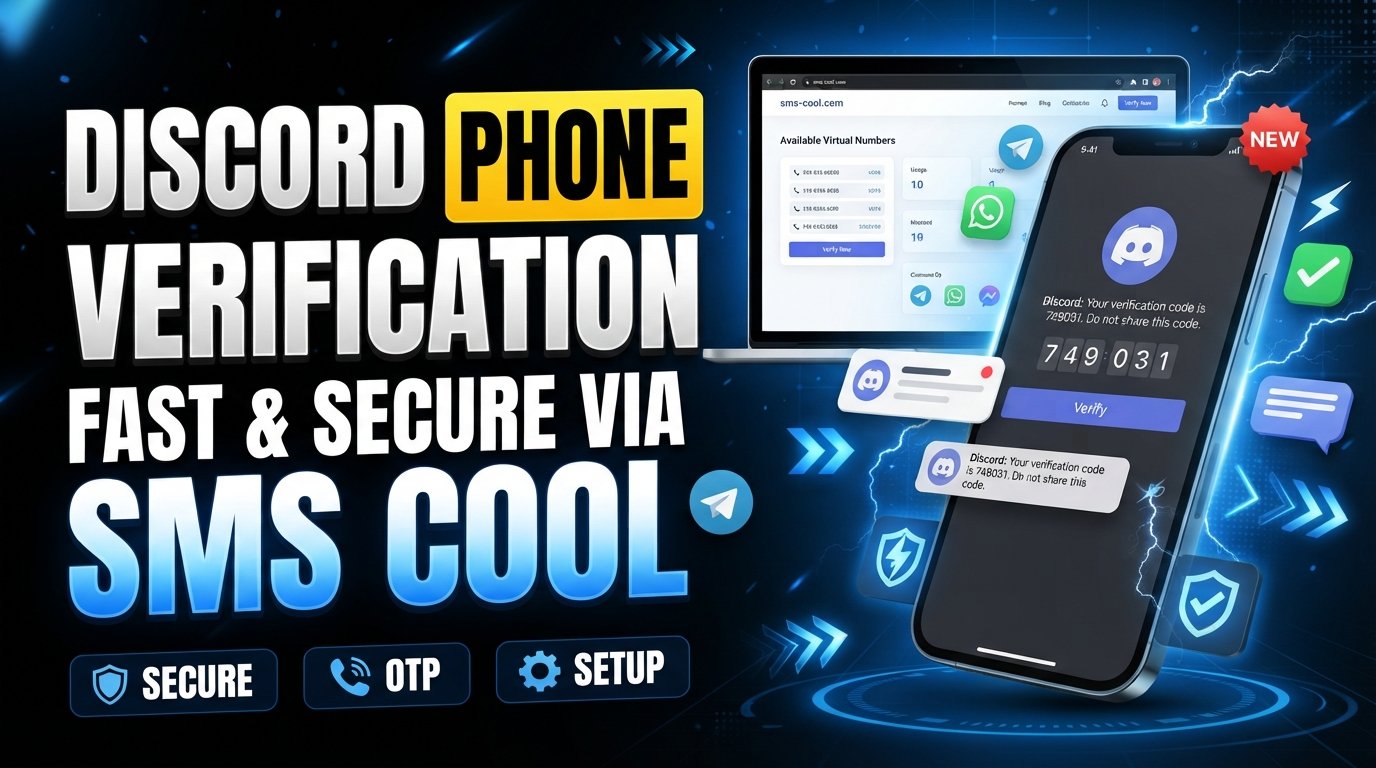
How Discord Phone Verification Works
Creating a Discord account is usually straightforward, but some users eventually encounter a request for Discord phone verification. When this happens, Discord asks for a phone number and sends an SMS containing a verification code. The purpose is to confirm that the number can receive messages and, depending on the situation, add another layer of account trust and protection.
For users who do not want to use their personal number, do not have reliable SMS reception, or simply need a convenient way to receive a verification message, the process can become frustrating.
This guide explains how Discord phone number verification works, why Discord may request it, what can go wrong, and what options are available for receiving an SMS. It also explains how SMS COOL can be useful when you need an accessible SMS verification number.
What Is Discord Phone Verification?
Discord phone verification is a process in which Discord asks you to associate a phone number with an account and confirm ownership or access to that number through SMS.
After entering an eligible number, Discord can send a Discord phone verification code by text message. You then enter that code in the appropriate verification field to complete the process.
The basic process looks like this:
- Discord asks for a phone number.
- You enter the number in the verification screen.
- Discord sends an SMS.
- The message contains a verification code.
- You enter the code.
- Discord processes the verification request.
The exact verification experience can vary depending on Discord's current account and security requirements.
Why Does Discord Ask for a Phone Number?
Phone verification can be used as an additional account-verification and security measure. A phone number provides another way for a platform to distinguish accounts and confirm access to a communication channel.
You may encounter a verification request for different reasons, such as:
- Discord detecting activity that requires additional verification
- Account-security checks
- Certain server or community requirements
- Attempts to confirm that an account has access to a valid phone number
- Additional safeguards against suspicious or abusive activity
Importantly, not every Discord account necessarily encounters the same verification requirements. A verification request can depend on the circumstances surrounding an account or platform activity.
How Discord Phone Verification Works
The technical idea behind Discord SMS verification is simple: Discord sends a one-time code to the phone number you provide.
Step 1: Enter Your Phone Number
When Discord requests verification, enter a phone number that can receive SMS messages. Make sure the country code and number are correct.
An incorrect country selection or mistyped number can prevent the message from arriving.
Step 2: Discord Sends an SMS
After submitting the number, Discord attempts to send a Discord verification code by SMS.
The message is generally intended for one-time verification rather than ordinary communication.
Step 3: Receive the Verification Code
Check the phone's SMS inbox for the incoming message. Depending on your mobile provider, network conditions, and other factors, delivery may be immediate or delayed.
If you are using an online SMS verification service, the message may instead appear within the service's online inbox.
Step 4: Enter the Code
Enter the received code into Discord's verification screen. If the code is accepted, the phone verification process can be completed.
This is why access to the SMS inbox is the key requirement. Without access to the message, you cannot complete the code-based verification step.
Why Am I Not Receiving My Discord SMS Code?
One of the most common complaints is: “I entered my number, but the Discord SMS code never arrived.”
Several issues can cause this.
Incorrect number: Double-check the country code and phone number.
Poor mobile reception: Weak network coverage can delay SMS delivery.
Carrier filtering: Mobile providers may sometimes delay or filter automated messages.
Repeated requests: Requesting multiple codes in quick succession can create confusion because older codes may expire or become unusable.
Unsupported numbers: Some number types may not work for a particular verification process.
Temporary delivery problems: SMS systems can occasionally experience delays.
If the message does not arrive, avoid repeatedly submitting requests without checking the basics first. Confirm the number, wait briefly, and make sure the phone can receive ordinary SMS messages.
Phone Verification and Privacy Considerations
Some people are uncomfortable using their personal number for online account verification. That concern is understandable, particularly when a phone number is already associated with personal communication, work, or other accounts.
This is where alternatives can become useful.
A temporary phone number for verification or a virtual phone number for verification may provide a separate channel for receiving SMS when appropriate. However, users should always understand the terms and limitations of the service they choose.
It is also important to remember that not every temporary or virtual number is accepted by every platform. A number being capable of receiving SMS does not automatically mean it will work for a particular verification system.
What Options Are Available for Receiving Verification SMS?
If you need to receive Discord verification code messages, you generally have several possibilities:
- Use your regular mobile phone number.
- Use another eligible number you control.
- Use a legitimate SMS verification service.
- Use an online SMS inbox when the service and platform support it.
For people who need a dedicated SMS verification number, an online service can be more convenient than managing another physical SIM card.
This is where SMS COOL can be a practical option.
How SMS COOL Can Help With SMS Verification
SMS COOL provides an online approach to receiving verification messages, making it useful for users who need an SMS verification service without relying exclusively on their everyday mobile number.
Instead of waiting for a physical SIM or switching between devices, users can access SMS messages through an online workflow where supported.
The main advantages include:
- Convenient access to verification SMS
- An online way to receive SMS messages
- A simple verification workflow
- Less dependence on a personal phone number where appropriate
- Accessibility when a dedicated SMS verification number is needed
- A practical option for users handling verification messages online
The important point is that SMS COOL should be viewed as a convenience solution for SMS verification, not as a method for bypassing Discord's security systems or account requirements.
Whether a particular number can be used depends on the platform's own rules and verification process.
How to Use SMS COOL for a Verification Process
The general workflow is straightforward.
1. Choose an Appropriate SMS Verification Option
Start by selecting a suitable number through SMS COOL based on the verification service and availability shown by the platform.
2. Enter the Number Where Verification Is Requested
When Discord asks for a phone number, enter the eligible number according to the instructions provided by the service.
3. Wait for the SMS
Discord sends the verification message if the number and verification request are accepted. The incoming message can then appear through the relevant SMS COOL interface.
4. Enter the Verification Code
Copy the received code into Discord's verification field and complete the process according to the instructions shown on screen.
Always use the service according to its terms and Discord's applicable account rules.
Important Things to Consider Before Choosing an SMS Verification Service
Not all online SMS services work the same way. Before choosing one, consider:
Number availability: Make sure numbers are available for the country or service you need.
Message accessibility: Check how incoming SMS messages are displayed and how quickly they typically become available.
Supported services: A provider may support some platforms but not others.
Number type: Understand whether you are receiving a dedicated, shared, temporary, or virtual number.
Transparency: Look for clear information about how the service works rather than relying on promises of guaranteed verification.
Account requirements: Remember that an SMS service cannot override Discord's policies or guarantee that a particular number will be accepted.
SMS COOL can be useful when convenience and online accessibility are your priorities, but the final verification decision remains with Discord.
Common Discord Phone Verification Problems
If Discord account verification is not working, check these common issues:
- The phone number was entered incorrectly.
- The number cannot receive SMS.
- The verification message is delayed.
- A previous code has expired.
- Too many verification requests were made.
- The number is not eligible for the requested verification.
- The service or carrier is experiencing an SMS delivery issue.
If you continue experiencing problems, follow Discord's available account-support guidance rather than repeatedly attempting verification.
Frequently Asked Questions
How does Discord phone verification work?
Discord phone verification typically requires you to enter an eligible phone number, receive an SMS containing a verification code, and enter that code to confirm the verification request.
Why does Discord ask for a phone number?
Discord may request a phone number as an additional account-verification or security measure. The exact reason can vary depending on account activity and Discord's requirements.
How do I receive a Discord verification code?
Enter an eligible phone number when Discord requests verification. If the request is accepted, Discord sends an SMS containing the verification code to that number.
Why am I not receiving my Discord SMS code?
Check your number and country code, confirm that the phone can receive SMS, and allow time for delivery. Carrier issues, unsupported numbers, or repeated requests can also cause problems.
Can I use an online SMS verification service for Discord?
An online SMS verification service may be an option where the number is supported and permitted. However, acceptance is determined by Discord, so no service should promise guaranteed verification.
What is SMS COOL?
SMS COOL is an online service designed to help users receive SMS messages for verification purposes where supported. It can provide a convenient alternative when a user needs an SMS verification number.
How can SMS COOL help with SMS verification?
SMS COOL can make receiving verification messages more convenient by providing online access to SMS messages. This can be useful when users need a separate verification number rather than relying on their everyday phone.
Is phone verification required for every Discord account?
No. Verification requirements can vary. Some users may encounter phone verification while others may not, depending on Discord's account and security requirements.
Final Thoughts
Discord phone verification is essentially a confirmation process built around receiving an SMS code. The steps are simple, but problems such as delayed messages, unsupported numbers, and concerns about using a personal phone can make verification inconvenient.
If you need a practical way to handle SMS verification, SMS COOL is worth exploring as an online SMS verification solution. It can provide convenient access to verification messages and a dedicated SMS verification number where appropriate, without making unrealistic promises about bypassing platform requirements.
For users who want a straightforward way to manage verification SMS online, exploring SMS COOL can be a useful next step.