07 Sep 2026
How to Get Amazon Music Login Without a Phone Number Safely
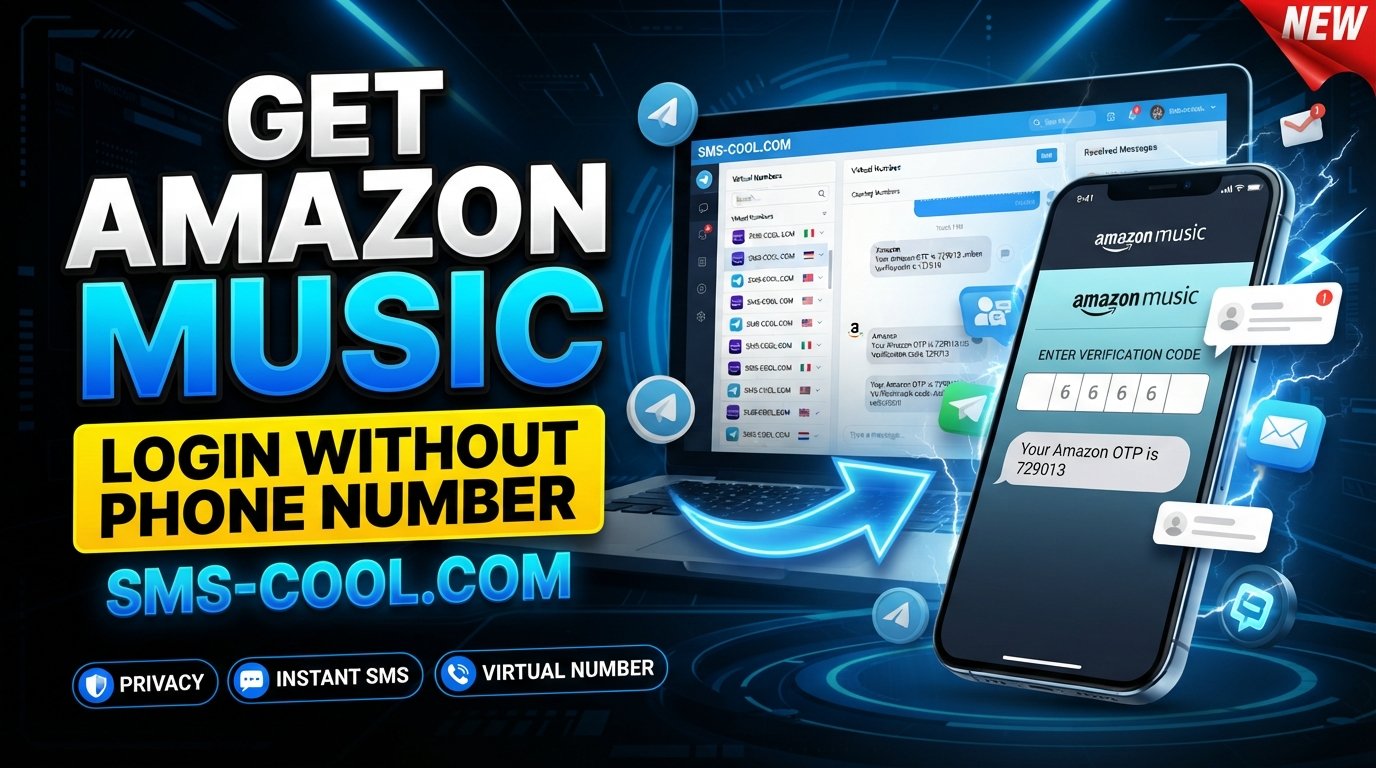
How to Get Amazon Music Login Without a Phone Number
Want to access Amazon Music but would rather not give your personal phone number to Amazon? You're not alone. Many users are comfortable using their email address and password but hesitate when a sign-in or account verification step asks for a mobile number.
The good news is that there are alternatives worth considering. Depending on the verification method Amazon presents, you may be able to use an email-based sign-in method, an authenticator or passkey, or a separate virtual number for receiving an SMS verification code.
For users who specifically need SMS verification without exposing their personal number, SMS COOL is a practical option to consider. It provides virtual numbers that can receive SMS messages online, allowing you to keep your primary phone number separate from the verification process.
This guide explains how Amazon Music login works, why phone verification may appear, and how a temporary or virtual number can help when SMS verification is required.
Why Does Amazon Ask for Phone Verification?
Amazon uses several methods to protect accounts from unauthorized access. Depending on your account configuration and the particular sign-in or security check, Amazon may use an email address, mobile number, password, passkey, authenticator app, or one-time security code.
Phone-number verification can serve several purposes:
- Confirming that a real user is attempting to access an account
- Sending a one-time security or verification code
- Supporting two-step verification
- Helping with account recovery
- Adding an additional layer of protection against unauthorized access
Amazon's sign-in system can accept an email address or mobile number, while some account configurations use one-time codes or passkeys.
This means there isn't one universal Amazon Music login process for every user. The options you see can depend on how your Amazon account was created and which security features are enabled.
Can You Use Amazon Music Without a Personal Phone Number?
Yes, potentially—but there is an important distinction.
Amazon Music is connected to your Amazon account, so the verification requirements generally come from the Amazon account and security process rather than from Amazon Music independently. Amazon Music provides a sign-in option, but your account's authentication method determines what happens next.
If Amazon allows you to authenticate through email, a password, a passkey, or another available method, you may not need to provide a phone number during that particular sign-in.
However, if Amazon specifically requires an SMS code, you need access to the phone number receiving that code.
That's where a temporary phone number or virtual phone number can become useful.
What Is a Temporary or Virtual Phone Number?
A virtual phone number is a number that you access through an online service rather than through your personal physical SIM card.
For SMS verification, the basic process is straightforward:
- Select an available virtual number.
- Enter that number where the service requests phone verification.
- Request the verification code.
- Receive the SMS in the provider's online dashboard.
- Enter the code on the original website or app.
This approach can be useful when you want to keep your personal number private or need a separate number for a particular verification task.
However, temporary numbers are not universally accepted. Some platforms restrict virtual, recycled, or temporary numbers, and Amazon can decide which verification methods and numbers it accepts. Therefore, a virtual number should be viewed as an alternative—not a guaranteed way around Amazon's verification requirements.
Common Problems During Amazon Music Login
Users can run into several issues when trying to access their Amazon Music account.
The verification code never arrives
SMS delivery can sometimes be delayed or fail completely. Network problems, incorrect country codes, carrier restrictions, or service-side filtering can all contribute.
You no longer have your old number
If your Amazon account is tied to an old mobile number, recovering access can become more complicated. Amazon provides account-recovery options for situations where users cannot access their usual verification method.
You don't want to share your personal number
Some users simply prefer not to connect another online service to their primary mobile number. A virtual number provides a way to separate the verification process from your everyday phone number.
The number is rejected
A temporary number may not work if Amazon does not accept that particular number, carrier, country, or number type. Trying another supported number or using an alternative Amazon verification method may be necessary.
SMS COOL: A Practical Option for Online SMS Verification
If Amazon requires SMS verification and you don't want to use your personal number, SMS COOL is worth considering.
SMS COOL provides virtual numbers designed for OTP and SMS verification. Its platform offers instant virtual numbers for individual verification needs as well as longer-term number rentals.
The main advantage is simple: instead of entering your personal mobile number, you can use an available virtual number and access incoming verification messages through an online dashboard.
Why Use SMS COOL?
There are several reasons someone might choose SMS COOL for this type of verification:
- Privacy: Your primary mobile number does not need to be entered into the verification form.
- Convenience: SMS messages can be accessed online rather than through a physical SIM.
- Flexibility: You can select an available virtual number based on your requirements.
- Short-term use: Some verification tasks only require a number long enough to receive one code.
- Longer-term options: SMS COOL also offers number rentals when ongoing access is needed.
The important point is that SMS COOL is a third-party SMS receiving service. It does not control Amazon's verification system and cannot guarantee that a particular number will be accepted.
How to Use SMS COOL for Amazon Music Verification
If the Amazon sign-in or registration process gives you an SMS verification option, the general workflow is simple.
Step 1: Open SMS COOL
Visit the SMS COOL website and access its virtual-number service.
Step 2: Select an Available Number
Choose a number appropriate for the verification service and country requirements shown by SMS COOL.
The available numbers and supported services can change, so check the current options before selecting one.
Step 3: Enter the Number on Amazon
Return to the Amazon or Amazon Music verification screen and enter the virtual number exactly as requested.
Make sure the country code and number format are correct.
Step 4: Request the Verification Code
Ask Amazon to send the verification SMS.
If the number is accepted and the SMS is successfully delivered, the message should appear in the SMS COOL dashboard.
Step 5: Enter the Code
Copy the Amazon Music verification code from the SMS COOL inbox and enter it into the Amazon verification screen.
If the code is correct and Amazon accepts the verification, you can continue with the sign-in or account setup process.
Never share a verification code with another person. A one-time code should only be entered into the official Amazon page or app where you initiated the verification.
Personal Phone Number vs. Temporary or Virtual Number
Choosing between your personal number and a virtual number depends on what matters most to you.
FactorPersonal Phone NumberTemporary/Virtual NumberPrivacyLower separation from your identityKeeps your primary number separateConvenienceUsually very convenientRequires access to an online serviceSMS deliveryDepends on your carrierDepends on provider and number availabilityAccount recoveryUsually better for long-term ownershipCan be problematic after the number expiresLong-term reliabilityHigh if you retain the numberDepends on rental or number availabilityBest useMain personal accountsSuitable for specific verification needs
For an important long-term Amazon account, account recovery should be a major consideration. If you use a temporary number and later lose access to it, that number may not be available when you need another security code.
For that reason, a temporary number can make sense for a one-time verification task, while a dedicated long-term number may be more appropriate when continued access is important.
Privacy and Security Considerations
Using a virtual phone number can improve privacy, but it isn't automatically risk-free.
Before using one, consider these points:
Choose a private number when possible. Public SMS inboxes can expose incoming messages to other users. Avoid using shared public numbers for sensitive accounts.
Don't use temporary numbers as your only recovery method for critical accounts. If you need ongoing access to an account, make sure you have another recovery option.
Use official Amazon pages and apps. A verification code should never require you to give your Amazon password to an SMS provider.
Understand Amazon's policies. Amazon may reject certain temporary or virtual numbers. Neither SMS COOL nor any other third-party service can guarantee acceptance.
Protect your account credentials. A virtual number protects your primary number from being shared with the verification service, but it does not replace strong account-security practices.
What If You Don't Receive the Amazon Music Verification Code?
If your verification code does not appear, try these steps:
- Confirm that the phone number and country code are correct.
- Wait briefly before requesting another code.
- Check the SMS COOL dashboard again.
- Avoid repeatedly requesting codes in rapid succession.
- Try another available number if the service permits it.
- Check whether Amazon provides another verification option.
- If you're locked out of an existing account, use Amazon's official account-recovery process.
Amazon itself recommends checking the relevant sign-in method and requesting another OTP when an expected code does not arrive.
FAQ
Can I use Amazon Music without a phone number?
Sometimes. Amazon accounts can support different authentication methods, including email, passwords, one-time codes, passkeys, and other security options depending on account configuration. If Amazon specifically requires SMS verification, you'll need access to a number capable of receiving the code.
How can I get an Amazon Music verification code?
If Amazon requests SMS verification, enter the eligible phone number shown in the verification flow and request the code. If you prefer not to use your personal number, you can consider a virtual number from a service such as SMS COOL, provided Amazon accepts that number.
Can I receive an Amazon verification SMS online?
Yes, an SMS can be received through an online virtual-number service when the number is supported by the platform and capable of receiving the message. SMS COOL provides online virtual numbers for SMS and OTP verification.
Is a temporary phone number useful for verification?
It can be useful when you need to receive a one-time SMS without exposing your personal mobile number. However, temporary numbers are less suitable as the sole recovery method for accounts that you expect to use for a long time.
How does SMS COOL help with SMS verification?
SMS COOL provides virtual numbers that can receive SMS messages online. You select an available number, use it in the verification flow, and access the incoming message through the service when supported.
What should I do if I don't receive the verification code?
First, confirm the number and country code, then wait and request another code if appropriate. If the number still does not receive the message, try another eligible number or use another verification method offered by Amazon.
Is it safe to use a virtual phone number?
A virtual number can be useful for privacy, but safety depends on the provider and how the number is used. Avoid public shared inboxes for sensitive accounts, and make sure you have a reliable recovery method for important accounts.
Can I use the same number for multiple verifications?
That depends on the number provider and the platform being verified. Some numbers may be intended for a single verification, while others can be rented for longer periods. Amazon may also impose its own restrictions.
Conclusion: Get Amazon Music Login Without Your Personal Number
Getting an Amazon Music login without phone number use is possible in some situations, but the exact options depend on how Amazon has configured your account and which verification method it requests.
If Amazon lets you sign in through email, a password, passkey, or another available method, you may not need SMS verification at all. If SMS is required, however, a temporary or virtual phone number can provide a practical alternative to sharing your personal mobile number.
SMS COOL stands out as a convenient option for users who need to receive SMS online while keeping their primary number separate. Its virtual-number service can help with supported SMS verification flows without requiring you to use your everyday SIM card.
Just remember that SMS COOL handles the SMS-receiving side of the process; Amazon controls the actual verification and decides whether a particular number is accepted.
For users looking for a more private approach to Amazon Music login without phone number, checking Amazon's available authentication methods first and using SMS COOL when SMS verification is required can be a practical, straightforward approach.