04 Sep 2026
Amazon Music Login Without Phone Number: Easy SMS Guide Online
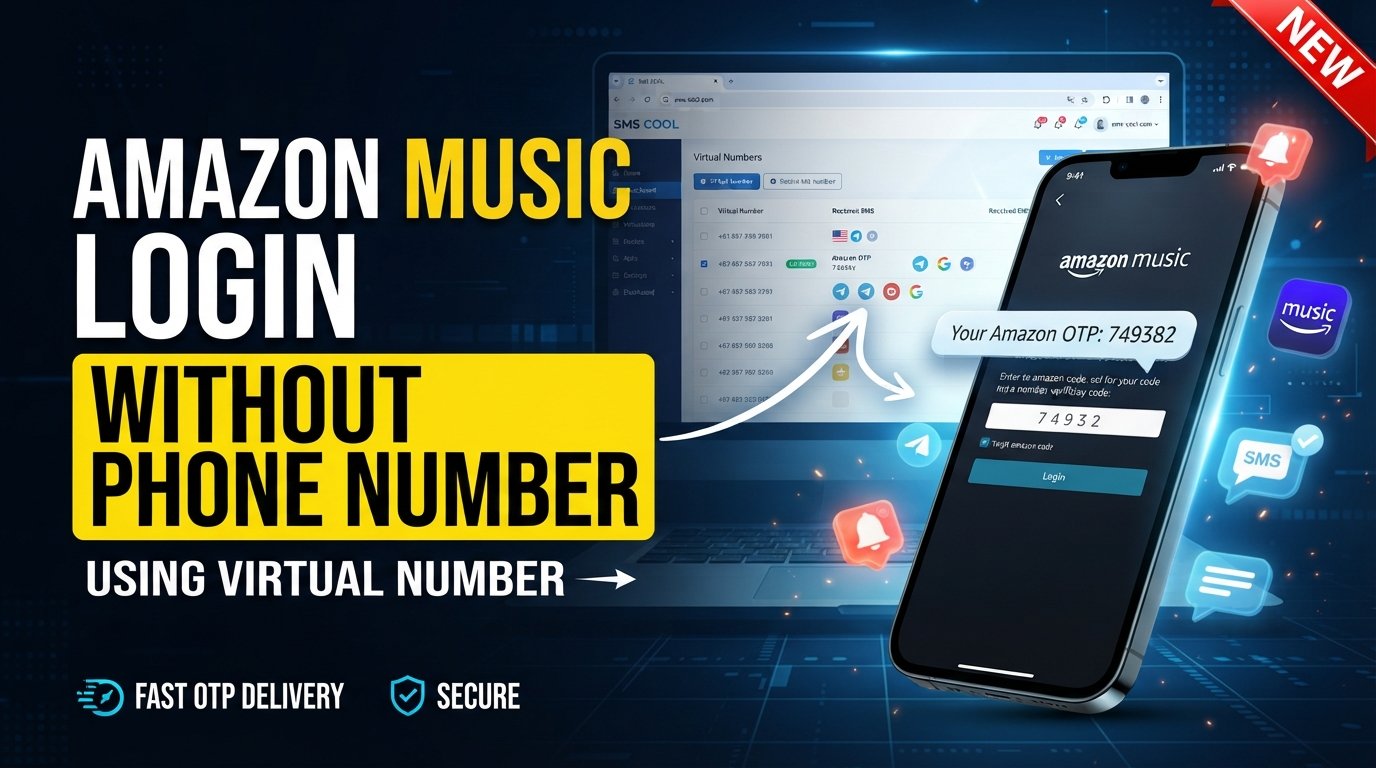
How to Get Amazon Music Login Without Phone Number
Trying to complete an Amazon Music login without phone number can be frustrating when Amazon asks for a verification code before letting you continue. You may already have an Amazon account, know your email and password, and simply prefer not to expose your personal mobile number to another online service.
The good news is that a phone number is not necessarily the only way an Amazon account can authenticate you. Depending on your account setup and the security check being triggered, Amazon may offer email, a passkey, an authenticator-based method, or another available verification option. Amazon's own sign-in guidance explains that account access can use a password, one-time security code, or passkey depending on how the account is configured.
When SMS verification is required, another practical option is using a virtual or temporary number designed to receive SMS online. This is where SMS COOL can be useful.
Can You Get Amazon Music Login Without a Phone Number?
Yes, but it depends on how your Amazon account is configured and what verification Amazon requests.
Amazon Music is connected to your Amazon account, so you generally do not create a completely separate Amazon Music identity just to sign in. Amazon's Music terms explain that registered users need an Amazon account to use the service.
If Amazon allows you to authenticate with your email address, password, passkey, or another available method, you may be able to complete your Amazon Music login without phone number.
However, there are situations where Amazon may require a one-time security code. Amazon explains that some accounts use a security code delivered to a mobile number or email, while passkeys can provide another sign-in method when configured.
That means the real question is not whether there is a universal trick to remove phone verification. Instead, it is:
What legitimate verification option is available when Amazon asks for a phone number?
If SMS is required and you do not want to use your personal number, a suitable virtual number may be worth considering.
Why Does Amazon Music Ask for Phone Verification?
Phone verification is primarily an account-security measure.
A verification code can help confirm that someone attempting to access an account has access to the contact method associated with that verification attempt. Amazon's two-step verification documentation describes security codes as an additional layer of protection during login.
You might encounter an Amazon verification code because:
- You are signing in from an unfamiliar device.
- Amazon detects an unusual login attempt.
- Your account has additional security enabled.
- Amazon requires confirmation during a particular account action.
- Your account is configured to use SMS-based authentication.
The exact verification experience can vary. It is therefore important not to assume that every Amazon Music account will offer the same sign-in options.
How to Access Amazon Music Without Using Your Personal Phone Number
If you want an Amazon Music sign in without phone number experience, start with the options Amazon itself provides.
Option 1: Try Email and Password
Go to the Amazon sign-in page and enter the email address associated with your Amazon account.
If your account uses a conventional password login and Amazon does not request additional verification, you may be able to continue without entering a mobile number.
Option 2: Use a Passkey If Available
A passkey can provide a convenient alternative to repeatedly entering passwords or receiving SMS codes.
If you have already configured a passkey for your Amazon account, check whether Amazon offers it during the login process.
Option 3: Check for Another Verification Method
If Amazon requests an OTP, look carefully at the available verification choices. Depending on your account configuration, another method may be offered.
Do not attempt to defeat or circumvent a security challenge. The purpose of verification is to protect your Amazon Music account and other Amazon services connected to it.
Option 4: Use a Virtual Number for Legitimate SMS Verification
If SMS is the required method and you do not want to expose your personal number, a virtual phone number for SMS can provide another option.
A service such as SMS COOL provides virtual numbers intended for receiving verification messages online. Its platform supports service-specific number selection and displays received OTP messages through its dashboard.
The important point is that the number should only be used where the service permits it and for legitimate account activity.
How SMS COOL Can Help
SMS COOL is designed to provide virtual phone numbers that can receive SMS and verification codes online.
For someone searching for Amazon Music without phone number, the basic idea is simple: instead of giving a personal mobile number to a supported verification workflow, you can use an available virtual number and receive the SMS through the SMS COOL platform.
The process generally works like this:
- Choose the appropriate service or number.
- Create an SMS COOL account and select an available number suitable for your intended verification task.
- Use the provided number where verification is requested.
- If Amazon presents a phone-number verification step and the use of a virtual number is permitted, enter the selected number.
- Request the verification code.
- Amazon sends the OTP or verification message to the number.
- Receive the SMS online.
- Check the SMS COOL dashboard for the incoming message.
- Enter the verification code.
- Enter the Amazon verification code into the original Amazon sign-in or verification screen.
- Continue if the number is accepted.
- If Amazon accepts the number and the code is valid, you can continue the authentication process.
SMS COOL states that it provides temporary virtual numbers, rental numbers, and online SMS receiving functionality. It also explicitly notes that successful verification with third-party platforms is not guaranteed because individual platforms can impose their own restrictions.
You can explore the service here: SMS COOL
Benefits of Using SMS COOL for Verification
There are several reasons someone may prefer a separate online number instead of immediately using a personal mobile number.
Keep Your Personal Number Private
One of the biggest advantages is separation. You do not have to expose your primary number for every online verification request when an alternative is appropriate.
Receive SMS Online
Instead of waiting for a message on your personal phone, a supported virtual number allows the verification message to appear through an online dashboard.
Avoid Getting Another Physical SIM
If you only need a number for a specific verification task, obtaining another physical SIM may be unnecessary. A virtual option can be more convenient for short-term needs.
Separate Online Activities
Using a separate number can help keep personal communications distinct from certain online accounts or verification activities.
Temporary Flexibility
A temporary SMS number can make sense when you need a number for a particular legitimate task rather than maintaining another permanent mobile line.
Things to Know Before Using a Temporary Number
A temporary phone number is not a universal solution for every platform.
Some websites and apps may block temporary, disposable, or virtual numbers. Others may reject numbers that have previously been associated with too many accounts. SMS COOL also states that number availability and SMS delivery can vary depending on the platform and third-party providers.
Before purchasing a number, keep these points in mind:
- Check whether the requested service accepts virtual numbers.
- Make sure you are using the number for your own legitimate account.
- Do not use temporary numbers to impersonate another person.
- Never use verification services to evade account restrictions or security controls.
- Keep your Amazon account credentials private.
- If an account requires a permanent recovery number, consider whether a temporary number is appropriate.
The goal should be privacy and convenience—not bypassing Amazon's security.
Amazon Music Login Without Phone Number: Common Problems
Even when everything is entered correctly, verification can sometimes fail. Here are common issues and practical things to check.
The Verification Code Does Not Arrive
First, wait briefly and confirm that the selected number is correct. Avoid repeatedly requesting codes because older OTPs may become invalid when a new code is generated.
If you are using SMS COOL, check the dashboard and make sure the number is still active.
Amazon Rejects the Number
Amazon may reject a number because of its type, previous usage, geographic restrictions, or other internal security considerations.
There is no reliable way to guarantee that every temporary or virtual number will be accepted.
The Amazon Music OTP Has Expired
OTP codes are generally intended for short-term use. If a code is no longer valid, request a new one and use the latest code rather than an older message.
Amazon Requests Additional Verification
Sometimes receiving an OTP is only one part of account authentication. If Amazon asks for additional information or another verification method, follow the instructions provided by Amazon.
Your Login Is Blocked
Repeated unsuccessful attempts can trigger additional security checks. Instead of repeatedly trying different numbers, stop and use Amazon's account recovery or customer-support options when necessary. Amazon provides account and sign-in support for situations where normal login does not work.
Frequently Asked Questions
Can I log into Amazon Music without a phone number?
Sometimes. If your Amazon account supports email/password, passkey, or another available authentication method, you may not need to provide a phone number during that login. If Amazon specifically requires SMS verification, you will need an accepted number for that verification step.
Can I use SMS verification for Amazon Music?
Amazon accounts can use SMS-based security codes in applicable login and verification situations. Whether a particular virtual number works depends on Amazon's acceptance of that number and the verification method presented to you.
How can I receive an Amazon verification code?
The code is normally sent through the verification method Amazon provides for your account, such as SMS or email. If SMS is required and an appropriate virtual number is permitted, an SMS verification service such as SMS COOL may provide a way to receive the message online.
Can SMS COOL receive Amazon OTP messages?
SMS COOL lists Amazon among the services available through its virtual-number platform. However, successful delivery or acceptance is not guaranteed for every verification attempt, so users should check the available service and number options before proceeding.
Is a temporary phone number safe for verification?
It can be useful for legitimate verification tasks, particularly when you want to avoid exposing your personal number. However, temporary numbers can have limitations and may not be suitable for accounts that require a long-term recovery method.
Why is my Amazon verification code not arriving?
Possible causes include an incorrect number, delivery delays, an unsupported number type, an expired request, or platform-side restrictions. Requesting a fresh code and checking the selected number are sensible first steps.
Can Amazon reject virtual phone numbers?
Yes. A service can decide which types of phone numbers it accepts. Using a virtual number does not guarantee successful Amazon verification.
Conclusion
Getting an Amazon Music login without phone number is not about finding a way around Amazon's security. It is about understanding which legitimate authentication options are available and choosing an appropriate method when Amazon requests verification.
If email, password, passkey, or another supported option is available, use it. If SMS verification is required and you prefer not to expose your personal number, a virtual or temporary number can be a practical alternative when permitted.
SMS COOL makes that process straightforward by providing online access to virtual numbers and incoming verification messages. You can select an available number, use it for a supported verification request, receive the OTP online, and enter the code where required.
Just remember that no SMS verification service can promise that every number will work with every Amazon account. Acceptance ultimately depends on Amazon's authentication process and current requirements.
If protecting your personal phone number is your priority, check the available Amazon sign-in methods first. If SMS remains necessary, consider SMS COOL as a convenient option for receiving verification messages online while keeping your primary number separate.